Global average inbox placement rates sit at only 85 percent, meaning 1 in 6 emails never reaches the inbox, according to Validity’s benchmark data. And according to Return Path research cited by HubSpot, 83 percent of the time an email fails to reach the inbox, the cause is poor sender reputation – not content, not subject line. For B2B sales teams, that gap translates directly into pipeline that never converted: a cold email in spam does not get opened, replied to, or booked.
The eight email warm-up tools for B2B sales compared in this guide were selected because they represent genuinely different approaches to the B2B warmup problem – from dedicated deliverability suites to platform-bundled options – covering every inbox count and budget. For a deeper look at how warmup works at the protocol level, see guide to warming up a new domain.
What to Look for in a B2B Warm-Up Tool
Five questions that filter the category fast:
Does it use real inboxes? The warmup network must consist of genuine human-operated mailboxes, not recycled bot seeds. A network weighted toward Google Workspace and Microsoft 365 – the dominant B2B providers – produces engagement signals that ISPs actually trust.
Does it show you where your emails land by provider? A generic health score is not inbox placement data. You need a tool that reports Gmail inbox rate, Outlook inbox rate, and Yahoo inbox rate separately, so you know which providers are filtering your mail before a campaign begins.
Does it monitor at the domain level, not just the mailbox? Sales teams running multiple sending domains need to see authentication status, blacklist presence, and Google Postmaster signals across all domains at once – not one mailbox at a time.
Can you tune engagement patterns for B2B? B2B recipients behave differently from B2C. Tools that let you select B2B engagement profiles and control provider distribution generate signals that match your real audience, not a generic consumer baseline.
Does the pricing hold at the inbox count you actually run? Per-inbox pricing is predictable at 1–3 inboxes and punishing at 10–50. Understand the total monthly cost at your realistic scale before committing to any plan.
Evaluation Criteria
Evaluation area
What to verify
Why it matters for B2B
Network quality
Real inboxes; GWS/M365 weighting
Corporate inbox signals carry more weight with ISPs than consumer pools
Engagement depth
Replies, clicks, spam rescues
Richer interaction history builds faster and more durable sender reputation
Placement testing
Per-provider inbox vs. spam report
Tells you warmup is working – not just that it is running
Domain monitoring
Health score, blacklist, SPF/DKIM/DMARC status
Catches reputation problems across all sending domains before they damage campaigns
B2B customization
Engagement pattern toggle, provider split
Signals reflect your actual recipient environment, not a generic default
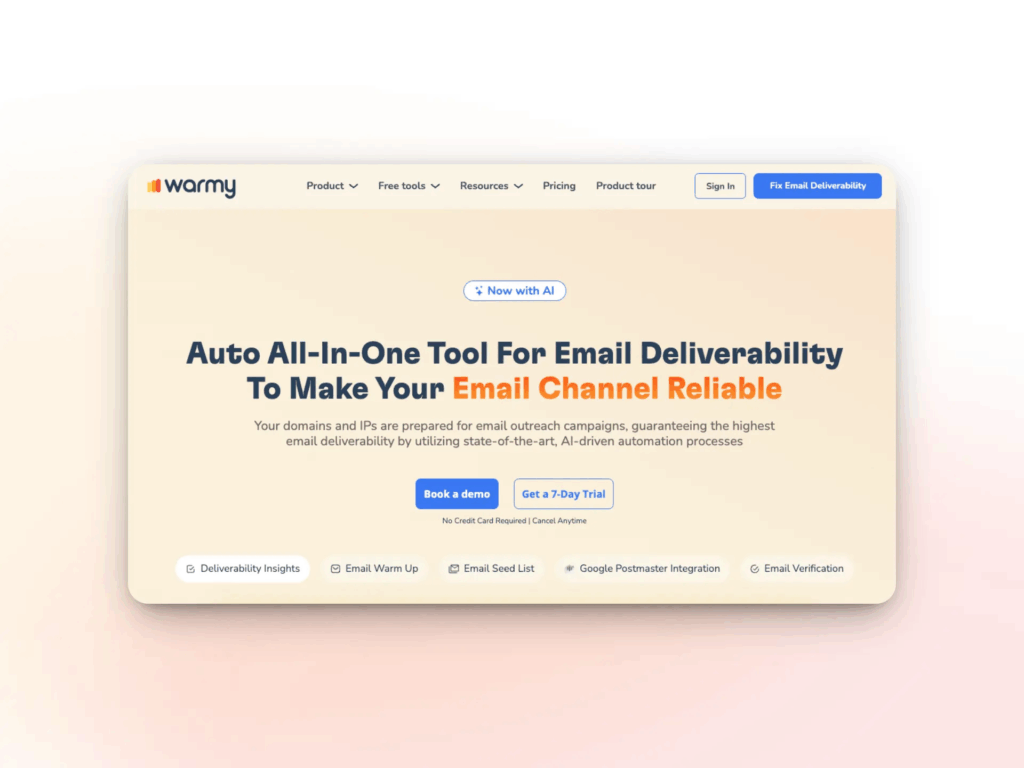
Warmy is an AI-driven email warmup and deliverability platform purpose-built for B2B senders who treat inbox placement as revenue infrastructure. Unlike tools that run warmup passively in the background, Warmy’s Adeline AI engine actively analyzes hundreds of parameters per day – sending volume, engagement rates, provider-specific signals, blacklist status – and adjusts ramp-up behavior automatically. The result is a warmup process that adapts to each domain’s actual reputation trajectory rather than following a generic schedule. Learn more about how the engine works on the Warmy email warm-up product page.
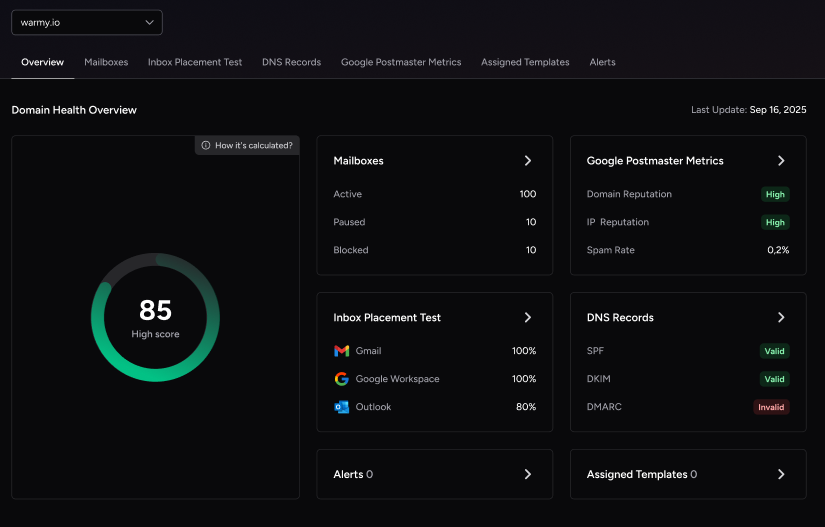
What sets Warmy apart for B2B teams: The Domain Health Hub operates at the domain level, not the mailbox level. Every sending domain gets a numeric health score updated continuously from inbox placement tests, DNS authentication checks (SPF, DKIM, DMARC, rDNS, MX, A records), blacklist monitoring, and Google Postmaster data.
The Warmup With Clicks dashboard is the feature competitors claim to have but cannot prove: it shows the actual link-click signals generated during warmup in real time, plus confirms automatic removal of emails from Gmail Promotions tab. Warmy is the only tool in this comparison that documents click-level engagement rather than asserting it. Beyond warmup, Warmy includes email deliverability A/B testing, a Seed List for pre-send placement checks, and Spintax support so your own outreach template gets warmed alongside your domain.
Key features:
Here’s the expanded list with added detail on Seed List and Warmup Preferences:
Adeline AI engine: analyzes hundreds of parameters daily, adjusts ramp-up automatically, and adapts to each domain’s actual reputation trajectory
1M+ active mailboxes: Gmail, Google Workspace, M365, Outlook, Sendgrid, Yahoo, Mailgun, Brevo, Zoho, Amazon SES, GoHighLevel, custom SMTP – widest provider coverage in the category
Domain Health Hub: domain-level health scores, blacklist monitoring, Google Postmaster data, and multi-domain dashboard – unique in this list
Warmup With Clicks: the only tool with a dashboard proving actual link-click signals during warmup, plus automatic Gmail Promotions tab removal
Seed List: real active accounts from Gmail, Outlook, and Yahoo that go beyond opens – emails are scrolled through, links are clicked at natural intervals, and any email that lands in spam is manually recovered and marked as Important, training ESPs to trust the domain
Warmup Preferences: full control over warmup distribution per provider, toggle between B2B and B2C engagement modes, customize sending language, topic category, email temperature, and engagement patterns – most competitors limit customization to sending schedules only
Email Deliverability A/B Testing: test different sending configurations, subject lines, or templates against each other to identify what drives better inbox placement – competitors do not offer this inside a warmup platform
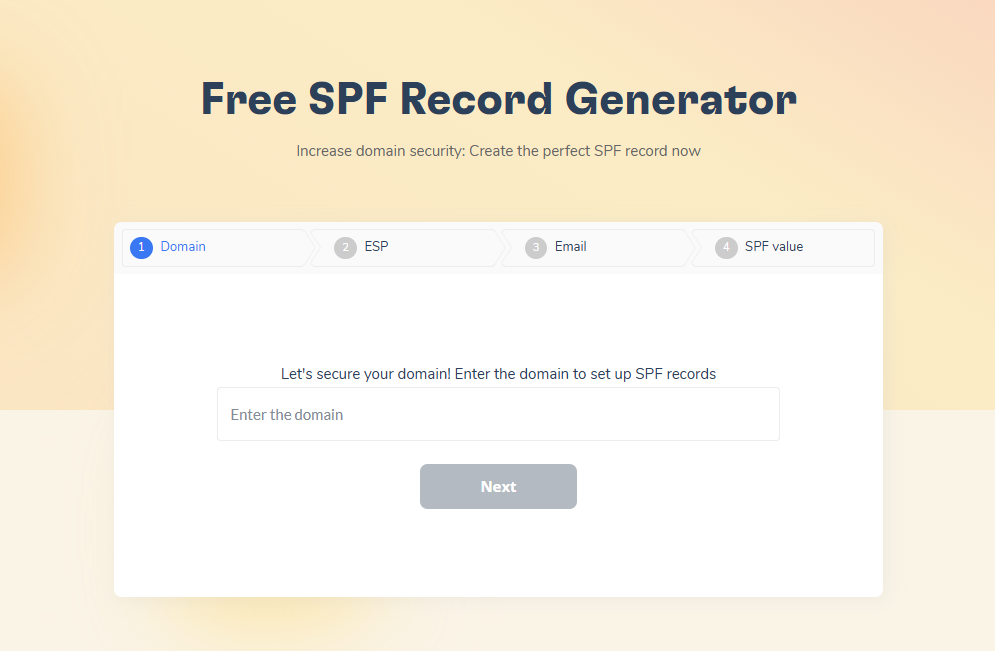
SPF Record Generator: free tool to generate a correct SPF record and avoid authentication misconfigurations that hurt deliverability
DMARC Record Generator: free tool to generate a proper DMARC policy, preventing domain spoofing and improving trust with receiving mail servers
Email Template Checker: available both inside the platform and as a free Chrome extension – checks templates for spam triggers and deliverability issues before sending to a live list; competitors either lack this entirely or offer only a basic in-platform version with no browser extension
Pros
Cons
✅ 1M+ active mailbox network – one of the largest in category
⚠️ Per-inbox pricing scales linearly at high inbox counts
✅ Warmup With Clicks dashboard is the only tool with proven click-signal proof
⚠️ Higher entry price than bundled outreach tools
✅ Auto-archives warmup emails; competitors only auto-filter
⚠️ Full feature set requires higher plan tiers
✅ A/B testing for deliverability, Seed Lists, Spintax on own template – unique
✅ Dedicated Customer Success Manager + deliverability expert for every account
Best for: B2B sales teams and agencies managing multiple sending domains that need AI-driven warmup, domain-level health monitoring, and inbox placement testing in a single platform.
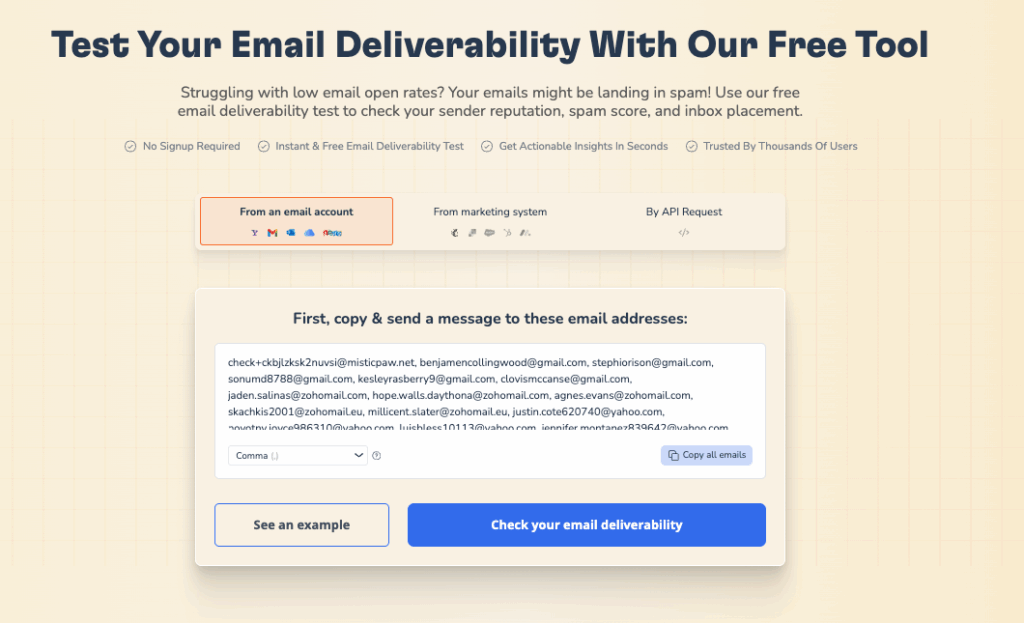
Not sure if your domain is ready? Run a free Email Deliverability Test and see your inbox vs. spam rate across Gmail, Outlook, and Yahoo in minutes.
2. Instantly – Best All-in-One Outreach Platform
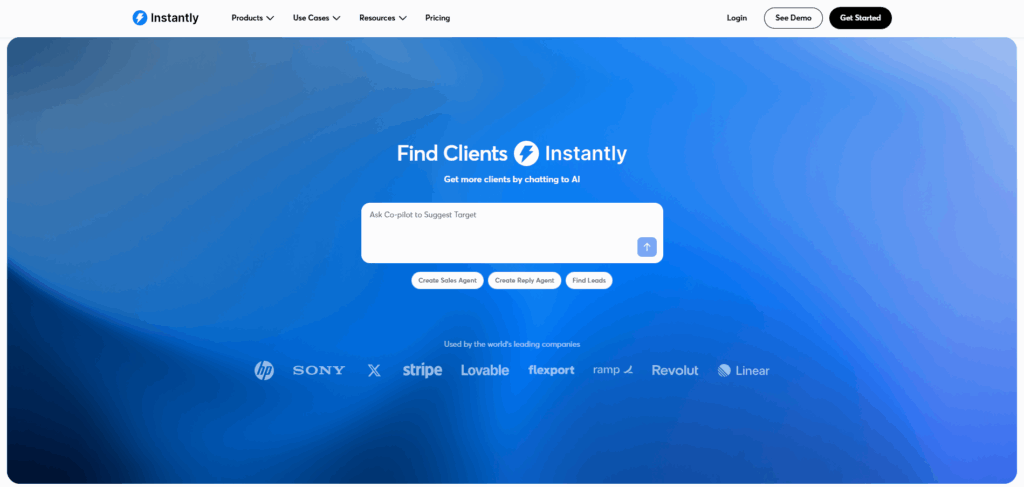
Instantly combines a cold email sequencer with warmup in a single subscription, removing the need for a separate warmup tool entirely. Its warmup pool exceeds 1,000,000 email accounts – the largest by volume in this category – and is active on every paid plan with no per-inbox charge for warmup. The tradeoff is depth: the pool is mixed in quality, deliverability reporting stays basic, and there is no domain-level monitoring. For teams that prioritize operational simplicity over diagnostic precision, Instantly removes friction. For teams managing more than five sending domains who need to know exactly which domain is underperforming and why, the gap becomes meaningful.
Key features:
1M+ warmup network of real Instantly user accounts, activated with one click
Warmup included free on all paid outreach plans – no per-inbox charge
Unlimited sending accounts with AI-generated warmup conversations
Built-in cold email sequencer with campaign analytics
Basic inbox vs. spam placement dashboard (aggregate, not per-provider)
Supports 12+ email service providers
Pros
Cons
✅ Zero additional warmup cost on paid plans
⚠️ Mixed network quality – corporate signal weighting undisclosed
✅ Largest warmup pool by volume
⚠️ No domain-level monitoring or health scoring
✅ Outreach and warmup managed in one interface
⚠️ Deliverability diagnostics basic compared to dedicated tools
Plan
Price
Includes
Growth
From $37/mo
Warmup included, unlimited accounts, 1,000 active contacts
Hypergrowth
From $97/mo
More active contacts, AI personalization features
Rating: 4.8/5 on G2
Best for: High-volume outbound teams and agencies that want warmup and sequencing on one invoice at the lowest cost per inbox.
3. Mailreach – Best for B2B Placement Accuracy
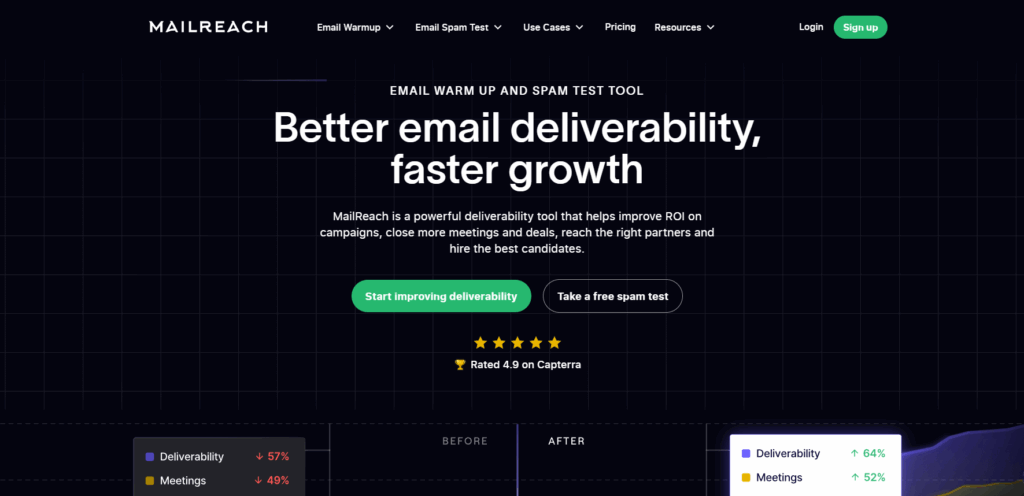
Mailreach built its warmup network specifically around Google Workspace and Microsoft 365 inboxes – the environments where B2B decision-makers actually receive email. That network weighting means the engagement signals your domain accumulates during warmup are the signals that corporate mail servers actually see and respond to. Mailreach also bundles a spam score checker and inbox placement testing at higher plan tiers, making it useful as a continuous monitoring tool beyond the initial warmup phase. An API-based workflow supports teams that want to pull deliverability data into their existing reporting stack.
Key features:
30,000+ real inboxes weighted toward Google Workspace and Microsoft 365
Spam score checker with inbox placement testing across Gmail, Outlook, and Yahoo
Real-time deliverability score (0–100) tracking reputation over time
DNS health checks: blacklist, SPF, DKIM, DMARC, and reverse DNS per inbox
Slack and webhook alerts for deliverability drops
API access for integration into existing outbound stacks
Pros
Cons
✅ Network composition reflects real B2B inbox environment
⚠️ No domain-level monitoring dashboard
✅ Spam checker and placement test in one platform
⚠️ Per-inbox pricing punishing above 10 inboxes
✅ API integration for custom reporting workflows
⚠️ B2B engagement tuning less granular than Warmy
Plan
Price
Includes
Starter
From $25/inbox/mo
Warmup, spam checker, deliverability score
Scale
Custom
API access, higher inbox counts, priority support
Rating: 4.7/5 on G2
Best for: Teams where B2B inbox placement accuracy is the primary concern and deliverability validation matters as much as the warmup itself.
4. Lemwarm – Best for Lemlist Ecosystem Users
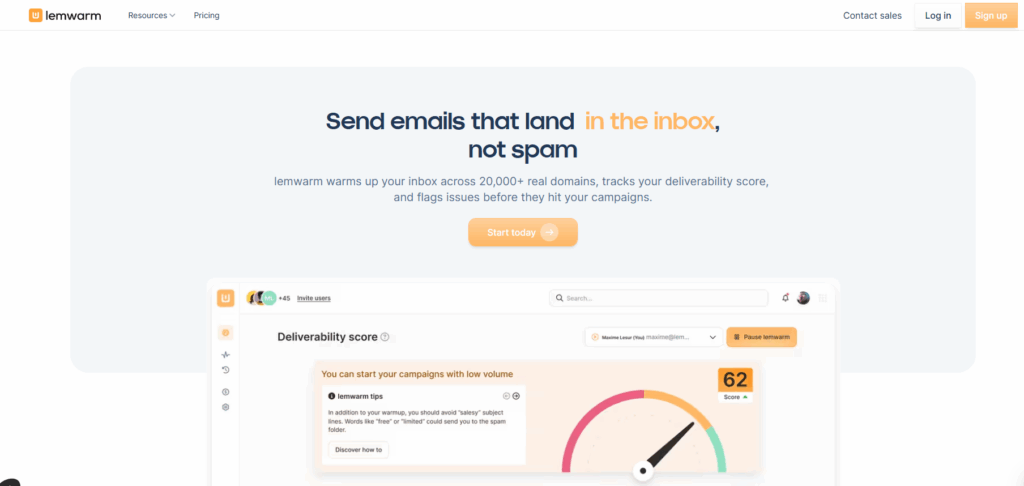
Lemwarm’s defining feature is industry-cluster warmup: when you connect a mailbox, the system matches it to a cluster of inboxes from similar industry verticals. An SDR at a SaaS company warms up with inboxes from other SaaS senders, producing engagement patterns that more closely resemble actual B2B recipient behavior. The warmup pool covers 20,000+ verified business inboxes and the deliverability score updates in real time across Gmail, Outlook, and Yahoo, giving a single readiness number before any campaign launches. The native Lemlist integration makes activation frictionless for teams already running outreach on that platform, though the base plan’s 40 emails per day limit constrains larger operations.
Key features:
20,000+ verified business inboxes with industry-cluster matching
Warmup conversations matched to your industry vertical for realistic B2B signals
Real-time deliverability score tracked per ESP (Gmail, Outlook, Yahoo)
Native Lemlist integration – activate warmup from inside your outreach platform
AI-varied subject lines and content to avoid pattern detection
Pros
Cons
✅ Industry-matched clusters produce realistic B2B engagement
⚠️ Smaller network than larger pools
✅ Per-ESP real-time deliverability score
⚠️ Base plan limited to 40 warmup emails/day per inbox
✅ Zero-friction activation for Lemlist users
⚠️ No domain-level monitoring or multi-domain dashboard
Plan
Price
Includes
Essential
From $29/inbox/mo
40 warmup emails/day, industry cluster, deliverability score
Smart
From $49/inbox/mo
Higher volume, custom email topics, priority support
Rating: 4.5/5 on G2
Best for: B2B sales teams running outreach on Lemlist who want industry-matched warmup interactions without managing a separate tool.
5. Smartlead – Best for Flat-Rate Volume Pricing
Smartlead’s warmup is included at a flat monthly rate with unlimited inboxes – the only pricing model on this list that does not compound as inbox count grows. For an agency managing 50 client sending accounts or a sales team ramping from 10 to 100 inboxes over a quarter, the math is dramatically better than per-inbox tools. Warmup runs through Smartlead’s built-in network and SmartDelivery provides a basic inbox placement score, though it does not separate Gmail, Outlook, and Yahoo placement the way dedicated tools do. Teams that need deep per-provider diagnostic data will hit Smartlead’s reporting ceiling quickly. Teams that need warmup to run reliably at scale without billing surprises will not.
Key features:
Unlimited warmup inboxes included on every plan at a flat monthly rate
SmartDelivery inbox placement scoring with 400+ blacklist monitoring
Built-in cold email sequencer with AI personalization
Multi-inbox rotation and management dashboard
Supports Gmail, Google Workspace, Microsoft 365, Outlook, and custom SMTP
Pros
Cons
✅ Unlimited inboxes – cost does not scale with inbox count
⚠️ No B2B-specific network weighting or engagement tuning
✅ Warmup bundled into outreach platform subscription
⚠️ Placement reporting not broken down by provider
✅ Practical choice for agencies with 20+ client accounts
⚠️ No domain-level health monitoring
Plan
Price
Includes
Basic
From $33/mo
Unlimited warmup inboxes, 2,000 active leads, sequencer
Pro
From $79/mo
Higher active lead volume, API access, team seats
Rating: 4.8/5 on G2
Best for: Sales teams and agencies scaling to 20–100+ sending inboxes where predictable flat-rate pricing matters more than deep deliverability diagnostics.
6. Folderly – Best for Diagnosing Reputation Problems
Folderly approaches the deliverability problem from a different angle than the other tools on this list. Rather than simply running warmup and reporting a health score, Folderly identifies why emails are landing in spam: which specific content elements are triggering filters, which authentication gaps are failing ISP checks, and whether poor placement is a spam folder issue or a Promotions tab routing issue. That distinction matters. A domain that routes to Promotions needs a different fix than one landing in spam, and most tools do not tell you which problem you actually have. Folderly’s consulting-adjacent model makes it slower to iterate than self-serve tools, and its per-mailbox price is the highest on this list – but for teams recovering a damaged domain, that diagnostic precision is worth it.
Key features:
Root-cause spam analysis: identifies content triggers, DNS issues, and authentication gaps – not just flags them
Distinguishes spam folder placement from Promotions tab routing
Daily warmup combined with deliverability diagnostics in one platform
DNS infrastructure audit: SPF, DKIM, DMARC, and BIMI checks
Pulse monitoring dashboard with real-time spam alerts and integrations
Pros
Cons
✅ Identifies the specific cause of spam placement, not just the symptom
⚠️ Highest per-mailbox price in this comparison
✅ Distinguishes spam folder from Promotions tab routing
⚠️ Consulting model reduces iteration speed
✅ Useful for recovering damaged sender reputation
⚠️ More than needed for teams with healthy domains
Plan
Price
Includes
Starter
From $120/mailbox/mo
Warmup, spam analysis, authentication monitoring
Growth
Custom pricing
Higher mailbox count, API, priority support
Rating: 4.8/5 on G2
Best for: Teams dealing with active deliverability problems who need diagnostic clarity on why emails land in spam, not just a warmup that runs in the background.
7. Warmup Inbox – Best Low-Cost Entry Point
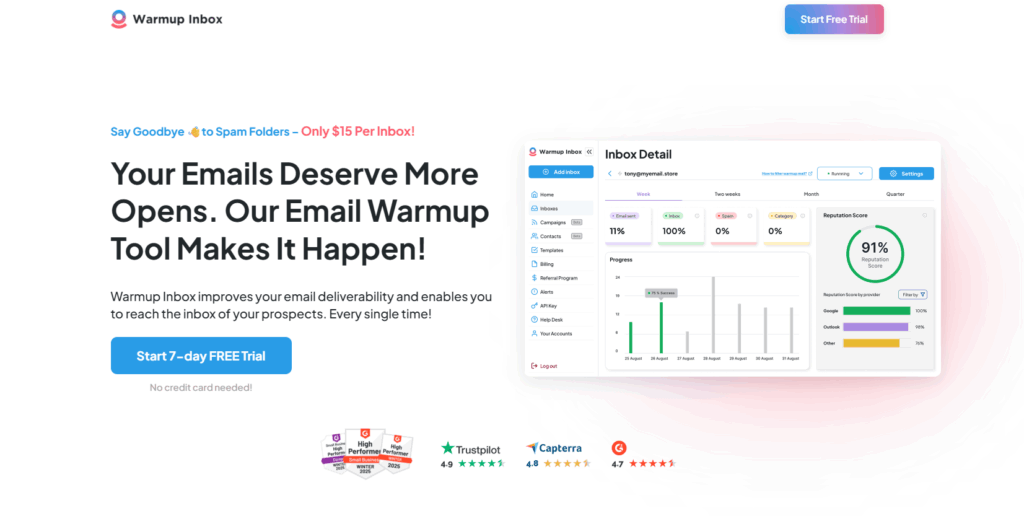
Warmup Inbox offers the lowest entry price for a standalone dedicated warmup tool: $15 per inbox per month on annual billing, with a 7-day free trial that requires no credit card. Its 30,000+ inbox network covers Gmail, Google Workspace, Outlook, Microsoft 365, and custom SMTP. Topic-specific warmup content keeps email subjects contextually varied. It does not offer inbox placement testing, domain-level monitoring, or B2B engagement tuning – it is a focused warmup tool with a tight scope. That scope is appropriate for individual SDRs or small teams warming one to three inboxes who do not yet need deliverability infrastructure. At five or more inboxes, the per-inbox pricing becomes less competitive than flat-rate alternatives.
Key features:
30,000+ inbox warmup network
Supports Gmail, Google Workspace, Outlook, Microsoft 365, and custom SMTP
Topic-specific warmup email content to vary engagement patterns
7-day free trial – no credit card required
Simple toggle-on activation with no technical configuration
Pros
Cons
✅ Lowest entry price for standalone warmup
⚠️ No inbox placement testing or domain monitoring
✅ Broad ESP support including custom SMTP
⚠️ Per-inbox pricing gets expensive past 5 inboxes
✅ No credit card required for trial period
⚠️ No B2B engagement customization or provider weighting
Best for: Solo SDRs and small teams warming 1–3 inboxes who want a simple, low-cost warmup tool without infrastructure complexity.
8. Mailwarm – Best for Manual Schedule Control
Mailwarm is a standalone warmup tool that gives users direct control over their warmup schedule – daily email volume, timing, and pace – making it the right fit for senders who prefer to manage ramp-up manually rather than hand it to an AI engine. The tool operates on a real inbox network and supports Gmail, Outlook, and custom SMTP. Where Warmy and Mailreach handle ramp-up decisions automatically, Mailwarm puts those decisions in the user’s hands. That level of control is valuable for experienced deliverability practitioners who want to match warmup pace precisely to their sending plans. It is less useful for teams that want warmup to run autonomously while they focus on outreach.
Key features:
Manual warmup schedule control: set daily volume, timing, and ramp pace yourself
Real inbox network supporting Gmail, Outlook, and custom SMTP
Straightforward dashboard with basic sending and engagement metrics
Simple setup – no AI engine or automated parameter adjustment
Pros
Cons
✅ Direct manual control over ramp-up schedule
⚠️ No AI-driven adaptation or parameter analysis
✅ Simple interface with no AI black-box warmup
⚠️ Higher per-inbox cost than comparable tools
✅ Suitable for experienced deliverability practitioners
⚠️ No domain monitoring, placement testing, or diagnostics
Plan
Price
Includes
Starter
From $39/inbox/mo
Manual warmup schedule, Gmail/Outlook/SMTP support
Growth
Custom
Higher inbox count, priority support
Rating: 3.7/5 on G2
Best for: Deliverability practitioners who want full manual control over warmup schedule and pace rather than AI-automated ramp-up.
How to Choose for Your B2B Sales Team
Solo SDR or Small Team (1–3 Inboxes)
Your first priority is getting warmup active, not optimizing it. Warmup Inbox at $15/mo is the lowest-cost entry point for a standalone tool. If you already pay for Instantly or Smartlead, their bundled warmup covers the basics at no extra cost. Before launching any campaign, verify authentication: SPF, DKIM, and DMARC must be configured correctly before warmup begins. See the full timeline in Warmy’s guide on how long email domain warmup takes.
B2B Team, 5–50 Reps
At this scale, domain-level monitoring becomes more important than the warmup itself. A single domain sliding into spam can suppress an entire pod’s outreach silently. The right tool is one that shows you a health score per domain, not per mailbox – and that lets you tune engagement patterns to match the Microsoft 365 and Google Workspace environments your prospects actually use. For a comparison across this category, see the best email warmup and deliverability tools guide.
Agency Managing Client Accounts
You need a single dashboard view across all client domains, not a per-mailbox list you click through one at a time. Flat-rate tools like Smartlead keep costs predictable as client count grows. If deliverability diagnostics across multiple client domains matter, a platform with domain-level health scoring and multi-domain management pays for itself quickly. For a full breakdown of what a deliverability stack looks like at agency scale, see Warmy’s best email deliverability tools for cold emailing.
Enterprise, Multi-Domain
Enterprise teams typically run warmup alongside dedicated list verification and continuous authentication monitoring. The key requirement is domain-level health visibility across all sending subdomains, not aggregate reporting. Warmy’s Adeline AI engine handles this automatically – analyzing hundreds of domain-level parameters daily, adjusting warmup behavior based on real-time reputation signals, and integrating Google Postmaster data so you see exactly how Gmail is treating each sending domain without switching dashboards. Look for tools that run hourly authentication checks and report inbox placement separately by provider. See the full deliverability toolset on the Warmy deliverability platform page.
Pro Tip: Never warm your primary business domain. Set up a dedicated sending subdomain for cold outreach before warmup begins. Reputation damage on a sending subdomain is recoverable in weeks. The same problem on your root domain affects every email your company sends – client communications, invoicing, support – and recovery takes months.
Case Study: How a cold outreach agency went from spam folders to 60% open rates
Gabor Majer runs Hideghivasok, a B2B lead generation agency from the UK, serving companies across Slovakia, Hungary, and Romania with cold calling and cold email outreach. His five-person team specializes in cross-border campaigns, helping Hungarian companies expand into Slovakia by running outreach in Slovakian. Four years in, cold email was a reliable revenue driver until his team switched CRM systems and migrated to new sending software. Open rates fell, delivery rates collapsed, and emails were landing in spam at Gmail, which made up a large share of their contact lists.
After switching to Warmy, Gmail deliverability reached 100% and open rates on cold outreach climbed from the low twenties to between 40 and 60 percent. The channel that had gone quiet was producing again, and for a small five-person team running cross-border outreach without dedicated technical staff, that recovery had a direct impact on revenue.
What Gabor highlights alongside the numbers is the weekly meeting with his account manager Alina. Every session lets him review results and get deliverability consulting tailored to his campaigns. He had bought marketing tools before where the relationship ended at purchase. With Warmy it felt different. In his words, the support makes him feel not just like a client, but like a VIP client. He now recommends Warmy to other agencies in Hungary facing the same inbox placement problems he had.
Conclusion
Warm-up tools for B2B sales have become deliverability infrastructure, not an optional pre-launch step. The 1 in 6 email delivery gap represents real pipeline for every team sending without a warm domain – meetings that never get booked because the first touch never arrived.
The right tool depends on what you need to see. If your team runs one or two inboxes, start with Warmup Inbox or use the warmup bundled in your outreach platform. If you run five or more sending domains and need to know exactly how each one is performing before any campaign launches, Warmy gives you the Domain Health Hub, AI-driven warmup, and the free Email Deliverability Test to validate everything is ready.
Book a demo and see how Warmy’s full platform protects your sender reputation at every stage of B2B outreach.
Frequently Asked Questions
What is email warm-up and why does it matter for B2B sales?
Email warm-up is the process of gradually building sender reputation on a new or inactive domain by simulating genuine engagement, so inbox providers classify it as legitimate before any cold outreach begins.
How long does it take to warm up an email domain for B2B cold outreach?
Most domains reach reliable inbox placement in four to eight weeks, with new domains taking closer to six to eight weeks and Outlook inboxes typically taking 20 to 30 percent longer than Gmail due to Microsoft's tighter filtering.
How many emails should I send per day during warm-up?
Start at 3 to 15 emails per day in week one, increase gradually to 25 to 50 by week four, and never raise daily volume by more than 20 percent week-over-week.
Is a dedicated warm-up tool worth it if my platform bundles one?
Bundled warmup covers basic ramp-up but lacks domain-level monitoring, per-provider inbox placement testing, and B2B engagement tuning - gaps that matter most when managing five or more sending domains.
What should I set up before starting email warm-up?
SPF, DKIM, and DMARC must be correctly configured on a dedicated sending subdomain before warmup begins, as no tool can compensate for broken or missing authentication records.
How many inboxes should a B2B sales team warm up at once?
The standard baseline is one warmed inbox per SDR sending up to 50 emails per day, with most teams maintaining two to five inboxes per pod and rotating domains every 90 to 180 days.
Can I keep warm-up running while sending real campaigns?
Yes - running warmup continuously alongside live campaigns maintains the positive engagement signals inbox providers use to evaluate sender reputation, and pausing it can cause reputation to drift downward over weeks.
What should I verify before buying a B2B warm-up tool?
Check that the network uses real inboxes weighted toward Google Workspace and Microsoft 365, that placement is reported per provider rather than as a single aggregate score, and that pricing stays predictable at your actual inbox count.
Article byDaniel Shnaider
Daniel Shnaider is an email deliverability expert with over 10 years of industry experience. He specializes in optimizing inbox placement and implementing critical authentication protocols, including SPF, DKIM, and DMARC, across major providers like Gmail and Outlook.
As a key contributor to the Warmy blog, Daniel provides authoritative insights on email warm-up strategies, sender reputation, and spam filter mitigation. His expertise helps businesses and agencies protect revenue by ensuring high-volume communications bypass spam folders.
Summarize with AI
30-minute demo
Meet our Experts
Unlock the secrets to a strong domain reputation with our deliverability experts
Talk to an expert
Free consultation call
30 minutes
One of our experts will walk you through the platform and show you how Warmy can help your business