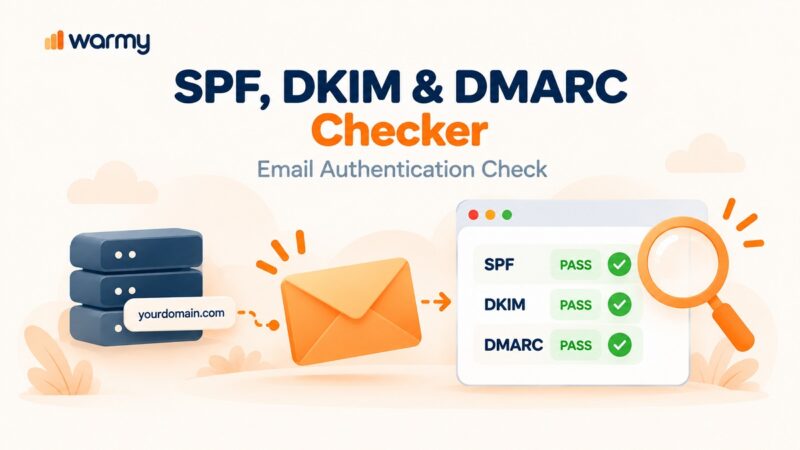
AI inbox placement tools for Gmail are platforms that combine automated email warm-up, real inbox engagement simulation, and deliverability diagnostics to improve the probability of your emails landing in the Gmail Primary tab rather than Promotions or Spam. The best tools adapt warm-up pacing in real time based on Gmail signals, connect to Google Postmaster Tools v2 for compliance monitoring, and surface actual inbox vs. spam placement results across verified seed inboxes.
Why Gmail Inbox Placement Now Requires Dedicated AI Tools
Getting into the Gmail Primary tab is harder in 2026 than it has ever been. Gmail’s AI-driven filters now block 99.9% of spam, phishing, and malware, stopping nearly 10 million malicious emails per minute. That’s the environment your legitimate outreach competes in – and authentication alone no longer guarantees placement.
Since November 2025, Gmail moved from soft filtering to active enforcement. Non-compliant bulk senders now face temporary and permanent SMTP-level rejections rather than quiet spam folder routing. The compliance dashboard in Google Postmaster Tools v2 replaced the legacy domain and IP reputation scores, making direct Postmaster integration a requirement for any tool serious about Gmail monitoring.
Warmy is an AI-driven email warmup and deliverability platform built to address Gmail placement from both sides: proactive reputation building through intelligent warm-up before campaigns launch, and ongoing Gmail-specific monitoring via native Google Postmaster Tools integration. Not sure where your domain stands right now? Run a free Email Deliverability Test to see exactly where your emails land across Gmail, Outlook, and Yahoo – before your next campaign goes out.
What to Look for in an AI Gmail Inbox Placement Tool
AI-Adaptive Warm-Up Engine
Static ramp schedules treat every domain identically regardless of age, history, or current reputation. An AI-driven engine reads Gmail’s filtering signals in real time and adjusts volume, timing, and engagement patterns – protecting new domains from over-sending and accelerating established ones when conditions allow.
Native Google Postmaster Integration
Postmaster Tools v2 is the authoritative Gmail-specific data source. A tool that connects directly to Postmaster surfaces compliance status, spam rate trends, and authentication pass rates inside one dashboard – eliminating the need to cross-reference dashboards manually.
Real Inbox Engagement Network
Gmail weights opens, replies, move-to-inbox actions, and clicks heavily when building sender reputation. Tools that use real, active mailboxes generate the genuine engagement patterns Gmail’s machine learning recognizes as authentic. Bot-based or low-quality networks generate artificial signals that sophisticated filters can identify and penalize.
Cross-Provider Placement Testing
Your Gmail score does not reflect how you perform in Outlook, Yahoo, or other providers. Cross-provider placement testing shows where test emails actually land across real inboxes at each major provider – giving you a complete picture before campaigns go live, not after.
Warm-Up Customization for Gmail Audiences
If the majority of your real recipients use Gmail, your warm-up traffic should reflect that proportion. Provider distribution controls let you direct warm-up volume toward Gmail inboxes to build Gmail-specific reputation signals more precisely.
Ongoing Blacklist and DNS Monitoring
A blacklist hit or DNS misconfiguration can undo weeks of warm-up overnight. Integrated monitoring with proactive alerts lets you act before a problem escalates into a deliverability crisis.
Template and Content Pre-Send Analysis
Gmail’s filters evaluate content alongside sender behavior. A built-in template checker that scans subject lines and body copy for spam triggers before sending reduces content-driven filtering risk, even on well-warmed domains.
Best AI Inbox Placement Tools for Gmail in 2026 – Comparison Table
| Tool | Primary Purpose | AI Engine | Warm-Up Network | Postmaster Integration | Starting Price |
|---|---|---|---|---|---|
| Warmy | Warm-up + full deliverability suite | Adeline AI – 20M daily decisions | 1M+ real mailboxes; clicks included | Yes – native | From $49/inbox/mo |
| Mailreach | Warm-up + spam diagnostics | Co-Pilot AI with real-time alerts | 30K real inboxes | No | $25/inbox/mo |
| Lemwarm | Warm-up for Lemlist users | Autopilot volume adjustment | 20K+ domain network | No | $29/inbox/mo (free w/ Lemlist) |
| Folderly | Enterprise diagnostics + warm-up | AI daily deliverability adjustments | Seed-based via Inbox Insights | No | $96/inbox/mo (annual) |
| Warmbox | Budget-first warm-up | GPT-4 content generation | 35K+ private inboxes | No | $15/inbox/mo |
The 5 Best AI Inbox Placement Tools for Gmail
1. Warmy – Best Overall AI Gmail Placement Tool
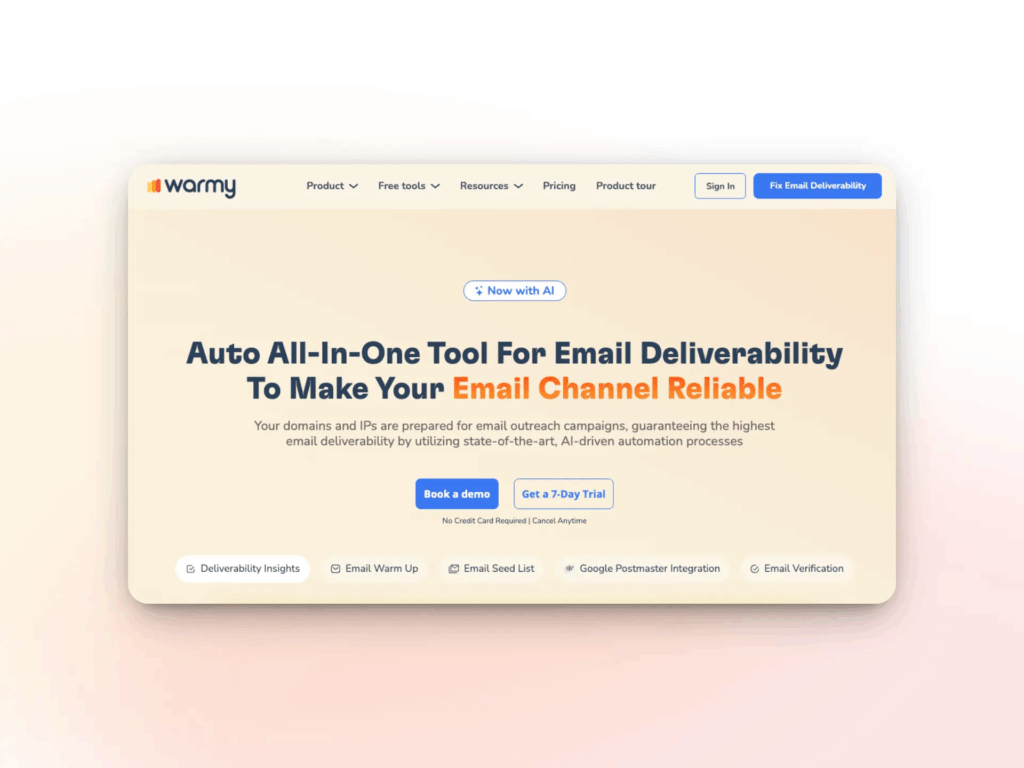
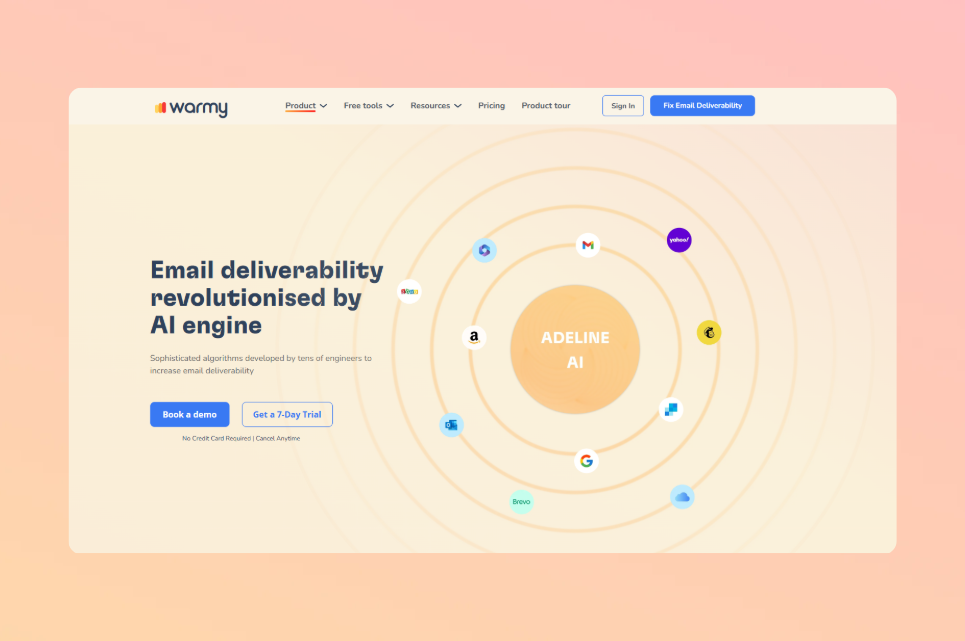
Warmy is an AI-driven email warmup and deliverability platform built for senders who need Gmail inbox placement to be consistent, measurable, and scalable. Its proprietary Adeline AI engine makes over 20 million daily decisions per inbox to adjust warm-up schedule, sending volume, and engagement patterns in real time – not on a fixed preset ramp.
Key Features
- Automated email warm-up powered by Adeline AI – processes 20M+ daily decisions per mailbox, adapting pace based on domain age, sending history, and ESP-specific reputation signals
- Native Google Postmaster Tools integration – compliance status, spam rate trends, and Gmail reputation data surfaced directly inside the Warmy dashboard
- Warm-up network of over 1 million real mailboxes across Gmail, Outlook, Yahoo, and more, generating genuine opens, replies, clicks, and spam-rescue actions
- Warmup With Clicks – warm-up emails include actual link clicks, the strongest trust signal Gmail recognizes, tracked via a dedicated dashboard. See how this works in Warmy’s 2026 feature overview
- Warm-up Preferences – configure provider distribution (e.g., direct 60% of warm-up traffic to Gmail to mirror your real audience), choose warm-up language from 30+ options, select topic verticals (SaaS, finance, e-commerce, real estate, and 25+ more), and set B2B or B2C engagement patterns
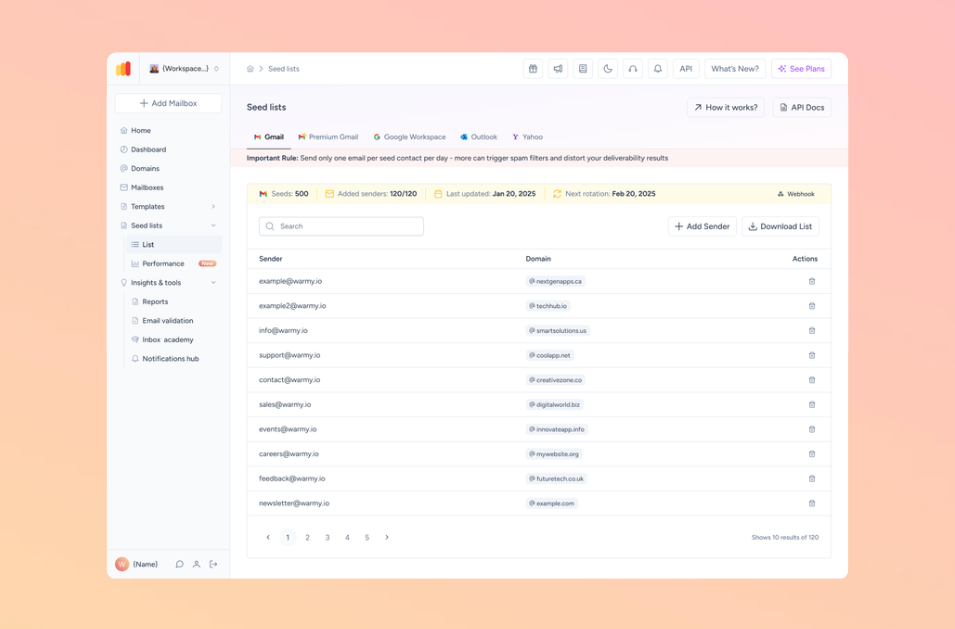
- Email Seed List – a curated set of real Gmail, Outlook, and Yahoo addresses that actively open, scroll, click links, and rescue emails from spam before campaigns launch, sending strong pre-campaign trust signals to ISPs. Also unlocks warm-up for providers that cannot be warmed via SMTP (Mailchimp, Klaviyo, Shopify)
- Auto-archive – warm-up emails are automatically archived after engagement, not just filtered, keeping your inbox clean
- Domain Health Hub – domain-level dashboard tracking spam rate trends, DNS health (SPF, DKIM, DMARC, rDNS, MX, A records), and multi-domain comparison
- Email Deliverability Test – free placement audit showing inbox, spam, and Promotions tab distribution across Gmail, Outlook, Yahoo, and more
- Free SPF Generator, DMARC Generator, and Email Template Checker (also available as a Chrome Extension) – no account required
- Dedicated deliverability expert and Customer Success Manager on every paid plan
- Deliverability A/B testing, email validation, and workspace management for agencies handling multiple client domains
Want a deeper breakdown of why Adeline AI outperforms static ramp tools? The sender reputation guide explains how Gmail evaluates engagement signals and why adaptive warm-up produces different outcomes than fixed schedules.
Pricing
Note: Warmy does not publish fixed pricing on its website – the pricing page shows B2B, B2C, and Custom tiers with a “Book a demo” button. The figures below are widely cited by third-party sources; contact Warmy for your exact quote.
| Plan | Approx. Monthly Price | Warm-Up Volume | Key Inclusions |
|---|---|---|---|
| Starter | ~$49/inbox | Up to 100 emails/day | Warm-up, Email Deliverability Test, basic reporting, Google Postmaster integration |
| Business | ~$129/inbox | Up to 200 emails/day | Everything in Starter + priority alerts, template analysis, advanced reporting |
| Premium | ~$189/inbox | Up to 1,000 emails/day | Everything in Business + multi-inbox management, custom strategies |
| Platinum | ~$429/inbox | Up to 5,000 emails/day | Everything in Premium + dedicated account manager, priority support |
| Custom | Contact sales | Unlimited | Agency and enterprise volume, custom terms |
Annual billing removes approximately 2 months of cost (roughly 16–17% discount). A 7-day free trial with no credit card required is available on all plans.
Pros and Cons
| Pros | Cons |
|---|---|
| Native Google Postmaster integration | Per-inbox pricing scales steeply for agencies managing many mailboxes |
| Adeline AI with 20M+ daily decisions per inbox | Deeper customization (topics, multi-language) locked to higher tiers |
| Warm-up with real clicks – not just opens | |
| Warm-up Preferences and Seed List for pre-campaign validation | |
| Full free tool suite (SPF, DMARC, Template Checker, Deliverability Test) | |
| Dedicated deliverability expert included |
Best For: Solo SDRs, small teams, and mid-market B2B senders who need Gmail-specific warm-up, Google Postmaster monitoring, and a full deliverability diagnostic suite from one platform.
Pro Tip: Before any new Gmail campaign, run your template through the Email Template Checker to scan subject lines and body copy for spam triggers. A well-warmed domain can still see placement drops if Gmail’s content filters flag your messaging.
2. Mailreach – Best for Warm-Up Plus Spam Diagnostics
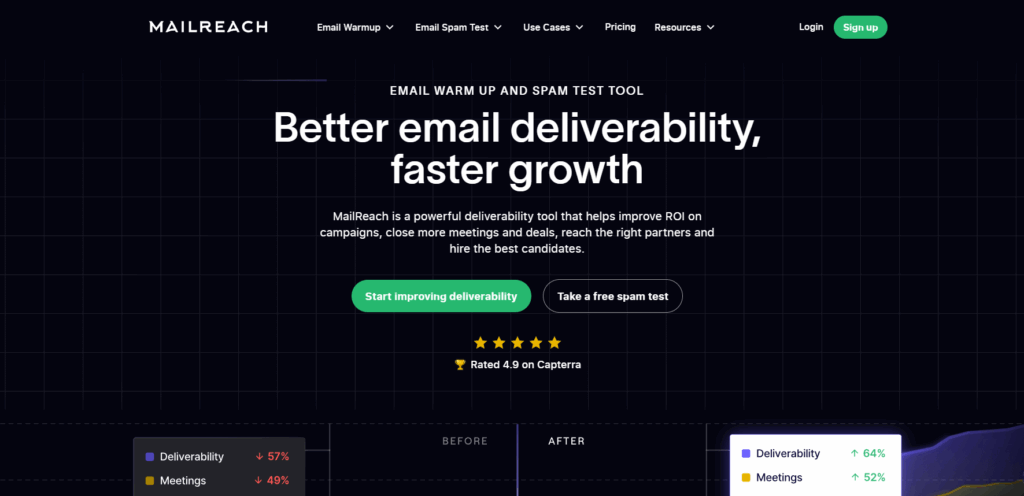
Mailreach is an email warm-up and deliverability diagnostic tool that pairs automated inbox warming with built-in spam testing and reputation monitoring. Its Co-Pilot AI identifies SPF, DKIM, DMARC, and reputation issues, sends real-time Slack and webhook alerts when domain health dips, and runs inbox placement tests across Gmail, Outlook, Yahoo, and more than 30 additional providers.
Key Features
- AI-driven warm-up engine using a network of 30,000+ real Google Workspace and Office 365 inboxes
- Varies send times, subject lines, and reply formats to mimic natural human conversation patterns
- Co-Pilot AI assistant – identifies specific technical issues including DKIM alignment failures and provides personalized recommendations
- Inbox placement testing – shows where emails land (Primary, Promotions, Spam) across 30+ real inboxes from major providers
- Real-time Slack and webhook alerts when reputation or placement metrics decline
- DNS health checks covering SPF, DKIM, DMARC, blacklist status, and ETS (encryption in transit)
- Reputation tracking dashboard with per-inbox sender score and trend analysis over time
- Connects via SMTP – works with Gmail, Google Workspace, Outlook, Microsoft 365, and any standard SMTP provider
Pricing
Mailreach uses per-inbox pricing. The base tier covers one mailbox; volume pricing decreases from $25/inbox/month at 1–5 mailboxes to approximately $19.50/inbox/month at 6–20 mailboxes. Multi-mailbox and custom agency pricing requires configuration at mailreach.co. There is no free trial; warm-up billing begins from day one.
| Mailboxes | Approx. Price per Inbox/Mo | Key Inclusions |
|---|---|---|
| 1–5 | $25/inbox | Warm-up, Co-Pilot AI, spam testing credits (20 included), DNS checks |
| 6–20 | ~$19.50/inbox | Same features, volume discount |
| 21+ | Contact Mailreach | Custom agency pricing |
Pros and Cons
| Pros | Cons |
|---|---|
| Strong spam diagnostic layer alongside warm-up | No free trial – billed from day one |
| Co-Pilot AI surfaces specific technical issues | Per-inbox pricing scales linearly, limiting agencies |
| Placement testing across 30+ providers | No native Google Postmaster integration |
| Works with any SMTP provider – no OAuth dependency | Spam test credits limited on the base plan |
Best For: B2B cold email teams that need warm-up and deliverability diagnostics in one subscription and want placement data to guide campaign decisions.
3. Lemwarm – Best for Lemlist Users Warming Gmail Inboxes
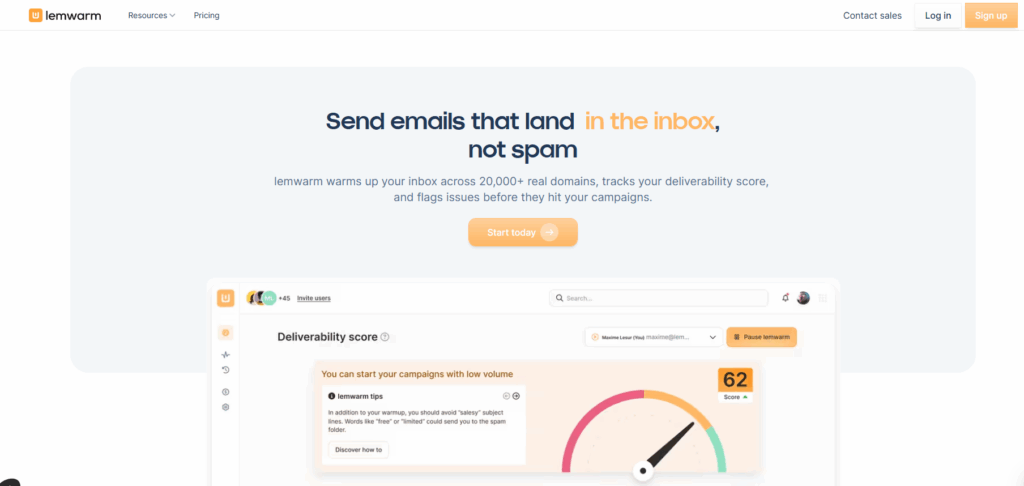
Lemwarm is the dedicated warm-up product built by lempire, the company behind Lemlist. For teams already running cold outreach in Lemlist, it slots in without adding a separate tool or subscription – warm-up is included at no extra cost on Lemlist Email Pro plans and above.
Key Features
- Automated warm-up via a network of 20,000+ domains across 150+ countries
- Autopilot mode – adjusts sending volume automatically based on domain age and provider-specific reputation signals from Gmail and Outlook
- Technical setup checks at onboarding: SPF, DKIM, DMARC, MX records, and custom tracking domain validation
- Deliverability monitoring dashboard with a proprietary score, inbox placement rates, and contextual tips
- Smart plan adds personalized warm-up using actual email templates – the same content your prospects receive gets warmed up before campaigns launch
- Industry-tailored warm-up network on the Smart plan, matching your warm-up audience to your vertical
- Custom deliverability alerts when spam risk patterns are detected
- Free with any active Lemlist subscription (Email Pro plan or higher)
Important limitation: Lemwarm does not offer true inbox placement testing – the ability to send a test email and confirm whether it lands in Gmail Primary, Promotions, or Spam across real seed inboxes. Its spam detection is based on content analysis and behavioral signals, not live seed results. Teams that need placement confirmation can use Warmy’s free Email Deliverability Test as a supplemental check.
Pricing
| Plan | Monthly Price | Annual Price | Key Inclusions |
|---|---|---|---|
| Essential | $29/inbox/mo | $24/inbox/mo | Auto warm-up, SPF/DKIM/DMARC checks, deliverability reports, 20K+ domain network |
| Smart | $49/inbox/mo | $40/inbox/mo | Everything in Essential + template warm-up, custom alerts, industry-tailored network |
| Custom | Contact sales | Contact sales | Teams of 10+ inboxes |
| With Lemlist Email Pro+ | Free | Free | Essential features included automatically |
Pros and Cons
| Pros | Cons |
|---|---|
| Free with Lemlist subscription – no extra cost | No live inbox placement testing |
| Simple setup with minimal configuration | Per-inbox pricing scales linearly as standalone |
| SPF/DKIM/DMARC checks at onboarding | No Google Postmaster integration |
| Autopilot adapts to Gmail and Outlook signals | Limited value outside the Lemlist ecosystem |
Best For: Solo senders and small sales teams already using Lemlist who need straightforward Gmail warm-up without managing a separate tool.
4. Folderly – Best for Enterprise Gmail Deliverability Audits
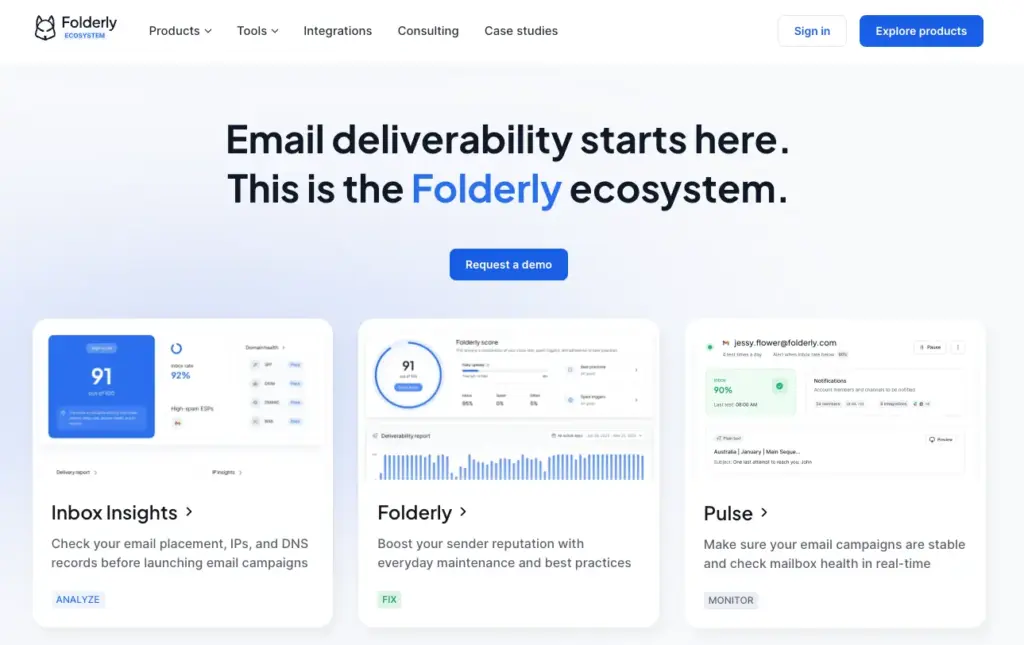
Folderly is a full-stack email deliverability suite targeting enterprise senders and agencies that need diagnostic depth beyond warm-up. Its Inbox Insights feature runs seed-based placement testing, daily monitoring tracks domain health in real time, and the platform includes spam trigger analysis and dedicated account management.
Key Features
- AI-driven warm-up that adjusts daily based on deliverability signals rather than a fixed schedule
- Inbox Insights – automated placement tests across Gmail, Google Workspace, Outlook, and Microsoft 365 (note: Yahoo and other providers not currently covered)
- Real-time spam monitoring with automatic spam folder retrieval – emails detected in spam are pulled back to the inbox as part of the warm-up cycle
- Two-way engagement – platform generates genuine replies to warm-up emails, not just one-directional sends
- Daily domain health monitoring with step-by-step remediation guidance for flagged issues
- Blacklist scanning across major blocklists, returned inside the Inbox Insights placement report
- Spam trigger detection that scans content for spammy words, broken links, and HTML structure issues
- White-label options for agencies delivering deliverability as a client-facing service
- Dedicated account management and SOC 2 compliance – relevant for enterprise procurement requirements
Known limitation: Multiple verified G2 and Capterra reviews describe incidents where Folderly’s automation sent thousands of warm-up emails overnight without warning due to bugs. The platform also requires a mandatory one-year commitment. For domain warm-up best practices before committing to any tool, see Warmy’s domain warmup guide.
Pricing
Folderly uses per-inbox pricing with a mandatory one-year commitment. Inbox Insights (placement testing) is a separate paid add-on.
| Mailboxes | Price per Inbox/Mo (Annual) | Inbox Insights Add-On |
|---|---|---|
| 1–9 inboxes | $96/inbox | $79/mo or $799/yr (100 tests/mo) |
| 10–24 inboxes | ~$90/inbox | Bundled pricing available |
| 25+ inboxes | Volume discount – contact sales | Bundled pricing available |
Pros and Cons
| Pros | Cons |
|---|---|
| Deepest diagnostic layer in the category | Most expensive per-inbox option in this comparison |
| Seed-based placement testing via Inbox Insights | Mandatory one-year commitment with no exit |
| White-label options for agency deliverability services | Inbox Insights is a separate paid add-on |
| SOC 2 compliant – meets enterprise procurement standards | Placement testing covers only 4 providers (no Yahoo, Zoho) |
Best For: Funded enterprise teams and deliverability agencies that need in-depth diagnostics, client-facing reporting, and hands-on consulting – with the budget and stability for a one-year commitment.
5. Warmbox – Best Budget Warm-Up for Gmail
Warmbox is a budget-focused automated warm-up service designed for senders who need Gmail reputation building without advanced diagnostics. The platform uses GPT-4 to generate unique, realistic email bodies and responses across a network of 35,000+ private inboxes from over 100 countries.
Key Features
- GPT-4-generated email content – unique message bodies and replies reduce repetitive patterns that spam filters flag
- Network of 35,000+ private inboxes across 100+ countries with diverse provider coverage
- Customizable warm-up recipes: choose from progressive, flat, randomized, or fully custom schedules controlling sending volume, reply rate, and timing
- One-click preset warm-up strategies for quick activation without manual configuration
- Deliverability monitoring dashboard tracking opens, replies, spam placement, and daily volume trends
- Connects via OAuth (Gmail) or SMTP – supports Gmail, Google Workspace, Outlook, Microsoft 365, Yahoo, and custom SMTP providers
Important: Warmbox does not include inbox placement testing, SPF/DKIM/DMARC validation, Google Postmaster integration, or blacklist monitoring. For placement confirmation alongside Warmbox, use Warmy’s free Email Deliverability Test as a separate check before campaigns launch.
Pricing
| Plan | Monthly Price (Annual) | Inboxes | Key Inclusions |
|---|---|---|---|
| Solo | $15/mo | 1 | Core warm-up, GPT-4 content, customizable schedules, deliverability monitoring |
| Start-up | $69/mo | 3 | Same features, 250 warm-up emails/day shared across 3 inboxes |
| Growth | $139/mo | 6 | Same features, 500 warm-up emails/day shared across 6 inboxes |
| Team | Custom | Custom | Agency and enterprise volumes – contact Warmbox |
Pros and Cons
| Pros | Cons |
|---|---|
| Most affordable entry price in this comparison | No inbox placement testing or Postmaster integration |
| Large and diverse private inbox network (35K+) | No SPF/DKIM/DMARC validation tools |
| GPT-4 content variation reduces filter detection | No G2, Capterra, or Trustpilot reviews for independent validation |
| Simple 2-minute setup | No free trial |
Best For: Budget-conscious solo senders or small teams warming one to three Gmail inboxes who need hands-off automation without advanced diagnostics.
Why AI Warm-Up Specifically Improves Gmail Inbox Placement
Gmail’s filtering system evaluates engagement signals more heavily than almost any other inbox provider. It tracks how each individual user interacts with email from each sender – opens, replies, deletions without reading, spam reports – and aggregates those signals into a per-recipient sender reputation model. The same email can reach the Primary inbox for one subscriber and the Spam folder for another, based entirely on prior engagement history between that recipient and your domain.
Static warm-up tools apply a generic ramp regardless of these signals. AI-driven tools like Warmy’s Adeline engine read Gmail’s behavioral feedback in real time and adjust pacing, engagement patterns, and provider distribution accordingly. That feedback loop is the key difference – especially as Gmail’s enforcement moved from soft filtering to active SMTP rejections in late 2025. For a full breakdown of how Gmail’s compliance requirements changed, see the Google Postmaster Tools v2 retirement guide.
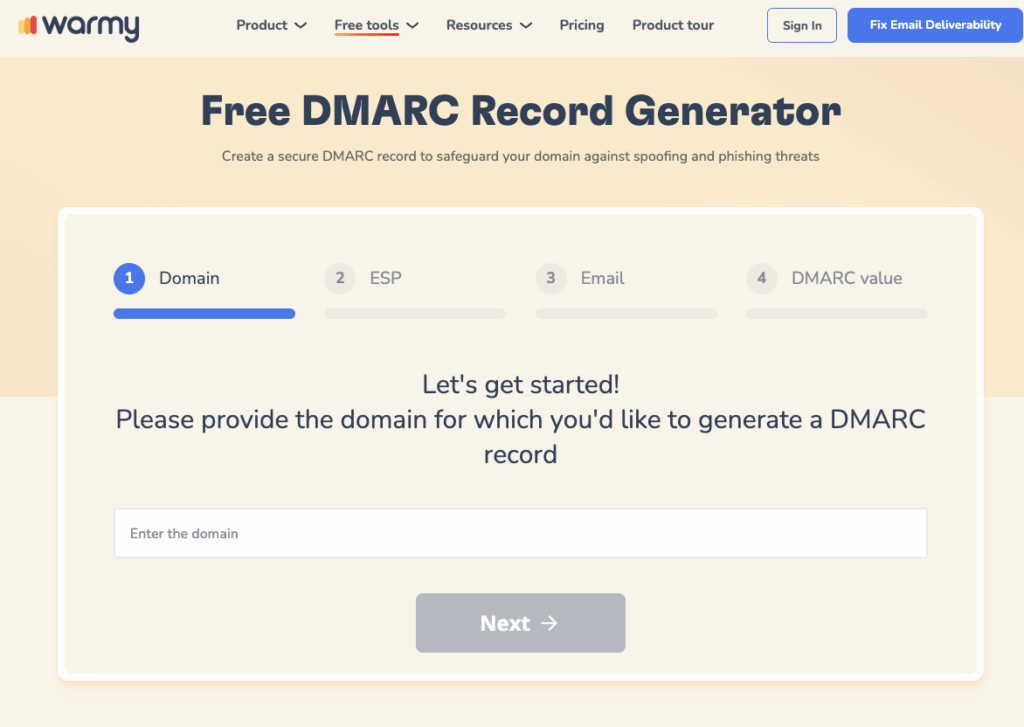
Pro Tip: Google recommends keeping spam complaint rates below 0.1% and enforces a hard cap at 0.3%. Once your rate approaches the lower threshold, Gmail’s filters start restricting placement before you receive any formal warning. Warmy’s blacklist and spam rate monitoring surfaces these signals proactively. Use the free DMARC Generator to ensure your authentication is correctly configured – authentication issues are the fastest path to enforcement.
Which AI Gmail Inbox Placement Tool Is Right for You?
Starting Cold Email from a Brand-New Domain
Warmy‘s Adeline AI slow ramp adjusts volume based on real Gmail feedback – safer for fresh domains than a fixed calendar schedule. If you are already on Lemlist, enabling Lemwarm at no extra cost is a reasonable first step while you evaluate whether a dedicated platform is needed. Confirm authentication is in order before the first warm-up email goes out.
Recovering a Domain Already Landing in Spam
Understand what is causing spam placement before applying more warm-up. Warmy‘s Adeline AI reads your current reputation signals rather than applying a fresh-domain ramp. If a specific technical issue is the culprit – DKIM misalignment, blacklist presence – Mailreach‘s Co-Pilot AI is particularly effective at diagnosing those failure modes alongside warm-up.
Needing Placement Confirmation Before Campaigns Launch
Warmy’s Email Seed List sends your actual template to real Gmail, Outlook, and Yahoo addresses that open, click, and rescue from spam – giving verifiable placement results pre-campaign. Mailreach‘s inbox placement testing across 30+ providers is also strong here, and Folderly‘s Inbox Insights covers Gmail and Outlook for enterprise teams willing to pay separately for the add-on.
Managing Multiple Client Gmail Domains as an Agency
Warmy‘s Workspace Management handles multi-domain inbox organization with Adeline AI adapting independently per mailbox. Folderly‘s white-label reporting suits agencies that package deliverability as a client-facing service – though the mandatory one-year commitment makes it viable only for stable long-term accounts. See how warm-up scales for agencies in the high-volume senders guide.
Maximum Warm-Up Coverage with a Limited Budget
Warmbox at $15/mo (Solo) or $69/mo (3 inboxes) handles the warm-up loop without advanced diagnostics. The tradeoff: no placement testing, no Postmaster integration, no DNS tools. Pair it with Warmy’s free Email Deliverability Test to fill the placement visibility gap at no cost.
Conclusion
Reaching the Gmail Primary tab in 2026 requires more than a technically correct SPF record and a warm-up tool running in the background. Gmail’s AI-driven filters evaluate engagement quality, sending consistency, content relevance, and compliance status simultaneously – and a tool that adapts warm-up strategy based on those real-time signals produces fundamentally different outcomes than a static ramp.
Warmy leads this category by combining the Adeline AI’s adaptive warm-up engine, direct Google Postmaster Tools integration, a real-mailbox network of over 1 million accounts, Warmup With Clicks capability, the Email Seed List for pre-campaign validation, and a full suite of free diagnostic tools – all from one platform. Competitors serve specific niches: Mailreach for diagnostic depth, Lemwarm for Lemlist-native teams, Folderly for enterprise auditing with SOC 2 requirements, and Warmbox for budget-conscious single-inbox warm-up.
Start by knowing where your emails actually land right now. Then book a Warmy demo to see how Adeline AI and native Gmail monitoring can close the gap – from first send to full campaign scale.