Inbox placement tools are diagnostic and improvement platforms that show senders exactly where their emails land across major providers, identify the technical and content factors causing spam placement, and – in the case of warmup-integrated platforms – actively build the sender reputation needed to reach the primary inbox reliably.
According to Validity’s 2025 Email Deliverability Benchmark Report, 1 in 6 legitimate emails fails to reach the inbox – and global spam placement rates almost doubled from Q1 to Q4 2024. For cold outreach and B2B campaigns, that number climbs further the moment authentication breaks or sender reputation drops.
The tools in this guide solve that. They give you visibility into where your emails land, surface the reasons, and help you fix them – before they cost you pipeline.
Warmy is an AI-driven email warmup and deliverability platform that addresses inbox placement at every layer: building sender reputation through automated warmup, testing placement across providers, checking authentication, and monitoring domain health in real time.
👉 Run a free Email Deliverability Test – see where your emails land right now
7 Must-Have Features in an Inbox Placement Tool
Not every inbox placement tool is built for your sending pattern. Here is what separates genuinely useful platforms from tools that give you a score without context.
Multi-Provider Seed Network Testing
The tool should test placement across real inboxes at Gmail, Google Workspace, Microsoft 365, Outlook, Yahoo, and ideally international providers – a seed list limited to one or two providers gives an incomplete picture, so look for at least 40 seed addresses across a range.
Email Warmup to Build Sender Reputation
Testing tells you where your emails land today; email warmup changes where they land tomorrow by gradually building positive engagement signals – opens, replies, and spam rescues – so inbox providers learn to trust your domain before any campaign goes out.
Seed List Testing
A dedicated seed list gives you a set of real, monitored inboxes across Gmail, Outlook, and Yahoo that simulate genuine engagement – opens, clicks, spam recovery – and also unlocks deliverability testing for platforms that cannot connect directly via SMTP, such as Mailchimp, Shopify, and Klaviyo.
Content and Spam-Score Review
Spam filters evaluate message content alongside sender reputation, so your inbox placement tool should flag HTML issues, text-to-image ratio problems, link reputation, and common spam trigger words before you send.
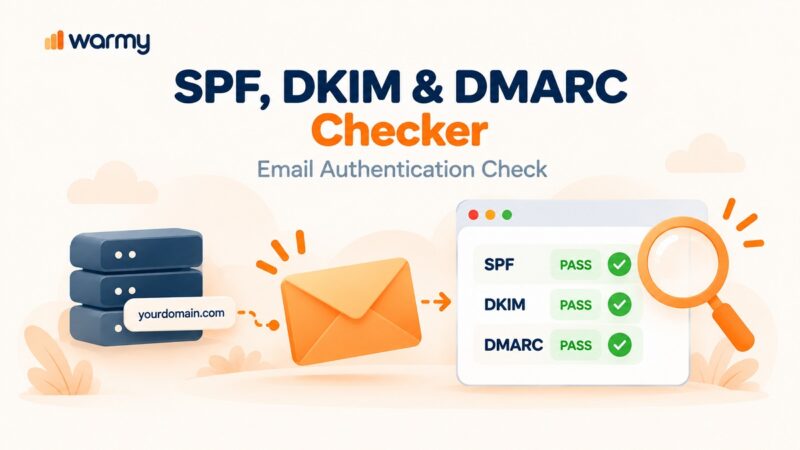
Authentication Checks (SPF, DKIM, DMARC)
Misconfigured authentication is the single most common technical reason emails land in spam – your tool should verify SPF, DKIM, and DMARC records, surface misalignments, and provide guidance to fix them.
Deliverability Insights and Domain Health Monitoring
A full deliverability insights dashboard tracks your domain health score, spam rate trends, blacklist status, and authentication compliance over time – so you can act before problems escalate into a deliverability crisis.
Real-Time Alerts and Blacklist Monitoring
A tool that monitors your sending IP and domain against major blocklists and notifies you immediately when a listing appears lets you act before the damage spreads across your campaigns.
Quick Comparison: Top 6 Inbox Placement Tools (2026)
| Tool | Starting Price | Standout Feature | Best For |
|---|---|---|---|
| Warmy | From $49/mo (book a demo) | Adeline AI warmup + placement testing + Domain Health Hub | B2B senders, cold outreach teams, agencies |
| GlockApps | $59/mo (Essential) | 70+ seed addresses, DMARC analytics, blacklist monitoring | Newsletter senders, marketers needing diagnostic depth |
| Folderly | ~$120/mailbox/mo (1-9 mailboxes) | Spam folder fix + ongoing deliverability monitoring | Mid-market teams managing 10+ mailboxes |
| Mailtrap | $15/mo | Safe email sandbox + SMTP debugging | Developers, QA teams, transactional email |
| MailGenius | $15/mo | Fast pre-send spam-score analysis + auth checks | Solo senders, small teams, budget-conscious |
| MXToolbox | Free / $129/mo (paid) | DNS validation + blacklist monitoring across 100+ databases | Technical teams, sysadmins, deliverability auditors |
The 6 Best Inbox Placement Tools for 2026
1. Warmy – Best Overall for B2B and Cold Outreach
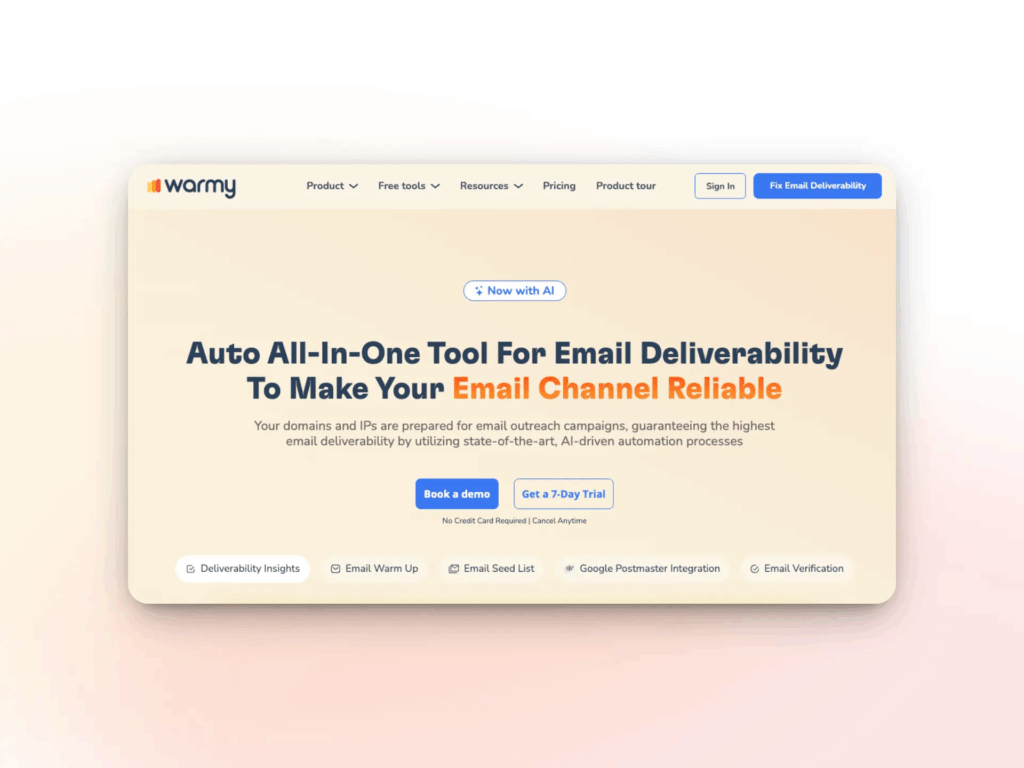
Warmy is an AI-driven email warmup and deliverability platform built for senders who need their emails to reach the primary inbox consistently. Unlike tools that only diagnose placement problems, Warmy both tests and fixes them – combining inbox placement testing, AI-powered warmup, domain health monitoring, authentication checks, and a full suite of free deliverability tools in one platform.
Key Features:
- Adeline AI Engine: Warmy’s proprietary AI – the only dedicated deliverability AI in the category – analyzes your mailbox data continuously, adapts warmup strategy based on real-time engagement signals and provider behavior, and generates warmup emails in industry-specific vocabulary across 30+ languages to avoid semantic spam triggers.
- Warmup Preferences: Full control over how warmup volume is distributed across providers. Set custom distribution percentages – for example, weighting 50–60% toward Gmail if that is where your audience lives – and toggle between B2B and B2C engagement modes, which adjusts the tone, timing, and interaction patterns of warmup emails to match your actual outreach environment. Temperature can be set to Slow (~70 days, safest), Medium (~35 days), or Fast (~24 days) depending on your timeline.
- Seed List: Genuine, active email addresses from Gmail, Outlook, and Yahoo that simulate real human behavior – emails are opened, scrolled through, clicked, and replied to, and any message that lands in spam is manually retrieved and marked as important. The seed list also unlocks warmup for platforms that cannot connect via SMTP directly, including Mailchimp, Shopify, Klaviyo, and Omnisend.
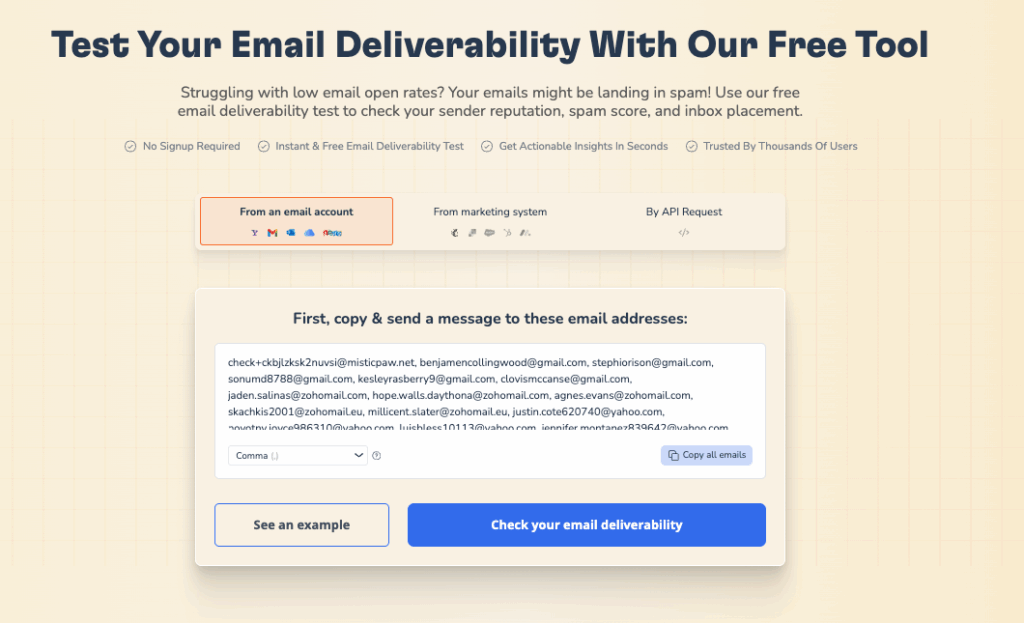
- Email Deliverability Test: Tests inbox placement across Gmail, Google Workspace, Microsoft 365, Outlook, Yahoo, Zoho, Zoho Pro, and custom SMTP – showing whether emails land in the primary inbox, promotions tab, or spam by provider.
- Warmup With Clicks: A fully automated process that drives real link clicks from genuine email addresses and automatically removes emails from Gmail’s Promotions tab – a feature most competitors do not offer, with a dedicated dashboard showing click activity as proof of engagement. Warmy’s internal research found warmup with engagement is 8x more effective than standard warmup alone.
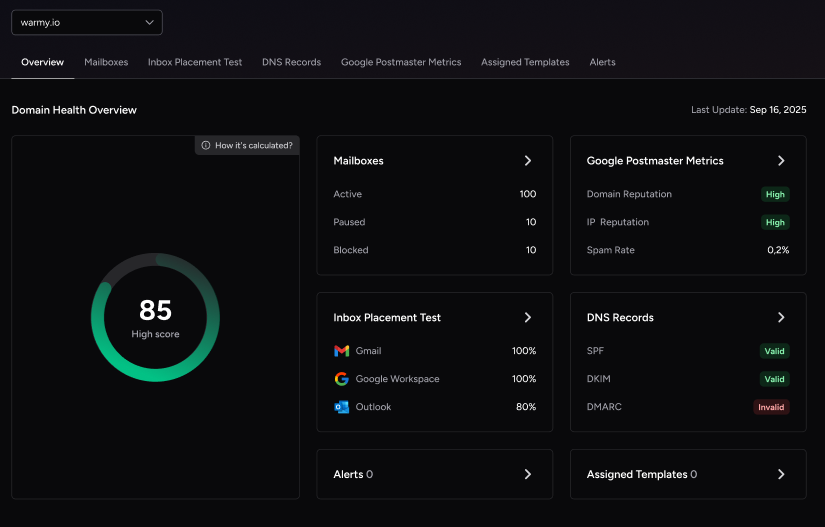
- Domain Health Hub: A domain-level dashboard consolidating health score, DNS authentication status (SPF, DKIM, DMARC), blacklist monitoring, Google Postmaster data, and spam rate trends across all your domains.
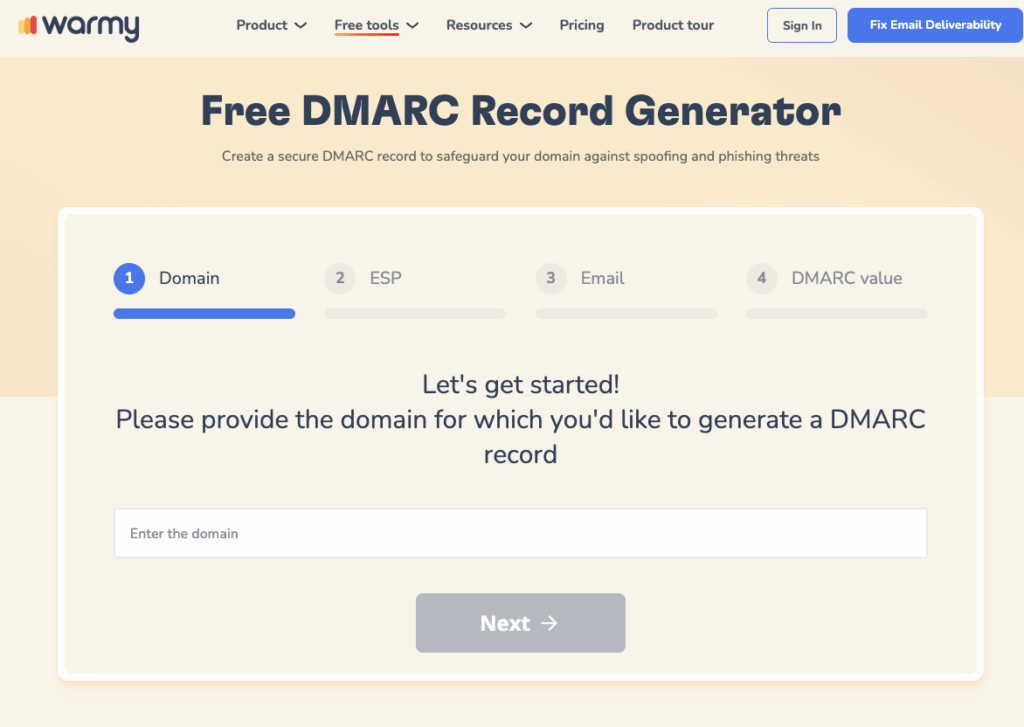
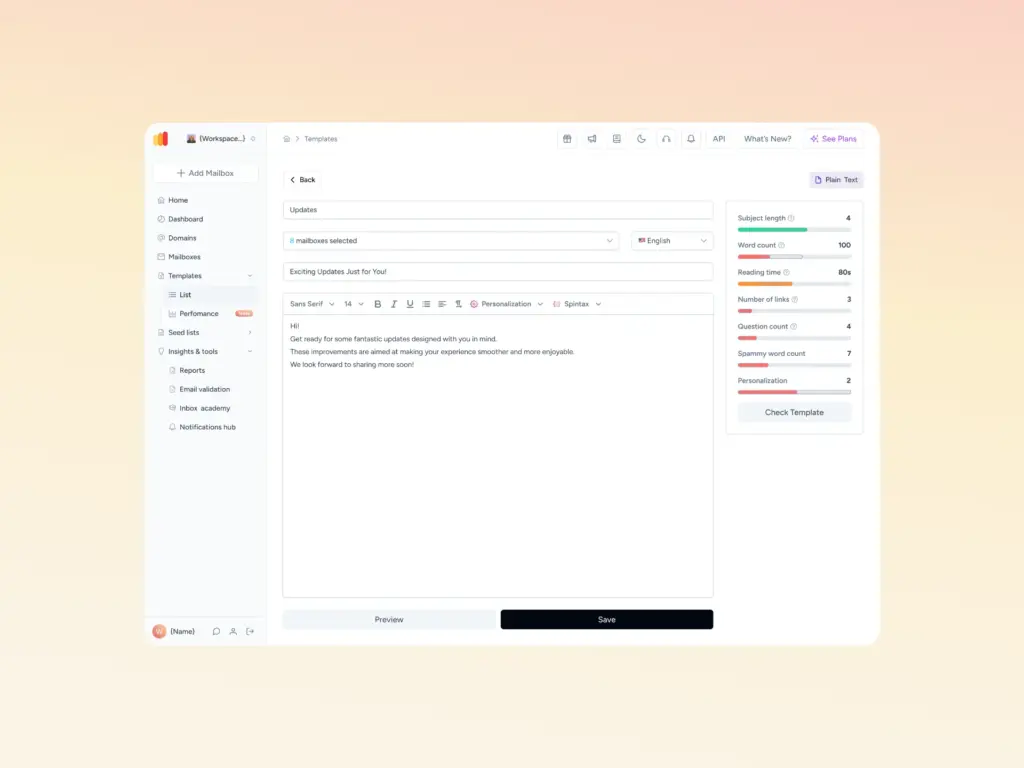
- Free Tools Suite: SPF Generator, DMARC Generator, Template Checker (also available as a Chrome extension for real-time pre-send analysis), Email Signature Builder, and Mailbox Calculator – all available without a subscription.
Best For: B2B sales teams, cold outreach operators, agencies managing multiple client domains, and any sender whose revenue depends on reaching the primary inbox.
| Pros | Cons |
|---|---|
| Dedicated Adeline AI – only proprietary deliverability AI in the category | Pricing requires a demo conversation to confirm exact figures |
| Warmup Preferences: provider distribution, B2B/B2C mode, temperature control | Per-inbox pricing becomes costly past 3–5 mailboxes |
| Warmup With Clicks – unique feature with proof dashboard (8x more effective) | Outlook improvements can take longer than Gmail |
| Broadest provider support (18+ ESPs), 30+ languages | No built-in DNS record management |
| Dedicated CSM and deliverability expert for every customer | |
| Free tools suite available without subscription; 7-day free trial |
| Plan | Starting Price | Key Inclusions |
|---|---|---|
| B2B Sender | From ~$49/mo per inbox | Warmup, placement tests, Domain Health Hub, free tools |
| B2C Sender | Custom (book a demo) | High-volume warmup, bulk deliverability monitoring |
| Custom / Agency | Custom (book a demo) | White-label, multi-domain, agency dashboard, dedicated CSM |
4.8/5 on G2 based on 498 verified user reviews.
Run Warmy’s free Template Checker before launching any cold outreach sequence – it scans your email for spam trigger words, HTML structure issues, and text-to-image ratio problems that filters catch before your warmup reputation even has a chance to help.
Expert Opinion: The ROI on Warmy is clearest when a single closed deal exceeds your monthly warmup cost – which is almost always the case in SaaS, recruiting, financial services, and real estate, where one reply turning into a meeting can justify the entire plan. If you are sending fewer than 300 emails a month, start with the free tools before committing to a paid plan. Where Warmy really earns its price is at scale: once you are managing 5+ sending domains or running parallel sequences across multiple inboxes, the cost of not having continuous warmup and domain health monitoring quickly outweighs the per-inbox fee.
2. GlockApps – Best for Diagnostic Depth and Newsletter Senders
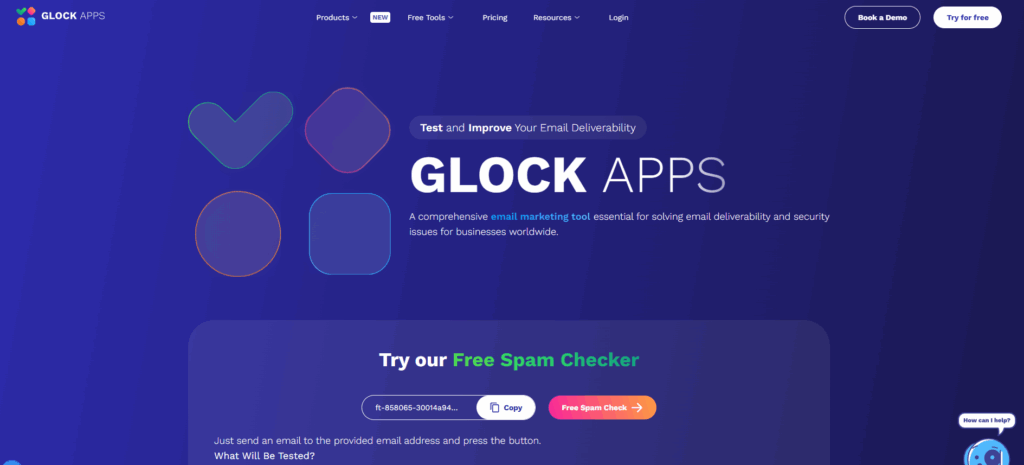
GlockApps is a dedicated inbox placement and deliverability testing suite with one of the most comprehensive seed networks in the category – it shows exactly where emails land across 70+ seed addresses spanning Gmail, Outlook, Yahoo, and international providers, and surfaces the content, authentication, and reputation factors driving each result.
Key Features:
- Inbox Insight: Sends your email to a seed list of 70+ mailboxes and reports placement by provider, tab, and folder – Gmail Primary vs. Promotions tab prediction is particularly reliable.
- DMARC Analyzer: Transforms raw XML DMARC reports into readable dashboards with weekly digests and alerts for policy failures.
- Spam Score Testing: Tests against Google Spam Filter, Microsoft Exchange Online Protection, Barracuda, SpamAssassin, and Proofpoint with content-level fix recommendations.
- Blacklist Monitoring: Tracks sending IPs and domains against 50+ public blacklists with real-time alerts.
- Content Analysis: Flags link reputation, HTML weight, text-to-image ratio, and authentication misalignments with actionable recommendations.
Best For: Newsletter senders and email marketers who need diagnostic depth and can manage a credit-based pricing model -GlockApps is purely a testing tool with no warmup capability.
| Pros | Cons |
|---|---|
| 70+ seed addresses across global providers | Credits expire monthly with no rollover |
| Reliable Gmail Primary vs. Promotions tab detection | No warmup feature – diagnosis only |
| DMARC analytics and SPF/DKIM verification | UI is dated and less intuitive |
| Affordable at $59/mo for weekly testing | Credit model becomes expensive for daily testing |
| Plan | Price | Includes |
|---|---|---|
| Free | $0 | 2 tests/month, basic checks |
| Essential | $59/mo | 360 credits/mo, 1 sending account |
| Growth | $99/mo | Higher credits, multiple sending accounts |
| Enterprise | $129/mo | Full monitoring + advanced DMARC |
Rating: 4.3/5 based on verified user reviews.
Expert Opinion: Think of GlockApps as a pre-flight check, not a control tower – run it before every major list send, not as continuous monitoring. It tells you whether your email will likely land in the inbox today, but it does nothing to improve where it lands tomorrow. That distinction matters: if your placement results are consistently poor, GlockApps surfaces the diagnosis but you still need a warmup tool to fix it. It is also worth noting that its credit model rewards a weekly testing cadence; teams that need to test daily will hit the economics ceiling fast and should look at a platform that bundles testing with ongoing warmup.
3. Folderly – Best for Ongoing Deliverability Monitoring at Scale
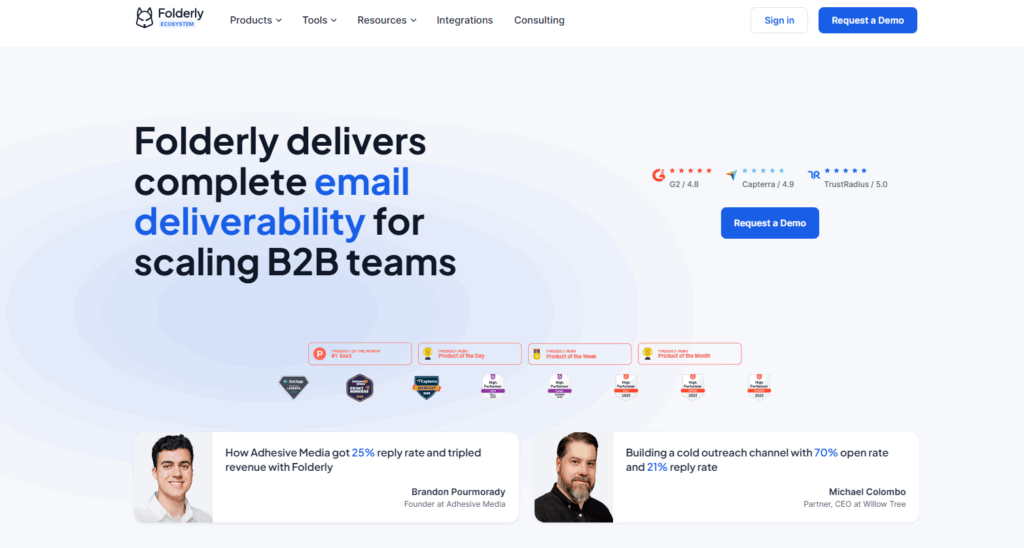
Folderly is a deliverability improvement platform focused on getting emails out of the spam folder through ongoing warmup and monitoring – it suits teams managing 10 or more mailboxes who need continuous protection alongside placement visibility.
Key Features:
- Spam folder detection and ongoing fix campaigns across major providers
- Warmup with real email engagement to rebuild sender reputation
- Authentication verification and DNS health checks
- Multi-inbox management dashboard for teams and agencies
- Campaign scheduling recommendations based on deliverability data
Best For: Mid-market and enterprise sales teams managing multiple mailboxes who need deliverability improvement as an ongoing service, not one-off testing – note that Folderly’s seed list covers only 4 ESPs compared to Warmy’s broader provider network.
| Pros | Cons |
|---|---|
| Strong ongoing monitoring for multi-mailbox operations | ~$120/mailbox/mo for 1–9 mailboxes is expensive for small teams |
| Proactive spam folder fix workflow | Seed list covers only 4 ESPs |
| Placement testing included in plans | Economics only improve meaningfully at 100+ mailboxes |
| Plan | Price | Includes |
|---|---|---|
| 1–9 mailboxes | ~$120/mailbox/mo | Warmup, monitoring, placement testing |
| 10–99 mailboxes | ~$80/mailbox/mo | Same + volume discount |
| 100–499 mailboxes | ~$50/mailbox/mo | Agency-tier pricing |
Rating: 4.1/5 based on verified user reviews.
Expert Opinion: The honest math on Folderly: below 10 mailboxes, Warmy wins on both price and features; above 100 mailboxes, Folderly’s per-seat cost finally becomes competitive. The sweet spot is mid-market teams in the 10–99 mailbox range who want a managed-service feel and are willing to pay for it. One real caveat – Folderly’s seed list covers only 4 ESPs, so if a significant portion of your audience uses Yahoo, Zoho, or international providers, your placement data will have blind spots that a broader platform like Warmy would catch.
4. Mailtrap – Best for Developers and Transactional Email Testing
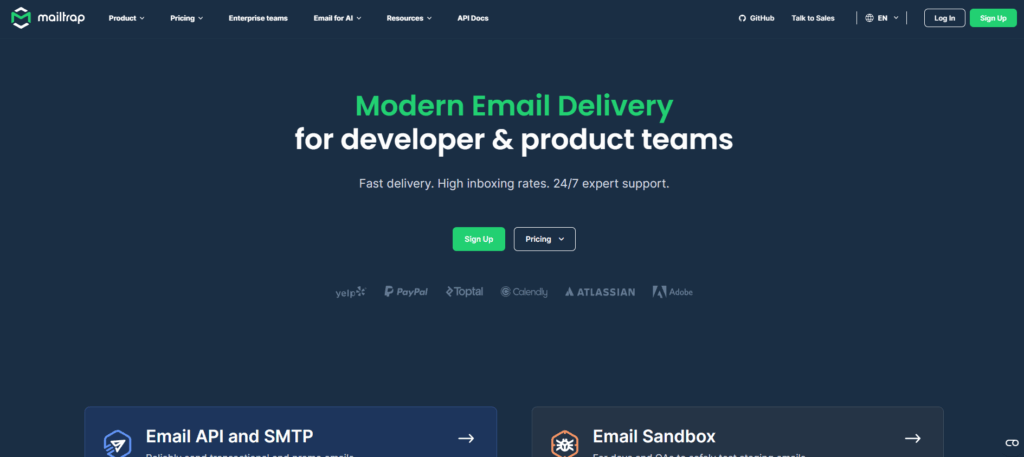
Mailtrap is a virtual inbox platform built for development and QA environments – it lets developers send test emails to a sandbox without reaching real recipients, making it the standard choice for catching formatting, header, and SMTP configuration issues before any live send.
Key Features:
- Virtual sandbox inbox for safe email capture and inspection without real recipients
- SMTP debugging with full header analysis and transport-layer visibility
- Basic spam score analysis and content review for pre-production checks
- Email validation and template preview across major email clients
- Email API and SMTP service for transactional sends with delivery analytics
Best For: Developers, QA engineers, and product teams who need to validate templates and debug transactional emails safely – Mailtrap is not a deliverability or inbox placement tool for live campaigns.
| Pros | Cons |
|---|---|
| Safe sandbox – no real recipients receive test emails | Not a real inbox placement tool for live sending |
| Easy SMTP debugging and full header inspection | No warmup or sender reputation building |
| Widely adopted standard in engineering teams | Not suited for cold outreach or campaign diagnostics |
| Plan | Price | Includes |
|---|---|---|
| Free | $0 | Basic sandbox, limited sends |
| Individual | $15/mo | Full sandbox + email API access |
| Team | $35/mo | Multiple inboxes, higher send limits |
Rating: 4.2/5 based on verified user reviews.
Expert Opinion: Mailtrap’s value ends the moment your emails go live – it tells you nothing about real-world inbox behavior, sender reputation, or how Gmail’s filters will actually treat your domain. Use it to catch the obvious mistakes in staging: broken templates, malformed headers, misconfigured SMTP. Then hand off to a placement testing tool before any real send. The handoff moment is non-negotiable: teams that skip inbox placement testing after leaving the sandbox are flying blind on the metrics that actually determine whether their emails get read.
5. MailGenius – Best for Fast Pre-Send Checks on a Budget
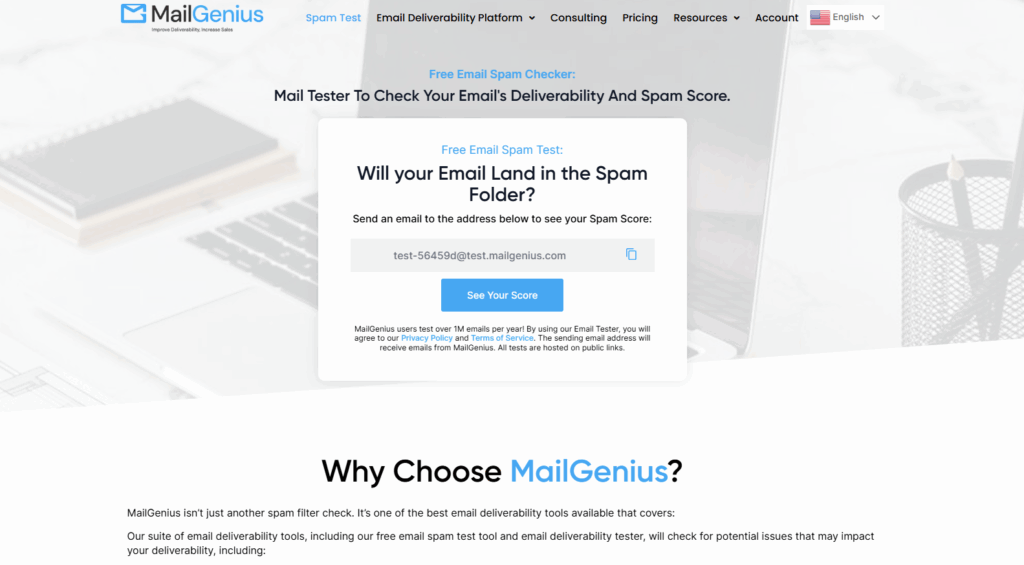
MailGenius is a lightweight email testing tool focused on pre-send spam analysis and authentication checks – it runs your email through spam filter rules, verifies SPF, DKIM, and DMARC configuration, and surfaces content-level issues in a clean, beginner-friendly interface starting at $15/mo.
Key Features:
- Spam score analysis against common spam filter rules
- SPF, DKIM, and DMARC authentication verification
- Header analysis and content-level issue review
- Seed list inbox placement testing available on paid tiers
- Blacklist monitoring on higher plans
Best For: Solo senders and small teams who need quick pre-send hygiene checks on a budget – MailGenius has a smaller seed list than GlockApps and no warmup capability, making it a diagnostic-only tool for occasional checks.
| Pros | Cons |
|---|---|
| Simple, fast interface with actionable error messages | Smaller seed list than GlockApps |
| Affordable entry pricing at $15/mo | No warmup or reputation-building features |
| Good for pre-send content and auth checks | Placement testing limited to paid tiers only |
| Plan | Price | Includes |
|---|---|---|
| Free | $0 | Single spam test, basic auth checks |
| Starter | $15/mo | Seed list testing, full auth checks |
| Pro | $19+/mo | Blacklist monitoring, higher test volume |
Rating: 4.0/5 based on verified user reviews.
Expert Opinion: MailGenius catches the obvious mistakes – a missing DKIM record, a subject line full of spam trigger words – but it cannot tell you whether your sender reputation is the problem, and that is what causes most spam placement in 2026. Treat it as a first filter, not a complete audit. If your emails are still landing in spam after MailGenius gives you a clean score, the issue is almost certainly reputation-based, and no amount of content tweaking will fix it – that is when you need a warmup tool. For senders who have already solved authentication and reputation, MailGenius is a perfectly adequate and affordable pre-send hygiene check.
6. MXToolbox – Best for Technical Teams and DNS Auditing
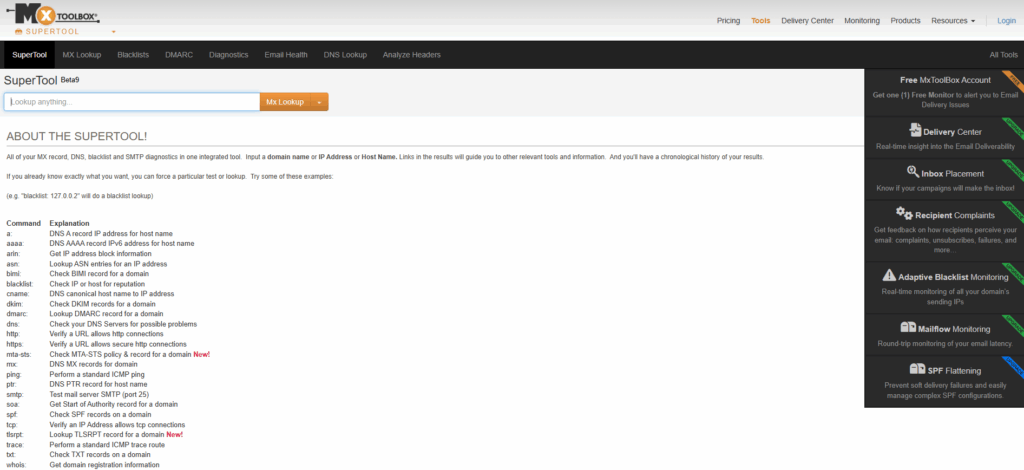
MXToolbox is a longstanding DNS and email infrastructure diagnostic tool covering blacklist lookups across 100+ databases, DNS record validation, MX record checking, and SMTP diagnostics – with a comprehensive free tier and paid plans that add continuous monitoring and automated alerts.
Key Features:
- Blacklist monitoring across 100+ databases with immediate lookup results
- DNS lookup and validation for SPF, DKIM, DMARC, MX, and PTR records
- SMTP diagnostics and full email header analysis
- Uptime monitoring for mail server infrastructure
- Continuous monitoring with real-time alerts on MXWatch paid plans
Best For: IT administrators, sysadmins, and deliverability consultants who need deep DNS and infrastructure visibility – MXToolbox is not an inbox placement or warmup tool, but it is the most thorough free blacklist and DNS checker available.
| Pros | Cons |
|---|---|
| Most comprehensive free blacklist and DNS checking tier available | Not an inbox placement or content testing tool |
| Widest blacklist coverage (100+ databases) | No warmup or email content analysis |
| Trusted standard for deliverability professionals globally | Continuous monitoring requires the paid MXWatch plan |
| Plan | Price | Includes |
|---|---|---|
| Free | $0 | Blacklist lookup, DNS checks, SMTP diagnostics |
| MXWatch | $129/mo | Continuous monitoring, automated alerts, full suite |
Rating: 4.1/5 based on verified user reviews.
Expert Opinion: MXToolbox confirms your DNS is configured correctly – it does not tell you whether your emails are actually reaching inboxes. A clean MXToolbox report can coexist with a 40% spam placement rate, because reputation and content issues sit entirely outside its scope. Always run it alongside a placement testing tool, not instead of one. Where it genuinely excels is as a fast, free sanity check before any infrastructure change: new sending domain, new IP, new SPF record – run MXToolbox first to catch configuration errors before they cause deliverability damage that takes weeks to recover from.
How to Choose an Inbox Placement Tool
The right tool depends on what stage your deliverability problem is at and what kind of sender you are.
Solo SDRs and Small Cold Outreach Teams
Warmup comes first — without it, even a well-written email lands in spam on a fresh domain. Run Warmy’s free Email Deliverability Test to get a baseline, then check Warmy’s Best Email Warmup Tools guide to pick the right plan for your volume.
5 to 50 Reps – Growing Sales Teams
At this scale, deliverability problems multiply fast — one blacklisted domain can take down an entire sequence. You need both ongoing warmup across all sending domains and a diagnostic tool that surfaces problems before they hit campaign metrics. Warmy handles both from a single dashboard. Add GlockApps before major sends if you also run newsletter-style campaigns that need independent placement data.
Agencies Managing Client Domains
Look for a platform with independent workspaces — separate billing, team access, and configurations per client. For cold outreach clients, warmup is non-negotiable from day one. If you are warming a new client domain from scratch, the comprehensive domain warmup guide covers the full process.
Enterprise and High-Volume Senders
Authentication monitoring, blacklist alerting, and domain health dashboards need to run continuously — not checked reactively after a campaign underperforms. MXToolbox covers DNS-level checks, but it does not replace placement testing or warmup. For a deeper look at monitoring at this scale, Warmy’s global email deliverability guide is worth bookmarking.
Developers and Transactional Email Teams
Mailtrap handles everything in staging. Once emails go to production, add a placement test to verify transactional emails reach the inbox rather than promotions. Use MXToolbox to confirm DNS records are clean before any infrastructure change goes live.
Conclusion
Inbox placement is not a set-and-forget problem – sender reputation shifts, authentication records break, and spam filters evolve without warning.
Warmy covers more of the inbox placement problem than any other single tool: warmup, placement testing, domain health monitoring, authentication checks, and a free toolkit that gives every sender a starting point with no subscription required.
For a deeper look at how deliverability monitoring works at a global scale, Warmy’s global email deliverability guide is worth bookmarking.
Ready to see where your emails are landing right now? Book a demo and see Warmy in action with your own domains.