One can’t talk about emails without mentioning SMTP (Simple Mail Transfer Protocol). After all, it’s extremely essential for sending emails. It acts as the bridge for messages between servers and ensures accurate delivery. When there are errors, it can be frustrating for senders—especially if the emails are for business.
Here’s an example: SMTP Email Error 554 5.1.1 means an email wasn’t delivered because the receiver’s email address is invalid or it does not exist. Senders will receive a bounce-back message that they need to fix the recipient’s email address.
Understanding SMTP Email Error 554 5.1.1
SMTP Error 554 5.1.1 is a permanent (5XX) rejection. Unlike temporary 4XX errors that may resolve on their own, a 554 5.1.1 will not retry successfully — the receiving server has made a definitive decision that the address doesn’t exist in its mailbox database.
When this happens, your email server returns a bounce message that typically reads: “554 5.1.1 Recipient address rejected: User unknown in virtual mailbox table.” This is the server’s formal response confirming the delivery attempt failed.
Context matters here: according to the Validity 2025 Email Deliverability Benchmark Report, global inbox placement averaged 83.5% in 2024, meaning nearly 17% of emails fail to reach their destination for one reason or another. Keeping your bounce rate below 2% is the widely accepted threshold for maintaining healthy sender reputation — and 554 5.1.1 errors count as hard bounces, the most damaging kind.
Other variations of Email Error 554
There are other errors under the 554 error category. While they all indicate unsuccessful delivery, the sub-codes identify the specific cause:
554 5.7.1 signals a policy-based rejection — typically because the message failed SPF or DKIM authentication, or the recipient has explicitly blocked the sender. Fix it by ensuring your SPF, DKIM, and DMARC records are correctly configured.
554 5.0.0 is often a general network or system failure with limited diagnostic detail. Check for server outages or maintenance notifications, then verify network connectivity.
554 5.4.0 indicates a routing error — the message couldn’t find a path to the recipient’s server. Check MX records for the recipient’s domain and look for DNS propagation issues.
554 5.2.2 appears when the recipient’s mailbox is full and can’t accept new messages. Contact the recipient through another channel so they can clear space, then resend.
554 4.4.7 is a timeout error indicating the message couldn’t be delivered within the expected timeframe. Wait for the temporary server condition to clear, then retry.
Common Causes of SMTP Email Error 554 5.1.1
SMTP Error 554 5.1.1 typically traces back to one of six root causes. Identifying the correct one shapes which fix you apply:
Inaccurate recipient address
The most frequent cause is a simple typo in the recipient’s email address. The receiving server checks the exact string you provided against its mailbox database — even a single misplaced character means no match and no delivery.
Server configuration problems
Misconfigurations on the recipient’s email server can make it unable to recognize legitimate addresses. MX record errors — where the domain’s mail routing is incorrectly configured — also produce this error.
IP reputation
Your sender IP reputation directly affects whether receiving servers trust your messages. Gmail’s bulk sender guidelines, now fully enforced as of November 2025, require senders to maintain spam complaint rates below 0.3% and authenticate all mail with SPF, DKIM, and DMARC. If your IP has a poor reputation, receiving servers may reject your messages even when the recipient address is valid.
Deactivated recipient account
If the recipient’s email account has been terminated or deactivated since your last successful communication, any message sent to that address will produce a 554 5.1.1 rejection.
Domain-level problems
If the recipient’s entire domain is expired or unavailable, all email accounts registered under it become unreachable simultaneously.
Email filtering rules
Receiving servers use filtering rules to manage incoming messages. Strict filtering policies — particularly when combined with a low sender reputation — can classify legitimate email as spam and produce a non-delivery report with a 554 5.1.1 code.
Pro Tip: Before sending to any new or unverified list, check your IP reputation, blacklist status, and SPF/DKIM/DMARC configuration using Warmy’s free Email Deliverability Test. A clean bill of health before you send means fewer hard bounces and a stronger sender reputation going forward.
Resolving SMTP Email Error 554 5.1.1 for Successful Email Delivery
While SMTP Error 554 5.1.1 is a permanent rejection, the fix is usually straightforward. Below are the steps organized by email provider and for technical administrators who need deeper access.
For Gmail users
- Check recipient details. Carefully review and re-enter the recipient’s email address. Confirm the domain spelling and that there are no extra spaces or characters.
- Review your sender reputation. Use Warmy’s free Email Deliverability Test to see your deliverability score, blacklist status, and SPF/DKIM/DMARC configuration. This shows you exactly what’s affecting your reputation.
- Contact support. If the issue persists after the above checks, contact Gmail support with the error details and bounce message for targeted assistance.
For Outlook users
- Verify account settings. Confirm your outgoing mail server (SMTP) settings are correctly configured, including port and authentication method.
- Check domain reputation. Use Microsoft’s Smart Network Data Services (SNDS) alongside Warmy’s deliverability test to assess your IP health and domain reputation from multiple angles.
- Reach out to Microsoft support. If you’re blocked, contact Microsoft support and provide the bounce-back message details. They can assist with delisting.
For Yahoo! and other providers
- Ensure accuracy of recipient address. Double-check the email address for any inaccuracies or formatting errors.
- Check your sender’s reputation. Use Warmy’s free Email Deliverability Test to get insights into your sending reputation and identify any issues with your IP address or email settings.
- Get professional help. Engage the email provider’s support team, sharing specific error messages to facilitate troubleshooting.
Technical solutions for email administrators
- MX record check. Verify your domain’s MX records are correctly pointed to your mail server using diagnostic tools like MXToolBox.
- Server configuration and IP warmup. Verify your email server configuration and use Warmy’s email warmup to build a trustworthy sender reputation gradually before increasing sending volume.
- SPF, DKIM, and DMARC records. Confirm all three authentication records are correctly configured for your domain. Warmy offers a free SPF Record Generator and DMARC Record Generator to simplify setup. Given that Gmail, Yahoo, and Microsoft have all mandated authentication enforcement since 2024–2025, this step is now mandatory rather than optional.
Pro Tip: If you see 554 5.1.1 errors repeatedly on the same domain, it’s often a reputation signal rather than a bad address. Check your domain against major blacklists and validate your authentication setup — a thorough deliverability audit surfaces the real cause faster than re-checking individual addresses.
Not sure if your sender reputation is clean? Run Warmy’s free Email Deliverability Test and get a full picture of your inbox placement, blacklist status, and authentication health in under two minutes.
Quick Fix Reference: 554 5.1.1 by Provider
| Provider | Immediate check | Tools to use |
|---|---|---|
| Gmail | Verify address; check SPF/DKIM/DMARC; review spam rate in Postmaster Tools | Warmy Email Deliverability Test, Google Postmaster Tools v2 |
| Outlook / Microsoft | Verify SMTP settings; confirm SPF/DKIM/DMARC alignment; check blacklists | Microsoft SNDS, Warmy Template Checker for content issues |
| Yahoo / Other | Confirm recipient address; review IP reputation; check domain expiry | Warmy Email Deliverability Test, provider support team |
| All providers (DNS auth) | Validate MX records; fix SPF and DMARC records; run email warmup | Warmy SPF Generator + DMARC Generator + MXToolBox |
Beyond SMTP Email Errors: Strengthening Email Deliverability
Why 554 5.1.1 is a symptom, not just an error
Fixing the immediate 554 5.1.1 error is the first step. But if you’re seeing this error regularly, it’s a signal that your broader email infrastructure needs attention. Authentication gaps, poor list hygiene, or a damaged sender reputation will continue to generate permanent rejections until the root cause is resolved.
Gmail’s sender guidelines — fully enforced since November 2025 — require anyone sending 5,000 or more messages per day to have SPF, DKIM, and DMARC in place. Microsoft rolled out equivalent bulk sender rules in mid-2025. Getting compliant isn’t just good practice; it’s now a technical necessity for reaching any major inbox provider.
How email warmup prevents delivery failures
That’s where email warmup becomes essential. Warmy is an AI-driven email warmup and deliverability platform that automatically builds your sender reputation, improves inbox placement, and keeps your emails out of spam — no technical expertise required. Powered by Adeline AI, Warmy analyzes your mailbox, creates a personalized warmup schedule, and gradually increases your sending volume while generating real engagement signals across a network of 1M+ real mailboxes. The result is a domain that major ISPs trust — making 554 errors, spam flags, and deliverability setbacks far less likely before your next campaign launches.
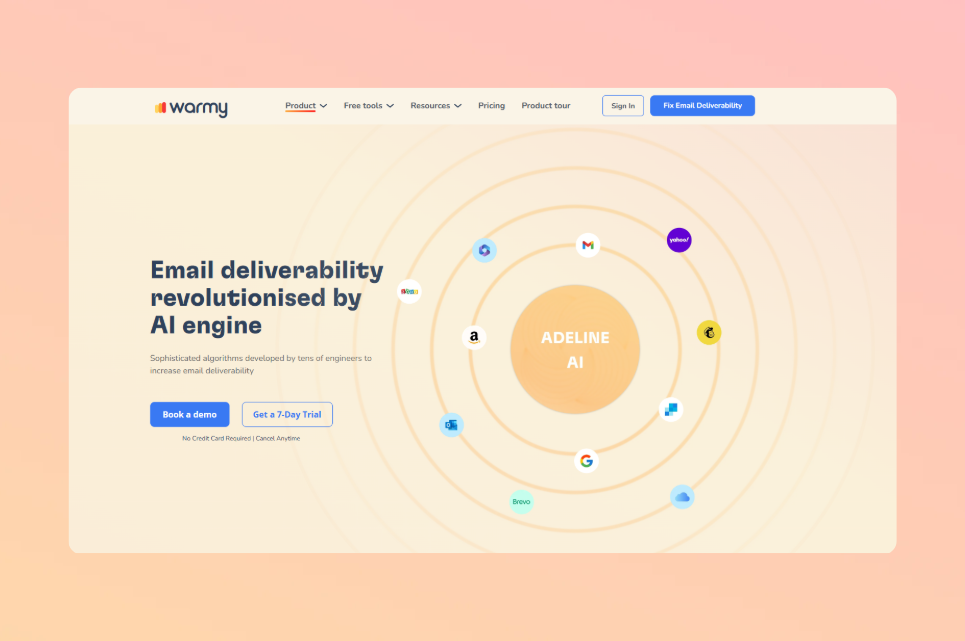
Pro Tip: Email warmup is especially important when you’re starting a new domain, switching email service providers, or recovering from a reputation drop. Starting with low sending volumes and increasing gradually — the way Warmy’s Adeline AI does automatically — signals to Gmail, Outlook, and Yahoo that you’re a legitimate sender, not a spammer who just went live.
Warmy’s free tools for ongoing deliverability health
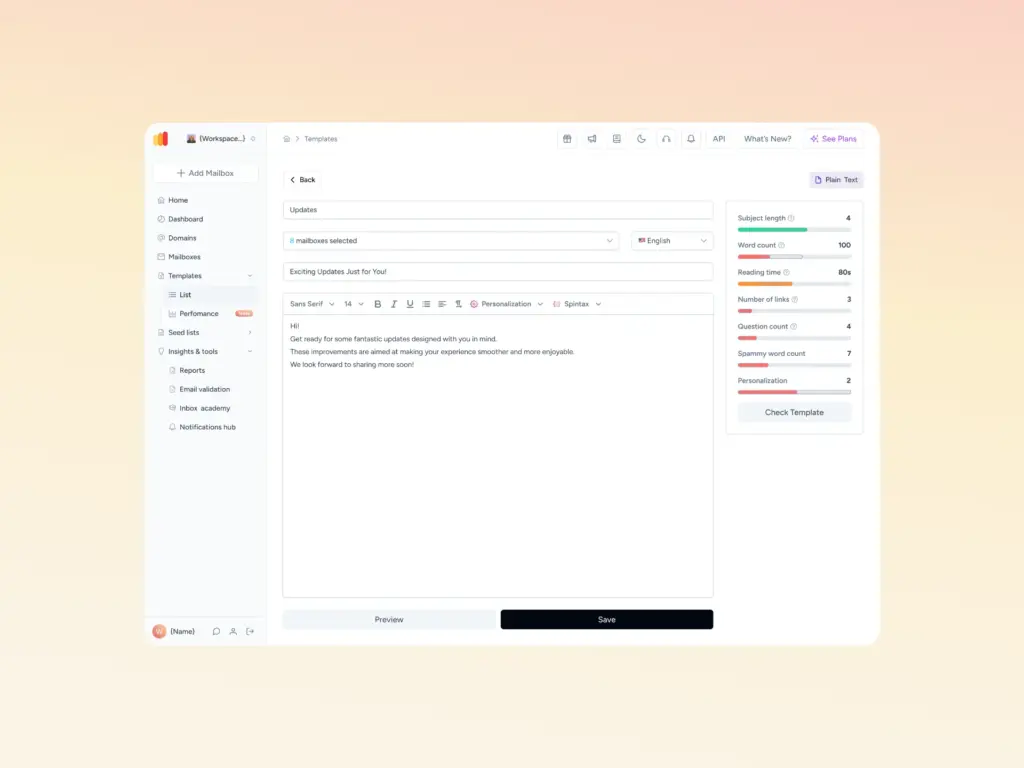
Warmy gives you free tools to prevent authentication-related errors before they happen. The Email Deliverability Test shows your actual inbox placement across major providers and flags blacklist issues. The Template Checker scans your email content for spam triggers before you hit send — available both inside Warmy’s platform and as a free Chrome Extension for Gmail. The free SPF Record Generator and DMARC Record Generator help you set up your DNS authentication in minutes.
Provider compatibility and scale
Warmy supports warm-up across Gmail, Google Workspace, Microsoft 365, Outlook, Sendgrid, Yahoo, Mailgun, Custom SMTP, Brevo, Zoho, AOL Mail, Elastic Email, SendPulse, Mailjet, Amazon SES, GoHighLevel, SMTP.com, ExpertSender, and more — making it one of the most provider-flexible warmup platforms available. Learn how Warmy works and what makes it different from other email warmup tools.
Ready to protect your sender reputation and prevent 554 errors from coming back? Start your 7-day free Warmy trial — no credit card required. Or book a demo to see Warmy’s AI warmup in action.