TL;DR: Cold email software with built-in warm-up refers to sending platforms that bundle an automated reputation-building process with sequencing. In 2026, that feature runs on one of three architectures: an in-house peer network, a separately branded sibling product, or a third-party integration surfaced inside the platform. Confirm which model your platform uses before you trust the checkbox.
Every cold email platform sells warm-up as a feature. Almost none of them tell you what is running behind it, and in 2026 that gap matters more than the price difference between any two tools on this list.
Warmy is an AI-driven email deliverability platform that builds sender reputation through warm-up with genuine engagement, then shows you where your mail actually lands across Gmail, Google Workspace, Microsoft 365, Outlook, and Yahoo. This comparison covers 8 cold email platforms, what each one runs under the warm-up label, and where a dedicated deliverability layer earns its place.
If you want a baseline before you read further, run the free email deliverability test on your sending domain first.
What built-in warm-up actually means in 2026
The three architectures behind the same checkbox
Warm-up works by generating sending and engagement history on a mailbox before it touches a real prospect list. Messages go out to a network of cooperating inboxes, those inboxes open and reply, and anything that lands in spam gets pulled back to the inbox. Mailbox providers read that activity as evidence of a legitimate sender.
How a platform produces that activity falls into one of three patterns:
- In-house network. The platform operates its own pool of mailboxes and connects your accounts over IMAP and SMTP. Instantly and Smartlead are positioned this way.
- Sibling product. A separately branded warm-up tool from the same company is bundled into the subscription. lemlist ships lemwarm, Salesforge ships Warmforge, Saleshandy ships TrulyInbox.
- Outside provider. An independent warm-up service runs the process and the platform surfaces it as a native feature. Woodpecker and QuickMail both work this way.
The distinction decides who controls your sending reputation, which mailbox providers are supported, and what happens to your warm-up if a partnership ends. For the mechanics of the process itself, see our guide to how email warm-up works.
What email warm-up does and does not do
Warm-up builds one input into inbox placement, which is sending reputation. It has no visibility into the other inputs.
Google’s sender guidelines tell senders to keep user-reported spam rates below 0.10% and to avoid ever reaching 0.30% or higher, and they require SPF, DKIM and DMARC alignment for bulk senders (Gmail Help).
Microsoft applied its own requirements to Outlook.com, Hotmail.com and Live.com on May 5, 2025, rejecting non-compliant mail from domains sending more than 5,000 messages per day with a 550 5.7.515 error (Microsoft Community Hub).
Pro Tip: Do not run warm-up and live campaigns on the same mailbox at full volume. Experts recommend separating the two and treating a proper domain warm-up as a process that runs up to three months. Warm-up traffic competes with real sending for the same daily limits, and mixing them makes it impossible to tell which activity moved your reputation.
Before you compare platforms, check what your current content is doing to your placement. The free email template checker flags spam triggers and formatting problems that no amount of warm-up will fix.
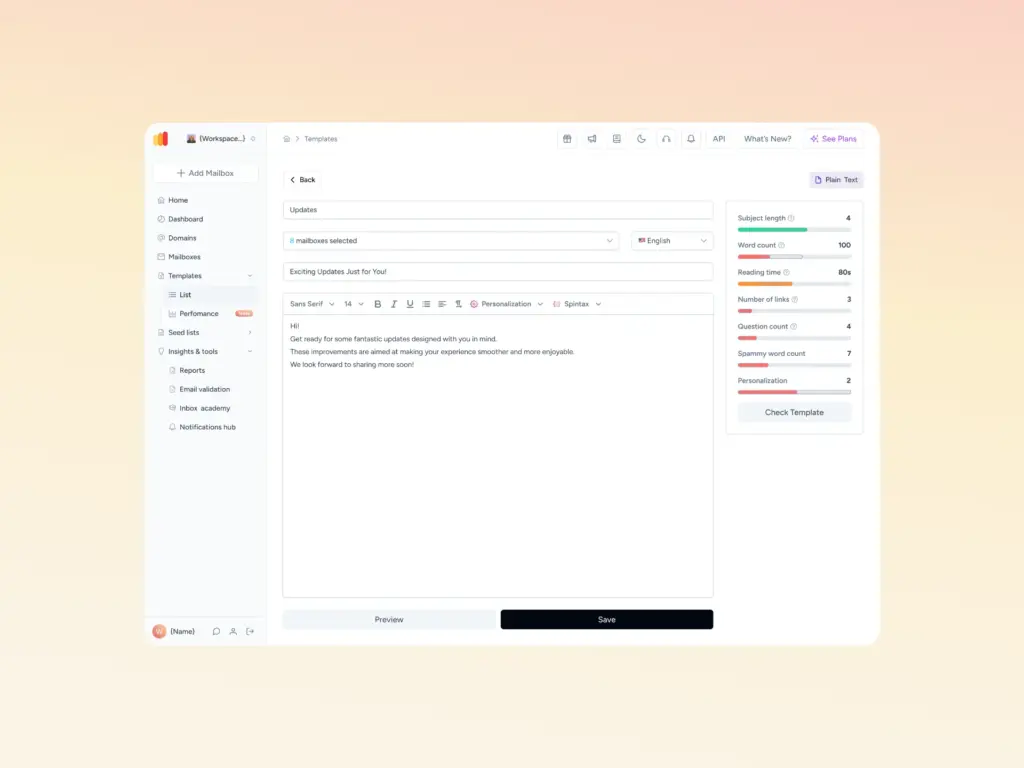
Cold email software with built-in warm-up compared
Warmy appears in the first row as the deliverability layer rather than a sending platform.
| Tool | Warm-up model | Deliverability depth | Starting price |
|---|---|---|---|
| Warmy (deliverability layer) | Not a sender. Dedicated warm-up with real click engagement and Promotions-tab removal, across 30+ languages | Inbox placement testing across Gmail, Google Workspace, Microsoft 365, Outlook, Yahoo and Zoho; Domain Health Hub; blacklist monitoring; Google Postmaster integration; free SPF and DMARC generators | Book a demo; 7-day trial, no card required |
| Woodpecker | Third-party. Powered by Mailivery or Warmy, chosen by the user. | Bounce protection, adaptive sending, free unlimited catch-all verification, deliverability monitoring | From about $29/mo, priced per contacted prospect |
| Instantly | In-house network, positioned as unlimited on all Outreach tiers | Placement testing, lead database and CRM sold as separate modules | $47/mo Growth, $37.60/mo annual |
| Smartlead | In-house network, unlimited mailboxes and warm-up on every tier | SmartDelivery placement testing is a paid add-on; SmartServers for dedicated IPs are separate | $39/mo Basic |
| lemlist | lemwarm, included by default on the Email plan | Deliverability hub with inbox rotation, custom tracking domains and sending-limit controls | Email plan from $69/mo (50k sends), unlimited users |
| Salesforge | Warmforge, free and unlimited inside a Salesforge subscription | Warmforge adds placement tests plus DNS, MX and blacklist monitoring in one dashboard | From about $40/mo billed annually |
| Saleshandy | TrulyInbox, included on all plans | Inbox placement testing sold as a separate tier; unlimited email accounts on every plan | From about $25/mo billed annually |
| Reply.io | Peer-to-peer network of real inboxes, included per connected account and sold standalone | Shared sending IPs by default; multichannel breadth rather than placement diagnostics | Seat-based, published from $49/user/mo |
| QuickMail | Third-party. Native Auto-Warmer retired, replaced by a free MailFlow.io integration | Deliverability AI, automatic sender rotation, blacklist monitoring | Tiered plans; warm-up free via the integration |
The deliverability layer that sits under any sender
Warmy
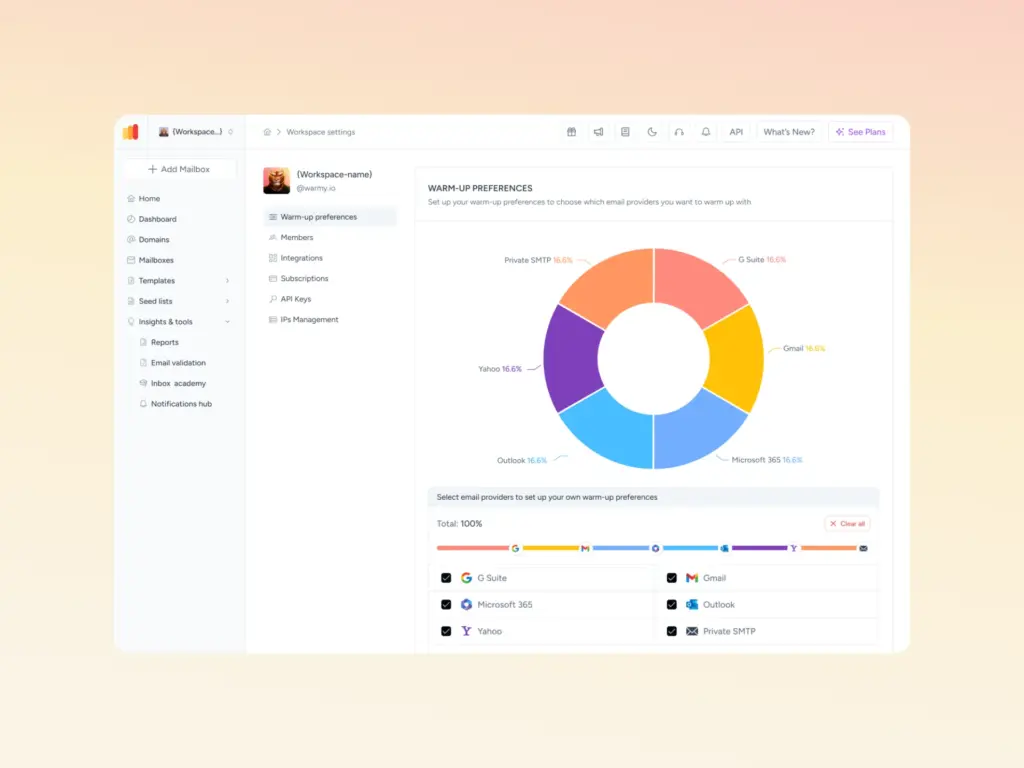
Warmy is an AI-driven email warmup platform that raises sender reputation by engaging real mailboxes on any topic in any language, then reports where your mail actually lands. It does not replace Woodpecker or any other platform on this list. It runs underneath whichever one you send from.
- Key features. Warm-up with clicks, which drives genuine link clicks and pulls messages out of Gmail’s Promotions tab. A Domain Health Hub that scores each domain on authentication records, blacklist status and Google Postmaster signals. An email seed list that reaches platforms that standard warm-up cannot connect to, including Mailchimp, Shopify and Klaviyo. Free SPF and DMARC generators.
- Best for. Teams running multiple domains or more than a handful of mailboxes, agencies managing client sending, and anyone recovering a damaged sender reputation.
- Pros. Works with every platform on this list rather than locking you to one sender. Placement data per provider, not just a reputation score. Domain-level monitoring instead of mailbox-by-mailbox checks. Warm-up runs across more than thirty languages.
- Cons. No sequencing, no lead database, no campaign management, so it is an addition to your stack. Pricing is quoted through a demo rather than published tiers.
- Pricing. Plans are quoted directly. A 7-day trial is available with no credit card.
The 8 cold email platforms with built-in warm-up
Each entry below carries the same fields in the same order. Warm-up model comes first because it is the column buyers most often get wrong.
1. Woodpecker
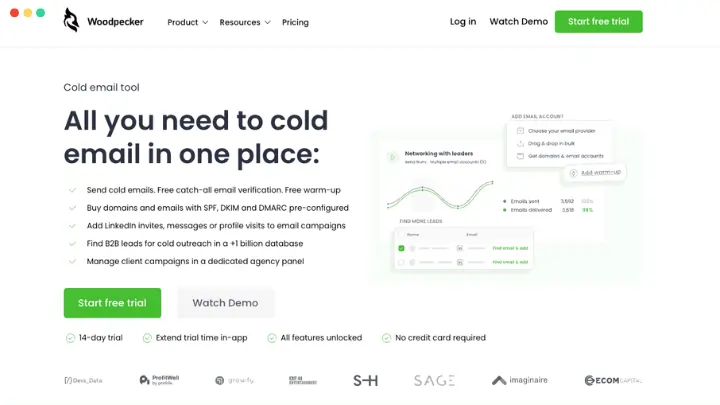
- Warm-up model. Third-party. Woodpeckers’ own help documentation states that warm-up is powered by Mailivery or Warmy, and users choose between the two providers when adding a mailbox.
- Key features. Condition-based sequences, A/B testing, adaptive sending, free unlimited catch-all verification, an agency panel, and deliverability monitoring.
- Best for. Small B2B teams and agencies that send to carefully selected prospect lists rather than at volume.
- Pros. Deliverability safeguards are mature after more than a decade in the category. Unlimited email accounts and unlimited team members on every plan, and catch-all verification at no extra charge.
- Cons. Warm-up slots are metered. Each plan includes a set number of free slots based on your prospect tier, and every mailbox beyond that costs $5 per month. Downgrading your tier reduces your free slots and adds previously free warm-ups to your bill. Pricing scales with contacted prospects.
- Pricing. From around $29 per month, priced by contacted prospects. Integrations, LinkedIn automation and the agency panel are separate add-ons.
- Rating. Rated on G2 with a strong small-business review base, checked August 2026.
2. Instantly
- Warm-up model. In-house network, marketed as unlimited on every Outreach tier.
- Key features. Unlimited connected mailboxes, inbox rotation, a unified inbox, and campaign sequencing built for high volume.
- Best for. Agencies and teams running large mailbox counts who want flat pricing rather than per-seat billing.
- Pros. Unlimited accounts and warm-up at the entry tier removes a line item most competitors charge for. Widely used, so integrations and community answers are easy to find.
- Cons. The lead database, CRM and inbox placement testing are separate products with separate bills, so the headline price understates the real cost.
- Pricing. Growth at $47 per month, or $37.60 per month billed annually. Hypergrowth at $97 and Light Speed at $358.
- Rating. 4.8 out of 5 on G2 from more than 4,000 reviews, checked August 2026.
3. Smartlead

- Warm-up model. In-house network, unlimited mailboxes and warm-up on all four tiers.
- Key features. Unlimited email accounts, inbox rotation, a master inbox, white-label client portals, and an API on paid tiers.
- Best for. Agencies that need white-label client workspaces and dedicated sending infrastructure.
- Pros. One of the lowest entry prices in the category with unlimited mailboxes included. Agency tooling is deeper than most competitors at the same price.
- Cons. The base plan locks out the CRM and API. SmartDelivery placement testing and SmartServers carry their own fees, and client workspaces are billed per client below the top tier.
- Pricing. Basic $39, Pro $94, Unlimited Smart $174, Unlimited Prime $379 per month, with roughly 17% off annual billing.
- Rating. 4.6 out of 5 on G2, checked August 2026.
4. lemlist
- Warm-up model. lemwarm, a sibling product from the same company, included by default on the Email plan.
- Key features. Image and video personalization, a large lead database, inbox rotation, custom tracking domains, and multichannel sequences on higher tiers.
- Best for. Small teams whose differentiator is creative, heavily personalized email rather than raw volume.
- Pros. The Email plan is priced by sending volume with unlimited users and unlimited senders, which is unusual in a category built on per-seat billing. Warm-up needs no separate subscription.
- Cons. lemlist restructured its plans during 2026, so older comparisons quote a per-user Email Pro tier that new customers can no longer buy. The Email plan has no free trial, and enrichment runs on metered credits.
- Pricing. Email plan from $69 per month for 50,000 sends, or $55 per month billed yearly, with unlimited users. Multichannel Expert at $109 per user per month. Enterprise is annual only with a five-seat minimum.
- Rating. 4.6 out of 5 on G2 from more than 1,300 reviews, checked August 2026.
5. Salesforge
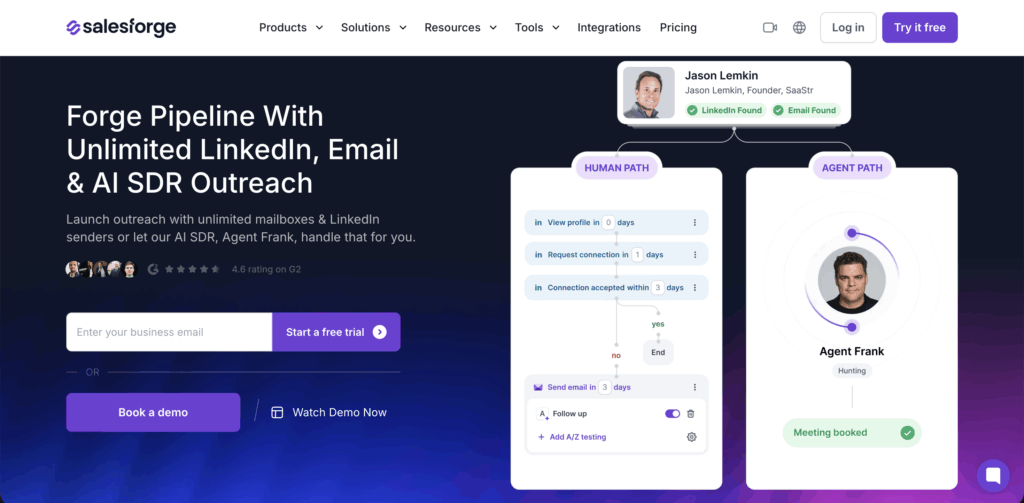
- Warm-up model. Warmforge, a sibling product, free and unlimited inside a Salesforge subscription.
- Key features. Email and LinkedIn steps in one sequence, a unified reply inbox, AI personalization, and warm-up with inbox placement tests in the same dashboard.
- Best for. Teams that want multichannel sequencing and warm-up from a single vendor without assembling a stack.
- Pros. Warmforge bundles warm-up with placement testing and continuous DNS, MX and blacklist monitoring, which is deeper than most in-platform warm-up. Unlimited mailbox slots at no extra cost for subscribers.
- Cons. Warmforge natively supports Google Workspace and Microsoft 365 only, and IMAP or SMTP connections require buying infrastructure elsewhere in the same product family. That pulls your whole setup toward one vendor.
- Pricing. Pro from around $40 per month billed annually. Warmforge sold standalone on a per-slot basis, with a free tier of one slot.
- Rating. Listed on G2; review volume is smaller than the older platforms on this list.
6. Saleshandy
- Warm-up model. TrulyInbox, a sibling product, included on every plan.
- Key features. Unlimited email accounts with sender rotation on all tiers, a large B2B contact database, email verification, and a built-in outbound CRM.
- Best for. Budget-conscious teams and agencies that want prospecting and sending in one subscription.
- Pros. One of the most feature-dense entry tiers in the category. Unlimited mailboxes on every plan means infrastructure cost scales with mailboxes, not with the software.
- Cons. Deliverability tooling is thinner than the platforms that treat it as a product. Inbox placement testing sits on a separate tier, and lead credits are metered.
- Pricing. Outreach Starter from around $25 per month, billed annually, scaling with prospect volume.
- Rating. 4.6 out of 5 on G2 from more than 700 reviews, checked August 2026.
7. Reply.io

- Warm-up model. Peer-to-peer network of real inboxes, included for every connected account and also sold as a standalone service.
- Key features. Multichannel sequences spanning email, LinkedIn, calls and SMS, AI reply classification, and an AI SDR agent.
- Best for. Sales teams running true multichannel cadences where email is one touch among several.
- Pros. Warm-up starts the moment a mailbox connects and needs no separate subscription. Channel coverage is broader than the email-only platforms here.
- Cons. Seat-based pricing multiplies fast across an SDR team. Shared sending IPs by default put placement behind providers that offer dedicated infrastructure.
- Pricing. Seat-based, published from $49 per user per month, with higher tiers priced by email volume.
- Rating. Rated on G2 in the sales engagement category; check the current score before you buy.
8. QuickMail
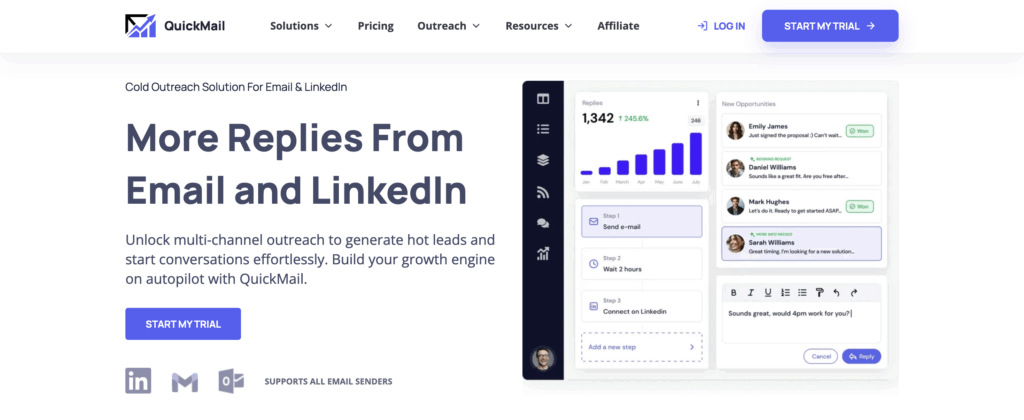
- Warm-up model. Third-party. QuickMail retired its native Auto-Warmer and replaced it with a MailFlow.io integration, stating that Google would revoke API access for tools that continued offering warm-up. Warm-up remains free for QuickMail users through that integration.
- Key features. Automatic sender rotation, deliverability AI, blacklist monitoring, branching sequences, and email plus LinkedIn steps in one campaign.
- Best for. Experienced senders and agencies who prioritize inbox placement over feature breadth.
- Pros. Warm-up costs nothing on top of the subscription. The platform is unusually focused on deliverability mechanics rather than adding modules.
- Cons. Warm-up depends on a partnership rather than infrastructure QuickMail controls. Onboarding resources are thinner than the larger platforms, and it is not the cheapest option in the category.
- Pricing. Tiered plans scaling by emails and prospects. Warm-up is included free through the integration on all of them.
- Rating. Rated on G2 in the sales engagement category, checked August 2026.
When built-in warm-up is enough, and when it is not
Signals your platform’s warm-up is holding up
One sending domain, a small number of mailboxes, modest daily volume, and reply rates that have stayed stable since launch. If placement has never visibly dropped and you are not sending into Microsoft 365 at scale, the warm-up bundled with your platform is doing its job.
Cost matters here too. If you are weighing whether to pay for anything extra, our breakdown of free versus paid warm-up tools covers where the free options stop being enough.
Signals you need a dedicated deliverability layer
- You run several sending domains and cannot tell which one is dragging the others down.
- Replies dropped and you have no per-provider data showing whether the problem is Gmail, Outlook or both.
- You are recovering a domain after a bad list or a volume spike, and reputation repair needs monitoring rather than more warm-up traffic.
- Your platform’s warm-up meters slots, and adding mailboxes now costs more than a dedicated tool would.
- You send from a platform warm-up cannot connect to directly, which is where a seed list becomes the only way to test placement.
Mailbox count is usually the tipping point. Our guide to how many mailboxes you actually need walks through the math, and when warm-up alone is not enough covers what to do once you pass it.
How the two layers work together
Your sending platform owns sequencing, rotation and replies. The deliverability layer owns reputation, placement measurement and domain health. Warmy connects to the mailboxes themselves rather than to your sequencer, so switching platforms does not reset your warm-up history.
Woodpeckers’ documentation is the clearest illustration: two of its supported warm-up providers are independent tools, one of which is Warmy. For a wider view of the diagnostic layer, see our roundup of deliverability tools for cold email.
Pick the sender first, then decide what runs underneath it
Choose your cold email platform on sequencing, pricing model, and channel coverage, because those are the things it genuinely controls. Treat the warm-up checkbox as a question rather than an answer, and find out whether the platform runs its own network, bundles a sibling product, or resells someone else’s service.
Two of the eight platforms here fall into that last category, and one of them lets you pick Warmy as the engine.
Once you know what is running, the remaining gap is measurement. Warm-up will build your reputation, but it will not tell you where your emails are landing, whether your authentication records still pass, or which domain is about to drag down the rest. Book a demo and see how Warmy handles that layer alongside the platform you already send from.