In November 2025, the Gmail bulk sender requirements moved from warnings to enforcement, and non-compliant senders started seeing their mail rejected with permanent SMTP errors. Two years after the bulk sender rules took effect, about 30% of senders still miss at least one requirement, and the inbox placement gap reflects it.
Compliant senders average roughly 89% inbox placement, while non-compliant programs watch 22 to 34% of their mail drop straight into spam. At any real sending volume, that gap is your pipeline. A campaign that lands in spam earns almost no replies, and the agencies and teams hit hardest often insist they changed nothing on their end.
Reputation erodes for weeks with no obvious signal, and then a rejection code makes the problem impossible to ignore. By the time mail starts bouncing, the damage to domain reputation has usually been building for some time.
The senders who stay in the inbox are not doing anything unusual. They authenticate cleanly, watch their complaint rate daily, and keep engagement healthy through continuous email warm up. The sections below cover what separates them from the 30% still landing in spam, and how to join them.
Enforcement got teeth in 2026: Breakdown of Gmail bulk sender requirements
Through most of 2024 and into 2025, the bulk sender requirements came with a grace period. Non-compliant mail got a temporary error or a quiet trip to the spam folder, and plenty of senders treated the rules as a suggestion rather than a deadline. That period is over.
From soft requirements to permanent rejections
The change came in November 2025, when Gmail began ramping up enforcement on non-compliant traffic. Messages that fail the requirements now draw temporary and permanent rejections, returned as SMTP error codes that tell the sender which requirement broke.
Microsoft moved first, rejecting non-compliant bulk mail to Outlook.com, Hotmail.com, and Live.com from May 5, 2025 with a 550 5.7.515 access-denied code. For the first time, all three major consumer mailbox providers reject unauthenticated bulk mail outright rather than filtering it to junk.
The 0.10% and 0.30% spam thresholds in plain terms
Google’s Email sender guidelines ask bulk senders to keep their reported spam rate below 0.10% and to never reach 0.30% or higher. Those numbers leave little margin. At the 0.30% ceiling, three complaints per thousand delivered messages is enough to tip you over. Google calculates the rate daily, and a sender who climbs above 0.30% stays ineligible for mitigation until the rate holds below the line for 7 consecutive days. One rough week of complaints can cost you more than a week of recovery.
Why “I didn’t change anything” still ends in spam
Reputation is a score that keeps moving as sending behavior changes. A sender can hold steady for months, until an aging list, a content shift, or a volume spike pushes complaints up and placement down. The metric itself adds a complication. The denominator for the complaint rate is inbox recipients, so once Gmail starts routing mail to spam, fewer people are in a position to complain, the visible rate looks calmer, and the underlying reputation keeps sliding. Postmaster data also lags 24 to 48 hours, so a bad send today may not surface until two days later.
3 things most senders still get wrong
Two years into enforcement, the same few gaps account for most non-compliance.
Authentication holes, missing unsubscribe headers, and volume spikes
The most common miss is the RFC 8058 one-click unsubscribe header, which all marketing and promotional mail is required to support. Authentication gaps come next. SPF, DKIM, and DMARC all need to be present and aligned, yet only about 35% of Fortune 500 domains that publish DMARC have set it to p=reject, the enforcement level Gmail rewards. Sudden volume spikes are the third gap: a jump in send volume from a cold or lightly used domain reads as risk to a filter that values consistency.
Why email warm up underpins the engagement signals reputation needs
Authentication confirms a sender’s identity to the receiving server. Whether recipients actually want the mail is a separate matter, and that is what engagement measures. Google’s own guidance is clear that fully authenticated mail can still land in spam, and that durable inbox placement depends on positive engagement built up over time.
Warm up does that work. It builds a history of opens, replies, and moves out of spam, so the provider learns to trust an address before real campaigns scale behind it.
Email warm up and domain reputation: The layer underneath compliance
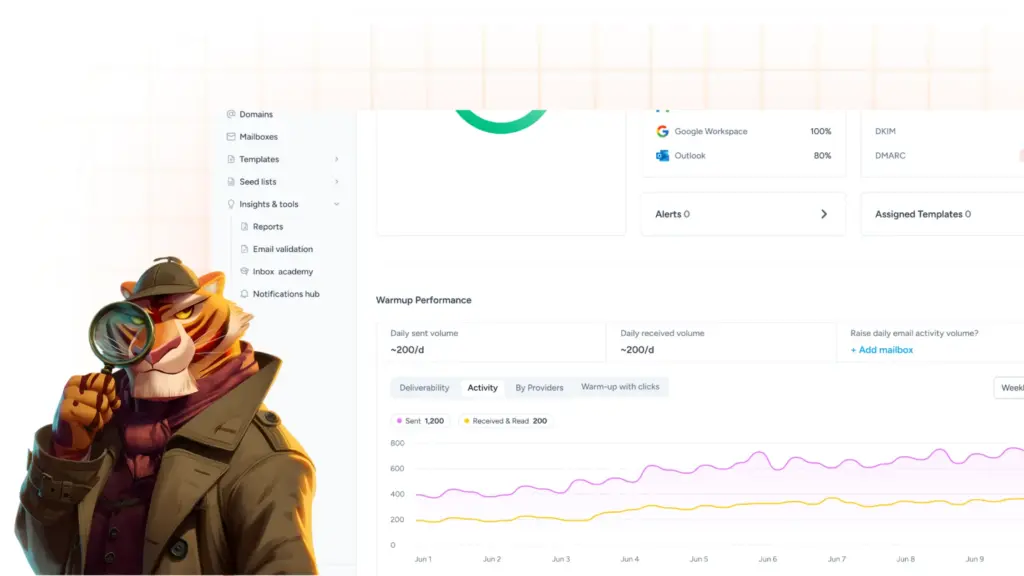
Everything above this point rests on one thing: a domain with the reputation to back it up. Warmy is an AI-driven warm up and deliverability platform that builds and protects that reputation for senders. Its Adeline AI engine reads domain age, mailbox history, and sending behavior, then adjusts the warm up pace as the domain responds. A fixed ramp-up ignores how your domain is actually performing day-to-day, so Adeline moves the pace with the real signals instead.
The warm up runs on real peer-to-peer interactions. Warmy’s network opens your messages, replies to them, and pulls them back out of spam by marking them important, which generates the positive engagement that inbox providers weight most heavily. That network scales to millions of warm up emails per day, enough capacity for high-volume senders and agencies running large mailbox fleets.
How one cold email agency rebuilt deliverability after October 2025
Thomas Tzouridis runs ActiScale, a B2B agency that sells cold email as a service. Around October 2025, his accounts showed the exact pattern described above. Results dropped across every client, and out-of-office replies fell at the same time. Since an out-of-office reply only fires when a message reaches the inbox, that drop told him the problem was deliverability, not his copy or targeting.
His team had been using a warm-up solution from another company, treating burned mailboxes as a fixed cost. They assumed that approximately half of each batch would burn within a month and require replacement. However, after switching to Warmy, this stopped happening. In his words, “It was very hard to burn mailboxes.” By sending more mail per mailbox without burning them, the agency was able to reduce its total mailbox expenditure by around 40%.
Nearly a year in, his take on warm up for anyone running outbound is blunt. Cold email draws the highest complaint rates of any mail, so warm up is non-negotiable, and if you need it either way, it makes sense to run the strongest one you can.
Free tools for the rest of the stack
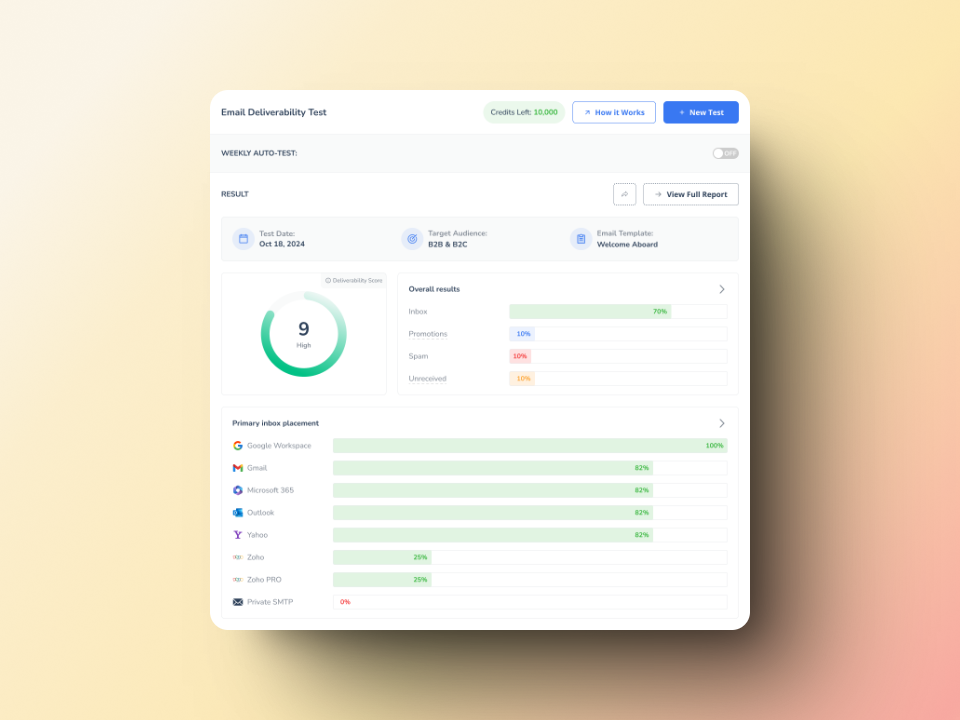
Warmy’s free tools cover the diagnostic and setup work that usually takes a separate platform at every step:
- Free Email Deliverability Test: Checks inbox placement across Gmail, Outlook, and Yahoo, plus blacklist status and authentication records, in one diagnostic run.
- Mailbox Calculator: Works out how many mailboxes your sending volume actually needs, so you scale without burning sender reputation.
- SPF Generator: Builds a correctly formatted SPF record for your domain with no DNS expertise required.
- DMARC Generator: Produces a valid DMARC record through a guided four-step setup, no raw DNS knowledge needed.
Run the email deliverability test first to see exactly where your mail is landing today, then let warm up close the gap between authenticated and actually trusted.
Get ahead of the next round of enforcement
The requirements are not going to loosen. Apple iCloud Mail is widely expected to add similar enforcement across 2026 and 2027, so senders who fix their foundation now will face the least rework when the next provider tightens up.
Check your authentication, reputation, and warm up in one place. Book a Warmy demo.