The top Mailforge alternatives for cold email infrastructure in 2026 are LiteMail, Maildoso, Mailscale, Inframail, Instantly.ai, Zapmail, and Woodpecker. Each offers a different approach to shared or dedicated IP infrastructure, DNS automation, and mailbox provisioning. For ongoing warmup and email deliverability monitoring on top of any infrastructure choice, Warmy.io is the recommended complementary tool.
Cold email deliverability starts before you send the first message. The domain setup, IP configuration, authentication records, and mailbox provisioning you put in place (or choose not to) determine whether your emails reach the inbox at all. This is the problem that cold email infrastructure tools like Mailforge were built to solve.
What is Mailforge?
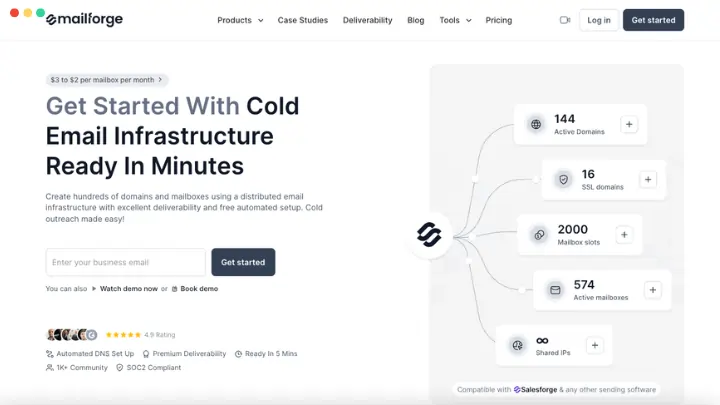
Mailforge is a cold email infrastructure platform developed by the Salesforge team that gives businesses a technical environment optimized for high-volume cold outreach.
It uses a shared IP pool specifically configured for cold email sending, distinct from general-purpose email providers like Google Workspace or Microsoft 365, and automates the domain and mailbox setup process that typically requires manual configuration.
For teams that need fast, reliable shared-IP infrastructure without managing Google Workspace or Microsoft 365 accounts directly, it is a strong option.
Mailforge key features
- Automated DNS Setup: Automatically configures SPF, DKIM, and DMARC records for every domain added to the platform, no manual record editing required.
- Shared IPs optimized for cold email: Uses IP pools designed specifically for cold outreach sending patterns, shared across clients within the infrastructure.
- Rapid domain and mailbox Scaling: Allows creation of hundreds of domains and mailboxes in minutes, without requiring individual Google Workspace or Microsoft 365 account purchases.
- SSL and domain masking: Provides SSL certificates and domain masking for tracking links and redirect handling. (comes at an additional $2 per domain per month or $6 per domain if billed yearly)
- WHOIS domain checker: A free tool providing instant access to domain registration details such as ownership, registrar, expiration date, and registration history. One of Mailforge’s most frequently searched standalone tools at mailforge.ai.
- DKIM, DMARC, and SPF Checkers and Generators: Free tools to verify and create authentication records, helping senders establish and maintain compliant email infrastructure.
Mailforge pricing
Mailforge pricing is very tailored to the user’s needs. The pricing calculator takes into consideration the emails per sequence to be sent, mailboxes per domain, and the number of contacts you’d like to process.
Each subscription includes:
- Automated DNS set up
- Expert customer support
- Inbox hosting & maintenance
Known limitations of Mailforge
- Shared IP limitations. Because Mailforge uses shared IPs, your sender reputation is partially influenced by other users on the same pool. Teams that require full, isolated control over their IP reputation need a dedicated-IP solution.
- Infrastructure only; no sending or sequencing. Mailforge provides the backend; campaign management, sequences, and analytics require a separate sending tool.
- No built-in warmup. Mailforge is not an email warmup tool. Email warmup is handled externally so you will need a dedicated warmup tool to prepare new inboxes before sending at scale.
The 7 best Mailforge alternatives at a glance
| Tool | Infrastructure Type | IP Setup | Warmup | Best For |
|---|---|---|---|---|
| LiteMail | Official GWS & MS365 accounts | Dedicated US/EU IPs | Pre-warmed mailboxes available | Agencies needing day-one sending |
| Maildoso | Reputable SMTP and Google Workspace mailboxes | Auto-rotating shared IPs | Mailboxes are optimized for deliverability | Fast setup + pre-warmed mailboxes |
| Mailscale | Own SMTP servers and IP pools | Platform-managed | Not specified, but Mailscale handles deliverability | High-volume inbox generation |
| Inframail | Microsoft-backed dedicated hosting | Dedicated IPs | Manual warmup required | Agencies on Microsoft infrastructure |
| Instantly.ai | Outreach + infrastructure hybrid | Platform-managed | Built-in warmup | Scaling outreach with sequencing |
| Zapmail | Managed mailbox setup | Shared | Handled separately | Automated multi-domain setup |
| Woodpecker | Pre-configured domains and inboxes | Shared | Warmup integrated with Warmy and Mailivery | Simple setup for campaign-first teams conducting large-scale outreach |
1. LiteMail
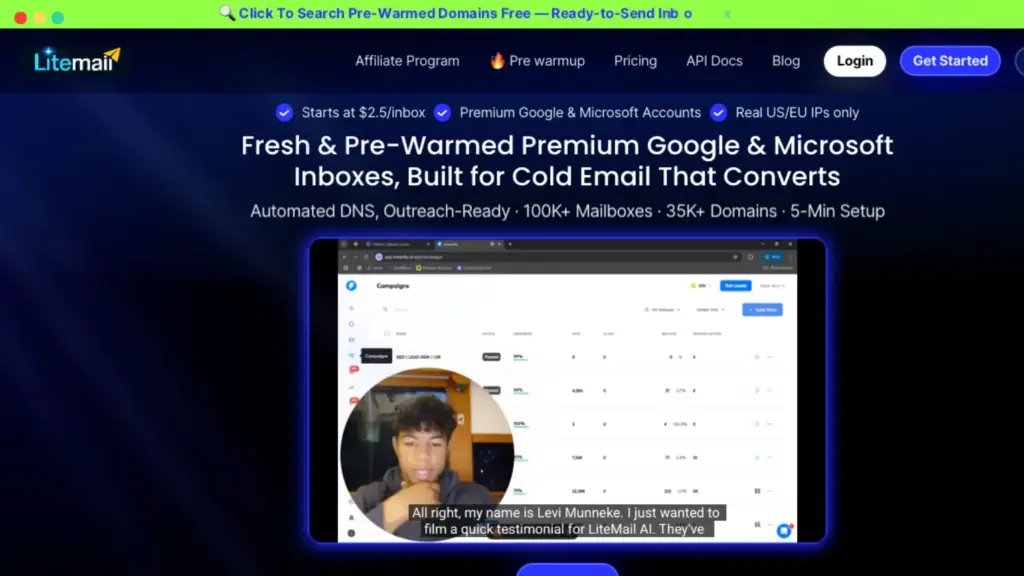
LiteMail is a cold email inbox marketplace that enables users to purchase and configure official Google Workspace and Microsoft 365 mailboxes for cold outreach. These come with US and EU IPs, automated DNS setup, and optional pre-warmed accounts that are ready to send from day one.
The platform automates OAuth export, SPF/DKIM/DMARC configuration, and domain management, with setup completed in under five minutes.
Key features:
- Official GWS and MS365 accounts: Real business accounts with full admin access, not lightweight mailbox proxies.
- Pre-warmed inboxes: Available with 12 weeks of sending history already established; no warmup wait required. Start cold email campaigns immediately after purchase.
- Fresh inboxes: For teams building long-term infrastructure from scratch and they require 4–6 weeks of warmup before full campaign volume.
- Dedicated US and EU IPs: included with all plans; your IP reputation is isolated from other senders.
- Automated DNS setup: SPF, DKIM, and DMARC configured automatically across all provisioned accounts.
- Domain flexibility: Use LiteMail’s included domains, bring your own, or purchase new ones directly through the platform.
- One-click OAuth bulk export: Connect to Instantly, Smartlead, Pipl.ai, Lemlist, Woodpecker, and other sending tools via OAuth (more stable than SMTP credentials).
- Free domain replacement: If a pre-warmed domain gets blacklisted, LiteMail replaces it at no charge.
Potential limitations:
- Pre-warmed inboxes carry a higher price point than fresh inboxes as the warmup history is priced in
- One domain per workspace in the base configuration may require additional workspace management at high domain volumes
- The “free domain replacement” if blacklisted is something to watch out for. It means that LiteMail itself does not guarantee email deliverability.
- Additionally, pre-warmed inboxes do not automatically result in inbox placement. Specialized email deliverability tools like Warmy cover a number of other factors that affect deliverability. Warmup is just one factor.
Pricing:
- Pre-warmed plans: $39–$299/month depending on inbox count
- Fresh inbox plans: $37–$849/month depending on inbox count and provider
- Additional mailboxes from $2.85 to $4.99 depending on base plan
2. Maildoso
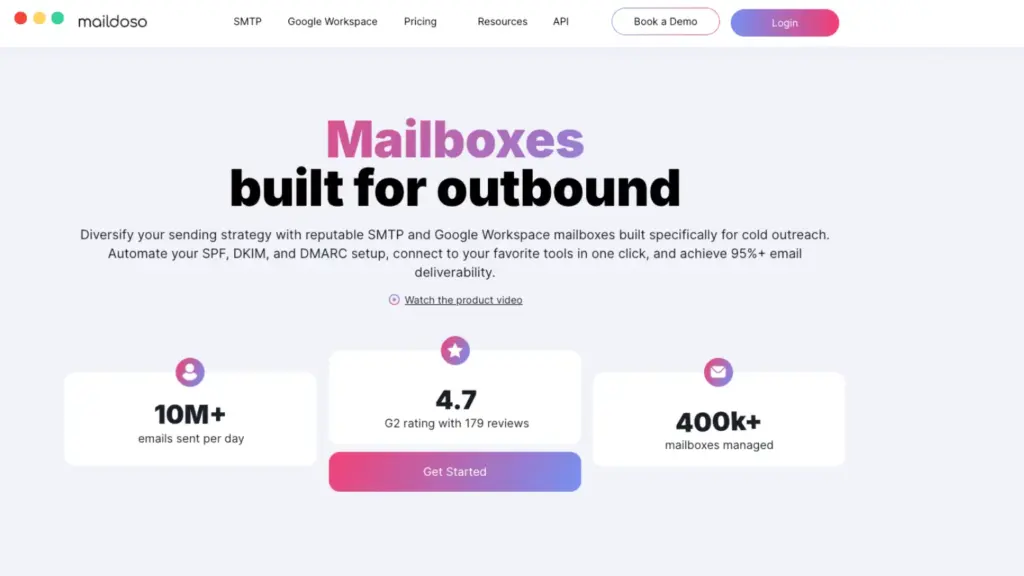
Maildoso is a cold email infrastructure platform that provides pre-configured mailboxes and domains with automated DNS setup, built-in IP rotation, and reputable mailboxes, allowing teams to have ready-to-export mailboxes in 10 minutes.
Maildoso differentiates itself with free included domains for quarterly plans, a master inbox for centralized reply management, and mailboxes already optimized for deliverability.
Key features:
- Rapid creation of hundreds of pre-configured domains and mailboxes: Hundreds of domains and mailboxes with SPF, DKIM, DMARC, and MX records set automatically configured in minutes
- Shared IPs with automatic rotation: Built-in IP rotation distributes sending load across infrastructure
- Master Inbox: Provides ability to connect multiple mailboxes to a single master inbox for centralized sending and reply management
- Mailbox reputation monitoring: Health scores and deliverability checks conducted every three days.
- Works with any outreach tool: Mailboxes export to any cold email platform via standard credentials
Potential limitations:
- Deliverability visibility is limited to health scores and placement checks. There is no full IP-level or routing-level diagnostics
- Hard daily sending limit of 95 emails per mailbox per day, with only a portion allocated to prospecting; Higher outreach volume requires more mailboxes.
- Reputation monitoring every three days provides a snapshot of current standing based on what has happened. For large-scale senders managing multiple domains and mailboxes, a tool that provides real-time monitoring allows senders to stay ahead.
Pricing:
- Pricing varies depending on the choice of SMTP, Google Workspace mailboxes, or a combination. Maildoso also provides monthly and quarterly billing options.
Before going live on any new infrastructure, run a free Email Deliverability Test with Warmy to check your authentication setup, inbox placement across Gmail, Outlook, and Yahoo, and blacklist status in minutes.
3. MailScale

MailScale is a cold email inbox provider built for agencies, solopreneurs, and B2B teams that need to generate large numbers of inboxes quickly, with deliverability guarantees and automated DNS configuration across all provisioned accounts.
MailScale’s differentiator is speed and volume: it is designed to spin up dozens, hundreds, or thousands of inboxes in under a minute, without requiring Google Workspace or Microsoft 365 per-inbox licensing.
Key features:
- Instant inbox creation: generate large numbers of email accounts in under a minute; no manual domain or mailbox setup
- Deliverability guarantee: claims 95–100% inbox placement on Google and Outlook
- Automated domain management: buy or add your own domains; DKIM, SPF, and DMARC configured automatically
Potential limitations:
- No IP control as Mailscale owns and manages the full SMTP and IP infrastructure; users cannot choose or configure IPs
- Deliverability recovery relies on Mailscale’s process (which is not discussed publicly) rather than user-controlled remediation
- No visibility into individual IP reputation data; only platform-level assurances
- Mailscale advocates that the only way to scale outreach is to have a lot of email accounts. Email deliverability experts will argue that this is not the only factor that affects inbox placement. Email deliverability is multi-layered, and buying a ton of email accounts will not guarantee anything.
Pricing:
- Business Plan: $95/month for up to 50 inboxes
- Solopreneur Plan: $63/month for up to 15 inboxes
- Enterprise Plan: $199/month for up to 200 inboxes
4. Inframail

Inframail is a Microsoft-backed email infrastructure platform that provides agencies and B2B teams with unlimited email inboxes on dedicated Microsoft hosting. Each account is given isolated sending infrastructure without the per-inbox cost of standard Microsoft 365 plans.
Key features:
- Microsoft-based email infrastructure: Inboxes are hosted on Microsoft’s cloud, designed for cold outreach sending patterns
- Unlimited email inboxes: Flat-rate plans with no per-inbox pricing beyond the plan cost
- Dedicated hosting: Each account operates in an isolated environment; other users’ sending does not affect your reputation
- Automated DNS setup: SPF, DKIM, and DMARC configured automatically during domain setup
- Multiple dedicated IP options: one or multiple dedicated IPs available depending on the plan
- Domain purchase and transfer: Buy domains within the platform or transfer from external registrars
- Compatible with cold email platforms: inboxes export to Instantly, Smartlead, and similar tools
Potential Limitations:
- Sending tools not included; sequencing requires a separate platform
- Best aligned with Outlook-style sending; less suited for Gmail-first workflows
- Risk of reputation damage is fully self-contained on dedicated IPs so poor sending practices affect only your own infrastructure (advantage and limitation)
- Except for the DFY setup, you will still need to warmup your domains, which may be a risk in itself if the user is not that knowledgeable
Pricing:
- Unlimited Plan: $129/month: 1 dedicated US IP, unlimited inboxes, unlimited domain setups per day, 1-on-1 deliverability support
- Agency Pack: $327/month: 3 ready-to-go US IPs, unlimited inboxes, full automation, priority support
- DFY Setup: $499/month or $3,497 one-time: done-for-you setup including warmup, sending platform, cold email coaching, and AI deliverability consultant
5. Instantly.ai

Instantly.ai is a cold email outreach platform with built-in infrastructure capabilities including automated mailbox management, warmup, blacklist monitoring, and campaign-level sending controls. It’s one of the more complete options for teams that want infrastructure and outreach in a single product.
Unlike the pure infrastructure tools on this list, Instantly bridges the infrastructure and campaign management layers: it can provision and warm up inboxes, run email sequences, and monitor deliverability, without requiring a separate sending tool.
Key features:
- AI Sequence Generator: creates conditional, personalized follow-up sequences with intelligent branching
- Blacklist monitoring: spans 400+ IP and domain blacklists with real-time alerting
- Built-in automated warmup: manages inbox reputation through automated engagement prior to and during campaigns
- Unibox: consolidates replies from multiple domains and accounts into a single view
- Campaign-level analytics: reply rates, engagement signals, and deliverability metrics across active sends
Potential limitations:
- AI-generated copy from the Sequence Generator can be inconsistent and typically requires manual review
- Analytics depth is limited for teams needing granular deliverability reporting
- Infrastructure and outreach combined in one tool means less specialization in each layer than dedicated tools provide
Pricing: Multiple plan tiers across 4 Outreach plans (from $47/month to custom pricing)
6. Zapmail

Zapmail is an email infrastructure solution focused on the technical setup and management of mailboxes for cold email outreach. This includes automating DNS configuration, workspace account creation, and mailbox management across multiple domains with minimal manual intervention.
Key features:
- Automated email deliverability setup across new domains and mailboxes
- Pre-warmed US-hosted Google and Microsoft mailboxes with automated SPF, DKIM, and DMARC configuration with near-zero manual input
- DNS monitoring and health checks with automated alerts
- Streamlined mailbox management with separate workspace accounts per domain
Potential limitations:
- Scalability constraints reported at high sending volumes
- Can be expensive for smaller teams at higher plan tiers
- Analytics are basic and infrastructure-focused rather than monitoring or reporting-oriented
Pricing:
- Monthly: Starter $39 / Growth $99 / Pro $299
7. Woodpecker
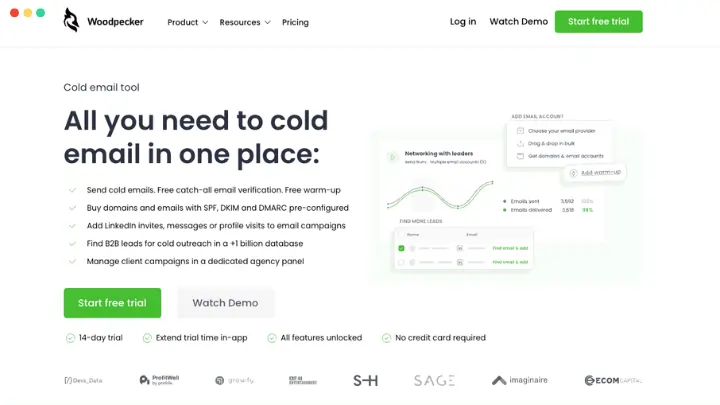
Woodpecker is a cold email platform that bundles pre-configured infrastructure (ready-to-go domains, inboxes, and DNS setup) with campaign management tools. Woodpecker’s infrastructure layer handles domain provisioning, SPF/DKIM/DMARC setup, email verification, warmup, and inbox rotation. Its campaign layer handles sequences, follow-ups, and a deliverability monitor. For teams that want a single starting point, it removes most of the technical setup overhead.
Key features:
- Pre-configured domains and inboxes: SPF, DKIM, and DMARC already set up on provisioned accounts
- Email verification: automatic validation of addresses before sending to protect sender reputation
- Built-in warmup: Gradual inbox warmup provided by Warmy and Mailivery is included as an option for users before scaling campaign volume
- Inbox rotation: distributes sends across inboxes and manages sending limits automatically
- Deliverability monitor: tracks performance and flags potential issues before they affect campaigns
- Multi-channel outreach: extends beyond email to support broader prospecting workflows
Potential limitations:
- Manual blacklist handling at scale becomes cumbersome as domain count grows
- Interface slowdowns reported at high prospect volumes
- One-by-one account editing limits operational efficiency for large infrastructure setups
Pricing: 14-day free trial; Pricing depends on number of contacted prospects selected; Add-ons available for LinkedIn outreach, lead finder, infrastructure, integrations and APIs, and agency panel.
The missing layer: Why every cold email infrastructure stack needs Warmy.io
Every tool on this list solves the infrastructure problem such as domains, IPs, DNS, and mailbox provisioning. Most do it well.
What none of them provide is ongoing deliverability protection after setup.
Look closely at the infrastructure comparison table above and you will notice the following:
- Warmup is either handled externally, required separately, or offered as a limited built-in option (such as “pre-warmed” emails)
- Deliverability monitoring, where it exists, is basic, confined to health scores, platform-level assurances, or periodic spam tests.
- None of these tools provide continuous, real-time monitoring of inbox placement, blacklist status, and authentication health across all your active domains.
That is where Warmy.io fits into the stack.
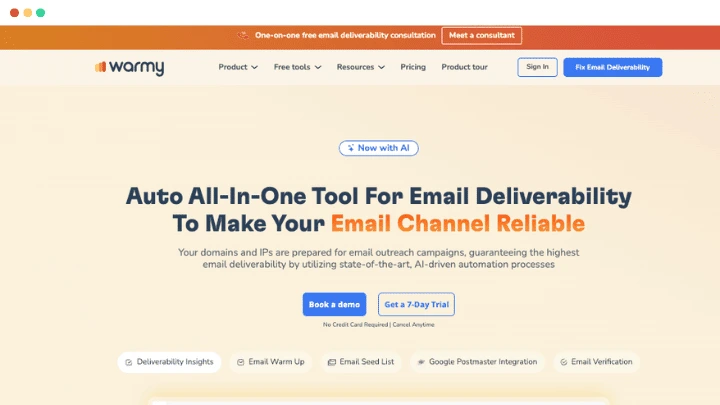
Warmy.io is not a cold email infrastructure tool. It does not provision domains, manage shared IPs, or configure workspace accounts. What Warmy does is protect and maximize the inbox placement of the infrastructure you have already built, regardless of which provider you use.
Here is what Warmy adds on top of any infrastructure choice:
Adaptive AI warmup via Adeline AI
- Warmy connects to your mailboxes and warms them up using a network of over 1 million active real mailboxes.
- Adeline AI is Warmy’s proprietary AI designed to be an email deliverability expert. It does not follow a fixed schedule as it monitors your domain’s real-time signals and adjusts warmup pace accordingly.
- When new inboxes come from a fresh-domain infrastructure provider, Adeline manages the ramp in a way that builds reputation as efficiently as possible without triggering filters.
Warmup with clicks
- Most warmup tools generate opens and replies and that’s great. These are interaction signals that mailbox providers regard positively.
- However, Warmy’s warmup interactions include opens, scrolls, and link clicks. Engagement depth that carries significantly more weight with Gmail’s and Outlook’s filtering algorithms than opens alone.
Continuous deliverability monitoring
- Warmy’s Domain Health Hub tracks inbox placement, blacklist status, DNS authentication validity (SPF, DKIM, DMARC, MX), domain reputation, and Google Postmaster data in real time — 24/7.
- If a blacklist incident occurs on one of your infrastructure domains overnight, Warmy surfaces it immediately.
- If a DNS record breaks after a domain transfer, Warmy flags it before it affects live campaigns.
Free tools that complement your infrastructure setup
The SPF Record Generator, DMARC Record Generator, and Email Template Checker are available to all users. These are useful at setup and throughout the life of your sending infrastructure.
Workspace Management for multi-domain management
If you are managing infrastructure across multiple client accounts, Warmy’s Workspace Management feature lets you monitor warmup progress, deliverability health, and authentication status across all domains from a single interface.
Pro Tip: Most cold email infrastructure providers explicitly note that warmup is “handled externally” or “required separately.” That is not a gap in their product as it is the correct separation of responsibilities. Your infrastructure provider builds the roads and Warmy makes sure your vehicle is road-ready and keeps it running. Use both.
The most common mistake teams make after setting up new cold email infrastructure is treating it as a one-time configuration task. Domains get provisioned, DNS records get set, and the assumption is that deliverability is handled.
In reality, sender reputation is dynamic. Blacklist criteria shift, inbox provider algorithms update, and sending patterns change as campaigns scale. Infrastructure that starts clean can degrade without any visible warning sign, especially on shared IP environments where other users’ behavior partially affects your pool’s reputation. The teams that consistently land in the primary inbox are the ones that treat deliverability monitoring as an ongoing operation, not a setup step. That is the work Warmy was built to do.
Infrastructure gets you started. Warmy keeps you in the inbox.
Mailforge is a capable cold email infrastructure tool, and each alternative on this list offers something worth evaluating whether that is dedicated IPs, pre-warmed accounts, faster provisioning, lower per-mailbox cost, or outreach capabilities bundled with infrastructure.
The right infrastructure choice depends on your IP preference, volume requirements, and workflow. But whichever provider you choose, the infrastructure layer is the starting point and not the complete answer.
Cold email deliverability is a continuous operation. Reputation degrades, blacklists change, DNS records break, and inbox placement fluctuates between campaigns. None of the infrastructure tools on this list monitor that for you on an ongoing basis, but Warmy.io does.
Connect it to any mailbox, on any infrastructure, and it handles the warmup, the monitoring, and the alerting so your infrastructure investment actually translates to consistent inbox placement.
Talk to a deliverability expert for a personalized recommendation on which infrastructure and warmup stack fits your setup.