| TL;DR: SMTP Error 503 5.5.2 means your email client sent SMTP commands out of order, almost always because the RCPT TO recipient command was skipped or sent after DATA. Fix it by making sure your mail client, script, or integration sends commands in the correct sequence: HELO/EHLO, then MAIL FROM, then RCPT TO, then DATA. If the error keeps recurring across different clients or send attempts, the cause is usually a scripting or integration bug rather than a one-off glitch, and pairing correct SMTP syntax with a properly authenticated, warmed-up sending domain resolves it for good. |
|---|
Email depends on the Simple Mail Transfer Protocol (SMTP), the standardized technology that governs how messages move across the internet. SMTP requires commands to be sent in a strict order, and when that order breaks, the server rejects the message with an error code instead of delivering it.
Two of the most common variations of this error are:
- “503 5.5.2 Need rcpt command”. This message is straightforward, instructing that the recipient command must be specified before the email data can be submitted.
- “503 5.5.2 rcpt first”. Another variation that emphasizes the need to provide recipient details before sending the email content.
Both messages point to the same root cause: the recipient command never reached the server before it expected the message data. This guide covers why that happens and exactly how to fix it across Gmail, Outlook, Yahoo, and custom SMTP clients.
What is SMTP Error 503 5.5.2
SMTP Error 503 5.5.2 is a server response returned when the SMTP command sequence breaks down during the email-sending process. It almost always means the client sent a command out of order or with invalid syntax, most commonly the DATA command before a valid RCPT TO command was accepted.
This requirement comes directly from the SMTP standard: RFC 5321 specifies that a RCPT command received without a preceding MAIL command must be rejected, and receiving servers apply the same logic when DATA arrives before RCPT.
503 5.5.2 is one variant within the 5XX class of permanent SMTP errors. You can see how it fits alongside every other code in Warmy’s complete SMTP error code directory.
Because SMTP enforces a fixed command order, the server has no choice but to reject the message until the client sends the missing or corrected command. The email will not go through until the sequence is fixed.
The clearest example is the message “503 5.5.2 Need rcpt command,” which means the client sent the DATA command before the server received a RCPT TO command identifying the recipient.
It is similar to sending a message without writing an address on it.
Read also – SMTP Email Error 503 – How to Resolve [SOLVED]
For the related 503 5.5.1 variant, which usually means authentication is required before sending, see Warmy’s guide to SMTP Error 503 5.5.1.
Causes of SMTP Error 503 5.5.2
Improper Command Sequences
SMTP Error 503 5.5.2 is most often triggered when SMTP commands are sent out of their required sequence. The protocol expects a fixed order to process any email.
The server must first receive the “HELO” or “EHLO” command that greets it, then “MAIL FROM” that identifies the sender, “RCPT TO” which sets the recipient, before any “DATA” is received to write the email.
If the commands are invoked out of order, such as the attempt to send the necessary data before defining the recipient, the server rejects the command chain and returns the error.
Syntax Errors in Commands
Another source that causes this error is syntax errors in the SMTP commands themselves.
A single typo, incorrect formatting, or an invalid character in a command line can block the server’s ability to understand and process the request.
The server then returns Error 503 5.5.2.
Syntax problems aren’t unique to 503 errors. Related issues also trigger SMTP Error 500, SMTP Error 501, and SMTP Error 502, depending on which command the server rejects.
Incomplete Command Execution
SMTP Error 503 5.5.2 can also occur when a command is executed with missing required parameters.
For instance, an RCPT TO command sent without an actual email address is incomplete, and the server responds with an error.
Server-Specific Requirements
Some email servers apply requirements or enhancements beyond the standard protocol, and disregarding them will trigger an error response.
How strict this is varies by provider: some enforce extra security checks or stricter command ordering before they accept the message.
Pro Tip: If Error 503 5.5.2 only shows up when you’re sending through a script, API, or third-party integration, check the code first. Manual sends through a webmail client rarely trigger this error, so a recurring 503 almost always points to how an automated tool is issuing SMTP commands rather than a problem with your account.
Resolving SMTP Error 503 5.5.2: A Step-by-Step Guide for Popular Email Clients
Gmail
- Access Settings. Open Gmail and go to the gear icon to open ‘Settings’, then select ‘See all settings’.
- Accounts and Import. Navigate to the ‘Accounts and Import’ tab.
- Change Account Settings. Under ‘Send mail as’, click ‘Edit info’ next to the email address you use.
- SMTP Settings. Check the SMTP settings:
- SMTP Server: smtp.gmail.com
- Username: Your full email address
- Password: Your password
- Port: 587 (TLS) or 465 (SSL)
- Ensure Proper Command Sequence. Ensure that your email client or any applications integrated with your Gmail are using proper SMTP command sequences. This usually involves adjusting settings or scripts to authenticate and set recipients correctly before sending email content.
For the authentication requirements Google enforces on top of these settings, see Google’s bulk sender guidelines.
Outlook
- File Menu. Open Outlook and go to the ‘File’ tab, then ‘Account Settings’ > ‘Manage Profiles’.
- Email Accounts. Select ‘Email Accounts’, then double-click on your account.
- More Settings. In the new window, navigate to the ‘Outgoing Server’ tab.
- Ensure ‘My outgoing server (SMTP) requires authentication’ is checked.
- Advanced Settings. Under the ‘Advanced’ tab, confirm the following:
- Outgoing server (SMTP): 587 (TLS recommended)
- Command Order. Check any script or application settings that interact with Outlook to ensure they follow the correct SMTP command order.
Yahoo
- Settings Access. In Yahoo Mail, go to ‘Settings’ > ‘More Settings’ > ‘Mailboxes’.
- Account Selection. Select your account.
- SMTP Configuration. Check and update the SMTP settings:
- SMTP Server: smtp.mail.yahoo.com
- Port: 465 (SSL) or 587 (TLS)
- Requires SSL/TLS: Yes
- Verify Command Sequence. Ensure that all commands are sent in the proper order, especially when using third-party apps or scripts.
Other Email Clients
- Review SMTP Settings. Access the SMTP settings specific to your email client. Ensure that the server address, port, and authentication methods are correct.
- Command Sequence Verification. Verify that any scripts or third-party applications interacting with your email service follow the correct SMTP command sequence. This typically involves checking the source code or settings in automated email software.
- Test and Debug. Send test emails to check if the error persists. If issues continue, consider enabling detailed logging (if available) to trace the exact point of failure in the command sequence.
Pro Tip: Enabling detailed SMTP logging, even temporarily, is the fastest way to confirm whether RCPT TO is actually reaching the server before DATA. Most command-sequence errors show up in the raw log within the first few lines of a failed session.
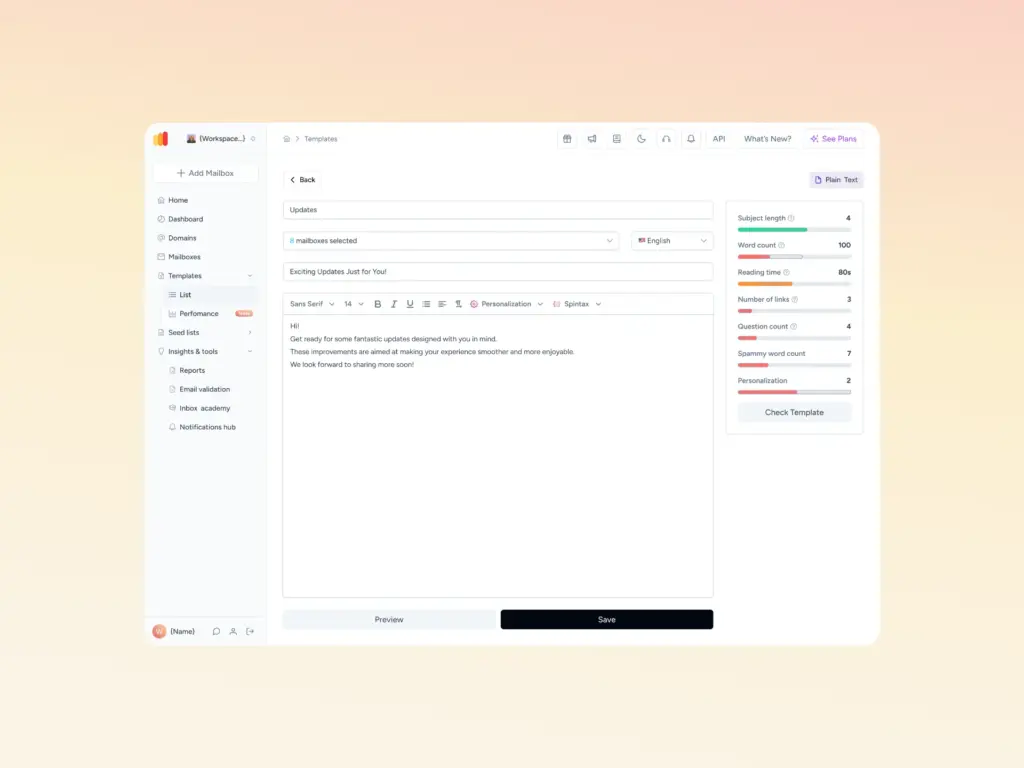
Not sure if command sequencing is the only issue affecting your emails? Run Warmy’s free Template Checker to catch formatting and content problems before you troubleshoot SMTP settings any further.
How Email Deliverability Services Can Help?
Using an email deliverability service can address and reduce many of the root causes of SMTP errors, including 503 5.5.2.
Warmy.io’s email deliverability services are instrumental in ensuring that you have an established and reputable email when you start sending emails from a newly registered email address. Warmy.io
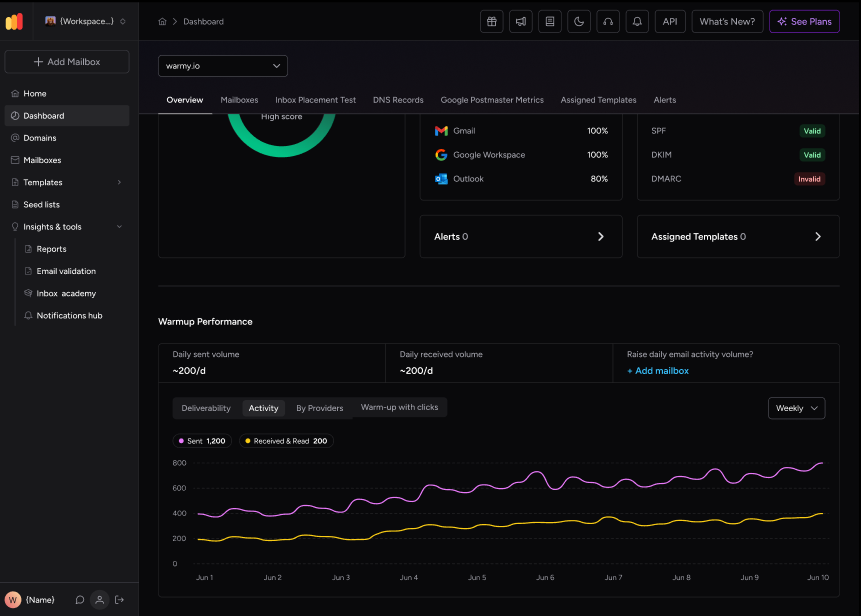
Internet Service Providers (ISPs) evaluate sending behaviors to confirm any potential malicious activities, and determine if your emails are indeed trustworthy. When you send too many emails from a new address at a rapid pace, it can trigger red flags that block your messages and send them to spam folders, even if the email contains legitimate content.
For a full walkthrough of building that reputation from scratch, see Warmy’s guide to warming up a new domain.
Warmy.io also offers a free email deliverability test that shows exactly where your emails land, helping you bypass spam filters and reach the inbox reliably.
Warmy.io also provides warmup services alongside SPF and DMARC record generators, helping you configure email authentication correctly so your domain is protected from spoofing and phishing while keeping a secure sending reputation.
These tools work together with Warmy’s AI-powered email warmup to build the sending history ISPs look for before they trust a new domain.

Pro Tip: A single 503 error rarely damages your sender reputation on its own, but repeated command-sequence failures from the same IP can look like a poorly configured or abusive sender to some receiving servers. Fix the underlying SMTP logic first, then confirm your domain’s standing with a deliverability test.
Conclusion
SMTP Error 503 5.5.2 is usually the result of an incorrect SMTP command order or syntax. It inevitably disrupts email communication, which has immediate and significant repercussions in both personal and professional settings.
If you’re seeing this error, the fix is straightforward: correct your SMTP command sequence, verify your authentication settings, and pair that with a reliable email deliverability service like Warmy to keep your sender reputation strong over the long run.
Ready to stop chasing SMTP errors one at a time? Start your free Warmy trial and let automated warmup and deliverability monitoring catch these issues before they block your next campaign.