SMTP Error 500 means the receiving mail server could not parse the command your email client just sent, either because the syntax was wrong or the command itself was unrecognized. It is a permanent failure, so resending the same message without a fix will trigger the exact same error again.
This guide breaks down why the error happens, how to clear it on Gmail, Outlook, Yahoo, and other providers, and how to fix each numbered variant you might see in your bounce logs. For the full picture of every SMTP reply code, see Warmy’s guide to SMTP error codes and messages.
Decoding SMTP email error 500: a closer look
SMTP Email Error 500 pops up when your email hits a snag on the server’s end, acting like a vague “something went wrong” signal. Per RFC 5321, the SMTP standard maintained by the IETF, code 500 is a permanent negative reply reserved for syntax problems, meaning the server did not recognize the command or the command line was malformed. Because the failure is permanent, the same request should not be resent unmodified. Quick identification of which variant you’re facing is what turns a vague 500 into a specific, fixable problem.
Why SMTP email error 500 happens
The main reasons behind SMTP Email Error 500 boil down to server misconfigurations and network glitches. These are the obstacles that can stop your emails in their tracks or send them off course.
Server Misconfigurations
This is like missing a crucial signpost on your email’s journey. Without the right settings, emails can’t navigate the digital landscape effectively, leading to delivery failures.
Network Issues
Imagine these as unexpected detours or blockades on the internet highway, slowing down or halting your email’s progress towards its destination. DNS misconfigurations are a common culprit here, so confirm your MX, A, and rDNS records resolve correctly using Warmy’s guide to DNS, MX, and A records.
Pro Tip: Before assuming a misconfiguration, pull the raw SMTP transcript from your mail server or client log. The exact text after “500” (for example, “syntax error, invalid character”) usually tells you which command failed, saving you from guessing across every possible cause.
Clearing SMTP email error 500 across platforms
Here’s how to quickly address SMTP Email Error 500, tailored for popular email platforms:
For Gmail Users
Correct Settings
Dive into Gmail settings to confirm IMAP/SMTP configurations are on point. Look under “Forwarding and POP/IMAP” in your settings menu.
Security Check-Up
Scrutinize security settings or third-party app permissions that might be blocking your email flow. Adjust as needed to ensure smooth email delivery.
For Outlook Enthusiasts
Account Settings Alignment
Double-check your account settings in Outlook. Ensure everything from server settings to your email address is correct under “File” > “Account Settings.”
Connectivity Confirmation
Utilize Microsoft’s diagnostic tools to identify and fix any server connectivity issues disrupting your email service.
Yahoo Mail Strategy
Adhere to Limits
Yahoo does not publish an official bulk-sending threshold, but its own support documentation on sending limits points to roughly 500 outbound messages per rolling 24-hour window for standard accounts. Plan your sends accordingly so you don’t trip this ceiling and generate a wave of 500-level bounces.
Inbox Management
Regular inbox clean-ups can prevent receiving issues and help sidestep Error 500.
Other Email Services
- SMTP Settings Accuracy. Verify your SMTP server details including address, port, and authentication requirements are correct.
- Network Checks. Use network diagnostic tools like ping or traceroute to detect any disruptions in your email path.
- Software Updates. Keeping your email client or server software updated can iron out bugs causing Error 500. It’s also worth running your outgoing templates through Warmy’s free Template Checker, which flags formatting issues and spam triggers before they ever reach an SMTP server.
Not sure whether error 500 is already hurting your inbox placement? Run a free email deliverability test to see exactly where your emails land across Gmail, Outlook, and Yahoo.
Deciphering SMTP email error 500 variants
Each variant of SMTP Email Error 500 hints at a distinct problem. Here’s how to quickly address and resolve the most common ones:
500 5.5.1 – Invalid Command
This variant means the server received a command it could not match to any valid SMTP verb, often because two commands were sent out of sequence (for example, DATA before RCPT TO) or a custom script issued a malformed line. Review your SMTP command sequence and confirm your client library follows the standard EHLO, MAIL FROM, RCPT TO, DATA order. Warmy’s dedicated guide to error 500 5.5.1 walks through the exact troubleshooting steps for custom integrations.
500 5.7.1 – Permission Denied
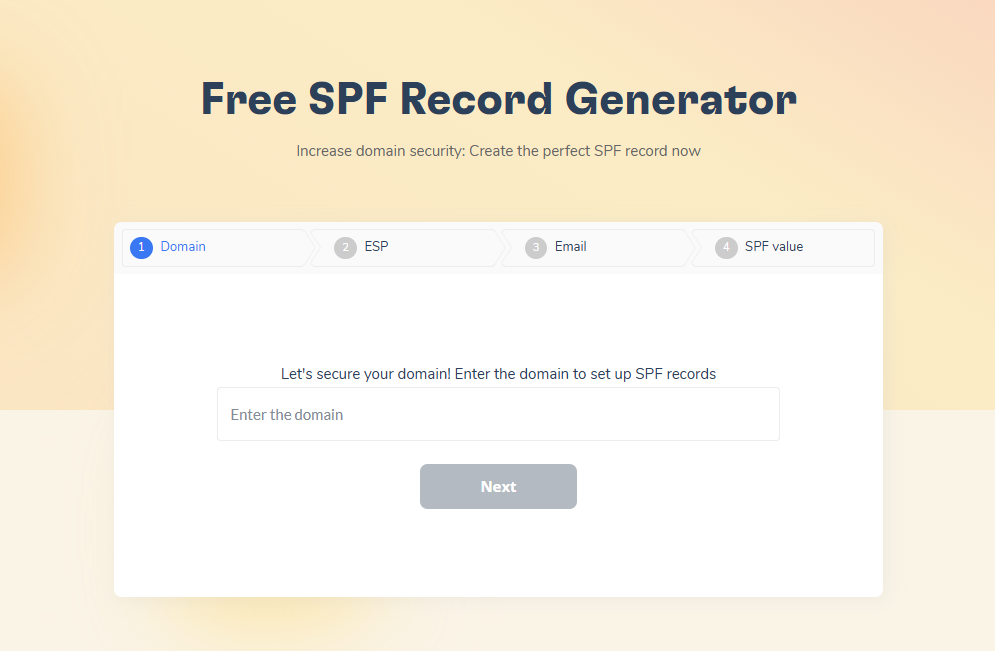
This is about hitting a wall with server policies. Review and adjust your SPF records to cover all legitimate sending IPs, and make sure your emails meet DMARC requirements by being properly authenticated and aligned with your domain’s policy. Warmy’s free SPF Record Generator and DMARC Record Generator can build both records for you in a few clicks. If authentication still fails, check whether your DKIM selector actually matches what’s published in your DNS.
Pro Tip: Monitor your DMARC aggregate reports weekly, not just when a bounce shows up. A sudden spike in failed alignment is often the earliest warning sign of a 5.7.1 rejection, before it starts affecting your whole domain’s reputation.
500 5.3.3 – Unsupported Feature
This variant appears when your message uses a feature or format the receiving server’s software does not support, commonly an outdated mail transfer agent that can’t handle a STARTTLS request or a MIME extension. Update your email client or server software to its latest version, and if you manage your own mail server, confirm STARTTLS is enabled on the correct port. Warmy’s breakdown of error 500 5.3.3 covers the exact fixes for older Exchange and legacy SMTP setups.
500 5.0.0 – Hard Bounce
A 5.0.0 designation marks the rejection as a hard bounce: the receiving server has permanently refused the message and will not accept it again in its current form. Treat every hard bounce as a signal to suppress that address from future sends rather than retrying, since repeated attempts after a hard bounce damage your sender reputation. Warmy’s guide to error 500 5.0.0 explains how to read the full bounce message and isolate the real cause.
Targeting each error with specific actions not only clears the immediate roadblock but also strengthens your email infrastructure against future disruptions, ensuring your emails consistently reach their destination.
Here’s a quick-reference summary of the four variants covered above:
| Code | What It Means | Fastest Fix |
|---|---|---|
| 500 5.5.1 | Invalid or out-of-sequence command | Fix command order; check custom SMTP scripts |
| 500 5.7.1 | Policy rejection (SPF/DMARC failure) | Update SPF record; align DMARC |
| 500 5.3.3 | Unsupported feature or format | Update mail client/server; enable STARTTLS |
| 500 5.0.0 | Hard bounce, permanent rejection | Suppress the address; don’t retry |
Harness Warmy.io’s preventative magic
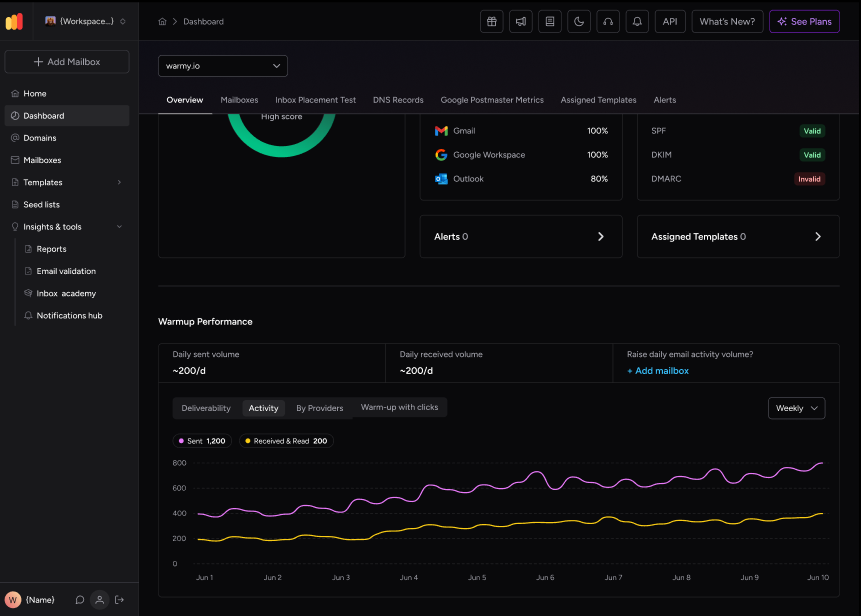
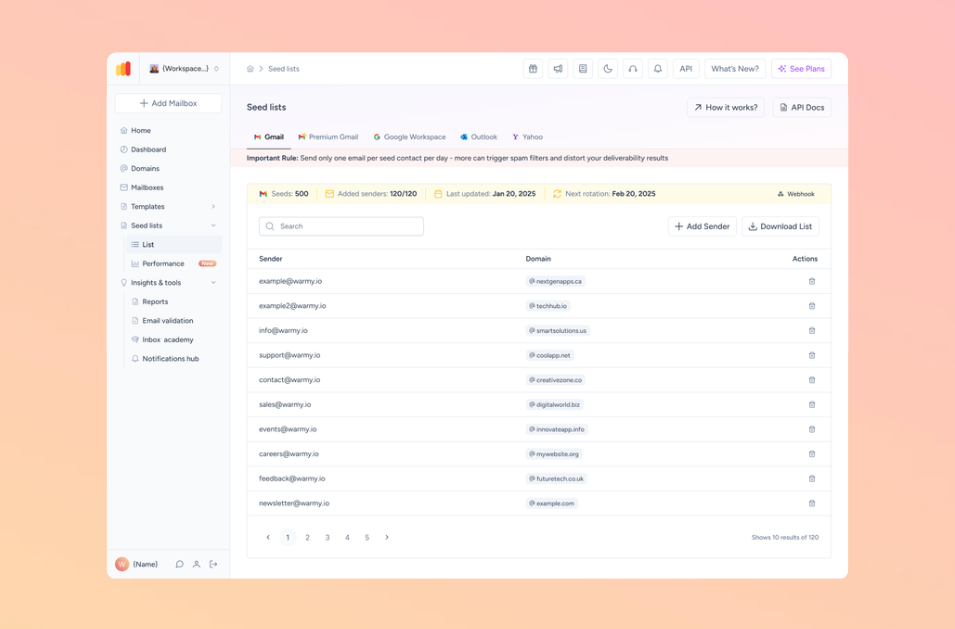
Before SMTP Email Error 500 even has a chance to rear its head, consider enlisting Warmy.io as your first line of defense. This innovative platform doesn’t just react to issues; it prevents them by keeping your email health in tip-top shape. To see exactly how Warmy’s warmup engine builds that reputation, read how Warmy works, and if you send to inboxes across Gmail, Outlook, and Yahoo, its Seed List feature keeps real, active mailboxes engaging with every campaign.
Why Warmy.io? It’s all about the warm-up. By gradually increasing the volume and variety of your sent emails, Warmy.io helps establish a robust sending reputation. This preemptive strategy is akin to stretching before a marathon, preparing your email system for the long haul without tripping over SMTP Error 500.
Pro Tip: Warmup isn’t only for brand-new domains. A domain that’s been inactive for a few weeks, or just went through a sudden volume spike, loses trust with ISPs just as fast as a new one, so re-warming it deserves the same attention as the initial ramp-up.
The Benefits. With Warmy.io, you’re not just dodging errors; you’re setting the stage for smoother email journeys and higher inbox landing rates. It’s like giving your emails a VIP pass, bypassing potential deliverability pitfalls and ensuring they reach their intended audience. Plus, with better server performance and a sparkling sending reputation, your emails can enjoy the spotlight they deserve.
Incorporate Warmy.io into your emailing strategy to keep the dreaded SMTP Error 500 at bay and elevate your email deliverability from good to great.
Final thoughts
We’ve navigated through the complexities of SMTP Error 500, uncovering its causes and laying out practical steps for each scenario. Whether it’s server misconfigurations, network issues, or specific email platform quirks, the path to resolution requires understanding and action.
Essentials to Remember:
- Identify the Variant. Recognizing the specific type of SMTP Error 500 you’re dealing with is crucial for an effective fix.
- Customize Your Fix. Apply platform-specific solutions for Gmail, Outlook, or Yahoo to directly address and resolve the issue.
- Embrace Prevention. Use tools like Warmy.io to proactively maintain your email’s health, sidestepping SMTP Error 500 and boosting deliverability.
Adopting these strategies ensures not just a temporary fix but a robust approach to email management, keeping your communication lines clear and effective.
Ready to stop firefighting SMTP errors and start preventing them? Book a free demo and see how Warmy keeps your sending reputation healthy before error 500 ever has a chance to show up.