Mailgun deliverability is the measure of whether emails sent through Mailgun actually reach recipients’ inboxes rather than being filtered into spam or blocked by receiving servers. To improve it, you need proper SPF, DKIM, and DMARC authentication, clean email lists, consistent sending patterns, a warmed-up IP or domain, and a spam complaint rate below Gmail’s 0.10% threshold.
How Deliverability Is Measured
Metrics Used to Gauge Deliverability
- Delivery rate measures how many emails were accepted by the receiving server, whether they ended up in the inbox or spam.
- Bounce rate shows emails that could not be delivered at all. Hard bounces are permanent failures such as invalid addresses. Soft bounces are temporary issues like a full mailbox.
- Spam complaints track how many recipients mark your emails as spam. High complaint volumes directly harm your sender reputation with ISPs and can trigger automatic filtering.
- Open rates and CTR serve as indirect deliverability signals. Low engagement can indicate messages are landing in spam, though open rates have become unreliable for the reasons covered below.
Why Open Rates Are Unreliable in 2026 (Apple MPP)
Traditional open tracking embeds a small invisible image in each email — when it loads, the open is recorded. Apple’s Mail Privacy Protection (MPP), introduced in September 2021, pre-loads these images on Apple’s servers before the recipient ever opens the message, inflating your reported open rates with phantom reads.
Apple Mail now accounts for approximately half of all email opens globally. A large share of the open rates you see in Mailgun’s dashboard are pre-loaded proxies, not real reads. Use click-through rate as your primary engagement metric — it is far harder to inflate artificially and directly reflects whether recipients are acting on your content. For deeper context on improving your engagement signals, see Mastering Global Email Deliverability.
Challenges in Measuring Deliverability Accurately
- Lack of visibility: once an email is accepted by the receiving server, you typically cannot tell whether it landed in the inbox or spam without running dedicated placement tests.
- ISP filtering algorithms: each ISP applies its own rules, which change frequently. The same sending behavior can produce different outcomes across Gmail, Outlook, and Yahoo.
- Diverse recipient behaviors: different email clients handle messages in ways that affect engagement metrics independently of deliverability.
- Feedback loop limitations: some ISPs offer feedback loops, but the data is often incomplete and does not always identify the root cause of placement failures.
Common Issues Affecting Deliverability
Poor List Hygiene
Not regularly cleaning your list leads to elevated bounce rates, which signal to ISPs that your list management practices are poor. Sending to unengaged subscribers who have not opened or clicked in months also damages your sender reputation over time. Segment these contacts out and either run a re-engagement campaign or remove them entirely. For practical tools to help, this guide to email list scrubbing covers the options.
Low Sender Reputation
Consistently sending to invalid addresses signals poor list hygiene to ISPs, lowering your reputation over time. Gmail’s sender guidelines require all senders to keep spam complaint rates below 0.10%, with bulk senders never exceeding 0.30%. Frequent complaints cause ISPs to filter your future messages automatically. For a full breakdown of what shapes domain reputation, see From Good to Great: Factors That Affect Domain Reputation.
Content That Triggers Spam Filters
- Misleading subject lines: sensational or deceptive subject lines trigger spam filters and reduce recipient trust.
- Overuse of sales language: phrases like “Buy now!” or “Limited time offer!” are flagged by spam detection algorithms, especially when combined with other risk signals.
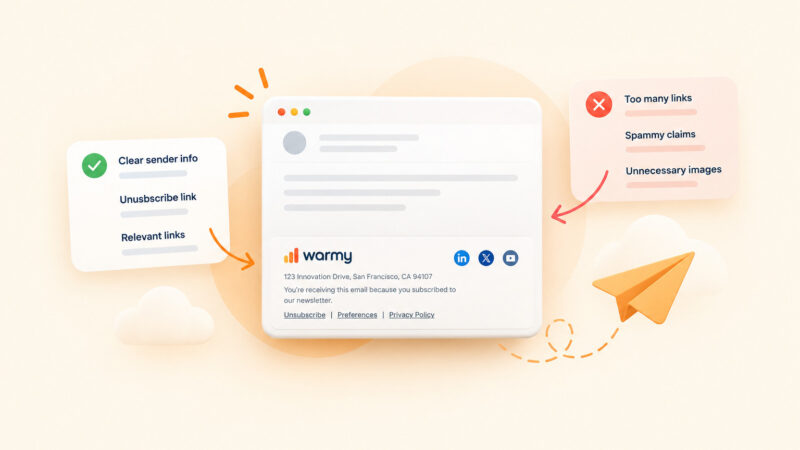
- Poor HTML coding: emails with broken or non-standard HTML are more likely to be filtered, particularly by stricter mailbox providers like Outlook.
Missing or Misconfigured Authentication Records
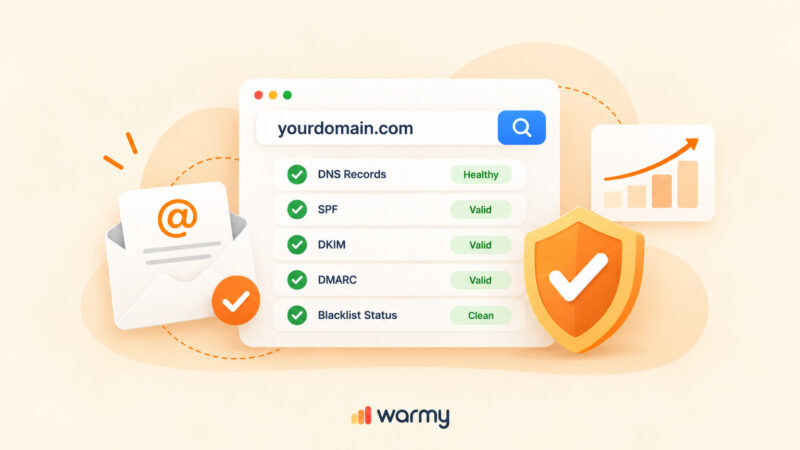
Since February 2024, Google’s email sender requirements make SPF and DKIM mandatory for all senders to Gmail accounts. Bulk senders (5,000 or more messages per day) must also configure DMARC. Gmail began actively enforcing these rules in November 2025, with temporary and permanent rejections for non-compliant senders. The table below shows what each protocol does and who it applies to.
| Protocol | What It Does | Required For |
|---|---|---|
| SPF | Verifies email comes from an authorized server | All Gmail senders (Feb 2024) |
| DKIM | Adds a cryptographic signature verifying the message has not been altered | All Gmail senders (Feb 2024) |
| DMARC | Sets policy for how providers handle emails that fail SPF or DKIM | Bulk senders 5,000+/day (Feb 2024) |
For Mailgun-specific authentication setup, SPF, DKIM, and DMARC Best Practices for Mailgun covers the configuration steps in detail.
Sending Volume Without Email Warm-Up
A sudden spike in sending volume alerts ISPs that something unusual is happening. Gradually increasing your volume over days or weeks demonstrates consistent, legitimate behavior and gives receiving servers time to build trust in your domain. For a full guide, see Warming Up a New Domain.
Additional Challenges
- Inconsistent sending frequency: sporadic campaigns disrupt the consistent pattern that ISPs use to evaluate your reputation.
- Lack of personalization: generic one-size-fits-all emails produce lower engagement, which signals to ISPs over time that your content is not valued by recipients.
Causes of Sudden Drops in Deliverability
When your Mailgun deliverability drops unexpectedly, the cause usually falls into one of four categories.
- Spam traps: your list may contain addresses set up specifically to catch senders with poor list acquisition practices, or old addresses repurposed to identify spammers. To understand all the causes and fixes, see Why are My Emails Going to Spam?
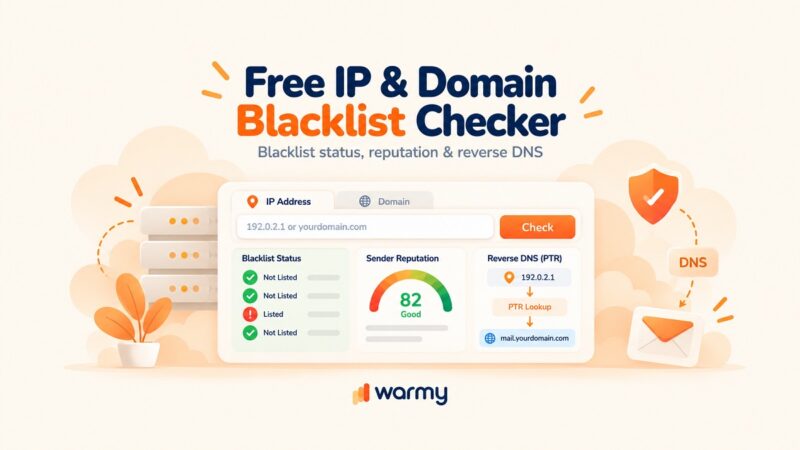
- Email blacklists: if ISPs detect unusual complaint volumes or suspicious behavior from your domain, they may add your IP or domain to a blacklist. Third-party blacklists can block your emails across multiple ISPs simultaneously. Use Warmy’s free Email Deliverability Test to check your blacklist status and inbox placement rate. If your IP is already listed, see Remove IP from Gmail Blacklist for a step-by-step removal guide.
- Volume changes: sudden increases or decreases in send volume trigger spam filter scrutiny, especially without a warmup period for new IPs or infrastructure.
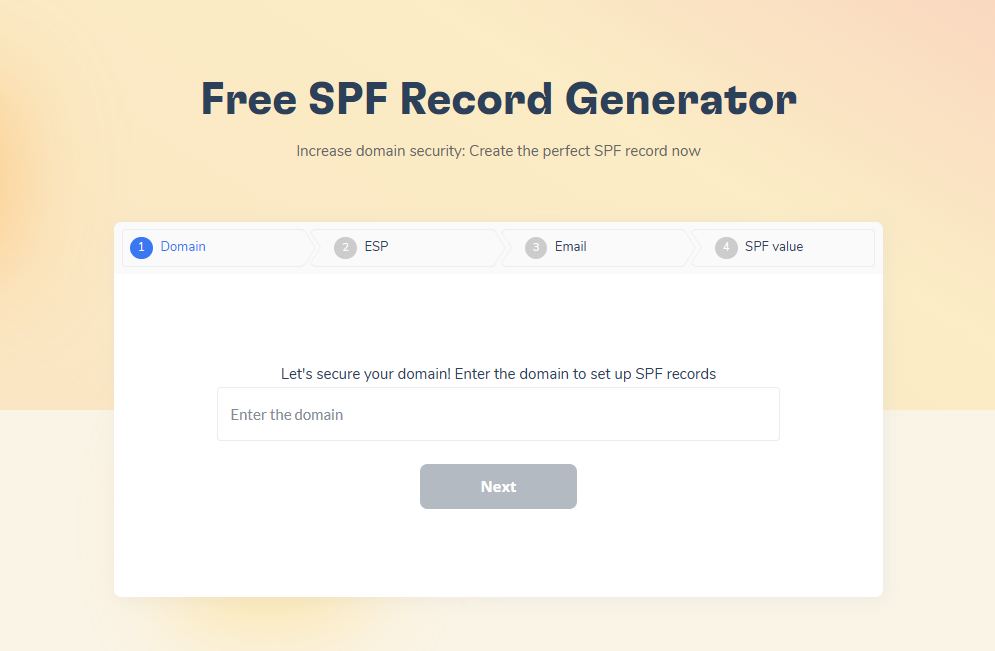
- Authentication failures: SPF, DKIM, or DMARC misconfigurations can cause immediate deliverability drops. Warmy’s free SPF Record Generator and DMARC Generator help you create and validate your records correctly.
Pro Tip: Monitor your domain’s spam rate and reputation in Google Postmaster Tools. It is free, shows how Gmail perceives your sending domain in real time, and is the fastest way to catch a reputation problem before it affects your campaigns. Gmail’s hard spam rate limit is 0.10% — aim to stay well below it.
Reliability and Accuracy of Deliverability Metrics
How Accurate Are Mailgun’s Reported Metrics?
Mailgun’s dashboard reports delivery rate, open rate, and click-through rate. These are useful baselines but have real limitations.
- Delivery rate only confirms the receiving server accepted the message. It does not tell you whether the email reached the inbox or the spam folder.
- Open rates are inflated for any list with significant Apple Mail usage. Treat them as directional indicators, not precise figures.
- Click-through rates are more reliable and better reflect genuine engagement. Use CTR as your primary performance metric.
- Bounce rates are generally accurate, though the specific reason for a bounce is not always returned in full detail. Remove hard bounce addresses immediately and do not attempt to resend to them.
How Warmy Closes the Visibility Gap
That is the gap Warmy closes. Warmy is an AI-driven email warmup and deliverability platform that gives you real-world visibility into where your emails actually land across Gmail, Outlook, and Yahoo before you send a campaign. Its Email Deliverability Test shows you the exact percentage of emails reaching the inbox, promotions tab, and spam folder, checks your domain and IP against major blacklists, and validates your SPF, DKIM, and DMARC configuration in one pass.
Not sure where your Mailgun emails are landing? Run a free Email Deliverability Test and see exactly which inbox, promotions tab, or spam folder your messages reach — before your next campaign goes out.
Improving Email Deliverability with Warmy.io
Step-by-Step Guide to Using Warmy.io
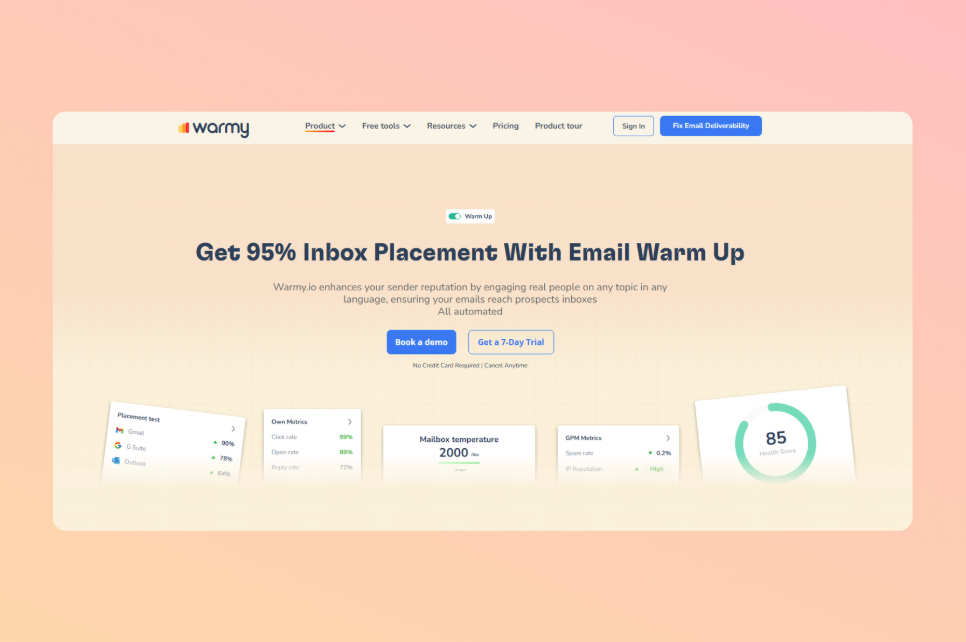
- Start your 7-day free trial. Visit Warmy.io and sign up — no credit card required. You get full access from day one: Adeline AI warmup, Email Deliverability Test, Domain Health Hub, and all record generators.
- Configure your SPF and DMARC records. Use Warmy’s SPF Record Generator to create a correctly formatted record listing your authorized sending IPs. Use the DMARC Generator to set a policy instructing mailbox providers how to handle emails that fail authentication. Start with p=none to monitor, then progress to p=quarantine and p=reject.
- Warm up your IP or domain with Adeline AI. Warmy’s email warmup builds your sender reputation automatically before you send at scale. Adeline AI creates a personalized warmup schedule per mailbox, gradually increases send volume, and generates real engagement signals — opens, replies, clicks, and spam removals — across 30 or more languages.
- Test your inbox placement. Warmy’s Email Deliverability Test shows you exactly where your emails land and why. It checks placement across Gmail, Outlook, and Yahoo, scans your domain and IP against major blacklists, and verifies your authentication records. Use the Domain Health Hub to monitor your domain health score and DNS status across all your domains from one dashboard.
- Check your templates before every send. Before each campaign, run your content through Warmy’s Template Checker. It identifies spam trigger words, formatting problems, and HTML issues that could cause your emails to be filtered before authentication checks even apply.
How to Monitor Mailgun Deliverability with Google Postmaster Tools
Google Postmaster Tools is a free Google service that gives you direct visibility into how Gmail perceives your sending domain. Once you verify your domain, you get dashboards covering domain reputation, IP reputation, spam rate, authentication pass rates, and delivery errors — all updated daily.
To set it up, visit Google Postmaster Tools and verify your sending domain with a DNS TXT record. Monitor the Domain Reputation dashboard: the rating categories are Bad, Low, Medium/Fair, and High. Aim for High and investigate immediately if you drop to Medium or below. The Spam Rate dashboard shows your user-reported complaint rate — keep it consistently below 0.10% to remain within Gmail’s published requirements.
Conclusion
Mailgun deliverability is not a setting you configure once. It requires ongoing attention to authentication, list quality, sending behavior, and engagement signals because email algorithms and mailbox provider requirements evolve continuously. SPF, DKIM, and DMARC are now mandatory for Gmail senders, spam complaint thresholds are actively enforced, and Apple’s Mail Privacy Protection has changed how you interpret open rate data.
Warmy.io gives you the tools to stay ahead: warmup automation powered by Adeline AI, a free Email Deliverability Test, Domain Health Hub, a Template Checker, and record generators for SPF and DMARC. When your Mailgun deliverability needs attention, you get the diagnosis and the fix in one place. To go deeper on AI-driven deliverability, see Maximizing Email Deliverability with Artificial Intelligence on the Warmy blog.
Start your 7-day free Warmy trial — no credit card required. Or book a demo to see how Warmy protects your sender reputation at scale.