Major email service providers such as Gmail and Yahoo are now requiring DMARC implementation for bulk senders. From May 2024 to April 2025, there were roughly around 2 million phishing attacks worldwide, an increase of over 180% since 2021.
This further translates to the necessity of DMARC generators and monitoring tools. This means that ignoring DMARC reports and its configuration will leave your email domain subject to non-compliance, which will have a direct impact on your sender reputation.
This article compares the leading DMARC tools available in 2026, including free and paid options, so you can choose based on your actual use case, whether that’s generating a first DMARC record, parsing aggregate reports, or managing enforcement across multiple domains.
If you are starting from scratch, Warmy’s free DMARC Generator can be a scalable and sustainable solution. It walks you through the most important steps of DMARC generation:
- Email authentication
- Policy enforcement
- Reporting mechanisms
- Phishing prevention and brand protection
What is DMARC monitoring and why does it matter in 2026?
The Domain-based Message Authentication, Reporting, and Conformance, otherwise known as DMARC, is an email authentication protocol that combats fraud and phishing. It also provides instructions for inbox providers on how to handle messages that fail SPF or DKIM verification.
A published DMARC record specifies one of three policy options:
- p=none (monitor only, no action taken)
- p=quarantine (send failing mail to spam)
- p=reject (block failing mail outright).
DMARC generates two types of reports sent to the email addresses you specify in your DNS record.
- RUA (aggregate reports). These are XML summaries delivered daily by participating inbox providers. It covers authentication pass/fail rates, IP addresses sent on your behalf, and policy alignment across all sources.
- RUF (forensic reports). These are detailed logs of individual authentication failures that include message headers. It provides a closer look at why specific messages failed, though not all inbox providers send them.
This is what makes monitoring different from merely publishing a DMARC record. A record that is set to p=none offers no protection if there is no visibility in the reports. It is like trying to act on data you are not reading.
Having a DMARC record is just step one. Monitoring what it’s reporting is the second step.
What to look for in a DMARC tool
For better facilitation and implementation, a DMARC tool must be easy to use, must be able to help senders understand reports, must be able to guide senders on the right policies, must be able to handle multiple domains or mailboxes, and must integrate with the entire deliverability strategy.
Ease of record generation
- If you’re setting up DMARC for the first time, the tool should let you generate a valid DNS TXT record without needing to understand raw DNS syntax.
- A guided setup that explains each tag — v, p, rua, ruf, sp, adkim, aspf — removes the most common source of misconfiguration.
Report parsing and visualization
- Raw aggregate reports are XML files, which are unreadable without a tool that translates authentication data into charts, source breakdowns, and trend lines.
- The quality of this visualization determines how quickly you can spot problems and take action.
Policy progression guidance
- Moving from p=none to p=quarantine to p=reject is a deliberate process.
- A good tool helps you understand when you’re ready to advance and flags the risks of moving too fast, such as legitimate mail sources that haven’t been fully authenticated yet.
Multi-domain or multi-mailbox support
Agencies, managed service providers, and larger organizations managing several sending domains need a tool that handles this natively, ideally with proper access controls.
Free vs. paid thresholds
- DMARC monitoring requires parsing large XML files, storing historical data, and running analytics.
- Thus, some tools implement caps on the number of reports processed per time period, number of records per report, or processing of sending sources.
Integration with broader deliverability monitoring
DMARC is just one piece of the deliverability picture. A tool that sits alongside email warmup, blacklist monitoring, and inbox placement testing gives a substantially more complete view and removes the need to manage multiple disconnected platforms. This integration is the clearest differentiator between DMARC-only tools and full-stack deliverability platforms.
Top DMARC reporting and monitoring tools in 2026
1. Warmy — Best for email deliverability teams that need DMARC tools alongside full inbox placement monitoring
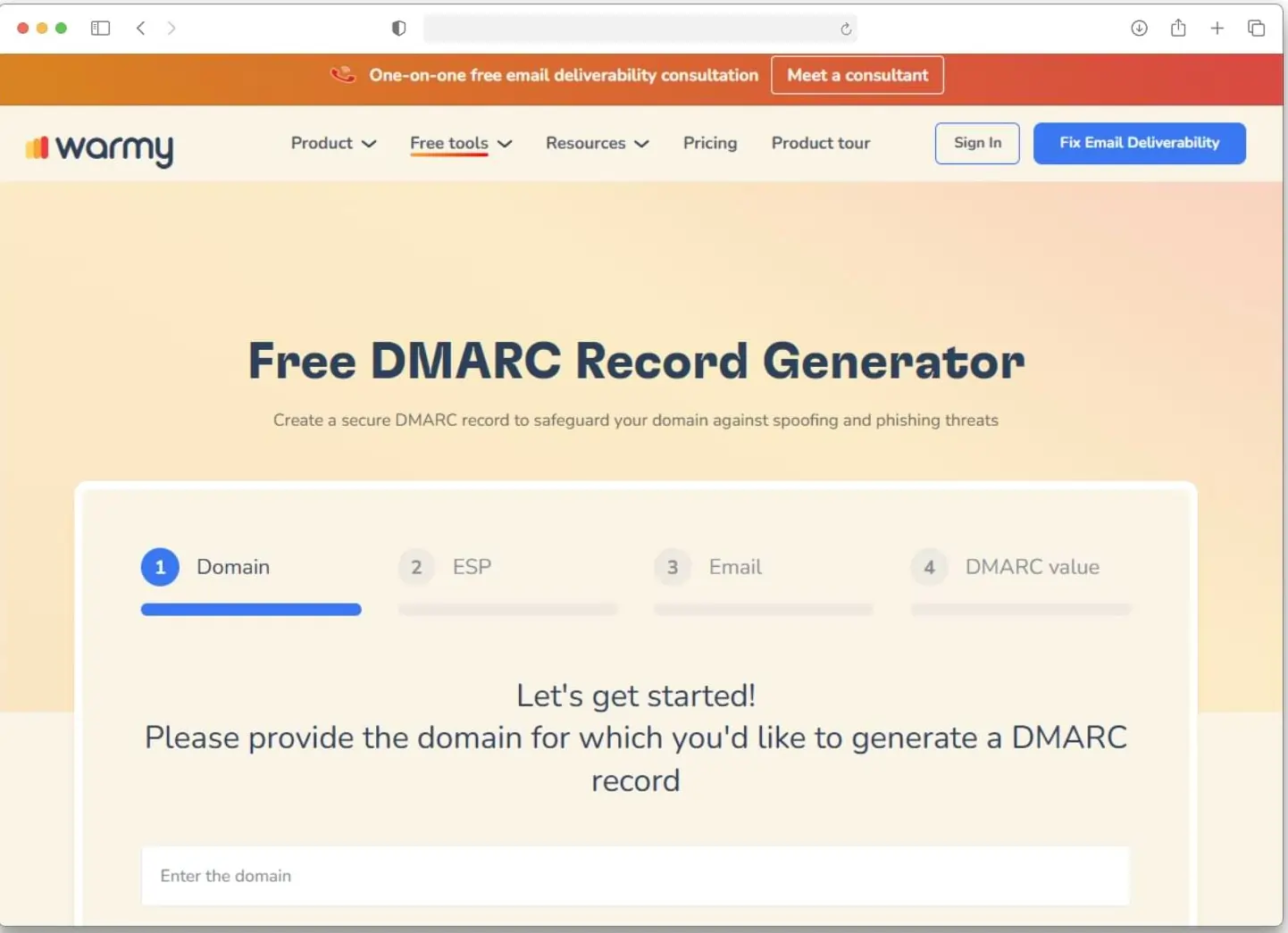
Warmy is an all-in-one email warmup and deliverability solution renowned due to its comprehensive suite of features that help improve overall domain reputation and email health. This suite of features include free DMARC and SPF Generators.
It is the only tool in this list that pairs DMARC record creation with AI powered email warmup, email deliverability testing, and deliverability monitoring under a singular platform.
The free DMARC Record Generator takes you through a four-step guided setup:
- Enter your domain
- Select your ESP
- Enter the reporting email address for rua/ruf reports
- Set your DMARC policy value: none, quarantine, or reject.
At each step, the tool explains what the tags mean and what the options do. It covers all three policy modes, alignment settings for both SPF (aspf) and DKIM (adkim), and subdomain policy (sp) without requiring any raw DNS knowledge. No account is required.
The broader free tools suite include:
- Email Deliverability Test: tests where emails land across Gmail, Outlook, Yahoo, and more
- Free SPF Record Generator: guided SPF record creation
- Blacklist monitoring: Included in the email deliverability test, this feature checks whether your domain or IP appears on major blocklists
- Free Email Template Checker: This tool scans your email content before you launch your large-scale campaigns to identify potential elements that may trigger spam filters
AI-powered email warmup is actually Warmy’s core feature. It works by gradually adjusting warmup pace based on domain behavior, building sender reputation gradually. The platform also supports team and multi-mailbox setups for teams managing multiple sending identities.
One honest note on scope:
- Warmy’s DMARC Generator is a record creation tool, not a report aggregation or forensic analytics platform.
- Teams that need deep forensic reporting at scale will likely use Warmy alongside a dedicated DMARC monitoring service.
- For teams whose primary need is getting DMARC set up correctly alongside a full deliverability foundation—warmup, inbox placement testing, blacklist monitoring—Warmy handles all of that in one place.
Not sure if your DMARC and other authentication records are properly set up? Warmy’s free email deliverability test is a great first step to knowing where you stand. Take the test today.
2. DMARKOFF
DMARKOFF is a DMARC monitoring platform built for teams, agencies, and MSPs handling multiple domains and clients. Where most tools stop at parsing reports, DMARKOFF covers the full workflow from organizing multiple domains to collaborating safely across clients and departments.
Key capabilities:
- Organize domains by client, team, or brand using Projects
- Share access safely without losing ownership or exposing DNS-level credentials
- Unlimited users, workspaces, and DMARC report processing
- Luma, a dedicated AI assistant that explains reports and highlights what needs attention
- Smart alerts that learn your patterns and notify you when something changes
- MCP server support for AI agents, enabling access to live DMARC monitoring data
- Pricing based on domains, not users, messages, or feature tiers
The platform is designed to stay consistent whether you’re managing 10 domains or 100. Structure, permissions, and workflow don’t change as you scale.
You can enjoy professional-grade DMARC management with a 14-day free trial and test-drive every feature in a live demo project.
Best for: Consultants, agencies, and MSPs that need structured multi-domain DMARC management, secure client collaboration, and AI-ready integrations.
3. PowerDMARC
PowerDMARC is a dedicated DMARC management platform that offers hosted DMARC, SPF, DKIM, MTA-STS, and BIMI services.
Its core feature set is built around DMARC report analysis such as:
- DMARC Checker
- DMARC Generator
- DMARC Report Analyzer
Other notable capabilities include the following:
- AI-driven threat intelligence layer
- multi-domain support
- MSP/MSSP partner program designed for managed service providers handling multiple client domains.
API and developer tools are also available for integrations, and reputation and blacklist monitoring are included.
Best for: Organizations that need a dedicated DMARC management platform with threat intelligence, especially MSPs managing multiple client domains.
4. Red Sift OnDMARC
Red Sift OnDMARC is an enterprise-grade DMARC platform that manages DMARC, SPF, DKIM, BIMI, and MTA-STS in one interface. It claims to reach full p=reject enforcement in 6–8 weeks through a structured deployment methodology.
Its key technical feature are:
- Dynamic SPF, which eliminates the 10-DNS-lookup limit that causes SPF failures for organizations with many sending services.
- API Access
- Role-based access controls
- SSO/SAML Authentication
- SOC 2 Type II certification
- Multi-tenancy for managing complex domain portfolios
They also offer a free assessment tool called Investigate which is available without registration.
Best for: Enterprise security teams managing complex, multi-domain environments.
5. Dmarcian
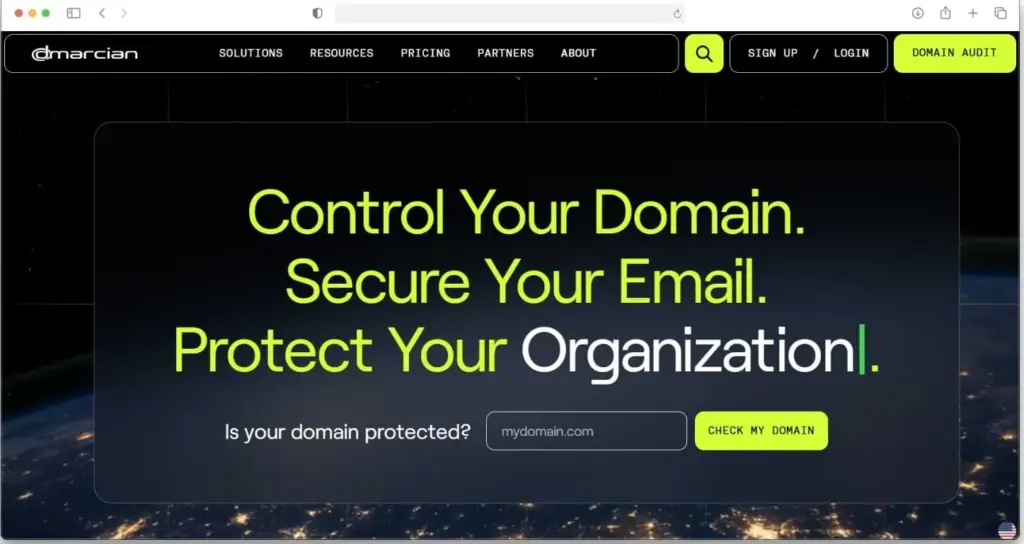
Dmarcian was founded by one of DMARC’s original authors, and it shows in the quality of its documentation and educational resources. It offers the following:
- Free plan that allows 2 domains and 1,250 emails per month
- DMARC Domain Checker
- DMARC Inspector
- DMARC Record Wizard
- SPF Surveyor
- DKIM Inspector
- DKIM Validator
- XML to Human Converter
- DMARC Data Providers
The dashboard is clean and well-suited to someone getting to grips with DMARC for the first time. Paid tiers are also available for business use.
Best for: Individuals learning DMARC or running small pilots; not suitable for business production use on the free tier.
6. Valimail Monitor
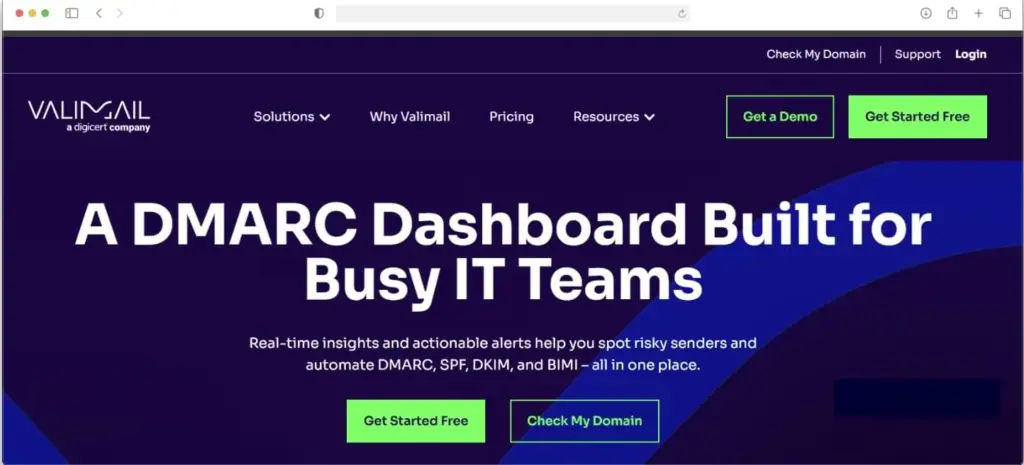
Valimail Monitor stands out among free DMARC tools because it places no volume cap on its free plan, making it one of the few options suitable for monitoring at any sending scale without immediate cost. Its feature includes:
- Free DMARC visibility into email sources and threats
- Continuous DMARC enforcement service.
- BIMI automation and analytics.
Key limitations on the free tier include approximately a 24-hour data delay, no API access, no RBAC, and no forensic reporting.
Best for: Teams running DMARC pilots on non-critical domains who need volume headroom without paying.
7. MXToolbox
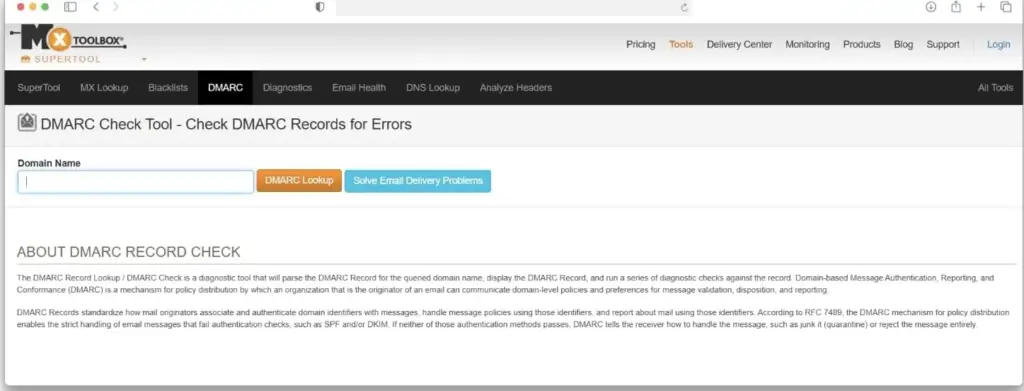
MXToolbox is a free DNS diagnostic tool that includes DMARC record syntax validation, no account required. It confirms whether your DMARC record is correctly published and parses the tag structure.
- DNS lookups: MX, SPF, DKIM, and DMARC record validation to spot authentication issues.
- Blacklist checks: Scans IPs/domains against 100+ DNSBLs for reputation risks.
- SMTP tests: Open relay detection and email header analysis for delivery paths.
- Email health: Comprehensive domain email config audits
It does not offer monitoring, report aggregation, or historical data of any kind. Most useful as a quick check after a DNS change, not a standalone DMARC solution.
Best for: Technical users who want a quick DMARC record check.
Side-by-side feature comparison
The right tool depends on your use case: record creation, report monitoring, enterprise enforcement, or full deliverability management. Use this table to match your requirements.
| Tool | Best For | Key Free Features | DMARC Capabilities | Deliverability Tools | Limitations/Notable Notes |
|---|---|---|---|---|---|
| Warmy | Email deliverability teams needing DMARC combined with inbox placement monitoring and email warmup solutions | DMARC/SPF Generators, Inbox Placement CheckerBlacklist MonitoringDomain Health Email Template Checker | Guided 4-step generator (no account needed); Covers policies, alignment, subdomains | AI-powered email warmupDeliverability testing and monitoringAgency / multi-mailbox support | Generator-focused; pair with dedicated DMARC analytics for deep forensics |
| PowerDMARC | Dedicated DMARC management with threat intelligence (MSPs) | DMARC Checker, Generator, Report Analyzer (limited) | Full hosted DMARC/SPF/DKIM/MTA-STS/BIMI; AI threat intel | Reputation and blacklist monitoring; API integrations | Free tier limited; built for multi-domain MSPs |
| Red Sift OnDMARC | Enterprise security teams with complex multi-domain environments | Free Investigate assessment (no registration) | Full DMARC/SPF/DKIM/BIMI/MTA-STS; dynamic SPF; p=reject in 6-8 weeks | Multi-tenancy, RBAC, SSO/SAML, SOC 2 compliant | Enterprise-grade; assessment-only free tier |
| Dmarcian | Individuals learning DMARC or small pilots | DMARC/SPF/DKIM Checkers, Record Wizard, Inspector, XML Converter (2 domains, 1,250 emails/mo) | Comprehensive educational tools/dashboard | None | Free for personalSmall use only; Not production-scale |
| Valimail Monitor | DMARC pilots at any volume scale (no cap) | Unlimited volume DMARC visibility/threat monitoring | Continuous enforcement, BIMI automation | None | 24hr data delayNo API/RBAC/forensics on free tier |
| MXToolbox | Quick DNS/DMARC record validation checks | DMARC/SPF/DKIM validation, blacklist scans, SMTP tests, email health audits (no account) | Syntax parsing/validation only | Blacklist checksDNS lookups | No monitoring/reports; one-off diagnostics only |
How to generate your DMARC record with Warmy.io (for free!)
Before any monitoring tool can function, your DMARC record must exist and be correctly configured in DNS. A misconfigured record whether due to wrong tag syntax, an invalid rua address, or a policy that conflicts with your SPF and DKIM setup, means reports either don’t arrive or don’t reflect your actual authentication state.
Warmy’s free DMARC Record Generator takes you through the process in four steps.
Step 1: Enter your domain. The tool scopes the record to your specific domain.
Step 2: Select your ESP. Your email service provider determines which IP addresses and mechanisms need to be covered.
Step 3: Enter your reporting email address. This is where DMARC aggregate reports (rua) and forensic reports (ruf) will be delivered. A dedicated address like dmarc@yourdomain.com is common.
Step 4: Set your DMARC policy. Start with p=none if you’re implementing DMARC for the first time. This lets inbox providers monitor and report without blocking any mail. Once you’ve confirmed all legitimate sending sources are correctly authenticated, progress to p=quarantine and eventually p=reject.
The tool also explains alignment settings: adkim (strict or relaxed DKIM alignment) and aspf (strict or relaxed SPF alignment) in context during setup. The output is a ready-to-publish DNS TXT record, no account required.
DMARC alone is not enough to ensure inbox placement. Here’s what else affects your email deliverability
Authentication (SPF, DKIM, and DMARC) is mandatory. Without it, your mail won’t reliably reach the inbox. However, authentication only makes you eligible to be considered by inbox providers. It doesn’t guarantee placement. What inbox providers are actually evaluating is your sender reputation, built over time through observable signals.
- Gmail and Yahoo now require spam complaint rates below 0.3%, with best practice sitting below 0.1%. Bounce rates above 2% signal poor list hygiene and directly suppress deliverability.
- Positive engagement signals—opens, clicks, replies—are the interactions that actively build reputation. And for new domains, that reputation needs time to develop.
- For cold outreach senders and new domains, warmup is the process of gradually increasing send volume while generating positive engagement. In a sense, it is training inbox providers to recognize the domain as a legitimate, trusted sender. Warmy’s AI-powered email warmup adjusts the pace of this process based on domain behavior.
- DMARC monitoring is now a baseline requirement, not an advanced nor optional practice.
For record generation and a broader deliverability foundation, Warmy covers both in one platform.
See it for yourself. Book a demo today.