Warming up an email domain means gradually increasing your sending volume from a new or inactive domain so mailbox providers learn to trust it before you launch cold outreach. Authenticate your domain with SPF, DKIM, and DMARC first, start at 20 to 40 emails a day, and ramp up over three to four weeks before moving to full campaign volume.
Send from a brand-new domain today, and Gmail, Outlook, and Yahoo already have an opinion about you: none. They have never seen this domain send mail before, so every message gets treated with more suspicion, not less, until you prove otherwise.
That is the trap most cold outreach programs fall into. A team registers a fresh sending domain, drafts a sequence, and pushes 200 emails out on day one. The messages bounce, land in spam, or trigger the exact rejection responses covered in Warmy’s complete guide to SMTP error codes and messages. What follows is weeks of damage control on a domain that never had a chance to build trust in the first place.
Warmy is an AI-driven email warmup and deliverability platform that gradually builds domain reputation by simulating the genuine opens, replies, and clicks mailbox providers look for before they will trust a sender. Get the order right, authenticate, then warm, then send, and the domain that would have burned out in week one instead becomes infrastructure that reliably reaches the inbox for years.
What Email Domain Warm-up Is
How to warm up an email domain comes down to one sequence: prove trustworthiness before you need volume, not after. Domain warmup is the process of building a new or inactive sending domain’s reputation by gradually increasing how much mail it sends while generating positive engagement signals along the way. Mailbox providers do not evaluate a single email in isolation. They evaluate the domain sending it: how long it has existed, how consistently it sends, and how recipients respond.
A domain with no sending history is not neutral in the eyes of Gmail or Outlook. It is unproven, and unproven domains get filtered harder by default. Warmup exists to close that gap before you ever launch a real campaign.
For a deeper walkthrough of the full process, see Warmy’s comprehensive guide to warming up a new domain.
Why Skipping Warmup Isn’t an Option (The Cold-Start Penalty)
Every mailbox provider runs a version of the same calculation before deciding where your email lands: does this sender’s behavior look like a real person, or does it look like an attack? A domain that suddenly sends 200 messages after sending zero is the second pattern, even if the content is perfectly legitimate.
The stakes are already high before you factor in a cold domain. According to Validity’s 2025 Email Deliverability Benchmark Report, global inbox placement rates hover in the low-to-mid 80% range even for established, authenticated senders. A brand-new domain with no warmup starts from well below that baseline, often with the majority of its first sends filtered to spam or rejected outright.
This is the cold-start penalty: mailbox providers have no positive signals to weigh against the risk of a new sender, so they default to caution. Warmup exists specifically to feed those providers the positive signals, opens, replies, time spent reading, that shift the calculation in your favor before you need the domain to perform at scale.
For more on how that trust gets built and protected over time, see Warmy’s breakdown of what separates effective warmup tools from the rest.
Step-by-Step: How to Warm-Up an Email Domain
1. Set Up SPF, DKIM, and DMARC First
Authentication has to come before warmup, not alongside it. SPF tells receiving servers which mail servers are allowed to send on your domain’s behalf, DKIM attaches a cryptographic signature proving the message was not altered in transit, and DMARC tells the receiving server what to do when a message fails those checks. Google’s own email sender guidelines require SPF or DKIM for any sender reaching Gmail addresses, with both required plus a published DMARC record for anyone sending 5,000 or more messages a day.
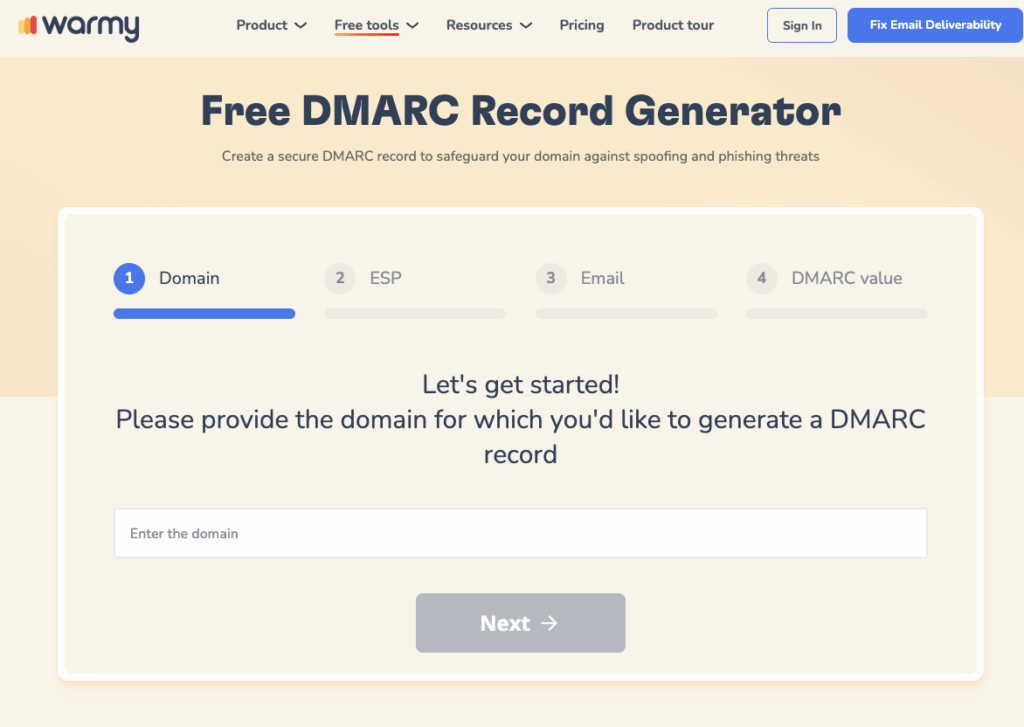
Warming up a domain with broken or missing authentication just teaches mailbox providers to distrust an unverifiable sender faster. Warmy’s free SPF Record Generator and DMARC Generator build correctly formatted records without the manual errors, like exceeding the 10-lookup SPF limit, that quietly break authentication.
2. Start With Low Daily Volume
Once authentication is live, begin sending at a deliberately low volume, typically 20 to 40 emails a day from the domain. The goal in this stage is not outreach, it is generating a small, clean sending history that mailbox providers can start building a reputation around.
3. Follow a Gradual Ramp Schedule
Increase volume incrementally rather than jumping straight to your target send rate. A typical four-week ramp looks like this:
| Week | Daily Volume | Focus |
|---|---|---|
| Week 1 | 20–30 emails/day | Establish sending history; automated warmup exchanges only |
| Week 2 | 30–50 emails/day | Continue warmup; introduce light manual sending to engaged contacts |
| Week 3 | 50–80 emails/day | Begin low-volume cold outreach alongside continued warmup |
| Week 4+ | Target campaign volume | Full sending volume, with warmup running indefinitely in the background |
Pro Tip: Warmy’s Warmup Preferences let you set this ramp per provider rather than as one flat number, so if half your real prospects are on Outlook and half on Gmail, the warmup traffic mirrors that same split instead of over-indexing on whichever provider happens to be easiest to warm.
4. Drive Replies and Positive Engagement
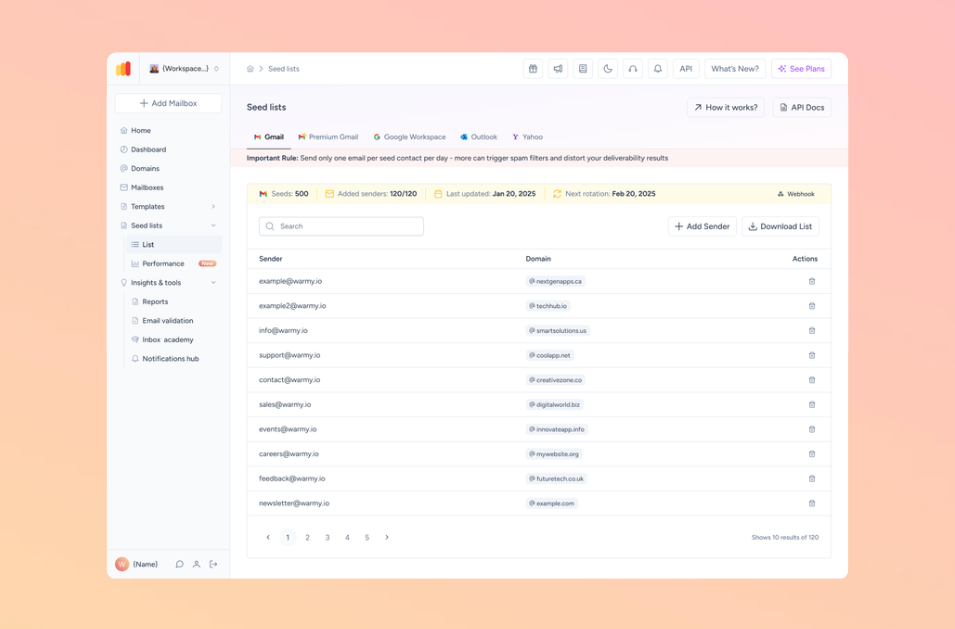
Volume alone does not build reputation, engagement does. Opens, replies, and messages recovered from spam and marked important are the strongest trust signals a mailbox provider tracks. Warmy’s Seed List gives you genuine, actively maintained addresses across Gmail, Outlook, and Yahoo that generate exactly these interactions, while Warmup With Clicks layers real link clicks on top, which is one of the signals Gmail weighs most heavily when deciding whether a domain belongs in the Promotions tab or the primary inbox.
If most of your prospects sit in Gmail specifically, Warmy’s guide to the best email warm-up tools for Gmail covers provider-specific tactics in more depth.
5. Monitor Reputation and Placement
Warmup is not something you set once and forget. Check inbox placement and authentication status regularly throughout the ramp, not just at the end. Not sure where your emails are actually landing right now? Run Warmy’s free Email Deliverability Test to see your inbox, spam, and promotions split across Gmail, Outlook, and Yahoo, plus your current blacklist and authentication status, in one pass.
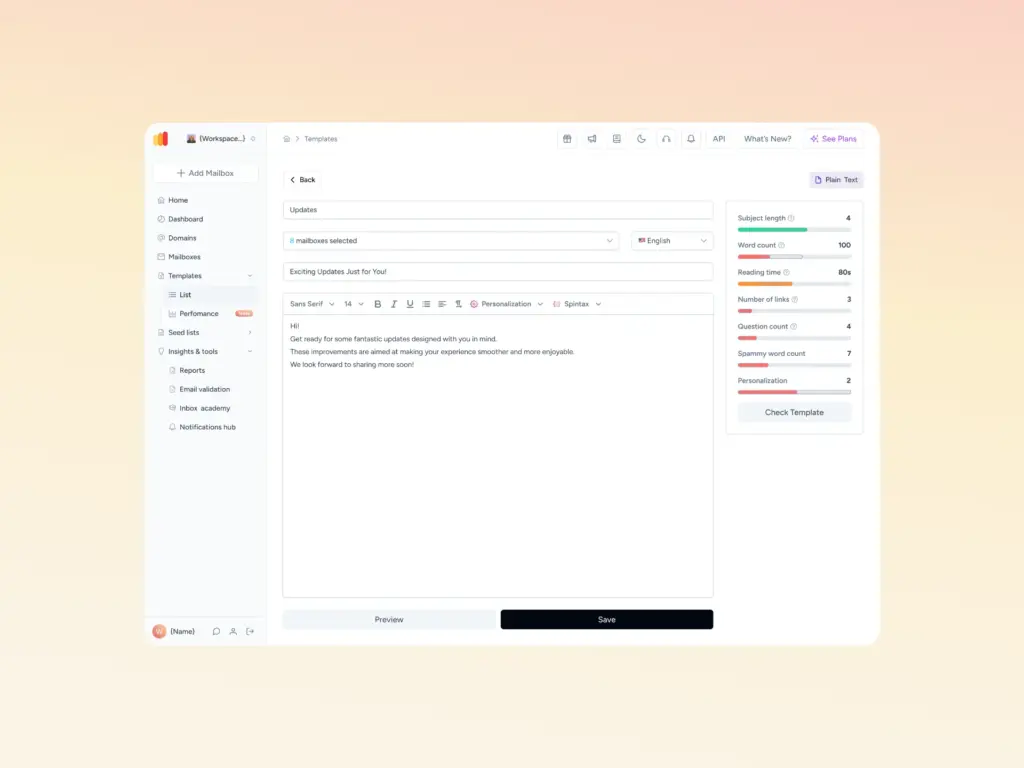
If content quality is also a factor in your sends, run your templates through Warmy’s Template Checker before launch. It flags spam-trigger words and formatting issues that can undo the reputation your warmup schedule just built.
How Long Domain Warm-Up Takes
Part of learning how to warm up an email domain is accepting that duration depends on the domain’s starting point, not a fixed calendar. Use this as a planning baseline:
| Sender Type | Recommended Warmup Duration | Starting Daily Volume |
|---|---|---|
| Brand-new domain, no sending history | 3–4 weeks | 20–40 emails/day |
| Re-activated or dormant domain | 2–3 weeks | 30–50 emails/day |
| High-volume outbound (agency/sales team) | 4–6 weeks | 20–30 emails/day per mailbox |
| Transactional or product domain | 2–3 weeks | Gradual increase toward steady-state volume |
Domains recovering from a reputation hit, rather than simply being new, generally need longer, sometimes extending to 8 to 12 weeks depending on how severe the damage was.
For a closer look at how these timelines break down by provider and sending pattern, see Warmy’s dedicated guide on how long email domain warmup takes.
How to Automate Domain Warm-Up With Warmy
Automating how to warm up an email domain removes the manual tracking that trips up most teams. Ramp percentages, provider splits, and reply rates across multiple domains are hard to track by hand, and that’s usually where warmup efforts stall. Warmy’s AI-driven warmup engine, Adeline, removes that manual tracking by adjusting the schedule in real time based on each domain’s sending history and current reputation status, rather than following a fixed calendar.
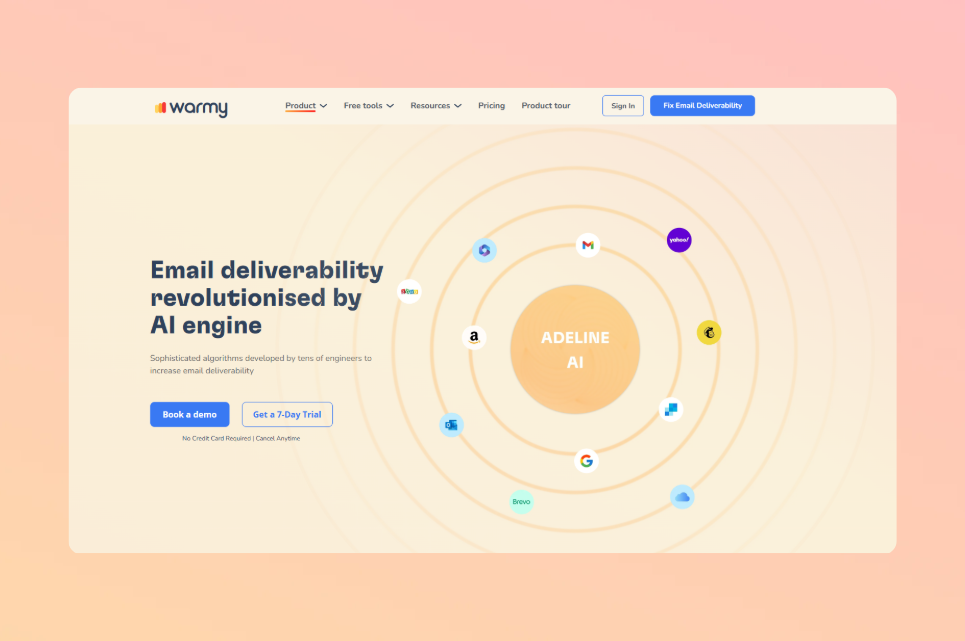
The mechanism behind it draws on a network of more than 1 million active mailboxes and processes roughly 20 million engagement decisions a day to decide how each individual domain’s warmup should progress. In practice, that means:
- Adeline AI analyzes account-level data continuously and adjusts pace, provider mix, and content automatically instead of running a static, one-size-fits-all schedule.
- Warmup Preferences let you control the exact split of warmup traffic across Gmail, Google Workspace, Microsoft 365, Outlook, Yahoo, and private SMTP so the warmup mirrors your real recipient distribution.
- Seed List unlocks realistic inbox placement testing and warmup for providers that traditional warmup methods cannot reach, including Mailchimp, Shopify, and Klaviyo.
- Support for 30+ languages means warmup content matches the language and industry context of your actual outreach, rather than generic filler text.
Warmy’s network handles millions of warmup emails a day in aggregate across its full mailbox pool, which is what allows agencies and high-volume senders to warm dozens of domains in parallel without manually staggering every ramp schedule by hand.
If you’re warming up domains across multiple client accounts rather than just one, Warmy’s roundup of the best email warm-up tools for agencies covers the workspace and reporting features that matter at that scale.
From zero replies to booked meetings: Jesse Vogt’s story

Before Jesse Vogt’s team started using Warmy, their email campaigns were running through a different provider and getting nowhere. He remembers going “months with zero replies, nothing.” That complete silence was what pointed him toward the real issue.
Since they “weren’t even getting not interested replies,” Jesse concluded the emails were never reaching inboxes in the first place, a serious problem given that email is “a big part of us getting meetings.” The old provider’s support only added to the frustration. As he describes it, “The customer support was just a nightmare. You never got any help; they just keep directing you.”
Warmy changed the outcome quickly. “Warmy’s been fantastic,” Jesse says, and he ties that straight to results: “I’ve already gotten a handful of legit meetings from Warmy based just on cold emails.” His messaging stayed close to what he had used before, so the new meetings came down to finally reaching the inbox.

Warmy also helped his team clean up their client lists by flagging clinics that were no longer valid contacts, which is why he says “it’s helped both ways.” The platform has become part of his daily routine. He checks it every morning and writes down where his domains stand on deliverability and health across all nine of the emails his team is running.
He also points to the template warm-up and the recommendations that come with it, noting that “they give you advice on your templates on what you might wanna change.” For Jesse, the product is “very beneficial,” and he adds that “it’s very easy to use. It’s all just right there.”
When asked whether he would recommend Warmy, Jesse does not hold back: “I would highly recommend Warmy. It’s effective.” He credits that to the fact that his team is reaching inboxes now, and he gives equal weight to the support behind the tool. Compared with the dead ends he hit at his previous provider, the weekly sessions with the Warmy team keep everything on track. He calls the experience “phenomenal” and explains that “with having you every week, everything’s answered. It’s all simple.”
What to do after Warm-Up
Warmup is not a one-time setup task you finish and forget. Once a domain reaches its target sending volume, keep warmup running in the background at a lower, maintenance-level rate rather than switching it off entirely. Continued low-level warmup activity preserves the engagement signals that got the domain trusted in the first place, and it gives you an early warning if reputation starts slipping after a spike in real campaign volume or a period of inactivity.
Keep monitoring authentication and blacklist status on an ongoing schedule too, since DNS misconfigurations and blacklist listings can happen to domains that have been sending cleanly for months.
You now know how to warm up an email domain the right way: authenticate first, ramp gradually, and keep monitoring even after you hit target volume. Domain warmup is not a box you check once before your first campaign. It is the mechanism that lets a domain earn, and then keep, the trust that determines whether your outreach reaches a real inbox or disappears into spam.
If you would rather not manage sending limits, provider splits, and reply rates by hand across every domain you own, book a demo and see how Warmy’s AI handles domain warmup automatically from day one.