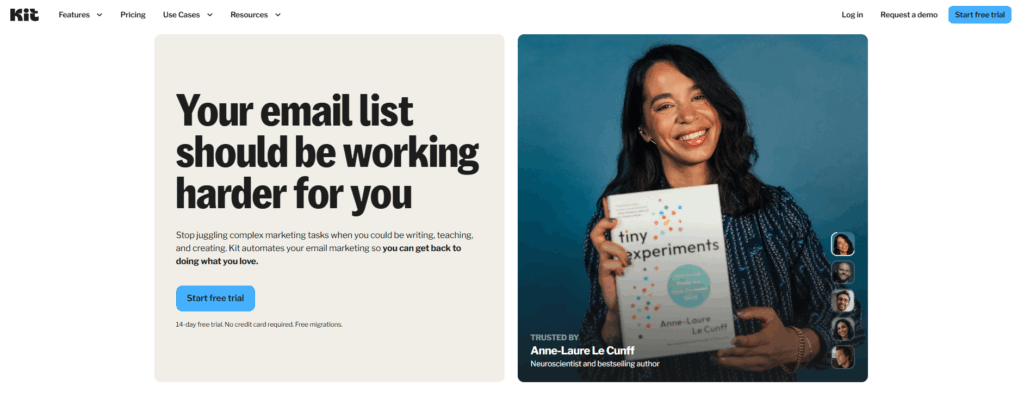
Kit (formerly ConvertKit) email deliverability refers to how reliably your campaigns reach subscribers’ inboxes rather than spam or promotions folders. To improve it, you need strong sender reputation, correct SPF/DKIM/DMARC authentication, a clean list, and consistent subscriber engagement. Kit reports a 99.8% delivery rate, but inbox placement depends on how well you manage the factors on your side.
What Is Email Deliverability?
Email deliverability measures how likely your emails are to land in the recipient’s inbox rather than being filtered into spam or rejected entirely. If an email never gets seen, even the most compelling campaign produces nothing.
Four factors determine where your email lands:
- Sender reputation: ISPs track your history of sending emails that users engage with positively. A damaged reputation blocks communications before readers ever see them.
- Email content: Sophisticated filtering algorithms block emails with spam-trigger words, overly aggressive subject lines, or poor text-to-image ratios.
- Subscriber engagement: ISPs monitor whether recipients open, reply to, and save your emails. High engagement strengthens your reputation; emails routinely deleted unread or marked as spam weaken it.
- Technical authentication: Correctly configured SPF, DKIM, and DMARC records confirm your identity as a sender and signal to ISPs that your emails are legitimate.
Pro Tip: Authentication is the floor, not the ceiling. You can have perfect SPF, DKIM, and DMARC records and still land in spam if your sender reputation is weak. Combine authentication with consistent engagement signals; that is what Warmy.io’s email warmup builds automatically.
How Kit Handles Email Deliverability
Kit uses Mailgun as its underlying email sending infrastructure, providing reliable delivery routing and ISP feedback loop integration. The platform handles bounce processing automatically, removing addresses that repeatedly fail delivery to protect your sender score.
Kit’s deliverability features vary by plan. According to Kit’s deliverability page, the platform achieves a 99.8% delivery rate. Here is what each tier includes:
- Free and Creator plans: SPF and DKIM authentication support, automated bounce handling, and standard open, click, and bounce reporting.
- Pro plan: All Creator features plus advanced deliverability trend tracking, subscriber sentiment graph, and the Insights dashboard for customer journey and conversion analysis.
- Verified Sending Domain: Available once you send at least 5,000 messages monthly with a minimum 20% average open rate, enabling full custom domain authentication.
Note that delivery rate and inbox placement are different metrics. Delivery rate measures whether the receiving server accepted your message. Inbox placement measures whether it actually reached the inbox rather than spam or promotions. Your inbox placement depends heavily on the factors you control.
Technical Challenges Affecting Kit Deliverability
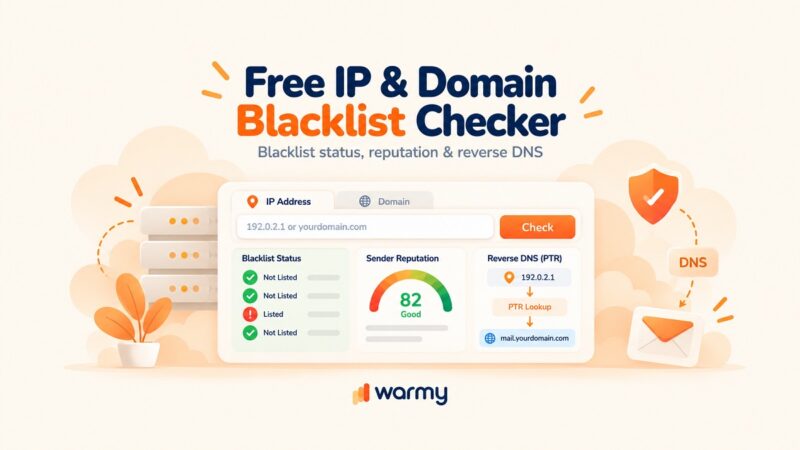
Kit sends email via shared IP pools through Mailgun’s infrastructure. Your deliverability can be influenced by the sending behavior of other Kit users on the same pool. While Kit actively monitors and manages IP health, you can verify your domain is not blacklisted using Warmy’s free Email Deliverability Test, which checks inbox placement, blacklist status, and authentication configuration in one pass.
SPF, DKIM, and DMARC Configuration
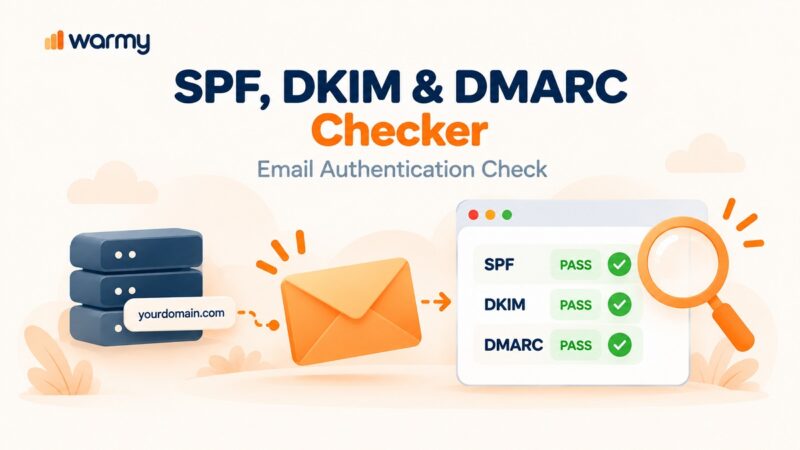
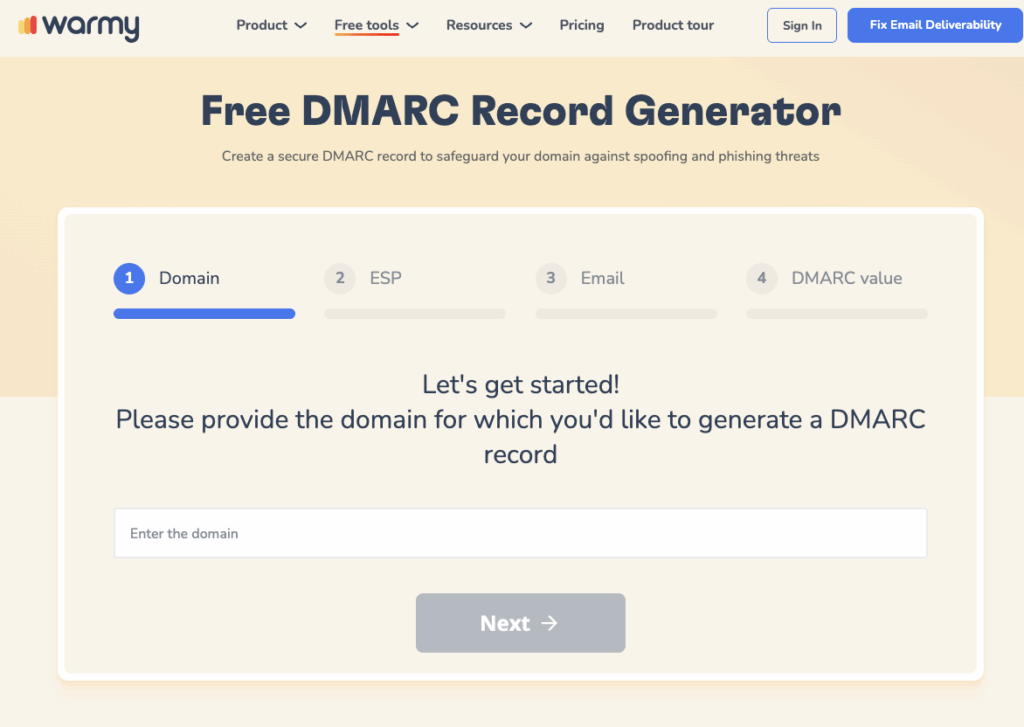
SPF, DKIM, and DMARC are the three authentication standards that tell receiving servers your emails are legitimate. Google’s email sender guidelines now require SPF and DKIM for all senders, with DMARC required for bulk senders above 5,000 messages per day. M3AAWG best practices also advise moving your DMARC policy from p=none to p=quarantine or p=reject once you have confirmed your authentication setup is working correctly. Incorrect configuration causes ISPs to reject or filter your emails regardless of content quality.
Kit’s authentication wizard walks you through the setup process. For a full step-by-step guide specific to Kit, see Kit SPF, DKIM, and DMARC Setup. To generate correctly formatted records, use Warmy’s SPF Record Generator and DMARC Generator.
Email Frequency, Volume, Bounces, and Spam Complaints
High send frequency triggers spam filters, particularly when recipient engagement is low. Sudden volume spikes, such as sending to your full list after weeks of inactivity, are a common cause of deliverability drops, as ISPs interpret rapid volume increases as a potential spam signal. Kit automatically suppresses hard bounce addresses and participates in ISP feedback loops, so when a recipient marks your email as spam, that contact is suppressed. Keeping your spam complaint rate below 0.10% is required to maintain strong inbox placement with Gmail.
Not sure whether your domain is currently blacklisted or your authentication is misconfigured? Run a free Email Deliverability Test to get an instant diagnosis across inbox placement, blacklists, and authentication.
Common User Practices That Hurt Kit Deliverability
Poor List Hygiene
Sending to inactive or invalid email addresses raises your bounce rate and signals to ISPs that you are not managing your list responsibly. Both outcomes damage sender reputation. Remove unengaged subscribers regularly, delete invalid addresses, and honor unsubscribe requests immediately. See the Warmy guide to email list best practices for a systematic approach.
Ineffective Sending Frequency and Personalization
Sending too frequently causes subscriber fatigue, leading to unsubscribes and spam complaints. Test your send cadence against engagement metrics: if open rates drop as frequency increases, reduce send volume. Kit’s tagging and segmentation system lets you group subscribers by interest, behavior, or purchase history so each group receives content relevant to them. Higher engagement from targeted sends signals mailbox providers that your emails are wanted. See how sender reputation connects to engagement and why segmentation matters for your sender score.
How to Measure Kit Email Deliverability Accurately
Kit measures open rates using a tracking pixel. When the recipient’s email client loads the pixel, an open is recorded. This method has significant limitations in 2026. Apple’s Mail Privacy Protection (MPP), now standard across Apple Mail on iOS, macOS, and iPadOS, pre-fetches emails and loads tracking pixels automatically regardless of whether the user actually opened the message. Because Apple Mail accounts for a significant share of global email opens, this inflates open rate data for most senders. Because of MPP, click-through rates and reply rates are more reliable indicators of engagement, as they are unaffected by privacy-based pixel blocking.
According to Validity’s 2025 Email Deliverability Benchmark Report, the global average inbox placement rate is 83.5%, meaning roughly one in six legitimate marketing emails never reaches the inbox. Kit’s base Creator plan provides open rates, click rates, bounce rates, and an engagement funnel. The Pro plan adds subscriber sentiment tracking, advanced deliverability trend reporting, and the Insights dashboard. Kit does not offer a dedicated deliverability dashboard on its base plans.
| Reporting feature | Kit Creator | Kit Pro |
|---|---|---|
| Open and click rates | Yes | Yes |
| Bounce rate tracking | Yes | Yes |
| Subscriber engagement funnel | Yes | Yes |
| Advanced deliverability trends | No | Yes |
| Subscriber sentiment graph | No | Yes |
| Insights / conversion tracking | No | Yes |
Best Practices to Improve Kit Email Deliverability
Regular List Cleaning
Remove unengaged subscribers every 60 to 90 days. Define “unengaged” as subscribers who have not opened or clicked in your last 30 to 60 sends. Run a re-engagement sequence first; those who do not respond should be suppressed. Keeping them on your list to inflate subscriber counts actively harms your sender reputation.
Improving Recipient Engagement and Content
ISPs weight engagement signals heavily when deciding where emails land. To improve engagement in Kit:
- Send content tailored to each subscriber segment using Kit’s tag-based segmentation.
- Personalize subject lines and body copy using subscriber data and past interaction history.
- Use Kit’s analytics to identify peak open times for your audience and schedule sends accordingly.
- Use the resend-to-unopens feature selectively. Overusing it raises spam complaints.
On the content side, keep these rules in mind before every send:
- Avoid spam-trigger words in subject lines and body copy (“guaranteed,” “free money,” “act now”).
- Balance text and images. Image-heavy emails with little text are more likely to be flagged by filters.
- Include a clear unsubscribe link. Under CAN-SPAM, GDPR, and similar laws, this is a legal requirement in most countries, and its absence is a strong spam signal.
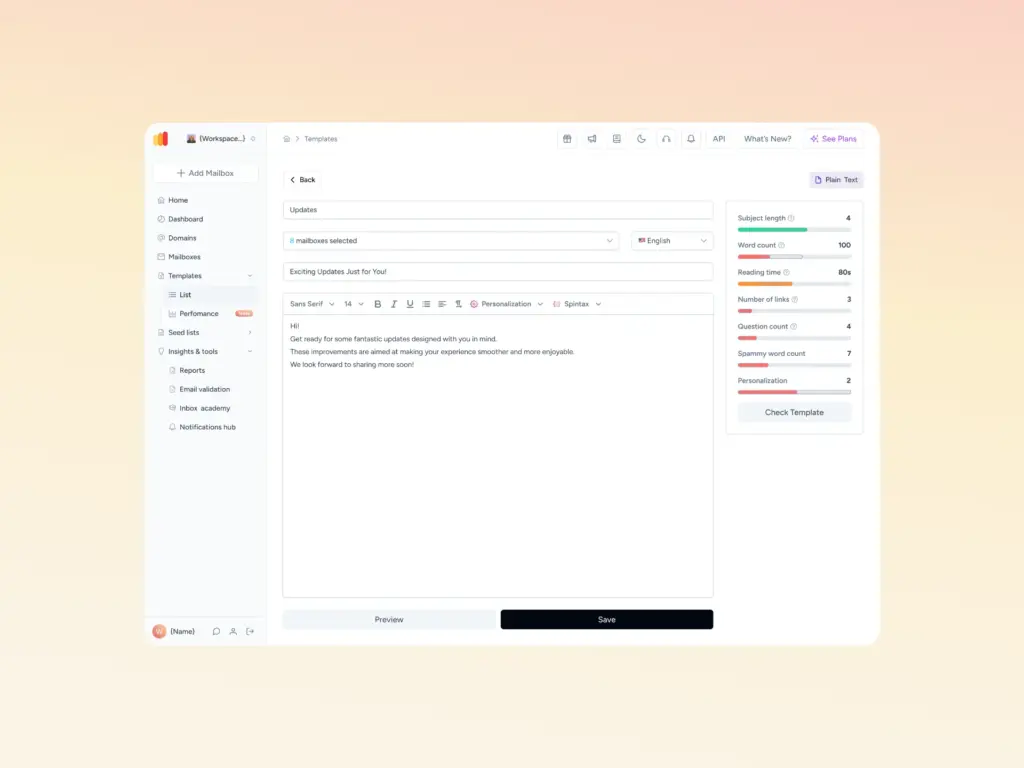
- Before sending, run your template through Warmy’s Template Checker to scan for spam-trigger words and formatting issues that filters target.
How Warmy.io Protects Your Kit Deliverability
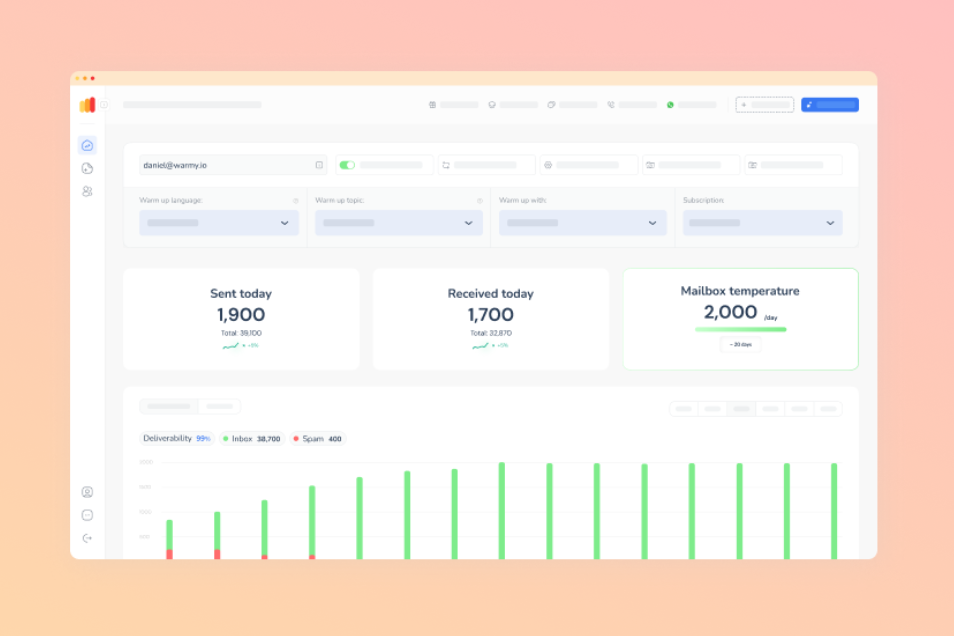
Warmy is an AI-driven email warmup and deliverability platform that automatically builds your sender reputation, improves inbox placement, and keeps your emails out of spam. When Kit’s shared infrastructure or a new sending domain is the source of deliverability issues, Warmy addresses the root cause: a weak sender reputation.
With the help of Warmy’s seed list, you can significantly improve your deliverability across different providers. Seed list boosts your engagement with the selected providers and, with gradual approach, your Kit deliverability gets higher.
Warmy Tools That Improve Kit Deliverability
- Email Deliverability Test: Warmy’s free Email Deliverability Test shows exact inbox placement across Gmail, Outlook, and Yahoo, scans your domain and IP against major spam blacklists, and verifies that your authentication records are correctly configured.
- SPF and DMARC Record Generators: Warmy’s SPF and DMARC generators create correctly formatted authentication records and flag misconfigurations that cause deliverability failures.
- Warmup Seed list: For new Kit senders or anyone recovering from a deliverability drop, Warmy’s seed list builds sender reputation through real engagement signals before you send at scale.
Start your 7-day free trial, no credit card required, to see how Warmy improves your Kit deliverability from day one.

Conclusion
Kit’s 99.8% delivery rate is a strong foundation, but inbox placement depends on what you do with that foundation. Authentication, list hygiene, engagement quality, and sender reputation determine whether your campaigns reach subscribers or disappear into spam, and each of these factors is within your control.
When you apply the practices in this guide — correct authentication, consistent list cleaning, segmented sends, and content that avoids spam signals — your deliverability improves. For anyone dealing with persistent inbox placement problems or setting up a new sending domain, Warmy’s warmup and diagnostics tools address the sender reputation layer that these practices alone cannot fix.
Book a demo to see how Warmy protects your sender reputation and keeps your Kit emails landing in the inbox at scale.