Email domain reputation is the trust score that internet service providers (ISPs) and mailbox providers assign to your sending domain based on your historical sending behavior, authentication setup, and recipient engagement. A strong reputation means your emails reach the inbox. A damaged one means they go to spam or get rejected entirely. This guide gives you the tools and practices to build and maintain a domain reputation that delivers.
Domain Reputation vs IP Reputation
For years, the sending IP was the asset marketers guarded. That priority has flipped. Gmail now treats domain reputation as one of its most heavily weighted signals when deciding inbox versus spam, and most major mailbox providers have moved in the same direction. The reason is straightforward: an IP can be shared by hundreds of unrelated senders and swapped at any time, while your domain carries a precise, continuous record of how you send and how recipients respond.
IP reputation still matters. It governs short-term, connection-level decisions like throttling and temporary deferrals, and a badly listed IP will slow your mail down. But domain reputation is the long-term score, and it is the one you actually control when you send on shared infrastructure. On a shared IP, the IP’s standing is diluted across every sender on it. Your domain reputation belongs to you alone.
This is why the old escape hatch no longer works. Domain reputation follows the sender across IP changes, so moving to a fresh IP does not reset a damaged domain’s standing. Google itself tracks volume and limits per domain and per IP separately, and your DKIM and SPF quotas are tied to the domain.
If your domain reputation has slipped to Low or Bad in Google Postmaster Tools, Gmail will keep filtering your mail regardless of how clean the new IP is. The fix is behavioral: lower complaints, raise engagement, and rebuild the domain’s record over time.
How to Assess Your Email Domain Reputation
Your domain reputation is a composite signal drawn from several metrics that ISPs use to judge whether your mail deserves inbox placement.
Tools for Monitoring Email Domain Reputation
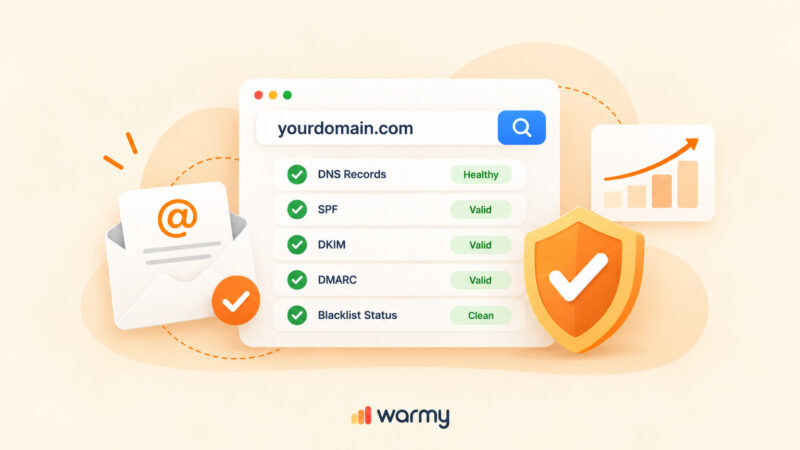
Warmy.io. Warmy is an AI-driven email warmup and deliverability platform that automatically builds your sender reputation, improves inbox placement, and keeps your emails out of spam. Warmy’s free Email Deliverability Test shows you exactly where your emails land: inbox, promotions, spam, or unreceived, across Gmail, Outlook, and Yahoo, while also checking your blacklist status and verifying your SPF, DKIM, and DMARC setup.
SenderScore. SenderScore, operated by Validity, rates your sending IP on a 0-100 scale using a 30-day rolling average of complaint rates, spam trap hits, bounce rates, and sending volume patterns. A score above 90 indicates excellent deliverability; anything below 70 typically signals deliverability problems worth investigating.
GlockApps. GlockApps is an inbox placement testing platform that sends your email to a seed list of 70+ real addresses across Gmail, Outlook, Yahoo, and corporate mail servers, then reports exactly where each copy lands. It also includes DMARC analytics and blacklist monitoring.
Google Postmaster Tools. Google Postmaster Tools v2 is a compliance and monitoring dashboard for Gmail traffic. As of September 2025, the Domain Reputation and IP Reputation dashboards from v1 have been permanently retired. The new v2 interface focuses on compliance status, spam rate trends, and authentication pass rates. Keep your spam rate below 0.1%, Google’s bulk sender guidelines recommend never exceeding 0.3%.
For a full breakdown of what causes deliverability failures and how to resolve them, the Warmy email deliverability audit guide walks through every diagnostic step.
Analyzing Reputation Metrics
Sender Score. SenderScore measures your sending IP’s reputation on a 0-100 scale. Higher scores correlate with better inbox placement. A score above 90 gives you excellent deliverability with most providers.
Domain Reputation Score. Domain reputation is a separate signal from IP reputation. It evaluates authentication health, sending volume patterns, and complaint rates associated specifically with your domain. Mailbox providers now weight domain reputation more heavily than IP reputation, especially at Gmail, making this the metric that matters most in modern email environments.
Spam Complaint Rate. This is the percentage of recipients who mark your email as spam. Google’s bulk sender guidelines require keeping your spam complaint rate below 0.1%. Rates above 0.3% trigger active filtering and can permanently damage your reputation.
Bounce Rate. Hard bounces signal invalid addresses and poor list hygiene. A bounce rate above 2% is a red flag for ISPs. The M3AAWG Sender Best Practices guide recommends suppressing hard bounces immediately after the first failure and running list validation before any high-volume send.
Not sure where your emails are landing right now? Run a free Email Deliverability Test and find out instantly.
How to Check Your Email Domain Reputation
The fastest way to check your email domain reputation is Warmy’s free Email Deliverability Test. It gives you a complete picture of your domain’s sending health without any setup required.
Here is how to run it:
- Visit the Warmy Email Deliverability Test page.
- Copy the list of seed email addresses shown on the page.
- Open your email client, compose a new message, paste the addresses into the To field, type any content in the body, and send.
- Return to the test page and click Check Email Deliverability. Results appear within a few minutes.
The report covers inbox placement rates across major providers, your domain and IP blacklist status, SPF/DKIM/DMARC configuration health, and an overall deliverability score with specific recommendations for any configuration issues found.
Pro Tip: Run this test before any major campaign, especially if you have recently changed your DNS records, switched ESPs, or added a new sending domain. Catching a misconfiguration at this stage is far cheaper than repairing a damaged reputation after a failed send.
Best Practices for Building a Strong Email Domain Reputation
1. Implementing Proper Authentication
SPF, DKIM, and DMARC are no longer optional. Since February 2024, Google and Yahoo require all bulk senders to authenticate with both SPF and DKIM and publish a DMARC record. As of May 2025, Microsoft added the same requirements for Outlook.com, Hotmail, and Live. Non-compliant mail faces temporary deferrals and permanent rejections. For detailed setup instructions for Gmail, see Warmy’s Gmail SMTP settings and authentication guide.
- SPF (Sender Policy Framework). SPF specifies which mail servers are authorized to send on behalf of your domain. It prevents unauthorized senders from spoofing your domain and is a baseline requirement for every sending domain.
- DKIM (DomainKeys Identified Mail). DKIM adds a cryptographic signature to your outgoing emails. Receiving servers use this signature to verify that your message has not been altered in transit and that it genuinely originates from your domain.
- DMARC (Domain-based Message Authentication, Reporting, and Conformance). DMARC ties SPF and DKIM together and tells receiving servers what to do with mail that fails authentication. Start with p=none to collect reporting data, then move to p=quarantine and eventually p=reject once your authentication pass rate is stable above 95%.
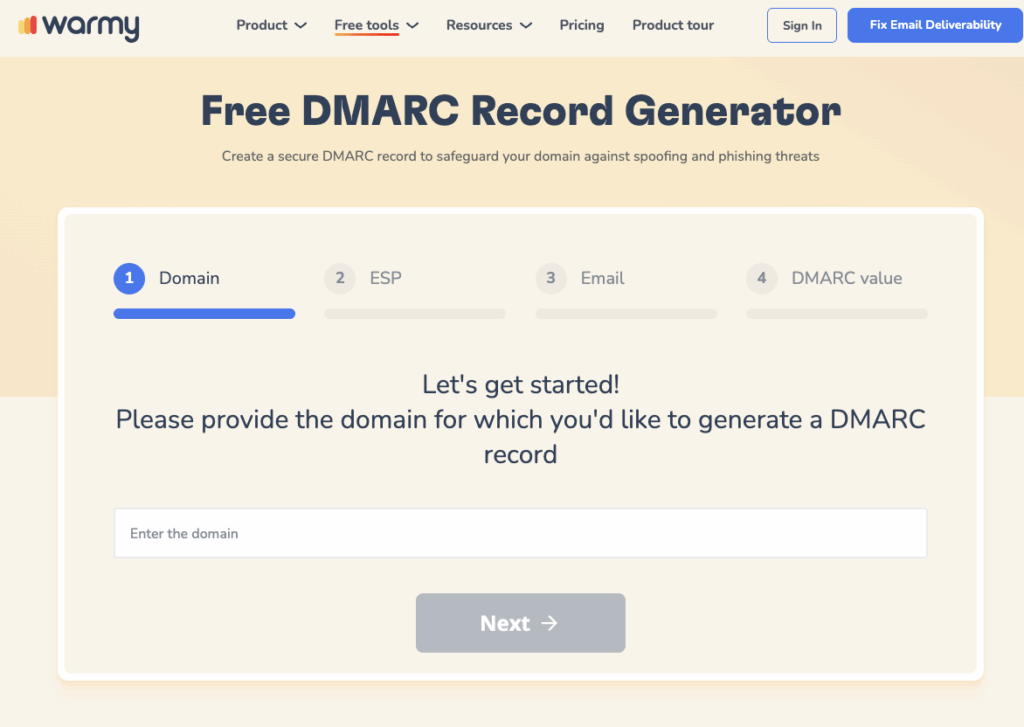
Use Warmy’s free SPF Record Generator and DMARC Generator to create correctly formatted records without manual configuration errors.
| Protocol | What It Does | Required Since |
|---|---|---|
| SPF | Authorizes sending IPs for your domain | Feb 2024 (Google/Yahoo), May 2025 (Microsoft) |
| DKIM | Cryptographic signature verifying email origin and integrity | Feb 2024 (Google/Yahoo), May 2025 (Microsoft) |
| DMARC | Policy tying SPF and DKIM together; tells ISPs how to handle failures | Feb 2024 (Google/Yahoo), May 2025 (Microsoft) |
2. Maintaining a Pristine Email List
List hygiene is one of the fastest ways to improve your reputation score. Remove hard bounces after every campaign and suppress inactive addresses; contacts who have not engaged in 6-12 months drag down your engagement rates and signal poor list quality to ISPs.
Stick to permission-based marketing: only send to people who explicitly opted in. An opt-in list means your recipients expect your mail, which produces higher open rates, lower complaint rates, and stronger reputation signals across the board.
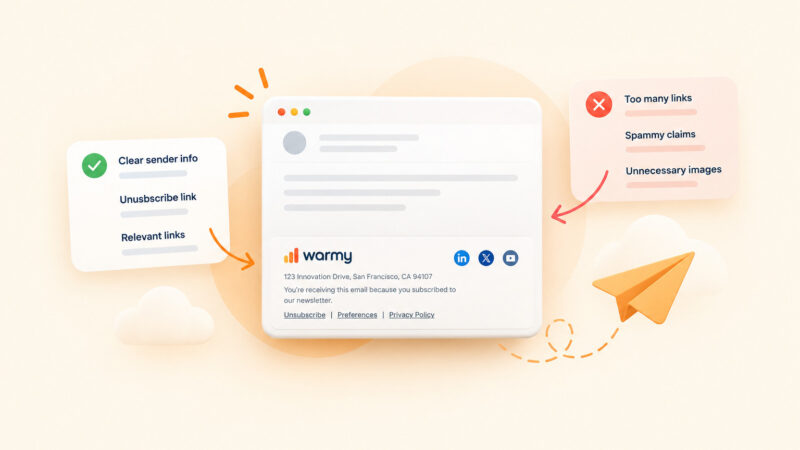
Make unsubscribing frictionless. Include a clearly visible unsubscribe link in every email and implement one-click unsubscribe via the List-Unsubscribe header; this is now required by both Google and Yahoo for bulk senders. Honoring opt-outs promptly keeps complaint rates low and demonstrates to ISPs that you respect your audience.
3. Crafting Email Content That Reaches the Inbox
Your content directly affects whether emails get flagged as spam before authentication or engagement signals even come into play.
- Personalization and segmentation. Segment your list by behavior, demographics, or past interactions, and send content that matches each segment’s interests. Relevant, personalized emails get opened and clicked; that engagement positively reinforces your domain’s reputation with every provider.
- Subject line optimization. Write subject lines that accurately describe the email content. Misleading or overly promotional subject lines drive spam complaints. Personalization tokens and clear value statements consistently outperform clickbait.
- Quality over volume. Sending fewer, higher-quality emails to engaged recipients builds reputation faster than blasting large lists of disengaged contacts. ISPs measure engagement closely; emails that get opened, clicked, and replied to signal that your domain deserves inbox placement.
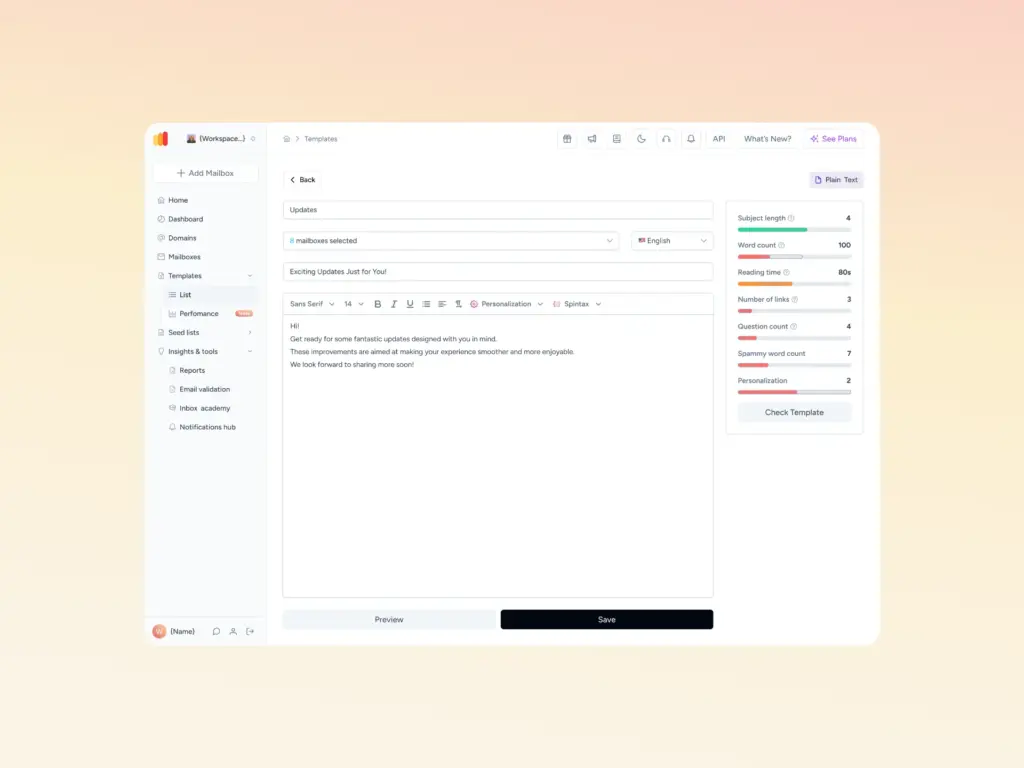
Before you send, check your template for spam triggers. Warmy’s free Email Template Checker scans your subject line and body copy against spam filter rules and returns a spam score with specific fixes, also available as a Chrome Extension for in-browser checks directly from your compose window.
4. Isolating Risk with Sending Subdomains
Mailbox providers assign a largely separate reputation to each subdomain you send from, so a subdomain gives you a way to compartmentalize risk. When marketing, transactional, and cold outreach all leave the root domain, their reputations get intertwined: one bad marketing campaign with high complaints can drag down the deliverability of password resets, invoices, and the 1:1 mail your sales team sends from the root.
Split the streams. A common structure is a dedicated subdomain for marketing (for example, mail.yourdomain.com), a separate one for transactional mail, and an entirely different domain for cold outreach so the highest-risk sending never touches your primary brand.
Changing only the name before the @ does not achieve this. marketing@yourdomain.com and sales@yourdomain.com share one reputation in the eyes of ISPs, because the domain after the @ is identical.
Two rules keep this working. First, authenticate every subdomain independently, with SPF, DKIM, aligned return-path, and DMARC configured for each stream. Second, warm each subdomain on its own before sending at volume, since a brand-new subdomain starts with no history. Isolation is not absolute, so persistent abuse on one subdomain can still affect the wider domain, which makes monitoring each stream separately part of the job.
How to Warm Up a New Sending Domain
A brand-new domain has no sending history, so mailbox providers treat it as an unknown. Send at full volume on day one and Gmail reads the sudden spike as suspicious, which is why unwarmed domains land in spam even with clean content. Google defines a new domain as one that has not sent more than 5,000 messages a day to personal Gmail accounts since January 1, 2024, and its sender guidelines explicitly instruct new senders to increase volume gradually while monitoring results in Postmaster Tools.
Get authentication in place first. SPF, DKIM, DMARC, a valid PTR record, and TLS all need to pass before you send a single warm-up message. Then ramp slowly:
- Week 1: Start low, in the range of 5 to 40 messages per inbox per day, sent to your most engaged recipients.
- Ramp rate: Do not exceed roughly 1.5x the previous stage’s daily volume. Doubling volume step over step is too aggressive for current filters.
- Hold at each step: Stay at each level for 2 to 3 days. Reputation signals, including Postmaster Tools, lag actual sending by 1 to 2 days, so give providers time to process your traffic before you scale.
- Engagement, not just volume: Prioritize sends that produce real opens and replies. Positive engagement is what teaches providers your mail is wanted.
Plan for 4 to 8 weeks before a new domain is ready for production cold outbound. Throughout, keep your spam complaint rate under 0.3% (aim for below 0.1%) and hard bounces under 2%. If either climbs, hold or reduce volume instead of pushing higher. One more thing most senders miss: reputation decays when you go quiet, so even a fully warmed domain needs steady, consistent activity to hold its standing.
Running this schedule by hand across multiple inboxes is where it breaks down.
How to Build Trust with ISPs and Subscribers
Engaging ISPs for Improved Deliverability
Modern ISP trust is built through compliance and consistent behavior, not whitelist applications. Most major providers, including Google, Microsoft and Yahoo no longer operate traditional whitelist programs. Instead, they evaluate your domain through ongoing signals: authentication health, complaint rates, bounce rates, and engagement consistency.
Monitor with the right tools. Use Google Postmaster Tools v2 to track your compliance status and spam rate trends for Gmail traffic. Use Microsoft SNDS to monitor Outlook and Hotmail delivery. Use SenderScore to track your IP reputation. Combine these sources: no single tool gives you the full picture.
Set up feedback loops. Yahoo and other ISPs offer complaint feedback loop programs. When a recipient marks your email as spam, you receive a notification. Suppressing those addresses immediately keeps your complaint rate low and signals to ISPs that you take list hygiene seriously.
Enhancing Subscriber Engagement
Encourage replies and interaction. Ask questions, invite feedback, and respond to replies. Reply signals are among the strongest positive reputation signals an ISP can see. They indicate a real, valued conversation, not bulk outreach.
Deliver value first. Every email you send is a reputation transaction. Emails that provide genuine value get opened and clicked; emails that disappoint get ignored or marked as spam. Prioritize quality over frequency.
Respect preferences. Let subscribers choose the type and frequency of emails they receive. A preference center reduces unsubscribes and complaint rates, both of which protect your reputation.
Troubleshooting Email Deliverability Challenges
Even with a solid setup, deliverability problems can emerge. Here is how to diagnose and fix the most common issues:
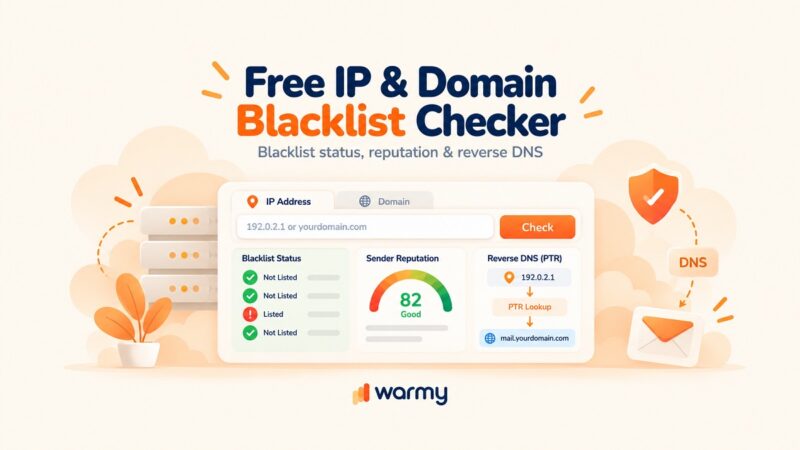
1. Monitoring Blacklists and Reputation Blocklists. Check your domain and sending IP regularly against major blacklists including Spamhaus, Barracuda, and Microsoft’s blocklists. Warmy’s Email Deliverability Test includes blacklist monitoring as part of every scan. If you are listed, identify the root cause (spam complaints, spam traps, or sending to purchased lists) before requesting removal. For step-by-step delisting instructions, Warmy’s email domain and IP blacklist removal guide covers the major blacklists and exact delisting processes.
2. Addressing Spam Traps and Filters. Spam traps are email addresses maintained by ISPs and anti-spam organizations to identify senders with poor list hygiene. To avoid them, stop sending to addresses that have not engaged in 12+ months, never purchase email lists, and run regular list validation passes.
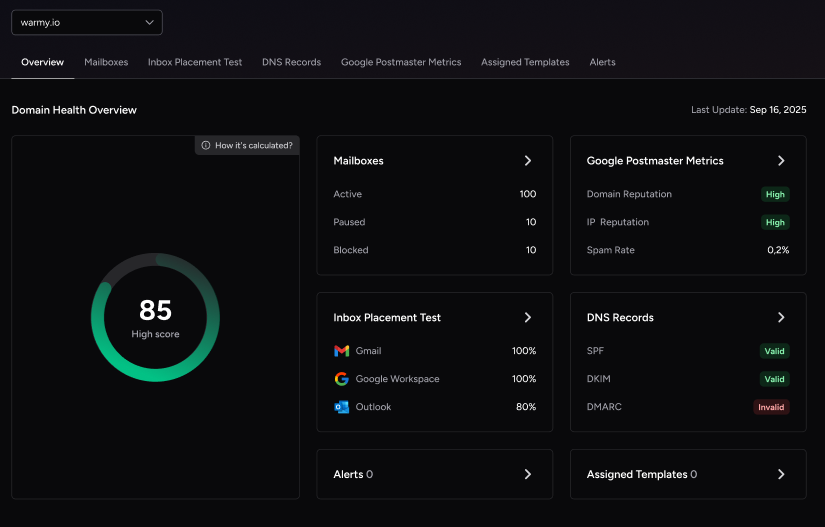
3. Analyzing Email Metrics. Track open rates, click-through rates, reply rates, and spam complaint rates after every campaign. A sudden drop in open rates or spike in complaints usually signals a content problem, a list quality issue, or an authentication failure. Review your Warmy Domain Health Hub alongside your ESP data for domain-level and campaign-level visibility in one pass.
How to Recover a Damaged Domain Reputation
A domain reputation that has dropped to Low or Bad in Postmaster Tools is recoverable, but it recovers slower than it fell. The path back is behavioral, and there are no shortcuts around it.
Start by finding the root cause. Reputation damage usually traces to one of a few things: a spike in spam complaints, hits on spam traps from a stale or purchased list, high bounce rates, or an authentication failure. Fix the source before anything else, because rebuilding on top of an unresolved problem just repeats the damage.
Then pull volume back and rebuild like a warm-up. Pause aggressive campaigns and send only to your most engaged, recently active recipients, the people most likely to open and least likely to complain. Increase volume gradually from there while you keep authentication clean, honor one-click unsubscribes immediately, and suppress hard bounces after the first failure. Expect roughly 4 to 8 weeks of consistent, clean sending before a Postmaster score moves back up.
Resist the urge to buy a new IP and call it a reset. As covered above, domain reputation follows your domain across infrastructure changes, so a new IP does not erase a damaged domain’s history. The only durable fix is sending mail people want, consistently, until the record reflects it.
Conclusion
Your email domain reputation determines whether your messages reach the inbox or vanish into spam and in 2026, with authentication now mandatory and ISPs filtering more aggressively than ever, protecting it is non-negotiable.
Start with the fundamentals: get SPF, DKIM, and DMARC configured correctly, keep your list clean, and send content your subscribers actually want. Then monitor continuously; reputation problems are far easier to prevent than repair.
Book a demo to see how Warmy’s AI builds and protects your sender reputation automatically.