SPF, DKIM, and DMARC are the three DNS-based protocols that authenticate your email identity, protect your domain from spoofing, and define how receiving servers handle failures. Correctly configuring all three with Campaign Monitor is now mandatory for any bulk sender reaching Gmail, Yahoo, or Outlook recipients.
What is Email Authentication
Email authentication is a set of protocols that let receiving mail servers verify an email genuinely originates from the domain it claims. Without it, anyone can forge your From address to send phishing emails or spam that appears to come from your brand. Learn why SPF, DKIM, and DMARC matter for the full business case.
The Phishing and Email Spoofing Issue
Email spoofing lets attackers fabricate sender addresses to impersonate trusted brands. Phishing campaigns exploit this to steal credentials, distribute malware, and deceive recipients. The consequences — data breaches, direct revenue loss, and lasting reputational damage — are severe. Traditional security controls are not sufficient to stop these threats.
How Email Authentication Protects Your Domain
Properly configured authentication gives receiving servers a structured way to verify sender legitimacy. It:
- Blocks unauthorized use of your domain in the From address.
- Reduces the likelihood of your emails landing in spam.
- Protects your brand’s sender reputation.
- Improves deliverability to Gmail, Outlook, and Yahoo.
How SPF, DKIM, and DMARC Work Together
Each protocol addresses a different layer of authentication, and they are most effective in combination:
- SPF confirms the sending server is authorized to send email for your domain.
- DKIM cryptographically signs the email to confirm its content has not been altered in transit.
- DMARC ties SPF and DKIM together, defining how failures are handled and enabling aggregate reporting.
Why SPF, DKIM, and DMARC Are Now Mandatory (Google & Yahoo 2024 Requirements)
Since February 2024, Google and Yahoo require all bulk senders — those sending 5,000 or more emails per day — to have DMARC at minimum p=none, with properly authenticated SPF and DKIM. Emails failing DMARC alignment face temporary errors and escalating rejection rates at Gmail and Yahoo, the two largest inbox providers globally. Review the full requirements at Google’s Email Sender Guidelines.
Gmail tightened enforcement in November 2025, with non-compliant senders now facing permanent rejections. Microsoft Outlook added equivalent requirements for 5,000+ daily senders starting May 5, 2025, requiring SPF, DKIM, and a DMARC policy of at least p=none.
The February 2024 requirements also mandate one-click unsubscribe (List-Unsubscribe header) in all commercial and promotional messages. If your Campaign Monitor sending domain is missing a DMARC record at any policy level, your campaigns risk silent rejection by every major inbox provider.
Start with p=none immediately — it meets Google’s and Yahoo’s minimum requirement without affecting delivery. Advance to stricter policies after reviewing your DMARC reports.
Sender Policy Framework (SPF)
What is SPF?
Sender Policy Framework (SPF) is an email authentication protocol that lets domain owners specify which mail servers are authorized to send email on their behalf, published as a DNS TXT record listing permitted IPs and hostnames. Full technical specification: RFC 7208.
The Mechanisms of SPF
Key SPF mechanisms:
- include: delegates authority to another domain’s SPF record (e.g., include:_spf.createsend.com for Campaign Monitor).
- ip4: / ip6: explicitly authorize specific IP addresses.
- ~all (soft fail): unlisted servers accepted but flagged. Use during initial setup.
- -all (hard fail): unlisted servers rejected. Use only after full validation.
Keep your SPF record under 10 DNS lookups. Exceeding the limit causes SPF failures. See our guide on SPF alignment issues for the most common problems and fixes.
How to Set Up SPF with Campaign Monitor (Marigold)
Note: Campaign Monitor was rebranded as Campaign Monitor by Marigold in early 2023. The sending infrastructure and DNS records are unchanged.
Critical — SPF alignment is not supported by Campaign Monitor. Campaign Monitor controls the Return-Path domain, making SPF alignment structurally unavailable. Adding the SPF include whitelists their IPs but your emails will not pass DMARC via SPF. Configure DKIM first — it is the only supported path to DMARC compliance.
Adding the SPF include is still recommended as a general deliverability measure. Follow these steps:
- Access your DNS records. Log in to your domain registrar or DNS host and open DNS management.
- Add or update your SPF record. Create a TXT record with this value:
v=spf1 include:_spf.createsend.com ~all— if an SPF record already exists, add the include to it, as each domain may have only one SPF record.
| Type | Host | Value |
|---|---|---|
| TXT | @ | v=spf1 include:_spf.createsend.com ~all |
- Wait for propagation — up to 48 hours.
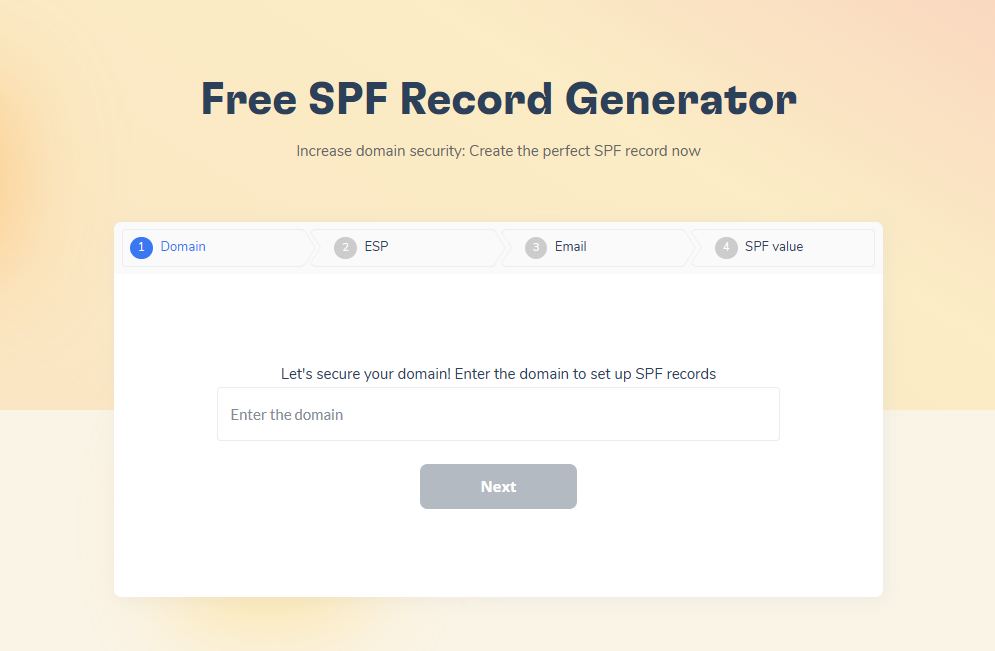
- Verify the record with Warmy’s free SPF Record Generator, which validates syntax and checks the lookup count.
Not sure if your SPF record is configured correctly? Run a free SPF check now and catch formatting errors before they hurt your deliverability.
DomainKeys Identified Mail (DKIM)
What is DKIM?
DKIM is an email authentication method that uses public-key cryptography to sign outgoing messages, letting receiving servers confirm the email is genuine and unaltered. Full specification: RFC 6376.
How DKIM Works
When Campaign Monitor sends an email on your behalf, it adds a DKIM signature to the message headers using a private key. Your DNS record publishes the matching public key. Receiving servers query your DNS, retrieve the public key, and verify the signature. A valid signature confirms authenticity and content integrity.
2048-bit DKIM keys are the baseline standard in 2026, not an advanced option. Campaign Monitor generates 2048-bit keys by default. For selector management and key rotation, see our guide on DKIM selectors.
How to Set Up DKIM with Campaign Monitor (Marigold)
DKIM is the critical step for DMARC compliance with Campaign Monitor. Follow these steps:
- Generate your DKIM key. Log in to Campaign Monitor. Click your profile image, select Account Settings, and navigate to authenticated domains. Enter the domain you want to authenticate.
- Add the DKIM record to your DNS. Campaign Monitor provides the TXT record to add.
| Type | Host | Value |
|---|---|---|
| TXT | cm._domainkey | k=rsa; p=MIGfMA0GCSqGSIb3DQEBAQUAA4GNADCBiQKBgQCrLHiExVd55zd/… |
- Wait for DNS propagation — up to 48 hours.
- Authenticate in Campaign Monitor. Return to Account Settings and click Authenticate now. A confirmation message appears once authentication succeeds.
- Verify your setup with Warmy’s Email Deliverability Test, which checks DKIM configuration alongside inbox placement and blacklist status.
Domain-based Message Authentication, Reporting, and Conformance (DMARC)
What is DMARC?
DMARC is a policy framework that builds on SPF and DKIM. It lets domain owners define how receiving servers handle authentication failures and receive aggregate reports. Full specification: RFC 7489.
How DMARC Works
DMARC checks whether an incoming email passes SPF or DKIM and whether either method is aligned with the From domain. For Campaign Monitor, DKIM alignment is the only viable path. Based on your policy, receiving servers deliver (p=none), quarantine (p=quarantine), or reject (p=reject) emails that fail authentication.
How to Implement DMARC with Campaign Monitor: Step-by-Step
- Create your DMARC record. Start with p=none — this meets Google’s and Yahoo’s minimum requirement without affecting delivery:
v=DMARC1; p=none; rua=mailto:dmarc-reports@yourdomain.com - Add the record to DNS:
| Type | Host | Value |
|---|---|---|
| TXT | _dmarc | v=DMARC1; p=none; rua=mailto:dmarc-reports@yourdomain.com |
- Monitor your reports. Aggregate reports arrive at your rua address as XML, showing which servers are sending from your domain and whether they pass SPF and DKIM.
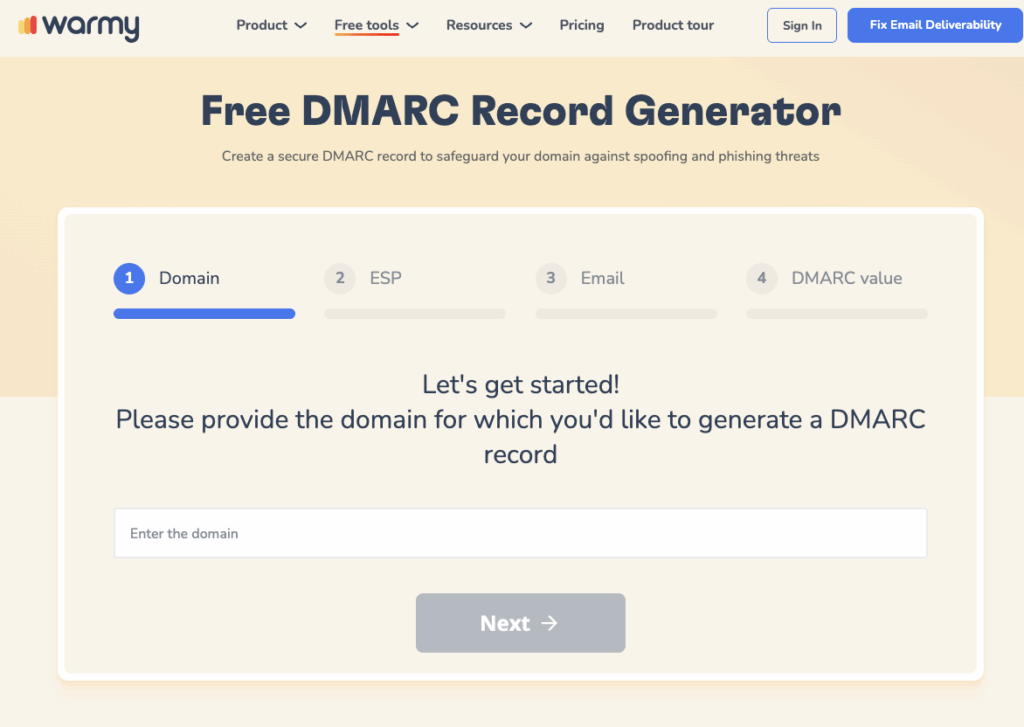
Use Warmy’s free DMARC Generator to create accurate records and select the right policy settings without manual syntax work.
DMARC Policy Progression: p=none to p=quarantine to p=reject
Google’s guidance and industry best practice both call for a phased approach. Jumping to p=reject before validating risks blocking legitimate email.
- p=none: Monitor only — failing emails are delivered but you receive reports. Stay here until all legitimate senders pass.
- p=quarantine: Failing emails go to spam. Move here after reports confirm authorized senders are passing.
- p=reject: Failing emails are rejected at the server. Move here only when fully validated.
Use pct= to apply your policy to a percentage of traffic during rollout (e.g., pct=10), reducing risk as you validate.
SPF vs DKIM vs DMARC: Quick Comparison
Here is a side-by-side breakdown of the three protocols, including their specific behavior with Campaign Monitor:
| Feature | SPF | DKIM | DMARC |
|---|---|---|---|
| What it does | Verifies sending server is authorized | Digitally signs email content | Policy for auth failures + reporting |
| Works via | DNS TXT record listing IPs | Cryptographic signature in header | DNS TXT record referencing SPF/DKIM |
| Campaign Monitor alignment | Not supported | Fully supported — required path | Passes via DKIM only |
| Mandatory since? | Recommended, not sufficient alone | Feb 2024 (Google/Yahoo) | Feb 2024 — p=none minimum |
| Protects against | IP spoofing | Content tampering, spoofing | Phishing, unauthorized sending |
Advanced Methods to Configure SPF, DKIM, and DMARC
Beyond basic setup, these configurations further strengthen your authentication and deliverability.
Advanced SPF Configuration
- Use ip4: and ip6: to authorize exact IP addresses for custom sending infrastructure.
- Implement SPF flattening to resolve nested includes into direct IP ranges, staying within the 10-lookup limit.
- Use the a: mechanism to include all IPs associated with a specific domain.
Advanced DKIM Configuration
- Implement key rotation — update DKIM keys periodically to limit exposure if a key is ever compromised.
- Use multiple DKIM selectors to sign different email streams independently.
- 2048-bit keys are the current baseline. Use them for all new DKIM configurations.
Advanced DMARC Configuration
- sp= sets a separate policy for subdomains — protect them at p=reject while the parent stays at p=none.
- pct= applies your policy to only a defined percentage of traffic during gradual rollout.
How to Fix Common SPF, DKIM, and DMARC Issues
How to Fix SPF Record Syntax Errors
The most common SPF syntax errors are a missing v=spf1 version string, exceeding the 10 DNS lookup limit, and incorrect use of qualifiers. Run your record through Warmy’s SPF Generator to catch and fix these automatically.
How to Fix DKIM Key Mismatches
DKIM failures usually result from an incorrectly copied public key, a mismatched selector, or an expired key. Verify that your DNS record exactly matches what Campaign Monitor provided. If problems persist, generate new DKIM keys in Campaign Monitor and update the DNS record.
How to Resolve DMARC Policy Conflicts
DMARC problems typically arise from policies set too strictly before all senders are authenticated. Start at p=none, review your reports, and ensure every source passes DKIM before tightening your policy.
How to Fix SPF Alignment Failures with Campaign Monitor
SPF alignment failures for Campaign Monitor traffic are expected — Campaign Monitor controls the Return-Path domain and does not support custom Return-Path configuration for standard accounts. The correct fix is to ensure DKIM alignment is configured and passing. DMARC requires only one aligned method, so a DKIM pass provides full compliance.
Using Email Warmup to Improve Email Deliverability
Authentication answers the question: are you who you say you are? But inbox providers ask a second question: are you a sender we trust? That is the gap Warmy closes.
Warmy is an AI-driven email warmup and deliverability platform that automatically builds your sender reputation score, improves inbox placement, and keeps your emails out of spam. Warmy’s warmup uses a network of 1M+ real mailboxes to generate genuine engagement signals — opens, replies, and spam recoveries — across 30+ languages, with Adeline AI building a personalized warmup schedule for each mailbox.
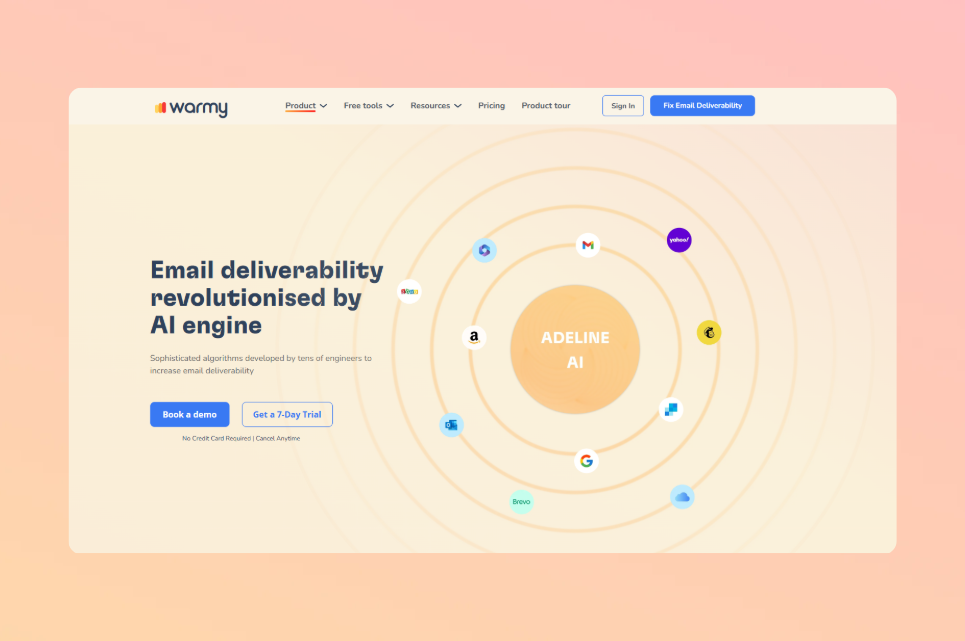
For Campaign Monitor users, this matters because even perfectly authenticated domains can land in spam when the sending domain is new or has low engagement history. Authentication sets the foundation. Warmup builds the reputation on top.
Warmy is an AI-driven email warmup platform that automatically builds sender reputation alongside your authentication setup. Authentication proves your identity — warmup earns your inbox placement.
Warmy also provides free diagnostic tools to verify your setup is working: the Email Deliverability Test checks inbox placement, blacklist status, and SPF/DKIM/DMARC configuration; the Email Template Checker scans email content for spam triggers before you send, and is also available as a Chrome Extension.

Conclusion
Configuring SPF, DKIM, and DMARC with Campaign Monitor is no longer optional. Google, Yahoo, and Outlook have made authentication mandatory for bulk senders, and the consequences of non-compliance — campaign rejections, spam placement, and deliverability collapse — directly threaten email marketing revenue.
The key steps: add Campaign Monitor’s SPF include (_spf.createsend.com) for general deliverability, configure DKIM through Account Settings (the only path to DMARC alignment), publish a DMARC record starting at p=none, monitor your reports, and advance to p=quarantine then p=reject as your setup stabilizes.
Read our full email deliverability guide for a comprehensive look at the relationship between authentication, reputation, and inbox placement.
Protect your email deliverability and sender reputation with Warmy. Book a free demo and see how Warmy builds your authentication and warmup strategy from the ground up.