Your domain is the single most important technical asset in cold email marketing. Without the right setup, your emails hit the spam folder before a single prospect reads them. This guide covers how to choose, configure, and warm up a dedicated cold email domain so every campaign lands where it belongs: the primary inbox.
Why Your Domain Determines Cold Email Marketing Results
When you send a cold email marketing campaign, inbox providers evaluate your domain before your content. They check authentication records, sending history, reputation signals, and blacklist status. Fail any of these checks and your message is filtered or rejected before any prospect sees it.
You cannot register a new domain and immediately send thousands of emails. Inbox providers treat unknown senders as suspicious by default. Building a trusted domain reputation requires deliberate setup and a structured warmup period.
Pro Tip: Never send cold email marketing campaigns from your primary business domain. If a campaign triggers spam complaints or warmup goes wrong, a secondary domain is recoverable. A blacklisted primary domain can take your entire business email infrastructure offline for weeks.
Google Workspace vs Microsoft 365 for Cold Email Marketing
Both Google Workspace and Microsoft 365 are strong platforms for cold email marketing in 2026. Current evidence shows both platforms deliver comparable inbox placement when properly configured and warmed up — the earlier industry claim that Outlook had a clear deliverability advantage no longer holds.
Google Workspace integrates more seamlessly with most cold outreach tools, offers transparent deliverability data through Google Postmaster Tools, and provides reliable support. Google also has a higher chance of matching your B2B prospects’ own email infrastructure, since Gmail remains the dominant provider for business email globally.
Microsoft 365 suits teams already embedded in the Microsoft ecosystem, with strong integration across Teams, Office apps, and enterprise IT stacks. Microsoft tends to deliver especially well to prospects using Outlook themselves, due to sender-recipient provider matching.
The winning approach for serious cold email operations is to use both platforms, weighted toward whichever provider your target prospects are most likely to use. Configure both providers’ DKIM authentication using Microsoft’s official DKIM setup guide and Google’s Workspace Admin documentation.
Choosing the Right Domain Extension
Domain extension matters for cold email marketing. Prioritize .com, then .org, then .io. Avoid .co — it is frequently flagged by spam filters and carries a lower trust signal with inbox providers.
A clean, single-word domain on a premium extension looks professional to recipients and signals legitimacy to spam filters. Domains with higher registration costs tend to be less saturated with spam accounts, which protects your sender reputation from the first send.
SPF, DKIM, and DMARC: All Three Are Required
Email authentication is not optional in cold email marketing. Google and Yahoo made SPF, DKIM, and DMARC mandatory for bulk senders in February 2024. Microsoft followed with equivalent enforcement in May 2025. All three records must be correctly configured before you send a single campaign.
According to Google’s official email sender guidelines, senders of 5,000 or more emails per day to Gmail accounts must publish DMARC records, implement both SPF and DKIM, and keep spam complaint rates below 0.3%. As of November 2025, non-compliant mail receives permanent rejections.
- SPF (Sender Policy Framework) authorizes which mail servers can send on behalf of your domain. Defined in IETF RFC 7208, it is the first layer of identity verification inbox providers use to evaluate your mail.
- DKIM (DomainKeys Identified Mail) adds a cryptographic signature to each outgoing message, proving the content has not been altered in transit and confirming you control the signing domain.
- DMARC (Domain-based Message Authentication, Reporting, and Conformance) ties SPF and DKIM together and tells receiving servers what to do when authentication fails. The DMARC.org overview explains how DMARC policies are published in DNS and applied by receiving servers. Without a DMARC record, Gmail and Yahoo now permanently reject non-compliant mail.
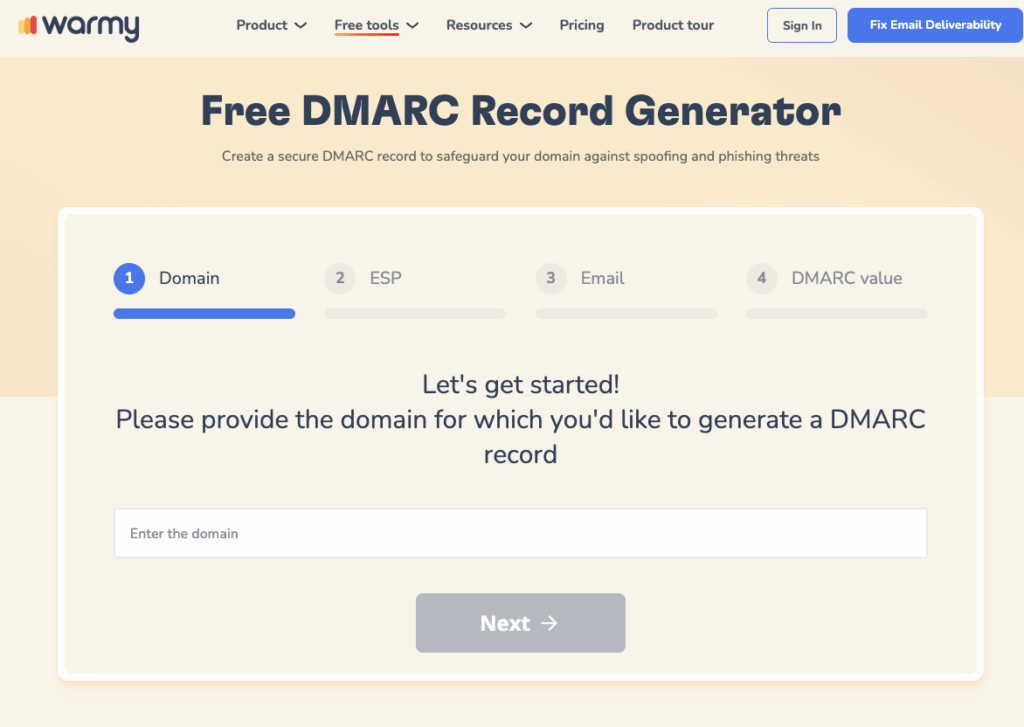
Generate correctly formatted SPF and DMARC records for free using Warmy’s SPF Record Generator and DMARC Generator. Both tools validate your existing records and surface misconfigurations before they damage your campaigns.
Read the full setup walkthrough: Why You Need to Configure SPF, DKIM, DMARC and How to Set Them.
Email Warmup: Building Your Sender Reputation Before Campaigns Launch
Email warmup is the process of gradually increasing sending volume from a new domain so inbox providers learn to trust it before you scale. Warmy’s warmup service interacts with a network of 1M+ real mailboxes automatically, generating opens, replies, and spam rescues that signal to Gmail, Outlook, and Yahoo that your domain sends legitimate, wanted mail.
Warmup takes at least 30 days. Start at 10 emails per day. Increase volume gradually each week as your domain reputation strengthens. After a complete warmup cycle, a properly warmed domain can reliably handle 50 to 100 cold emails per inbox per day.
Monitor two risks during warmup. Check whether your domain or IP is listed on any spam blacklists, since ISP blocking causes immediate delivery failures. Also watch your spam complaint rate — keeping it below 0.1% protects your inbox placement with Google and Yahoo.
Not sure if your domain is ready? Run Warmy’s free Email Deliverability Test to check inbox placement across Gmail, Outlook, and Yahoo, and verify that your SPF, DKIM, and DMARC records are correctly configured before your first campaign goes out.
Are Paid Email Accounts Better Than Free Ones for Cold Email Marketing?
Yes. Paid accounts outperform free ones across every dimension that affects cold email marketing success.
| Feature | Free Email Account | Paid Email Account |
|---|---|---|
| Custom domain | Not available | Included |
| Deliverability | Lower (shared IP reputation) | Higher (dedicated infrastructure) |
| Daily sending limit | Restricted | Higher limits |
| Spam filter reputation | Weak | Stronger |
| Customer support | Minimal | Priority access |
| Security (2FA, encryption) | Basic | Advanced |
| Professional branding | Generic sender address | Your own domain |
Deliverability
Paid accounts operate on stronger infrastructure with better sender reputations. Free accounts share IP pools with millions of other senders, including spammers, which pulls down your inbox placement before your first campaign begins.
Customization
A paid account lets you send from your own domain, which looks professional and builds immediate trust with recipients. Free provider addresses undermine credibility before prospects even open the email.
Customer Support
Paid accounts give you access to real support when authentication fails, accounts get suspended, or campaigns hit deliverability issues. Free accounts leave you troubleshooting alone.
Security
Paid accounts include enterprise-grade two-factor authentication, encryption, and audit controls. Protecting account access is as critical as protecting domain reputation for any serious cold email marketing operation.
Establishing a Trustworthy Sender Persona
A strong domain is only part of your sender identity. The combination of your domain, email address, online presence, and authentication setup determines how both inbox providers and recipients perceive you.
- Use a professional email address. Your address should reflect your name or company. A domain-matched address signals legitimacy at first glance. Free provider addresses do the opposite.
- Set up a matching domain for your website. Your sending domain and website domain should match. Recipients who check your sender information before opening will see consistency, which increases open rates and trust.
- Configure all three DNS authentication records. SPF, DKIM, and DMARC must be in place before sending anything. These are the technical signals inbox providers use to verify you are who you say you are.
- Build your social media presence. Active, consistent profiles on platforms relevant to your audience give skeptical prospects somewhere to verify your legitimacy before they reply.
- Use a professional email signature. Your signature should include your name, title, company, and a contact method. Small details signal you are a real person at a real business.
- Get verified where possible. Third-party review platforms and verified social profiles add a credibility layer that complements your outreach.
For a complete domain warmup plan, read Warming Up a New Domain: A Comprehensive Guide.
If you run multiple sending domains, Warmy’s guide to cold email domain variations explains how to manage them safely without damaging your primary domain.
Boost Your Cold Email Marketing Results with Warmy
Warmy is an AI-driven email warmup and deliverability platform that automatically builds your sender reputation, improves inbox placement, and keeps your cold email marketing campaigns out of spam. That is the gap Warmy closes: the technical work between registering a domain and reliably landing in the inbox at scale, powered by Adeline AI.
Take the Free Email Deliverability Test
When you need to know exactly where your emails are landing, Warmy’s free Email Deliverability Test shows you. It checks inbox placement across Gmail, Outlook, and Yahoo, scans your domain and IP against major blacklists, verifies that your SPF, DKIM, and DMARC records are correctly configured, and returns a composite deliverability score with specific fixes for anything flagged.
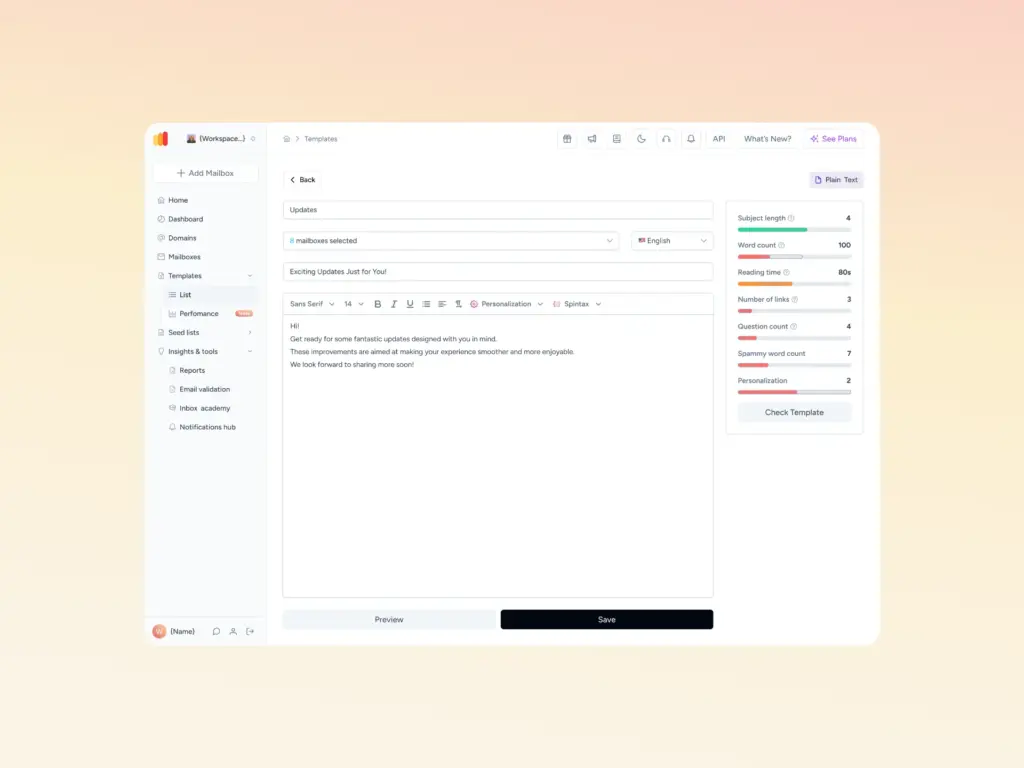
Before your cold emails go out, also check your content with Warmy’s Template Checker. It scans subject lines and body copy for spam trigger words, formatting issues, and structural problems that filters target, then returns a spam score with specific fixes. The Chrome Extension version runs the same check directly inside Gmail.
SPF and DMARC Record Generators
When you need to generate or validate your authentication records, Warmy’s SPF Generator and DMARC Generator create correctly formatted DNS records in seconds and flag any misconfigurations before they affect inbox placement.
With Warmy’s warmup engine, deliverability test, and authentication tools working together, you have everything needed to launch cold email marketing campaigns that consistently reach the inbox.

Conclusion
The domain you use for cold email marketing determines whether your campaigns succeed or fail before a single prospect reads a word. A professional, dedicated domain, properly authenticated with SPF, DKIM, and DMARC, and warmed up before campaigns begin, gives your outreach the sender credibility it needs to reach the inbox consistently.
Pair that domain with a paid email account, a clean sender profile, and the right deliverability tools, and you have the technical foundation for cold email marketing that generates real replies. Your domain is not a setup detail. It is the foundation everything else is built on.