In this article, we’ll look at plain text vs. HTML, the pros and cons of HTML emails, and help you decide which format to use for your email campaign.
Getting past spam filters and improving your email deliverability is a key criterion when assessing the success of any outreach effort. This logic can also be applied to what may seem like an old-fashioned debate – using HTML or plain text in emails?
Many marketers send plain text emails more often, as they are quite effective, easy to create, load quickly and display correctly in any email client and on any device.
HTML Email Advantages
HTML emails give marketers four practical advantages over plain text. First, HTML lets you embed hyperlinks inside buttons and images, directing recipients to a product page or resource without showing a raw URL. Second, well-crafted HTML emails look attractive and let companies express brand identity directly in the inbox through logos, color schemes, and formatted layouts. Third, visual hierarchy is easier to build in HTML, guiding the reader’s eye toward the key action. Fourth, HTML enables open tracking and click tracking through embedded pixels and tagged links, providing engagement signals essential for optimizing ongoing campaigns.
Despite these advantages, HTML emails come with a set of technical and deliverability challenges that make them a poor default for cold outreach.
Disadvantages of HTML Emails
Mail Clients and Rendering Inconsistencies
While every email client supports HTML and CSS in some form, there is no universal rendering standard. Outlook and Gmail render the same email differently, which means a polished layout in one client can appear broken in another. Apple Mail uses WebKit, Gmail runs its own sandboxed engine, and Outlook for Windows still uses the Microsoft Word rendering engine — so identical HTML produces different results in each. Open-source frameworks like MJML were built specifically to abstract this complexity, but rendering gaps persist and require constant retesting. Email clients also strip JavaScript entirely for security reasons, removing any dynamic interactivity and limiting HTML emails to static layouts only.
Getting Emails Into Spam
HTML emails are significantly more likely to trigger spam filters and land in the Promotions or Spam folder. Spam filters score emails based on code complexity, image-to-text ratio, and link density. The more HTML elements an email contains, the higher its spam score tends to be. DMARC.org’s sender guidance makes clear that authentication and content quality are the two primary signals inbox providers use to judge whether a message belongs in the inbox, making plain text a structurally safer choice for cold sends where you have no prior relationship with the recipient.
Images
A large share of email recipients view messages without images enabled. Many major email clients block images by default until the recipient explicitly allows them — a behavior rooted in the MIME email standard that separates message content from embedded resources. HTML emails that rely on images can appear as broken layouts on first open, damaging credibility and reducing engagement before the reader has even read a word of your message.
The Chance of a Response
HTML emails often feel broadcast and impersonal to recipients, which reduces the likelihood of a reply. Cold email outreach depends on perceived one-to-one communication. A polished, designed email signals that it was sent to a large list, making prospects less inclined to respond.
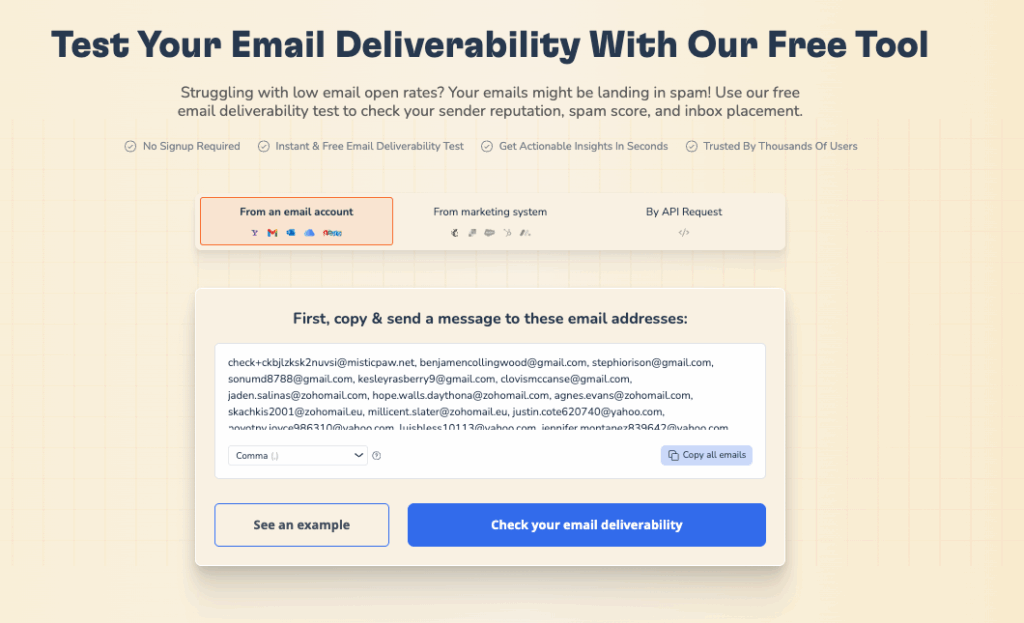
Not sure if your email format is hurting your inbox placement? Run a free Email Deliverability Test and see exactly where your emails are landing across Gmail, Outlook, and Yahoo.
When to Use Plain Text vs HTML Email for Cold Outreach
Your cold email format directly affects whether your message reaches the inbox and whether it gets a reply. Email marketers today no longer have to choose between deliverability and visual appeal outright, but the trade-offs are real and the audience matters.
Plain text emails look like messages from a real person. They load instantly, render correctly in every email client, and pass spam filters far more reliably than HTML alternatives. For B2B cold outreach and senior executive correspondence, plain text consistently earns higher reply rates because it reads as personal rather than promotional.
HTML emails work well when visual brand presence matters, such as product announcements, newsletters, or retail campaigns where buttons and images drive action. But for first-contact cold outreach, the design signals mass distribution, which reduces trust and response rates.
A/B testing is the most reliable way to identify what works for your specific audience. With email marketing remaining one of the highest-ROI channels, the format decision is worth testing properly: run plain text against HTML on identical segments, track reply rate and deliverability, and let the data guide format selection. For guidance on building an effective outreach sequence, see effective cold outreach techniques. For a fuller look at how B2B outreach agencies structure their cold email campaigns – from ICP definition through to sequence copy – MyColdLeads’ cold email guide walks through the full stack.
Hybrid Format: Combining Plain Text and HTML
Many cold email marketers use a hybrid approach, mixing plain text with selective HTML elements. The goal is to retain the personal feel of plain text while adding light formatting or a single call-to-action button. Whether this works depends on your audience, goals, and technical execution.
Here is a side-by-side comparison of all three formats to help you choose:
| Criteria | Plain Text | HTML | Hybrid |
|---|---|---|---|
| Spam filter risk | Low | High | Medium |
| Reply rate (cold outreach) | High | Low | Medium |
| Visual appeal | None | High | Medium |
| Image blocking impact | None | Severe | Moderate |
| Load time | Instant | Slow on mobile | Moderate |
| Rendering consistency | 100% consistent | Varies by client | Varies by client |
| Tracking (opens/clicks) | Limited | Full | Partial |
| Best use case | Cold outreach, B2B | Newsletters, retail | Transactional, follow-ups |
Hybrid Format Advantages
- Visual Appeal. HTML elements like images, buttons, and formatting make emails more attractive and readable, helping to grab attention in competitive inboxes.
- Interactive Features. HTML provides CTA buttons and embedded links that encourage recipients to take direct action from the email.
- Brand Consistency. Selective HTML elements like a logo or brand color maintain the look and feel of company branding without overwhelming the message.
- Detailed Analytics. HTML-based tracking captures link clicks, opens, and engagement data that inform future campaign decisions.
Hybrid Format Disadvantages
- Deliverability Issues. HTML elements, even light ones, increase spam scoring. Plain text emails avoid these filters more reliably.
- Slower Load Times. Emails with images or formatted HTML can take longer to load, particularly on mobile connections.
- Limited Compatibility. Some email clients or older devices do not render HTML correctly, producing broken layouts that harm your professional image.
- Complexity. Hybrid emails require more production time and technical skill than plain text, which is a significant constraint for smaller teams.
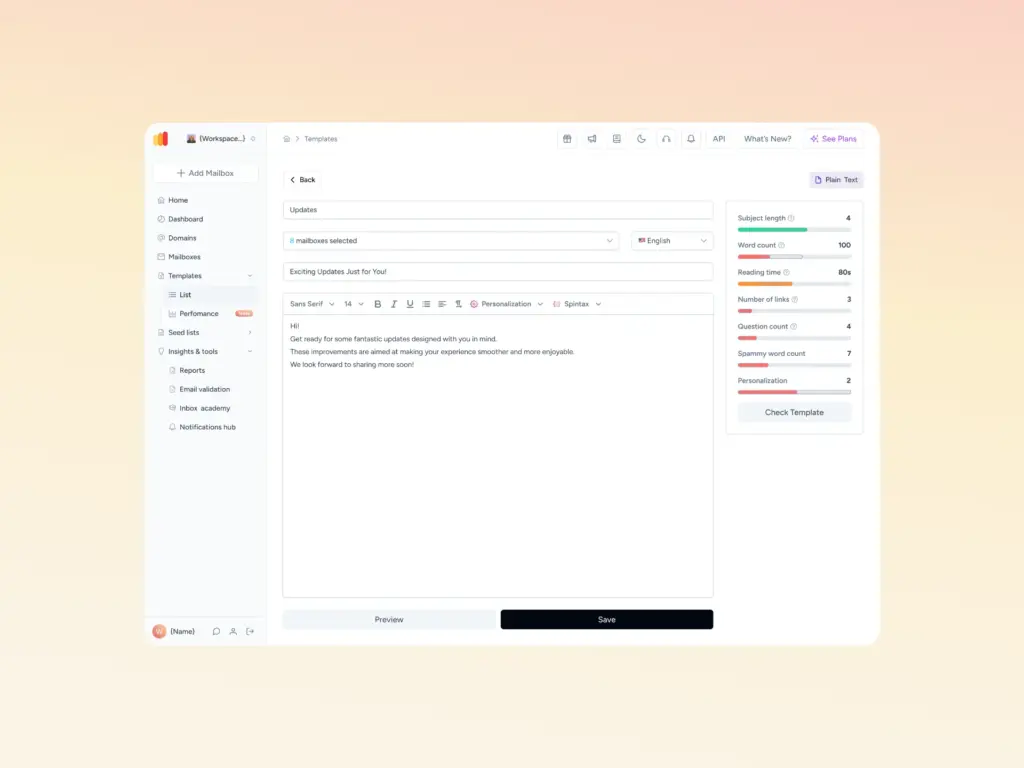
Pro Tip: Before choosing a hybrid format for cold outreach, check your email’s spam score first. Warmy’s free Template Checker scans your content and subject line for spam trigger words, problematic formatting, and structural issues that filters target, returning a spam score with specific fixes. Adding even one image to a cold email can raise your spam score by several points, and that cost often outweighs the visual benefit for first-contact messages.
You can run a pre-send check with Warmy’s Template Checker before any send, and use the SPF Record Generator to ensure your authentication records are correctly set up and not contributing to filter flags.
Questions to Help You Pick the Right Cold Email Format
- Are you looking to establish a personal, one-on-one tone? Opt for plain text.
- Is your goal to visually impress and engage a wide audience? Go for HTML.
- Do you need a message that loads quickly and works well on any device? Stick with plain text.
- Concerned about spam filters blocking your email? Plain text is a safer bet.
- Are you hoping to include eye-catching elements like images or buttons? HTML is the way to go.
- Who is your target audience? For formal business settings, plain text feels more appropriate, while HTML works well for visual, consumer-facing audiences.
- Want to monitor detailed engagement metrics like link clicks and open rates? HTML will give you those insights.
- Facing technical issues with HTML formatting? Plain text ensures your message gets delivered consistently.
The format debate matters more when your sending domain is already trusted by inbox providers. Warmy.io is an AI-driven email warmup and deliverability platform that automatically builds your sender reputation, improves inbox placement, and keeps your emails out of spam, regardless of whether you send plain text, HTML, or a hybrid format.
A new or cold domain has no sending history. Inbox providers like Gmail and Outlook treat it as unverified, which means even a well-formatted plain text email can land in spam until the domain earns trust. Properly configured email authentication records (SPF, DKIM, DMARC) are a prerequisite, but authentication alone does not build reputation — that requires a gradual warmup of real sending activity. Warmy solves this by simulating real human-like email interactions before and during your outreach. For a deeper look at how this works technically, see how to improve email deliverability with AI.
How Warmy.io Improves Deliverability
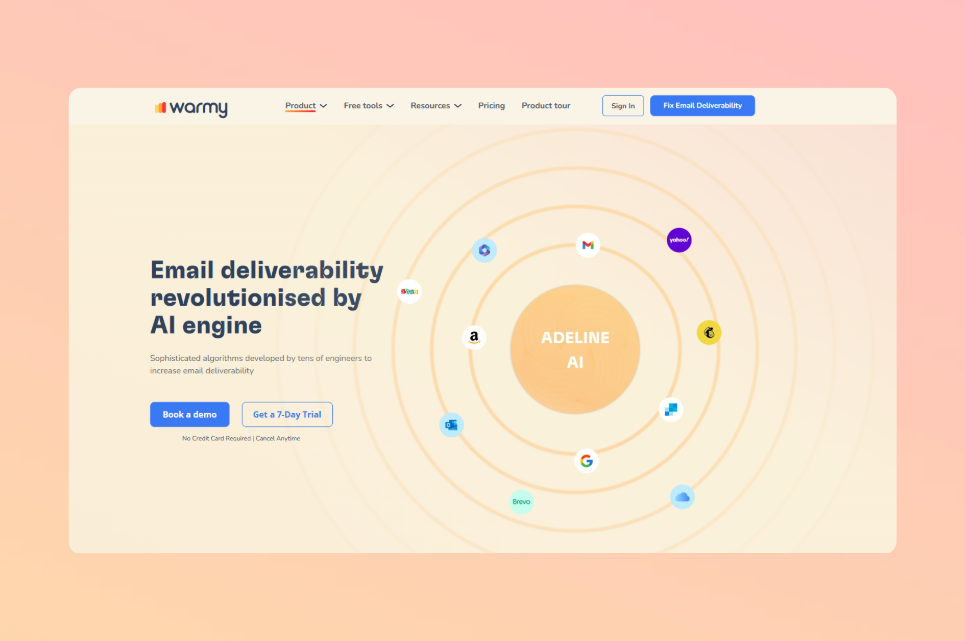
Gradual Warm-Up. Before you start sending cold emails, Warmy simulates organic email interactions by opening, responding to, and engaging with your emails. Adeline AI, Warmy’s proprietary engine that makes 20 million decisions per day, builds a personalized warmup schedule per mailbox and adjusts the ramp-up pace in real time. This lifts your sender reputation and reduces the chance your emails are blocked or marked as spam.
Spam Filter Avoidance. Warmy steadily increases email send volume to avoid sudden-spike flags, ensuring that your cold emails, whether plain text or HTML, clear deliverability thresholds consistently. You can monitor your spam complaint rate in real time and address issues before they affect your domain score.
Continuous Monitoring. Warmy tracks the health of your sending domain and alerts you to potential issues, helping you maintain strong deliverability throughout your campaigns. If you notice emails going to spam, Warmy’s guidance on why emails go to spam and how to prevent it gives you a diagnostic starting point.
Warmy supports more than 35,000 businesses and has helped over 650,000 domains increase their deliverability. Its network of 1M+ real mailboxes generates authentic engagement signals across 30+ languages, making the warmup process as realistic as possible for inbox providers evaluating your domain reputation.
Conclusion
In the debate between plain text and HTML for cold emails, both formats have genuine trade-offs. Plain text delivers authenticity, simplicity, and a higher likelihood of bypassing spam filters, making it the default choice for first-contact B2B outreach. HTML provides visual appeal, interactivity, and branding value, though it brings real deliverability risks that require mitigation.
The right choice depends on your specific outreach goals, your target audience, and whether your sending domain has been properly warmed up. Test both formats, measure reply rates alongside deliverability, and use the data to guide your strategy. Format alone is not enough: a cold domain undermines even the best-crafted plain text email.
Ready to protect your sender reputation and ensure your cold emails land where they belong? Book a demo and see how Warmy builds inbox trust automatically.