The RATS-Spam Blacklist is a real-time IP blocklist that flags senders of unsolicited email. If your IP is listed, email servers reject your messages before they reach the inbox. To protect your deliverability: (1) check your blacklist status using Warmy’s free Email Deliverability Test, (2) submit a removal request on the RATS-Spam website, and (3) use email warm-up to rebuild your sender reputation during the recovery window.
A blacklisted IP means every email you send is silently blocked or junked before the recipient ever sees it. For an SDR team sending 500 outbound emails a week, a single RATS listing can erase an entire week of pipeline generation while the sender has no idea what went wrong. Most blacklisting incidents go undetected for days, and by then, sender reputation damage with Gmail, Outlook, and Yahoo compounds the problem further.
Warmy is an AI-driven email deliverability platform that monitors blacklist status in real time and automates IP reputation recovery, so you can detect listings early and recover faster.
What is a RATS Spam blacklist?
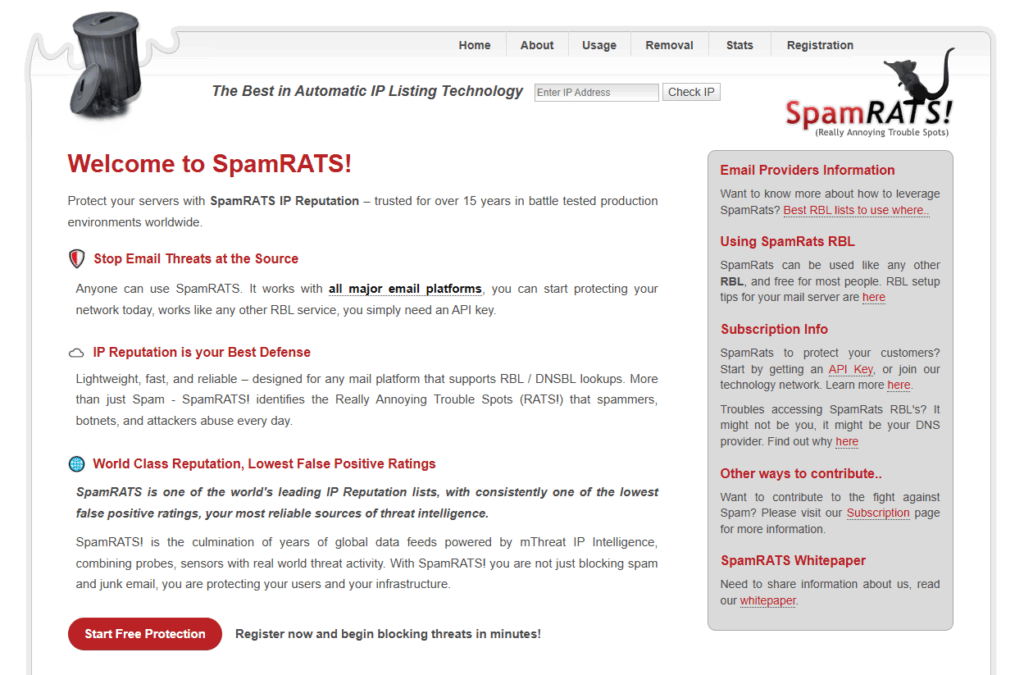
A RATS (Real-time Automated Threat System) Spam Blacklist is a spam filtering system that identifies IP addresses associated with sending unsolicited email. The RATS system works by compiling a list of known spam-sending IPs and making that list available to email servers in real time, so they can reject or flag incoming messages from those addresses before delivery.
When an email server receives a message, it checks the RATS Spam Blacklist to see whether the sending IP is listed. If it is, the message is rejected or routed to spam. Not all email servers query RATS specifically, as it is one of dozens of real-time blocklists (RBLs) in active use, but listings still cause deliverability failures across a meaningful portion of the email ecosystem. According to M3AAWG best practices for messaging, IP-based blocklists like RATS remain a core component of how major providers filter inbound mail.
How RATS-Spam Blacklisting Works
How RATS Collects Spam Reports
The RATS system gathers data on known spam senders from spam reports submitted by email users and from spam traps. Spam traps are email addresses set up specifically to attract unsolicited messages, and any IP that sends to them is flagged as a spam source.
How RATS Analyzes and Flags IPs
Once data is collected, RATS analyzes patterns and sending behavior to determine whether an IP address is consistently associated with spam. IPs showing repeated or high-volume spam signals are added to the blocklist. The list is updated in real time, meaning a newly flagged IP can begin experiencing delivery failures within hours.
How Email Servers Block RATS-Listed IPs
When an email server receives a message, it queries the RATS blocklist to check the sender’s IP. If the IP appears on the list, the server blocks the message or routes it directly to spam. This check happens before the message content is even evaluated, so deliverability fails regardless of how clean or legitimate your email content is.
RATS-Spam vs Other Email Blacklists: Key Differences
| Blacklist | Type | Removal Process | Auto-Expiry | Severity |
|---|---|---|---|---|
| RATS-Spam | IP-based RBL | Self-service form on spamrats.com | ~28 days of clean sending | Moderate |
| Spamhaus SBL | IP + domain | Manual request via spamhaus.org | No auto-expiry | High |
| Barracuda BRBL | IP-based | Self-service form on barracudacentral.org | No auto-expiry | Moderate-High |
| SORBS | IP + domain | Self-service with fee option | Varies by listing type | Moderate |
Pro Tip: RATS listings auto-expire after approximately 28 days of clean sending, but your reputation score with major ESPs like Gmail and Outlook will not reset on its own. Use that 28-day window to run email warm-up simultaneously, so by the time the listing clears, your sender reputation is already recovering.
How to Check If Your IP Is on the RATS-Spam Blacklist
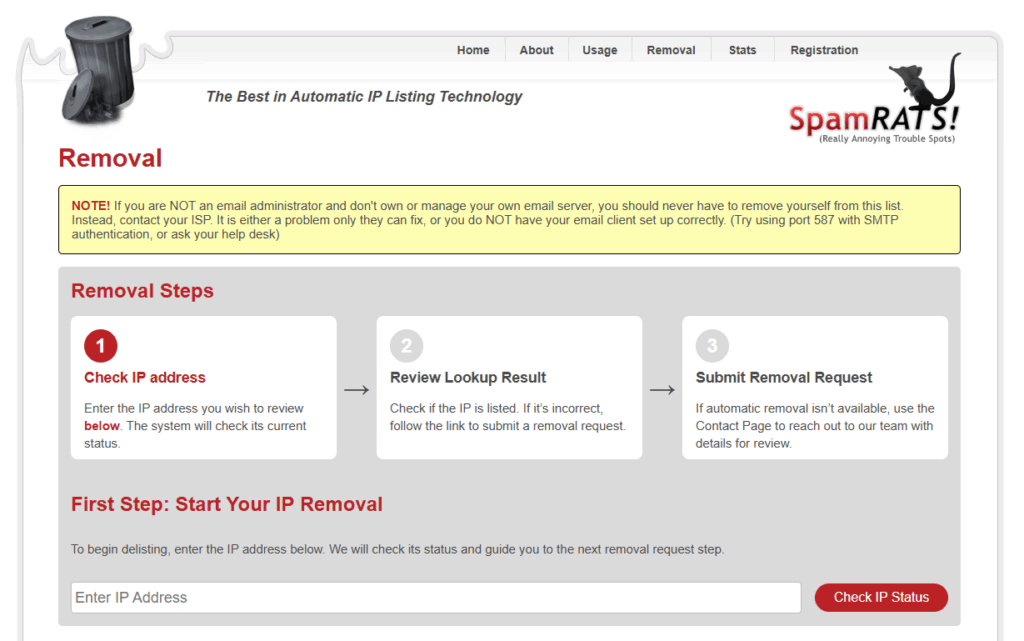
You can check your IP status directly on the RATS-Spam Blacklist website:
- Go to the RATS-Spam Blacklist website at spamrats.com.
- Navigate to the Removal page.
- Enter your IP address in the Enter IP Address field and click Check IP Status.
- Review the lookup result — if the IP is listed and incorrect, follow the link to submit a removal request.
- If automatic removal isn’t available, use the Contact Page to reach out to the team with details for review.
Checking one blacklist at a time is slow, and RATS is only one of many RBLs that can affect your deliverability. Warmy checks your IP and domain against all major blacklists simultaneously and delivers a full report including inbox placement data, authentication status (SPF, DKIM, DMARC), and a deliverability score, all in a single run.
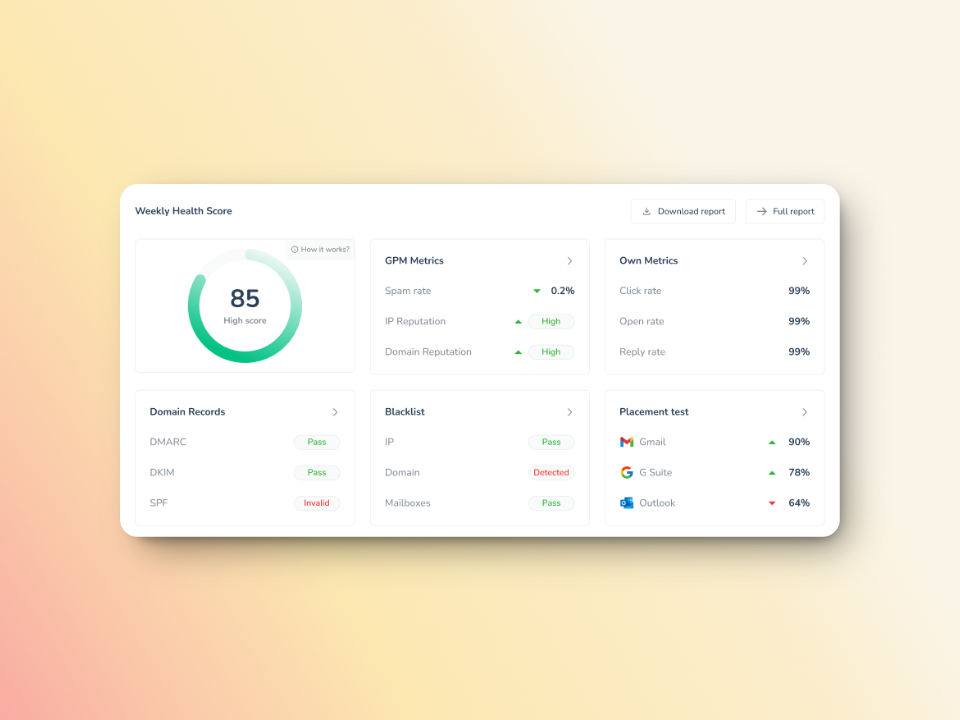
To use Warmy’s free email deliverability test:
- Go to the free Email Deliverability Test.
- Enter your email address in the provided field.
- Click “Run Test” to start the analysis.
- Review your detailed report covering blacklist status, deliverability score, spam indicators, and authentication setup.
Not sure which blacklists you’re on? Run a free email deliverability test and get your full blacklist status in minutes.
How to Remove Your IP from the RATS-Spam Blacklist
To delist your IP from the RATS-Spam Blacklist, follow these steps:
- Visit the RATS-Spam Blacklist removal page at spamrats.com/removal.php.
- Scroll to the Removal section at the bottom of the page.
- Enter your IP address and click the Remove button.
- Check your email for a confirmation message from the RATS-Spam team. The message will confirm whether your delisting request was approved or denied.
Delisting alone does not guarantee full inbox recovery. The underlying behavior that triggered the listing must be corrected, and your sender reputation with Gmail, Outlook, and Yahoo needs to be actively rebuilt. That is where email warm-up becomes essential. For a broader look at email deliverability and blacklist protection, see Warmy’s guide on email warmup and deliverability tools.
How to Improve Email Deliverability After Removal
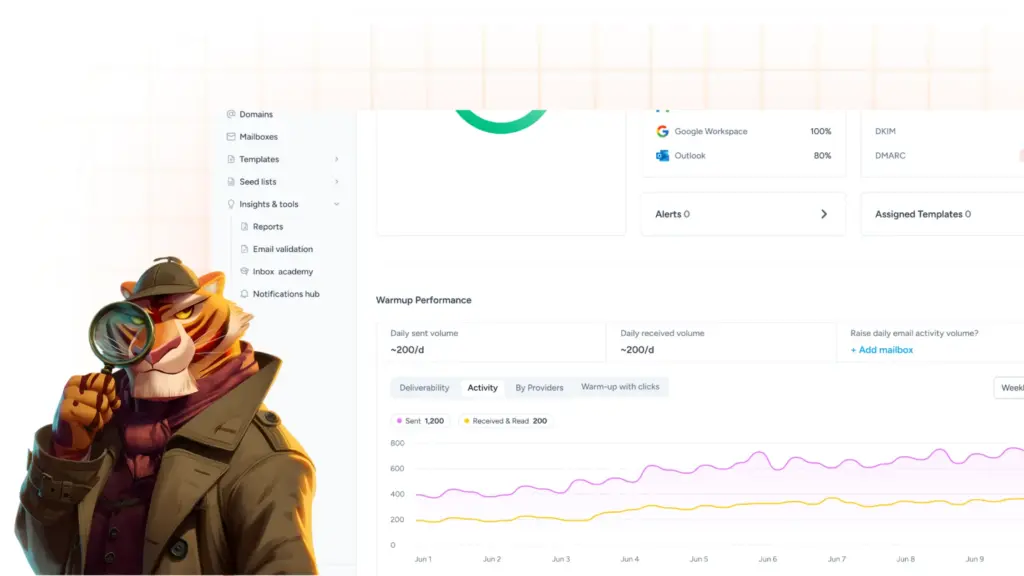
Getting delisted is the first step, but inbox placement will not fully recover until your sender reputation is rebuilt with the major email providers. Warmy’s email warm-up service does this automatically. Adeline AI, Warmy’s proprietary AI engine, creates a personalized warmup schedule for each mailbox, gradually increasing send volume while generating real engagement signals (opens, replies, clicks, and spam removals) across 1M+ real mailboxes in 30+ languages.
Beyond warm-up, you can use Warmy’s free SPF Record Generator and free DMARC Record Generator to set up the authentication protocols that protect your domain from spoofing and strengthen your long-term sender reputation. According to Google’s bulk sender guidelines, correctly configured SPF, DKIM, and DMARC records are a baseline requirement for reliable inbox delivery.
To proactively prevent future blacklistings:
- Keep your server security up to date and use strong, unique login credentials for all email-sending accounts.
- Encrypt sensitive data and implement CAPTCHA on any forms that could be exploited to send spam from your IP.
- Use reputable email lists with verified opt-in contacts, and remove hard bounces and unsubscribes promptly.
- Follow Warmy’s complete domain warmup guide to monitor domain health and reputation so listings are caught early, before they compound into deeper reputation damage.
- Run periodic checks against the Spamhaus blocklist and other major RBLs alongside RATS, since a listing on any one of them can suppress your deliverability.
For a structured approach to long-term inbox performance, see Warmy’s guide on mastering global email deliverability.
Conclusion
You now know what the RATS-Spam Blacklist is, how to check your status, and the exact steps to remove your IP and prevent future listings. The most important thing to do after a delisting is to rebuild your sender reputation actively, not wait for it to recover on its own.
Warmy automates that recovery process from day one. Book a demo and see how Warmy protects your sender reputation at scale.