Affordable email warmup tools for startups are platforms that build a new domain’s sender reputation at a price that scales with your sending volume rather than a flat enterprise fee. The most cost-effective options pair a high-quality warmup network with AI-adjusted ramping, authentication checks, and free diagnostic tools, so you pay only for what your stage actually needs.
Here is the number that should shape how you spend: across 15 email platforms tested under identical conditions, the average deliverability rate was 83.1%, which means 16.9% of all emails have either gone completely missing or have been caught by popular spam filters.
For a startup running cold outreach or onboarding sequences on a limited budget, that missing sixth is lost pipeline you already paid to create.
The trap is assuming “affordable” means “cheapest sticker price.” A free or bargain warmup tool that shares a crowded, low-quality pool can quietly train inbox providers to distrust your domain, and recovery takes weeks of careful sending.
Warmy is an AI-driven email deliverability platform that helps new domains earn inbox placement through adaptive warmup and live monitoring, and it gives you free tools to check your starting point. Before you compare any pricing page, run a free Email Deliverability Test to see where your domain stands today.
What “affordable” really means for a startup
Price per month is easy to read. Cost per outcome is what matters. A tool that costs less but burns your domain forces you to register a new one, rewarm it, and lose the sends in between, so the cheap option becomes the expensive one.
Email also earns its keep when it lands. On average, email drives an ROI of $36 for every dollar spent, higher than any other channel. A startup protecting that return cannot afford a warm-up tool that puts the channel at risk to save a few dollars. Affordable, in practice, is the tool that gets you to reliable inbox placement at the lowest total spend across the next year.
Why a new startup domain struggles to reach the inbox
A brand-new domain has no sending history, so inbox providers have no reason to trust it yet. When that domain suddenly sends dozens or hundreds of emails, filters read the spike as classic spam behavior and route messages to junk or block them outright.
On the receiving side, Gmail, Outlook, and Yahoo now weigh authentication status, complaint rates, and engagement signals such as opens, replies, and clicks before they decide where a message lands. On the sending side, the factors you control are authentication records (SPF, DKIM, DMARC), sending volume, list quality, and content.
A startup that skips any of these hands the filters a reason to doubt you. This is why warmup exists, and why it cannot be a one-time switch you flip and forget. For the full picture of how providers score you, Warmy’s guide to email sender reputation breaks down each signal.
What email warmup actually does
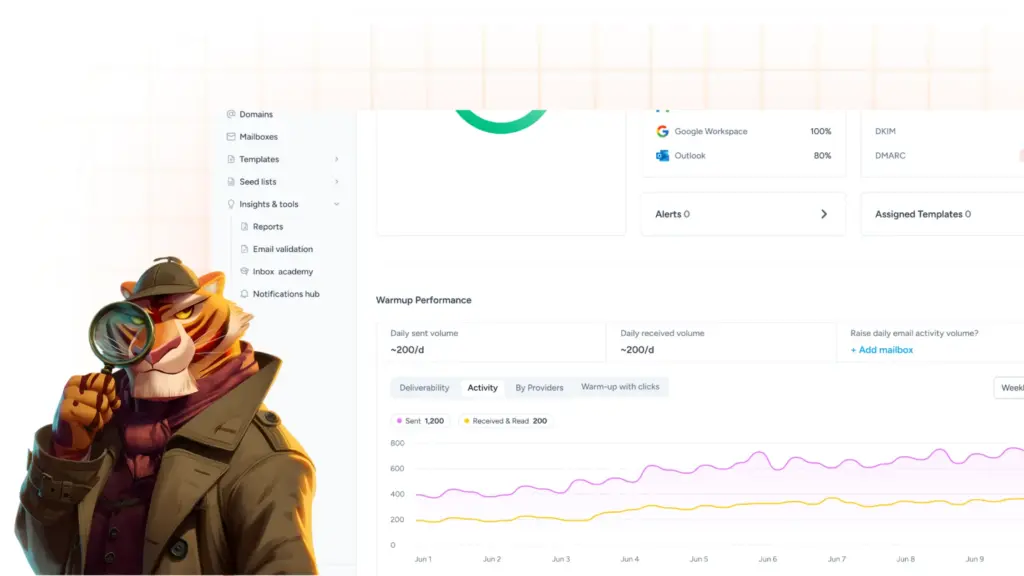
Warmup gradually increases how much your domain sends while generating positive engagement: messages get opened, read, replied to, and pulled out of spam. Those interactions tell inbox providers that real people want your mail, which builds the reputation that lets larger campaigns through.
The quality of the network doing that engaging is the part startups overlook. If the warmup pool is full of throwaway or spammy accounts, the signals are weak and can even drag your reputation down. A well-maintained pool of genuine mailboxes across Gmail, Outlook, and Yahoo produces the credible interactions that move the needle. That single factor often separates a tool that helps from one that wastes your money.
Features that separate cheap from cost-effective warmup tools
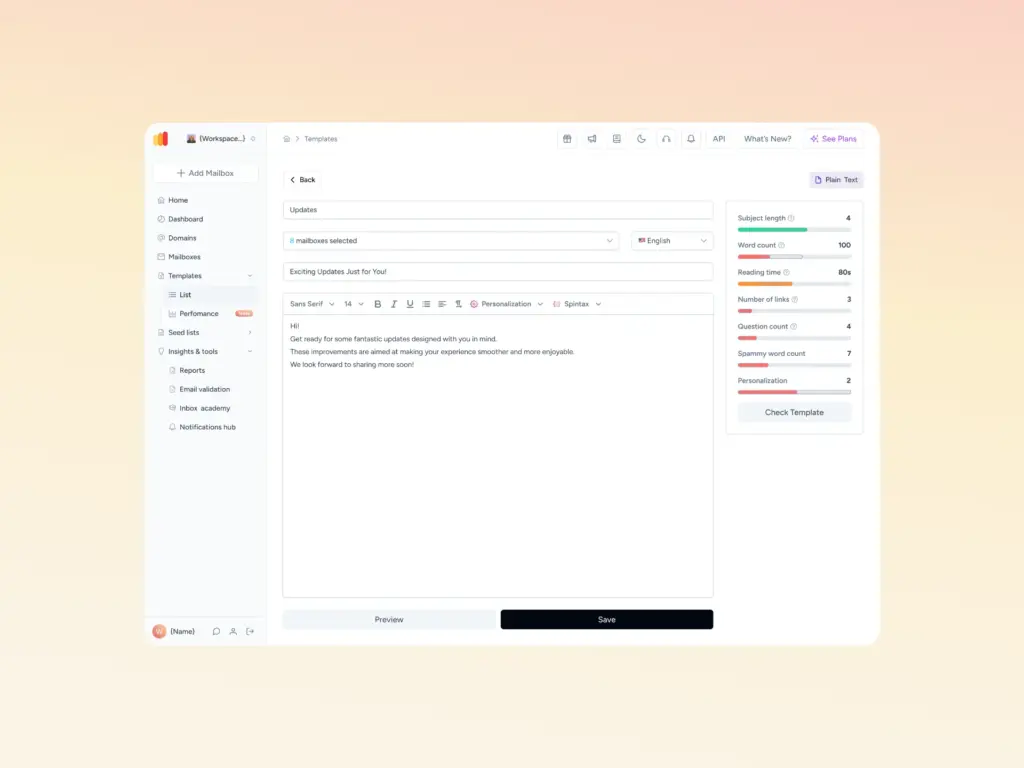
When you evaluate options on a startup budget, judge them on what protects the domain, then check the price:
- Network quality: Real, actively maintained mailboxes rather than bot accounts or an overcrowded shared pool.
- Adaptive ramping: Volume that adjusts to your domain’s real performance instead of a fixed daily schedule.
- Authentication support: Built-in checks or generators for SPF, DKIM, and DMARC, so you do not pay for a separate tool.
- Ongoing monitoring: Live tracking of blacklists, spam rates, and inbox placement, not a one-off snapshot.
- Pricing that scales: Volume-based plans and a real trial, so a two-person team is not charged like an enterprise.
| Pro Tip: Test the content, not just the connection. Authentication and warmup secure the technical side, but a message stuffed with spam triggers still gets filtered. Before a campaign goes out, scan it with Warmy’s free Template Checker so you close the content gap too. |
|---|
If your authentication is the weak point, you can fix it at no cost with Warmy’s free SPF Record Generator and DMARC Record Generator before you spend anything on warmup.
Where to look for affordable warmup tools
Affordable options tend to live in four places, and the smartest startup approach uses them in order:
- Free diagnostic tools first. Confirm the problem before you buy. A deliverability test, an SPF or DMARC generator, and a template checker cost nothing and often reveal that authentication, not warmup, is your real issue.
- No-card trials. Tools that let you test the full product without a credit card let you verify results on your actual domain before committing a budget.
- Volume-based pricing. Plans tied to how much you send keep early-stage costs low and rise only as your outreach grows.
- All-in-one platforms. A single tool that handles warmup, authentication, and monitoring is usually cheaper than stitching together three separate subscriptions.
Here is how a bargain basic tool compares with a full deliverability platform on the dimensions that decide cost over time:
| What to compare | Basic / cheap warmup tool | Full deliverability platform |
|---|---|---|
| Network quality | Often shared or low-quality pool | Genuine, maintained mailboxes across major providers |
| Ramp logic | Fixed daily schedule | AI adjusts to your domain’s real data |
| Authentication | Usually not included | SPF, DKIM, DMARC checks and generators built in |
| Monitoring | One-time snapshot | Continuous blacklist and inbox-placement tracking |
| Pricing model | Flat or per-inbox | Volume-based, scales with your stage |
| Best fit | One or two inboxes, basic needs | Startups protecting revenue as they grow |
Not sure how many mailboxes your sending volume needs? Warmy’s free Mailbox Calculator helps you size that before you pick a plan.
How Warmy fits a startup budget
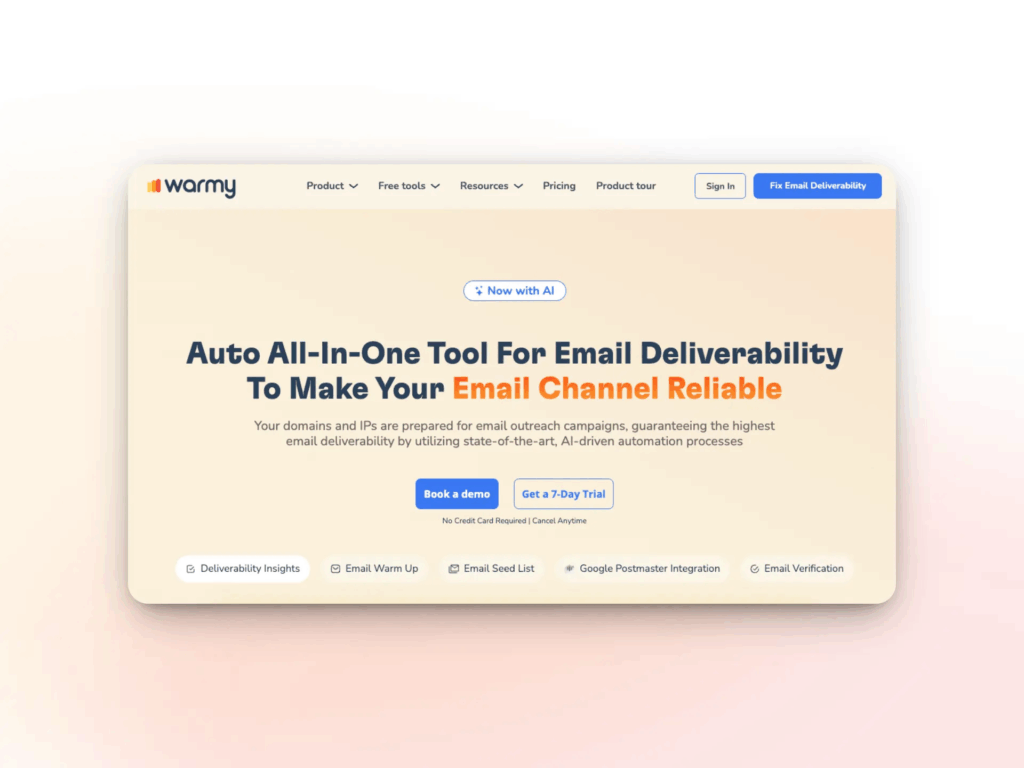
Warmy was built as a deliverability-first platform, so a startup gets warmup, authentication, and monitoring in one place instead of paying for three tools. Its AI-powered email warmup generates real conversational engagement across 30+ languages, adjusts volume to your domain’s live data, and uses a continuously updated network of genuine Gmail, Outlook, and Yahoo addresses.
On cost, Warmy’s pricing is volume-based, and you can test every feature on a 7-day trial with no credit card required. That structure matches how a startup actually grows: you start lean, and spend rises only when your sending does.
The free diagnostic tools and live domain monitoring come with the platform rather than as paid add-ons, which is where the total-cost math tilts in your favor. As you scale past early outreach, the same account handles up to 5,000 warm-up emails per day, so you are not forced to migrate tools the moment you grow.
Conclusion
For a startup, the right question is not which warmup tool is cheapest this month, but which one protects the channel that returns the most per dollar you put in. A bargain tool that damages your domain costs far more than it saves, while a platform that combines a quality network, adaptive warmup, authentication, and monitoring keeps your pipeline landing where prospects will see it.
Start where it costs nothing, prove the results on your own domain, then scale spend only as your sending grows. Start your free Warmy trial and take control of your deliverability before your next campaign goes out.