When it comes to email communication, experiencing SMTP Email Error 441 4.4.1 is bewildering and aggravating. Error messages are simply a messages showing that something is currently amiss with a conveyance cycle – this message explicitly specifies that at the present time, the receiving server can’t acknowledge your message. In this article, we will discuss the aspects of this error, revealing its main reasons and indicating steps on how to pass through it with ease.
What is SMTP Email Error 441 4.4.1
SMTP Error 441, or more specifically 441 4.4.1 as per the error code, is a temporary problem with message delivery while sending an email. Usually, it happens when the recipient’s mail server is currently unable to receive the message for possible reasons like server congestion, the recipient’s mailbox is full, or some temporary network failure. The actual message is different depending on the email client or server software, but it generally contains a code for the error 441 4.4.1 and a small explanation of the happening problem. For example:
Delivery to the following recipient failed permanently:
john@example.com
Technical details of permanent failure:
SMTP Error 441 4.4.1 Recipient address rejected: Temporary Error
The actual look of the error message varies depending on the email service provider or mail server software, but it usually contains enough information to identify the problem and take proper action to resolve it.
Common Causes of SMTP Email Error 441 4.4.1
- Server Congestion. During peak email traffic or server congestion, the recipient’s mail server may struggle to process incoming messages, resulting in temporary delivery failures.
- Recipient Mailbox Full. If the recipient’s mailbox is full, it may be unable to receive fresh messages, resulting in temporary rejection of incoming emails.
- Temporary Network Issues. Intermittent network connectivity issues or server outages might impair email transmission and result in temporary delivery mistakes.
- DNS Configuration troubles. Incorrect or incorrect Domain Name System (DNS) settings can occasionally cause email delivery troubles, such as SMTP Error 441 4.4.1.
- SMTP Server Misconfiguration. Incorrect login credentials or inappropriate server setups can prohibit successful email delivery.
Comprehensive guide to fixing SMTP email error 441 4.4.1
For Gmail
- Check the Google Server Status. Check the Google Workspace Status Dashboard to see if there are any disruptions impacting Gmail.
- Verify Network Connection. Check that your internet connection is reliable. Try restarting your router or connecting to another network.
-
Configure SMTP Settings Correctly: Ensure that your SMTP settings are correctly configured:
- SMTP Server: smtp.gmail.com
- Port: 587 (with TLS) or 465 (with SSL)
- Authentication Required: Yes
- Use an App-Specific Password. If you’ve activated 2-Step Verification, you may need to create an app-specific password for your email client.
- Contact Support. If the problem persists, contact Google Support for more comprehensive troubleshooting.
For Outlook
-
Check Server Status. Verify that Microsoft services are operational by checking the Office 365 Service Health.
-
Inspect Network Connection. Similar to Gmail, ensure your connection is stable.
-
Ensure SMTP Settings Are Correct:
- SMTP Server: smtp.office365.com
- Port: 587
- Encryption Method: STARTTLS
-
Update Outlook. Ensure that your Outlook application is up-to-date as older versions may encounter compatibility issues.
-
Repair Outlook. Use the repair tool in Outlook:
- Go to ‘File’ > ‘Account Settings’ > ‘Account Settings’.
- Select your account and click ‘Repair’.
-
Contact Microsoft Support. If none of the above steps work, contact Microsoft support for further assistance.
For Yahoo
-
Check Yahoo’s Server Status. There’s no official Yahoo status page, but you can check third-party websites like Downdetector.
-
Verify Internet Connection. As before, make sure your internet connection is stable.
-
SMTP Settings:
- SMTP Server: smtp.mail.yahoo.com
- Port: 465 (SSL required) or 587 (TLS required)
- Authentication Required: Yes, use your full email address and password.
-
Update Email Client. Ensure that your email client is using the latest version.
-
Contact Yahoo Support. If the issue continues, Yahoo support may be able to offer more specific guidance.
For Other Email Platforms
-
Verify Network and Server Status. Check if the email server is online and your network is stable.
-
Correct SMTP Configuration. Make sure that your SMTP settings match those provided by your email service provider. Common settings include:
- SMTP server address (e.g., smtp.example.com)
- Port (commonly 465 for SSL, 587 for TLS)
- Username and password
-
Update Email Client. Keep your email client software up-to-date to avoid bugs that might cause connectivity issues.
-
Consult Service Provider Documentation. Most email service providers have detailed guides or troubleshooting sections on their websites. Refer to these resources for specific instructions.
- Consult with an Email Deliverability Specialist. For persistent issues, consider consulting with specialists like those at Warmy.io for advanced troubleshooting and optimization advice.

Utilizing email warm-up services
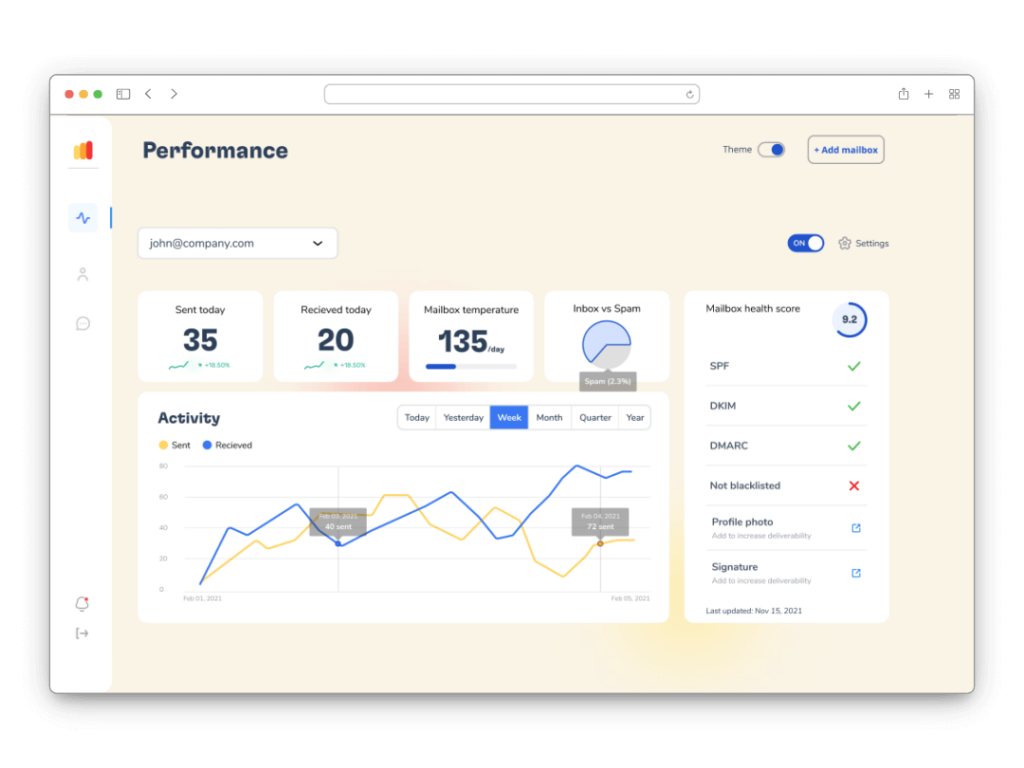
Preventing SMTP errors and increasing overall email deliverability can be achieved by resorting to such services as Warmy.io. These are email warm-up tools that, over time, enable you to acquire a good reputation for your email domain. This way, you can be confident that your emails will frequently land in someone’s mailbox and not the spam folder. How can these tools help:
Gradual Increase in Email Volume
Warmy.io and similar services begin by sending a small number of emails from your new or underutilized email accounts, gradually increasing the number. This matches ordinary human behavior, minimizing sudden increases in email activity that might activate spam filters and cause SMTP issues.
Building Sender Reputation
These services contribute to the development of a strong sender reputation by gradually increasing the volume of emails sent. Internet Service Providers (ISPs) and Email Service Providers (ESPs) monitor email usage, and demonstrating continuous, predictable email activity helps to establish your domain’s credibility.
Email Deliverability Testing
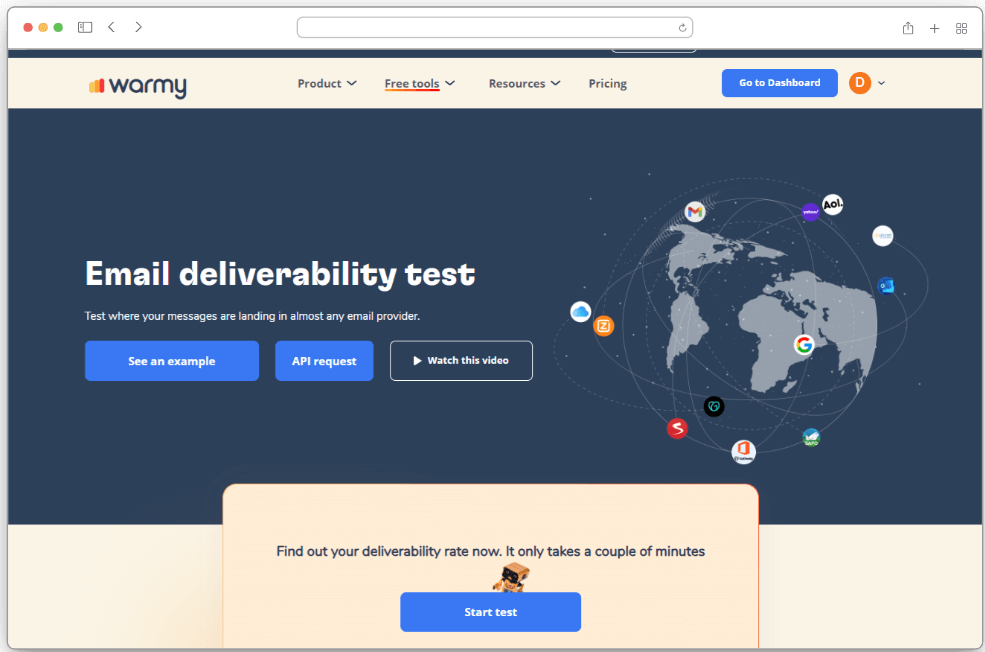
Warmy.io offers features such as Email Deliverability Test, which sends emails to test accounts across many email providers to determine if your emails are landing in the inbox or spam folder. This test provides quick feedback on your email performance, allowing you to make real-time improvements.
Blacklist Monitoring
Another important aspect is blacklist monitoring. Warmy.io can detect whether your email domain or IP address has been blacklisted by any anti-spam databases. Being on a blacklist can have a significant influence on your email deliverability. Early detection allows you to take immediate action to rectify any issues and get delisted.

SPF and DMARC Record Generators
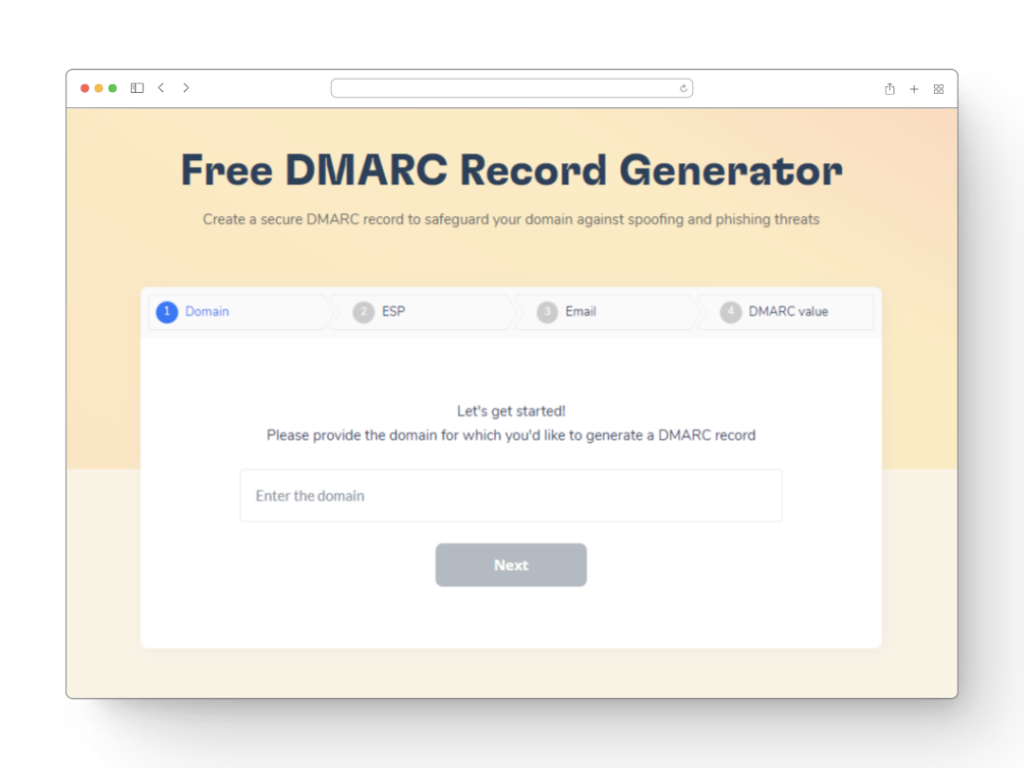
Setting up the proper Sender Policy Framework (SPF) and Domain-based Message Authentication, Reporting, and Conformance (DMARC) records is critical for email security and sender authentication. Warmy.io provides tools for creating these records, which makes it easier to align your email authentication processes with industry standards.
When you use a service like Warmy.io, you’re not just trying to avoid SMTP errors; you’re trying to improve your email strategy as a whole. That includes the deliverability rate, domain reputation, and requirement of modern email authentication tools. Together, these factors build a much sounder, more secure, and efficient email system, which is, in turn, beneficial to your Daily business operations or customer relationships.
To summarize, the email warm-up service helps maintain emails proactively and avoid SMTP and other widespread errors, which ultimately improves email deliverability and management.
Conclusion
Acting on the above-given solutions to address SMTP Email Error 441 4.4.1 promptly serves an essential role towards maintaining smooth email communication. Normally, the error is a sign of an email server’s connectivity problem and, hence, can disrupt the efficiency with which one sends emails considerably. However, with quick error resolution, one can rest assured that the communication flow shall return as quickly as the emails sent shall continue reaching the right recipients on time.
Therefore, one protects their professional relationships and the continuity of their business with such quick fixes. Additionally, actions such as verifying the connection to networks, making sure that the SMTP settings on their Microsoft account are correct, and using such services as Warmy.io to create a strong positive email sender reputation are not only error resolution steps.