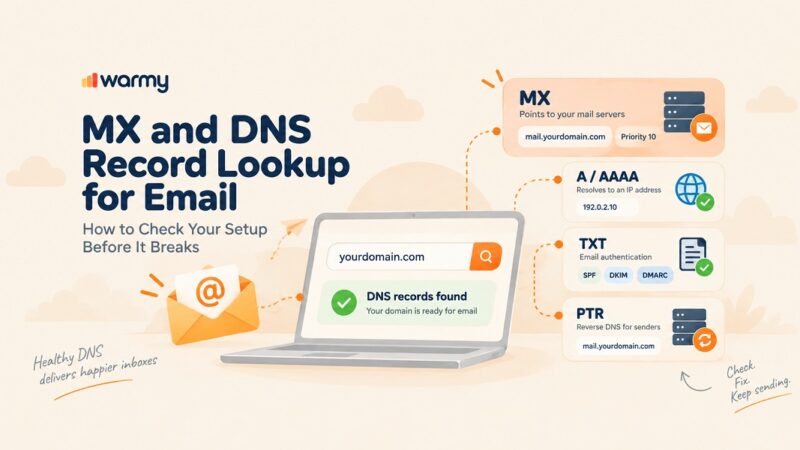
An email warm-up service is a platform that gradually increases sending volume and simulates genuine inbox engagement so mailbox providers learn to trust a new or recovering domain. Choosing the right one means checking network authenticity, adaptive scheduling, inbox placement testing, and pricing transparency before you commit a live domain to it.
Google’s own bulk sender guidelines make the margin for error explicit: any domain sending 5,000 or more emails a day to Gmail addresses is classified as a bulk sender and must keep its spam complaint rate under 0.3%, or it loses eligibility for delivery mitigation entirely (Google). For a brand-new domain with zero sending history, staying under that threshold without warm-up is nearly impossible, and that is exactly the problem an email warm-up service exists to solve.
It is also why the market is crowded with tools that all describe themselves the same way: AI-powered, real inbox network, boosts deliverability. Most of that language is not false, but it is not differentiating either. Warmy is an AI-driven email warmup and deliverability platform that gradually builds sender reputation and keeps emails out of spam, and it is one of several tools you will run into while comparing options.
Before evaluating any of them by name, it helps to know what a warm-up service actually does, what it can’t fix on its own, and which seven criteria separate a tool that protects your domain from one that just looks like it does. If you want a baseline reading before you decide, Warmy’s free Email Deliverability Test shows you exactly where a domain stands today.
What an Email Warm-Up Service Actually Does (and Doesn’t)
A warm-up service sends small, steadily increasing batches of email from your domain to a network of inboxes that open, reply to, click, and occasionally rescue those messages from spam. Mailbox providers read that pattern as a legitimate, engaged sender rather than a burst of unsolicited mail, and over several weeks they adjust the domain’s reputation accordingly.
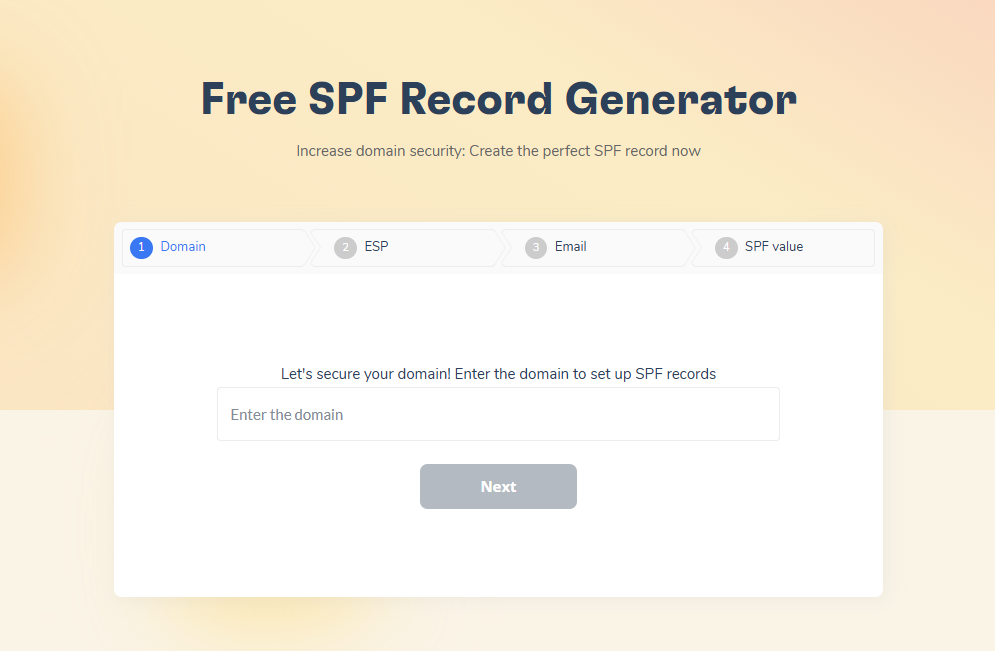
What it does not do is fix a broken technical setup. If SPF, DKIM, or DMARC records are missing or misconfigured, no amount of warm-up traffic makes Gmail or Outlook trust the domain, since warm-up amplifies whatever reputation signal already exists rather than inventing trust on top of authentication failures. If you’re building those records from scratch, Warmy’s free SPF Record Generator walks through the setup before you touch warm-up at all.
The same baseline now applies at Microsoft. Domains sending 5,000 or more emails a day to Outlook.com, Hotmail, and Live.com addresses must have SPF, DKIM, and DMARC properly configured, or messages get rejected outright (Microsoft). Warm-up also can’t compensate for a list full of stale or invalid addresses. Those problems need fixing first, or the warm-up volume gets wasted on a foundation that was never solid.
This is where most buying mistakes happen: a team picks a tool based on price or a slick dashboard, skips the authentication check, and blames the warm-up service when placement doesn’t improve. The seven criteria below help you avoid that.
The 7 Criteria That Actually Matter
1. Real vs. simulated warm-up network
The single biggest differentiator between warm-up tools is who is actually on the other end of the exchange. A network built from genuine, actively used mailboxes across Gmail, Outlook, and Yahoo generates engagement signals that ISPs recognize as real. A network built from SMTP pools or synthetic accounts generates numbers on a dashboard that inbox algorithms quietly ignore. Ask any vendor directly what share of their network is real business or consumer inboxes versus rented infrastructure, and expect a specific answer, not a marketing line.
2. AI-driven, adaptive sending
Static ramp schedules treat a six-month-old domain the same as one that was suspended and is being rebuilt from scratch, which makes no sense given how differently ISPs weigh those two histories. Look for a tool that adjusts sending pace based on real-time engagement and domain behavior rather than following a fixed calendar regardless of what’s happening.
3. Inbox placement testing, not just a health score
A generic “reputation score” tells you very little on its own. What matters is whether the tool can show you exactly where messages land, inbox, spam, or promotions, broken down by provider, so you get concrete data before a real campaign goes out rather than a vague percentage after the fact. The stakes are real: roughly one in six legitimate marketing emails still fails to reach the inbox industry-wide (HubSpot), which is exactly the gap placement testing is meant to catch before a campaign goes out, not after.
4. Provider coverage that matches your stack
If your recipient list is 60% Outlook and a tool’s warm-up network is mostly Gmail, the signal mismatch will show. This matters most with Microsoft: Validity’s own benchmark data puts Microsoft’s inbox placement rate at just 75.6%, the toughest of the major mailbox providers (Validity), so a warm-up network that under-represents Outlook and Microsoft 365 inboxes leaves your biggest risk unaddressed. Confirm the provider list actually maps to where your real audience lives, and check whether the platform supports the specific sending infrastructure you’re on, whether that’s Google Workspace, Microsoft 365, custom SMTP, or a specific ESP.
5. Monitoring and alerts after the ramp ends
Warm-up is not a one-time event. Sender reputation shifts continuously with sending behavior, complaint rates, and list quality, so a tool that stops paying attention once the initial ramp finishes leaves a blind spot exactly when a domain starts sending real volume. Ongoing blacklist checks, authentication monitoring, and spam-rate tracking should continue for the life of the domain.
6. Scale and multi-domain support
A solo sender warming one inbox has simple needs. An agency running 20 client domains, or a company scaling outbound across several brands, needs a single dashboard, role-based access, and per-domain visibility, not a dozen separate logins.
7. Pricing transparency
Per-inbox pricing, flat-rate bundles, and usage-based tiers all exist in this category, and none of them is inherently better. What matters is that the vendor states plan limits, daily volume caps, and add-on costs clearly instead of burying them behind a “book a demo” wall. Check the pricing page directly rather than relying on a sales call to find the number.
Two Warm-Up Models at a Glance
| Model | How it works | Where it excels | Where it falls short |
|---|---|---|---|
| Bundled cold-email suite warm-up | Warm-up ships as a checkbox feature inside a sending or outreach platform | One login, one bill, simple for small-scale outbound | Warm-up is secondary to sending; placement testing and health monitoring are often thin or missing |
| Dedicated deliverability platform (e.g., Warmy) | Warm-up, network health, and diagnostics are the entire product | AI-adaptive scheduling, a real inbox network, ongoing monitoring, free authentication tools in one place | Requires managing a separate login from whatever tool sends your actual campaigns |
Pro Tip: Before signing up for any warm-up tool, ask one direct question: “What percentage of your network is real Google Workspace or Microsoft 365 inboxes versus consumer or SMTP-only addresses?” A vendor that can’t answer with a specific number is a vendor whose network you can’t verify.
Warmy’s Approach: Core Features Behind the Seven Criteria
Understanding the seven criteria is one thing. Seeing how a single platform actually implements them is another. Here’s what that looks like inside Warmy.
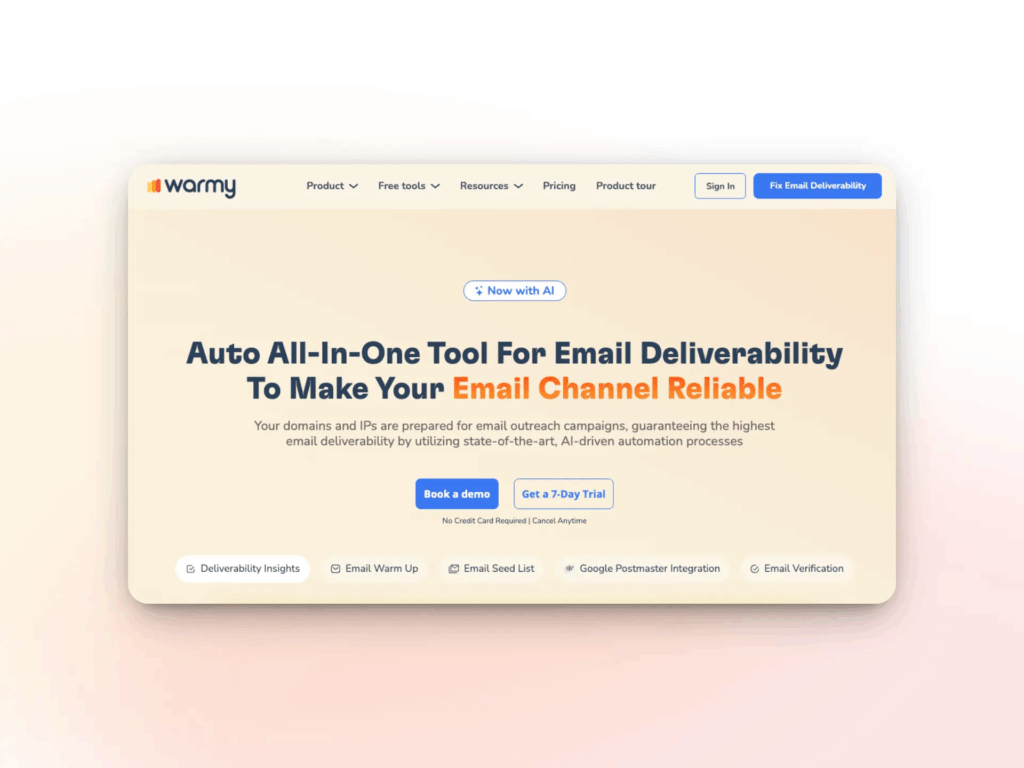
- AI-driven warmup with Adeline. Warmy’s email warm-up engine is powered by Adeline, Warmy’s proprietary AI, which adjusts sending pace, provider distribution, and engagement patterns in real time instead of following a fixed schedule.
- Seed List. Warmy’s Seed List gives you genuine, actively maintained addresses across Gmail, Outlook, and Yahoo that open, click, reply to, and rescue emails from spam the way real recipients would, and it extends placement testing to platforms standard warmup tools can’t reach, including Mailchimp, Shopify, and Klaviyo.
- Warmup Preferences. You control exactly how warmup traffic is distributed across Gmail, Google Workspace, Outlook, Microsoft 365, and other providers, and choose between B2B and B2C engagement patterns so warmup activity mirrors how your actual audience is distributed.
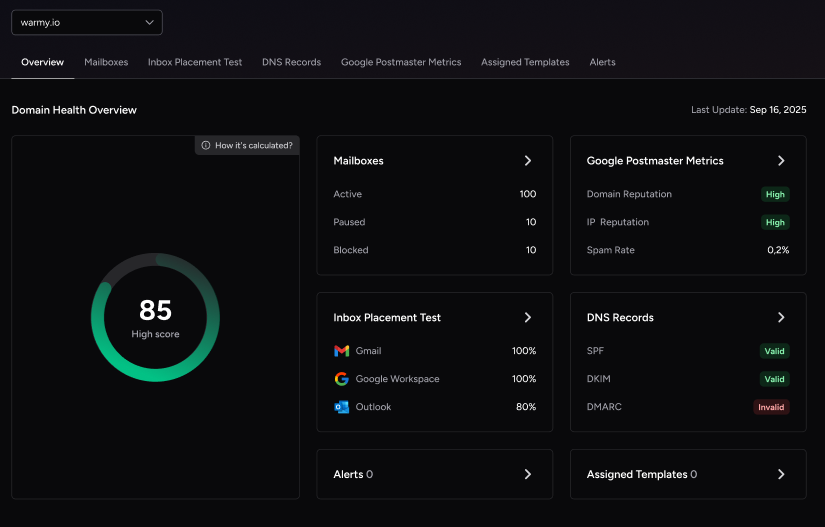
- Deliverability Insights. Warmy’s Deliverability Insights dashboard tracks inbox placement, domain health, and authentication status in one place, so reputation is monitored continuously rather than checked once and forgotten.
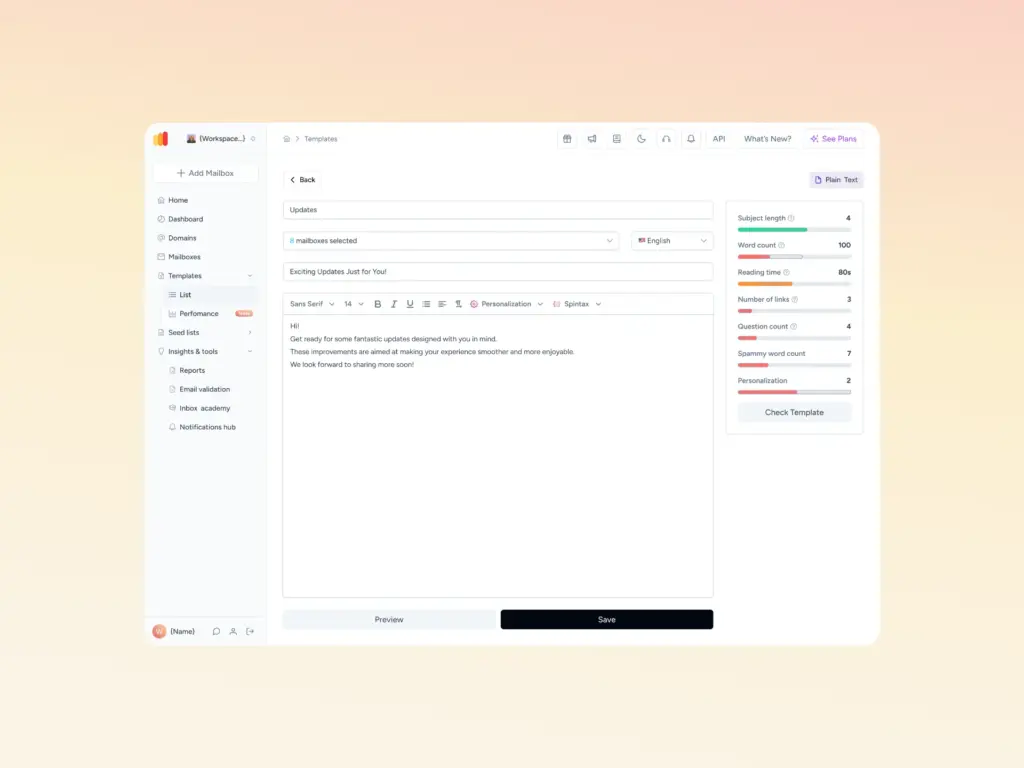
- Template Checker. Before content ever reaches a live inbox, Warmy’s free Template Checker scans subject lines and body copy for spam triggers and formatting issues, covering the content side of deliverability that authentication alone can’t fix.
Together these close the gap between “we send warmup emails” and “we protect sender reputation,” which is the distinction the seven criteria above are really pointing at. For the deeper mechanics of how the engine and network operate, see the full breakdown of how Warmy works.
Comparing the Best B2B Email Warmup Tools
Once you’ve weighed the seven criteria, it helps to see how the category’s main players stack up side by side. The table below reflects publicly listed pricing and positioning as of this writing; confirm current numbers directly with each vendor before deciding, since pricing models in this category change frequently.
| Tool | Network / Model | Pricing | Best For |
|---|---|---|---|
| Warmy | AI-adaptive scheduling (Adeline), 1M+ real mailbox network, Workspace Management | $49/mo, contact for pricing; free trial available | Full-suite deliverability with AI-adaptive scheduling and diagnostics in one platform |
| Instantly | Unlimited inboxes, private warmup network reported at 4.2M+ accounts | Flat-rate, from roughly $37/mo | Budget-first teams that want warmup bundled with outreach sequencing |
| Smartlead | Unlimited mailboxes, sub-account structure, API and webhook access | Flat-rate, from roughly $39/mo | Teams wanting outreach plus warmup bundled with API access and sub-accounts |
| Mailreach | Real Google Workspace and Microsoft 365 network, built-in spam testing | Per-inbox, from roughly $25/inbox/mo | B2B teams that want warmup and spam-placement testing in one subscription |
| Folderly | Enterprise diagnostics, IP reputation monitoring, SOC 2 and ISO 27001 documentation | Per-mailbox, from roughly $96/mailbox/mo (annual, 1-year minimum) | Enterprise buyers who need compliance documentation alongside deliverability diagnostics |
| Warmbox | 35,000+ inbox network, basic scheduling recipes | Per-inbox, from roughly $15/mo (annual) | Solo senders or small teams warming 1 to 6 inboxes on a tight budget |
Choosing by Use Case
Solo founder or SDR
Keep it simple. One or two domains, straightforward setup, and a placement test before every major send are all you really need at this scale. Multi-domain dashboards and agency reporting are overkill here, so prioritize ease of setup and provider coverage over depth of features. If you’re still weighing options, this comparison of email warmup and deliverability tools breaks down how the major players stack up at small scale.
B2B sales team
Outreach usually splits across Outlook and Gmail, so provider coverage and AI-adaptive scheduling matter more than raw volume. Reply rates and inbox-versus-promotions placement are the numbers worth tracking here, not vanity health scores. This breakdown of tools for sender reputation covers what to prioritize when the domain is feeding an active sales motion.
Agency
Multi-domain visibility, workspace-level separation between clients, and reporting you can hand off without exposing another account’s data are non-negotiable at this scale. A tool that treats every client domain identically, regardless of age or history, will eventually damage one of them. Warmy’s dedicated guide to warm-up tools for agencies goes deeper on pricing models and workspace features across the category.
Enterprise or high-volume sender
Daily volume caps become the binding constraint fast, so confirm the real per-inbox ceiling before committing, not just the headline “unlimited mailboxes” claim. Ongoing domain health monitoring matters more here than anywhere else, since a single reputation dip can affect an entire sending infrastructure. This guide for high-volume senders walks through the specific requirements at scale.
Red Flags That Signal a Warm-Up Tool Won’t Protect Your Domain
- Vague “health score” percentages with no inbox-level, per-provider breakdown behind them.
- Unlimited mailbox promises with no disclosed daily send-volume cap. More mailboxes than a network can genuinely support just dilutes signal quality.
- No visibility into network composition. If a vendor won’t say whether their network is real inboxes or SMTP pools, assume the latter.
- No authentication tooling or guidance. A warm-up tool that never mentions SPF, DKIM, or DMARC is treating a symptom while ignoring the cause.
- A one-size-fits-all ramp schedule applied identically to a fresh domain and a damaged one.
- Monitoring that stops after the initial ramp. Reputation management doesn’t end once a domain is “warmed.”
Making the Call
The seven criteria above, network authenticity, adaptive sending, placement testing, provider coverage, ongoing monitoring, multi-domain scale, and pricing transparency, are the actual differentiators once the marketing language is stripped away. A domain’s reputation is too easy to damage and too slow to rebuild to leave the decision to whichever tool has the flashiest homepage.
Warmy meets all seven through Adeline AI’s adaptive scheduling, a genuine 1M+ mailbox network, Seed List placement testing, Warmup Preferences, and the Deliverability Insights dashboard, alongside free authentication and template-checking tools you can use before you even sign up. Book a demo and see how it applies to your specific domain and sending volume.