What SMTP Error 421 Actually Means
SMTP response codes follow a three-digit structure defined in RFC 5321. The first digit signals severity: 4xx codes are temporary failures that tell your server to retry. The second digit (2 in 421) indicates the transmission channel. The third digit provides additional context.
A 421 response fires before the receiving server has evaluated your message content, DKIM signature, or recipient mailbox – the decision is made based on your connecting IP, connection volume, TLS policy, or current server load. This means fixing a 421 is usually about who you are as a sender rather than what you sent.
Common 421 Sub-Codes and What They Mean
| Sub-Code | Typical Message | Root Cause |
|---|---|---|
| 421 4.3.2 | Service not available | Server overload or maintenance window |
| 421 4.4.5 | Server busy, try again later | Too many concurrent connections |
| 421 4.7.0 | Unusual rate of unsolicited mail from your IP | IP reputation issue or suspected spam |
| 421 4.7.1 | Messages deferred due to excessive volume | Volume-based rate limiting by the destination |
| 421 4.7.28 | Unsolicited mail rate limited | Gmail detecting high spam complaint rate |
For a broader reference on SMTP error codes and what each response family means for your deliverability, see Warmy’s complete SMTP error codes guide.
Why You’re Getting SMTP Error 421: The Core Causes
1. Server Overload at the Receiving End
Email servers handle enormous traffic volumes. When a destination mail server reaches its connection limit or processing capacity, it issues a 421 to defer new incoming sessions. This is the receiving server’s problem, not yours – but if you’re seeing it consistently from one provider (especially Gmail or Outlook), it usually signals that your sending pattern is triggering their rate controls rather than a genuine infrastructure outage.
2. Rate Limiting and Volume Spikes
Sending a large batch of emails in a short window is the most common trigger for 421 4.7.1 deferrals. Major ISPs like Gmail, Yahoo, and Microsoft enforce per-IP hourly connection and message limits. If your sending volume spikes suddenly – as with a newsletter blast from a fresh domain – those providers throttle you with a 421 until volume returns to an expected range.
💡 Pro Tip: When sending high-volume campaigns, distribute sends across multiple time windows instead of firing everything at once. A gradual ramp rather than a single spike reduces the likelihood of triggering rate-limiting 421s. Even spacing 10,000 emails over four hours instead of one can eliminate provider throttling entirely.
3. IP Reputation and Sender Score Problems
Receiving servers evaluate your connecting IP’s reputation before accepting a session. A 421 4.7.0 from Gmail – specifically the message “Our system has detected an unusual rate of unsolicited mail originating from your IP address” – means your IP’s reputation has crossed a threshold. This can happen if your list contains spam traps, your complaint rate is elevated, or your IP is shared with a high-volume sender. The 421 is a warning; if unaddressed, it escalates to a permanent 550 rejection.
4. SPF, DKIM, and DMARC Authentication Failures
Since 2024, Google and Yahoo hardened their bulk sender requirements, making authentication failures a direct cause of 421 deferrals. A 421 4.7.0 response from Gmail with the message “This message does not have authentication information or fails to pass authentication checks” means your SPF record is missing, DKIM is not signing correctly, or DMARC alignment is failing. These authentication 421s are urgent – Gmail often escalates them to permanent 550 rejections if the configuration is not corrected.
5. Incorrect SMTP Settings
Misconfigured SMTP server addresses, wrong ports, missing TLS, or incorrect authentication credentials prevent your email client from establishing a valid session. Configuration errors generate 421s immediately at the connection stage, before any reputation check occurs.
💡 Pro Tip: If you’re seeing 421 errors from Gmail specifically, check Google Postmaster Tools first. Postmaster shows your domain reputation and spam rate as Gmail sees them – giving you the exact data needed to determine whether the deferral is a volume issue, an authentication issue, or a reputation issue.
Step-by-Step Fixes for Gmail, Outlook, Yahoo, and Other Providers
Gmail
Check your sub-code first. A 421 4.7.0 related to authentication requires a different fix than a 421 4.4.5 capacity deferral.
- Verify SMTP settings: server smtp.gmail.com, port 587 with STARTTLS or port 465 with SSL.
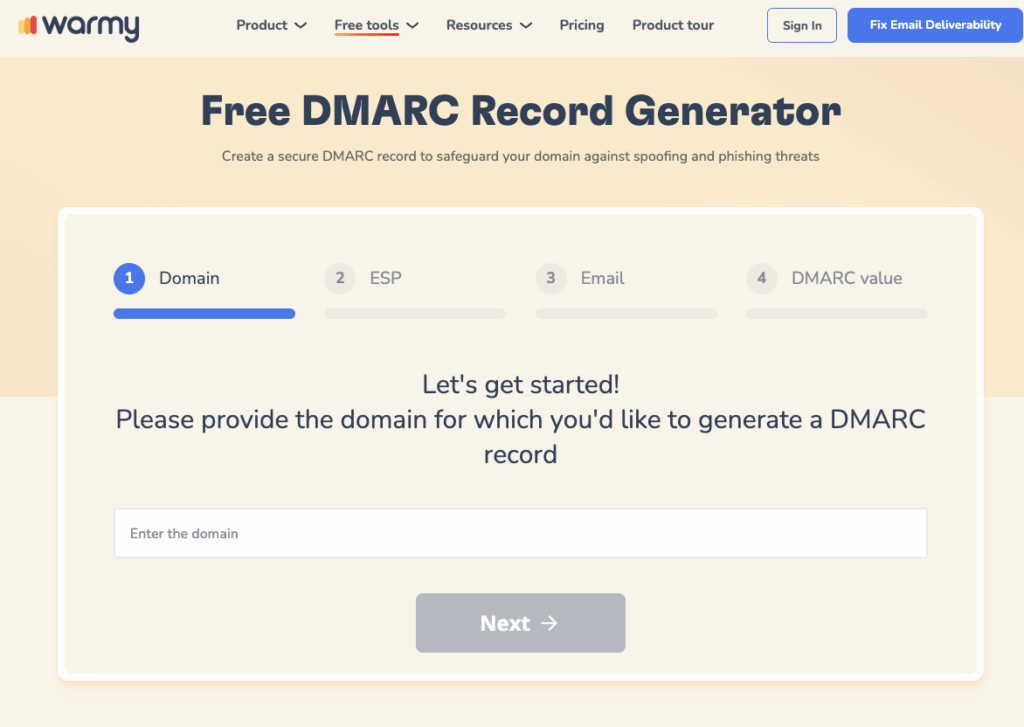
- Confirm SPF, DKIM, and DMARC records are correctly published for your sending domain. Use Warmy’s free SPF Record Generator and DMARC Generator to validate or rebuild your DNS records in minutes.
- If the error cites IP reputation (421 4.7.0 or 4.7.28), check Google Postmaster Tools for your domain and IP reputation scores. Visit Google Workspace sender guidelines for Gmail’s current bulk sender requirements.
- For persistent issues, contact the Gmail Help Center and submit a sender contact form.
📧 Not sure if your emails are reaching Gmail inboxes at all? Run a free Email Deliverability Test and see exactly where your messages land – inbox, spam, or promotions – across Gmail, Outlook, and Yahoo.
Outlook / Microsoft 365
- Confirm SMTP settings: server smtp.office365.com, port 587 with STARTTLS encryption.
- A 421 4.3.2 from Microsoft Exchange means the server hit a concurrent connection limit. Clear your outbox queue and reduce simultaneous sending threads.
- Ensure Outlook is updated to the latest version – outdated clients can fail TLS negotiation, which generates immediate 421 deferrals.
- Microsoft now requires SPF, DKIM, and DMARC for bulk senders. Verify all three records are correctly configured.
Yahoo
- SMTP settings: server smtp.mail.yahoo.com, port 465 with SSL.
- Yahoo’s 421 4.7.0 TSS errors indicate volume-based throttling. Reduce send rate and allow the retry queue to clear naturally over 24 hours.
- Review third-party app passwords if you use external email clients – incorrect app password configuration causes authentication errors that trigger 421s.
- Check Yahoo Postmaster for complaint rate and reputation data.
Other Email Providers
Check your email provider’s status page for any announced maintenance windows before troubleshooting sender-side issues. Update your email client to the latest version, as outdated software can fail modern TLS handshake requirements. Review your sending logs for the specific 421 sub-code – it identifies the exact remediation path.
Why Recurring 421 Errors Are a Reputation Warning Sign
A single 421 is a deferral. A cluster of 421s from a specific ISP is a signal that your sender reputation is deteriorating at that provider. Gmail’s 421 4.7.0 and 4.7.28 codes are documented escalation warnings – they precede permanent 550 rejections if the underlying reputation issue is not corrected. Understanding how the full SMTP error codes and messages system works helps you catch these patterns before they become permanent blocks.
The root cause for reputation-driven 421s is almost always the same: sending volume grew faster than sender reputation, resulting in ISPs treating the domain as an unknown or untrustworthy source.
How Warmy.io Prevents SMTP Error 421 Before It Starts
Warmy is an AI-driven email warmup and deliverability platform that automatically builds your sender reputation, improves inbox placement, and keeps your emails out of spam – no technical expertise required.
When you send from a new domain or IP, or when sending volume increases significantly, major ISPs like Gmail and Yahoo have no reputation signal to trust. Their default response is a 421 deferral. Warmy solves this by gradually increasing your sending volume while generating real engagement signals – opens, replies, clicks, and spam removals – across a network of 1M+ real mailboxes spanning Gmail, Outlook, Yahoo, and other major providers. Adeline AI, Warmy’s proprietary engine, analyzes hundreds of parameters per mailbox and builds a personalized warmup schedule for each account, adjusting the ramp-up pace in real time.
The result: by the time you send at scale, ISPs already recognize your domain as a trusted sender and route your mail to the inbox rather than deferring it.
Getting started takes minutes:
- Sign up for a free trial – no credit card required.
- Connect your email account.
- Set your warmup goals in the dashboard.
- Monitor progress through Warmy’s deliverability insights and let Adeline AI handle the rest.
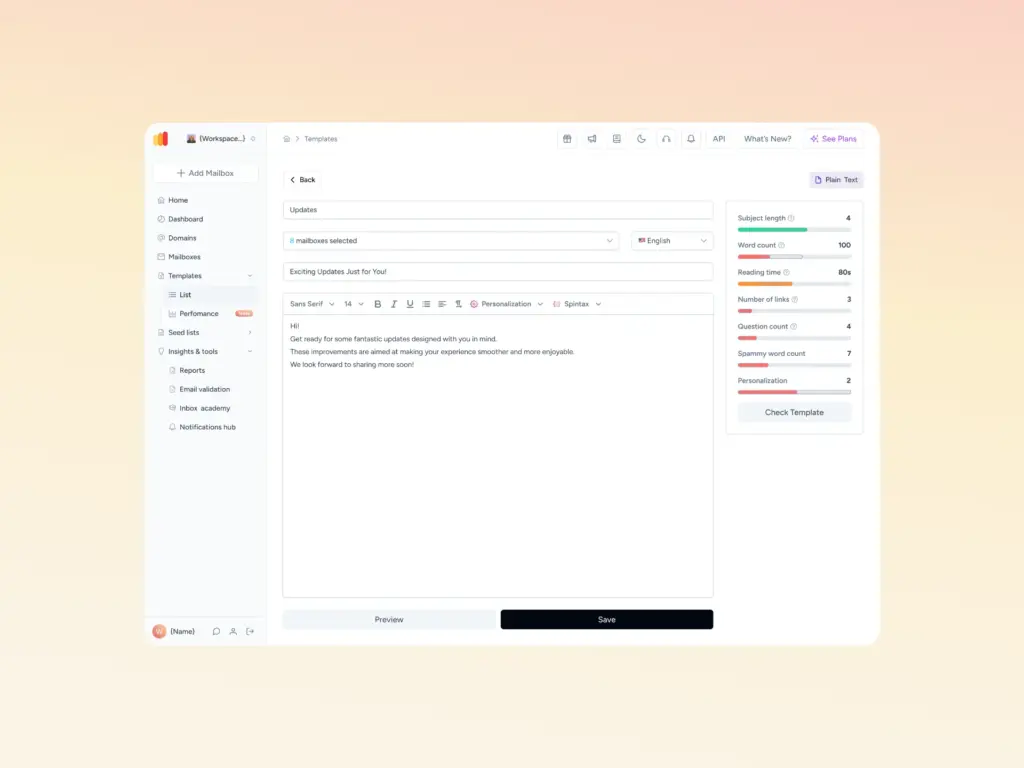
Warmy also provides a suite of free tools to validate your sending infrastructure, including the Email Deliverability Test to check inbox placement, and the Template Checker to scan your email content for spam triggers before you send.
For a deeper look at how warmup fits into a broader deliverability strategy, see how Warmy’s warmup approach compares to alternatives.
💡 Pro Tip: Don’t wait until you see 421 errors to start warming up. The ideal time to begin is two to four weeks before any new campaign launch, giving your domain time to accumulate positive engagement signals with all major providers before the first send.
Diagnosing and Monitoring 421 Errors: A Practical Checklist
Before escalating to your ESP or email provider, work through this sequence:
- Read the full sub-code – 4.3.2 (capacity), 4.4.5 (connections), 4.7.0 (reputation), 4.7.1 (volume), 4.7.28 (spam rate). Each requires a different fix.
- Confirm scope – is the 421 coming from one ISP or all destinations? If it’s provider-specific, the issue is how that provider views your sending reputation, not a global configuration problem.
- Check authentication – verify SPF, DKIM, and DMARC records are correctly published. Use IETF RFC 5321 as the authoritative specification if you need to validate record syntax.
- Review send volume – look for recent spikes that might have triggered rate limiting.
- Check blacklists – verify your sending IP is not listed on major blocklists using Warmy’s Email Deliverability Test, which scans blacklists and returns inbox placement data simultaneously.
- Implement backoff – avoid rapid retries against the same MX host. Exponential backoff prevents a temporary deferral from becoming a reputation incident.
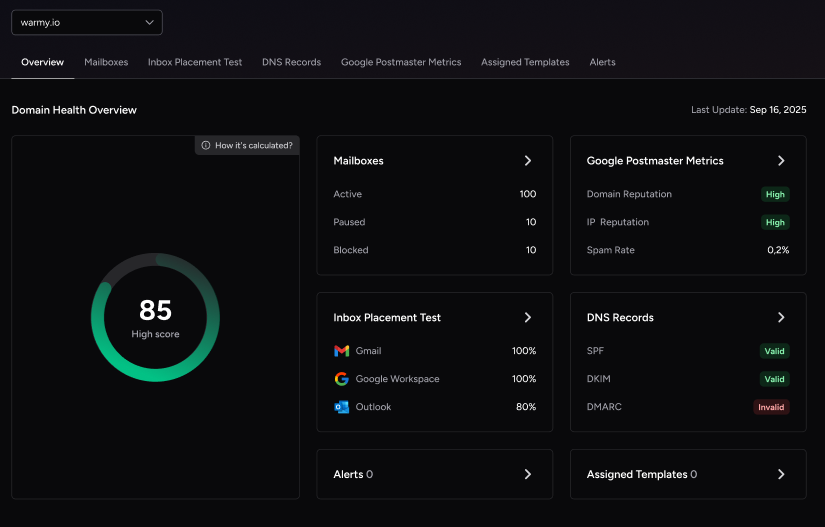
- Monitor your domain health – Warmy’s Domain Health Hub tracks your domain reputation, spam rate trends, and DNS authentication status across all your sending domains from a single dashboard.
| Sub-Code | Diagnosis and Action |
|---|---|
| 421 4.3.2 | Server overload/maintenance – wait and retry; confirm server status with recipient domain |
| 421 4.4.5 | Too many connections – reduce concurrent threads; clear queue before retry |
| 421 4.7.0 | IP/domain reputation – check Google Postmaster Tools; verify SPF/DKIM/DMARC; review complaint rate |
| 421 4.7.1 | Volume spike – distribute sends over longer windows; implement exponential backoff |
| 421 4.7.28 | Spam rate – review list hygiene; check Google Postmaster spam rate graph; reduce volume |
For teams sending consistently high volumes, the global email deliverability guide covers long-term sender reputation management across multiple markets and ISPs.
Ready to Stop Chasing 421 Deferrals?
Every time a 421 fires, it means your emails are delayed, your reputation is being tested, and your campaign results are at risk. Warmy’s AI warmup removes the risk entirely by building your sender reputation before you send at scale. Start your free Warmy trial and let Adeline AI handle your sender reputation automatically – no credit card required. Or book a demo to see how Warmy protects high-volume senders at scale.