Abusix Mail Intelligence is a suite of DNS blocklists used by mail servers to reject unwanted traffic. If your IP or domain is listed, recipients querying Abusix will bounce your messages. To delist, look up the listing on the Abusix portal, fix what caused it, create a free account, and submit a removal request. Processing takes about five minutes.
Those five minutes are the whole argument for acting instead of waiting. Abusix documents that listings on its spam, exploit, and domain lists expire roughly 5.2 days after the last bad event, and that delist requests are processed immediately, with DNS zone files rebuilt every minute. Waiting costs you most of a week of blocked mail. Fixing the cause and asking for removal costs you an afternoon.
What is Abusix Mail Intelligence?
Abusix is an IT security company specializing in anti-abuse work. Its blocklist product is a suite of DNS blocklists and welcome lists publishing reputation data for IP addresses, domains, email addresses, short URLs, online drive service URLs, and Bitcoin wallet binaries. Any mail system supporting DNSBL lookups can query it.
The mechanism is standard. A DNSBL, sometimes called an RBL or blocklist, encodes listed items as DNS records inside a dedicated zone. When a sending server opens a connection, the receiver reverses the sender’s IP, appends the zone name, and performs a DNS lookup. An answer means listed, no answer means clear. The convention is set out in RFC 5782, which also explains why every returned value sits inside 127.0.0.0/8.
Two things follow that senders often get wrong.
First, Abusix is not malware, and its name in a bounce is not evidence that anything on your network is infected. The name appears because a receiving server queried an Abusix list and got a hit. Abusix publishes the reason and the removal path openly, and follows RFC 5782 and the M3AAWG best current practices for building and operating a spamtrap.
Second, the naming has changed. In September 2024, Abusix launched its Guardian platform and rebranded Abusix Mail Intelligence as Guardian Mail. Current documentation uses Guardian Mail throughout, while legacy FAQ text on the same pages still says Abusix Mail Intelligence. Both names cover the same data and the same delisting process, so a bounce quoting either is legitimate.
How to check whether your IP or domain is listed in Abusix
Most senders learn about a listing from a bounce, formally a delivery status notification. Abusix asks operators using its lists to include the removal URL in their rejection text, so the bounce usually carries a clickable link in the form https://lookup.abusix.com/search?q=x.x.x.x, with the placeholder replaced by the blocked IP or domain.
If the link is missing, go to the Abusix lookup and delisting page and enter the IP or domain yourself. The result tells you whether the item is listed, which list it appears on, and what that listing means. The rest of the process depends on that answer, because the removal path differs by list.
Two results confuse people. If the lookup shows nothing, the listing either expired or somebody else already removed it. If it shows the item on the welcome list, no action is needed: that list aggregates reputable sources, including DNSWL, and appearing on it is a good outcome.
Check one thing before you spend an hour on this. If you do not run your own mail server, the listed IP is almost certainly not yours. It belongs to your ISP, host, or email platform, and it is shared. Open a ticket with your provider instead, because they own the sending IP and the outbound logs. Abusix gives the same advice.
For ongoing visibility, Warmy’s roundup of IP blacklist removal tools compares the monitoring options, and our guide to checking IP reputation covers what to do with the result.
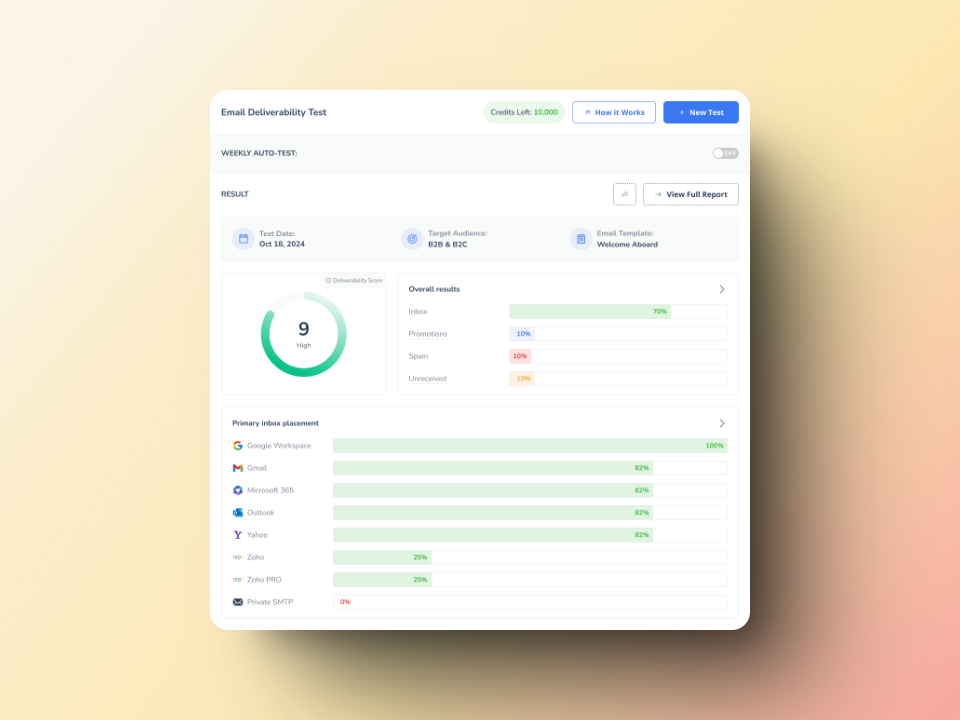
Check before you send. Warmy’s free email deliverability test sends a message on your behalf to real mailboxes across Gmail, Outlook, Yahoo, and others, then reports inbox placement, authentication status, and blacklist hits in one view.
The Abusix blocklists and what each listing means
Abusix publishes twelve production zones and four beta zones. Most customers query the combined list, which is why a listing on any component zone can block mail at scale. These are the zones a sender is most likely to meet, with the return codes the receiving server sees.
| Zone | Return codes | What a listing means | How long it lasts |
|---|---|---|---|
| black.mail.abusix.zone (spam) | 127.0.0.2, 127.0.0.3, 127.0.0.200 | Your IP sent mail to an Abusix primary spam trap (.2), was flagged by heuristics as very low reputation (.3), or carries a semi-permanent manual listing (.200) | About 5.2 days from the last event |
| exploit.mail.abusix.zone | 127.0.0.4 | Your IP behaved in ways a genuine SMTP client does not: compromised host, botnet or virus infection, proxy, VPN, TOR exit node, or NAT in front of one of those | About 5.2 days from the last event |
| dynamic.mail.abusix.zone (policy) | 127.0.0.11, 127.0.0.12 | Your IP has generic reverse DNS (.11) or none at all (.12), so Abusix considers it unsuitable for connecting directly to external SMTP servers | Indefinite |
| authbl.mail.abusix.zone | 127.0.0.4 | A subset of the exploit list used for outbound protection, covering hosts seen attempting to authenticate to Abusix honeypots | About 12 hours, kept short to avoid DHCP false positives |
| dblack.mail.abusix.zone (domain) | 127.0.1.1, 127.0.1.2, 127.0.1.3 | Your domain appeared in the body of spam sent to a trap (.1), was newly observed (.2), or was found at the end of a shortened URL (.3) | About 5.2 days from the last event |
| combined.mail.abusix.zone | All IP codes above | The aggregate of the black, exploit, and policy lists, queried as one lookup | Varies by component list |
| white.mail.abusix.zone (welcome list) | 127.0.2.1 | Not a blocklist. Aggregates DNSWL, Return Path, and Abusix’s own welcome list data | Varies |
| noip and nod | 127.0.0.100, 127.0.1.2 | Newly observed IPs and domains. Being listed does not imply anything bad | 25 hours, then automatic |
Return codes verified against Abusix’s production zones and return codes documentation, August 2026.
Two entries deserve emphasis. The policy list is the one senders panic about unnecessarily: Abusix states that it is normal for a non-SMTP IP to appear there, and that it will not stop you sending unless you run a mail server on that address. The noip and nod lists clear themselves in 25 hours, so no request is needed.
Why your IP got listed in Abusix Mail Intelligence
Abusix names four detection methods: spam traps, heuristics, honeypots, and policy. None of them evaluates your copy. A listing is a statement about your infrastructure and your list.
Its spam traps are specific. Abusix describes them as domains that have never carried genuine mail, or that have rejected all mail for over a year. That rules out typo traps and recycled traps, which narrows the explanations sharply: if you hit an Abusix trap, either something is compromised or the address entered your database through a process with no consent behind it.
The company publishes the six causes it sees most often:
- No confirmed opt-in and no anti-bot protection, so automated signups add recipients you never verified.
- Broken or missing bounce and engagement management.
- Lists purchased from a third party, or the use of email appending services.
- Mail sent to very old contacts, specifically any address with no interaction for more than two years.
- Compromised accounts or services.
- Infected computers or devices.
Read those against your own stack before you touch the delist button. Five are process failures you can verify in an afternoon. The sixth, an infection, shows up in outbound logs as queue growth or a single account sending far more than it should.
Step-by-step guide to removing your IP from Abusix’s blacklist
Create and verify a free account
Abusix requires a registered, email-confirmed account before it accepts a delisting request. The stated reason is blunt: anonymous delistings attracted a lot of abuse. The account also gives Abusix a way to reach you and to re-confirm policy exceptions later. You do not need a paid plan or a trial, since delisting is a stand-alone service that happens to query the same data as the commercial product.
Understand the listing reason
Match the return code from the lookup to the table above. It tells you which detection method flagged you, and therefore where to look. A 127.0.0.2 points at your list and signup process, a 127.0.0.4 at your servers and endpoints, and a 127.0.0.11 or 127.0.0.12 at your DNS.
Fix the cause before you request removal
This is the step people skip. Abusix warns directly that requesting a delist without understanding the problem, including clearing queued mail tied to the abuse, often causes a relisting and a delay before you can delist again. Rotate credentials on any account sending unusual volume, purge the queued mail, suppress every address you cannot prove opted in, and close the open form that let bots in.
Submit the delisting request
Keep the request short and factual. Abusix is establishing that the abuse stopped, not reading a defense of your brand. A complete request states what was listed and whether it is an IP or a domain, which list it appeared on, what caused it, what you changed, and how you know the traffic stopped.
If you cannot find the cause in your own logs, Abusix offers live chat and email support at support@abusix.com, and says its team will provide evidence and advice to help you locate the problem. Take that offer before filing a request you cannot substantiate.
Timeline for delisting
Abusix processes accepted delists immediately, rebuilds DNS zone files every minute, and states it can take up to five minutes before the item shows as delisted. Two caveats follow from how DNS works: receivers cache answers for the length of the record’s TTL, and a small number of very large providers run local rsync mirrors instead of querying live. If mail is still bouncing well past five minutes, open live chat rather than filing a second request.
Post-delisting actions
Check the sending IP and domain against the major lists on a schedule instead of waiting for the next bounce, and watch outbound volume per account, which is where compromises surface first. Warmy’s guide to sender reputation scores covers the metrics that predict a listing before it happens.
Best practices to avoid future blacklisting
Generic advice about exclamation marks does not apply here. Abusix listings come from the six documented causes above, so prevention maps to them one for one.
- Use confirmed opt-in, and protect your forms. Double opt-in makes an unverified address impossible to add, which is the strongest defense against trap hits. Pair it with bot protection on every public form, since unprotected signups are how trap addresses reach legitimate databases.
- Manage bounces and engagement. Suppress hard bounces immediately, treat repeated soft bounces as hard, and retire or re-engage silent contacts. Abusix names two years without interaction as a listing cause in its own right.
- Never buy lists or use email appending. Purchased data carries traps by definition, and appending is named as a cause by Abusix and rejected outright by M3AAWG.
- Fix reverse DNS. The policy list is the one listing a DNS record prevents entirely. Abusix scans the whole IPv4 range against a stated policy: an IP must have rDNS, it must not be templated from the IP’s own octets, it should reflect the SMTP server hostname, and contiguous ranges must not share identical rDNS.
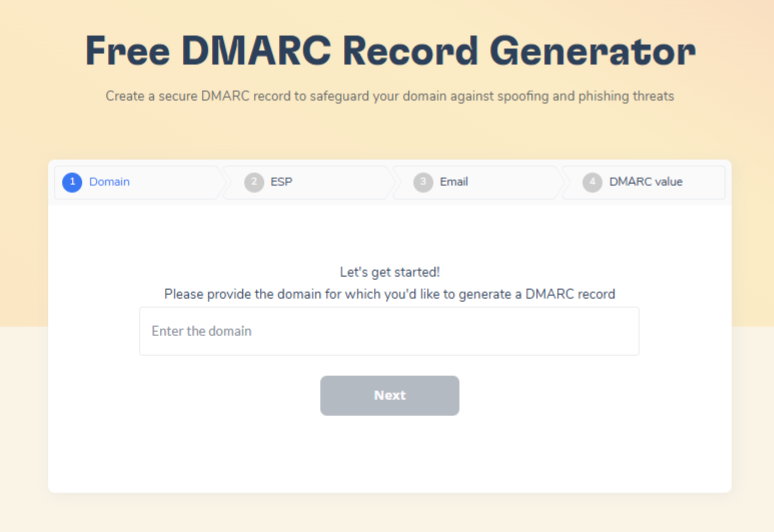
- Authenticate. SPF, DKIM, and DMARC will not keep you off a trap-driven blocklist by themselves, but a domain without them cannot prove its mail is its own. Generate records with Warmy’s SPF generator and DMARC generator, then verify signing with our guide to finding DKIM selectors.
Monitor continuously. Early detection is the difference between a five minute fix and a week of blocked sending. Warmy’s roundup of blacklist monitoring and removal tools compares what each option watches.
How Abusix compares to other blocklists
Not all blocklists work the same way, and the differences change what you should do.
| Blocklist | What it lists | Removal path | Practical note |
|---|---|---|---|
| Abusix Mail Intelligence | IPs, domains, short URLs, drive URLs, hashes, across 12 production zones | Free self-service delist through the Abusix portal, account required, processed in about 5 minutes | Most zones also expire on their own after roughly 5.2 days |
| Spamhaus ZEN | Composite of four IP blocklists, SBL, SBLCSS, XBL, and PBL, in one query | Spamhaus removal center, timelines vary by sub-list | The highest-impact listing on this table for most senders |
| UCEPROTECT Level 3 | Entire IP ranges and autonomous systems, not individual senders | No per-customer removal at L3, automatic after 7 spam-free days | You can be listed with a spotless record because of a noisy neighbor |
| Barracuda BRBL | Sending IPs, with heavy weight on spam trap hits and redirect chains | Barracuda removal request form | Widely deployed in corporate gateways |
If you are working through several listings at once, our five-step process for domain and IP blacklist removal sets the order of operations.
How to stay off Abusix and other blocklists
Warmy.io is an AI-driven email warm-up and deliverability platform that builds sender reputation gradually and monitors it continuously, so listings surface as alerts rather than as bounces from an angry client.
Two parts matter here. Deliverability insights track inbox placement, authentication status, and blacklist hits across your domains and sending IPs, closing the gap between a listing and your response. Automated warm-up builds volume on a curve receiving systems read as ordinary rather than as a spike, which is the pattern that draws heuristic listings.
None of it substitutes for list hygiene. It does mean that when something breaks, you find out on your own dashboard first.
Book a demo and see where your mail is actually landing.