After sending an email or launching a campaign, it can be frustrating when you receive “SMTP Error 451” in your inbox. After all, errors mean there’s something wrong.
But what does this actually tell you?
For this blog, we will take a deep dive into what really occurs when you encounter this error, how to resolve it, and what can you do to prevent it?
What is SMTP Error 451?
SMTP Error Code 451 refers to a temporary error in the email delivery process, which speaks of a local processing error on the receiving server.
It will typically read as: 451 Requested action aborted: local error in processing
And other variations include:
- “451 4.3.0 Temporary server error”
- “451 4.4.0 Unable to queue message”,
- “451 4.3.2 Server shutdown in progress”
What does it mean when you experience SMTP Error 451?
The good news is, receiving this bounce back error — or anything that starts with 4** code simply means that the problem is temporary and solvable.
This error, however, is trying to dictate something that will relieve you. Is that the problem is not with your email content, sending reputation, or even the recipient’s address. It is instead indicating that the mail server of the recipient encountered an internal processing error preventing it from accepting or queueing your message at that moment.
Here are some of the other potential triggers it might indicate:
- server resource constraints
- queue processing issues
- temporary software glitches
- database or storage problems
- spam or content filtering errors
- network or dns resolution issues
- mail server maintenance or updates
Tips to resolve SMTP Error 451
SMTP Error 451 is almost synonymous with SMTP Error 450; the key difference is that Error 451 specifies a server-level or infrastructure problem, while Error 450 confirms a problem with the recipient’s mailbox. .
Both warrant the same advice: waiting it out.
Although this is often the case, it would be more ideal for you to perform some extra troubleshooting steps just to ensure that your deliverability is safe, your reputation is secured, and your email health ideal.
Wait for the issue to resolve itself
- Patience is the perfect troubleshooting step when it comes to SMTP error code 451.
- Many email systems initiate an automated retry over a period of several hours.
- Since there is a potential overload on the receiving server, there is a great chance that the issue will resolve itself.
Monitor potential greylisting
- If this is the first time you are sending an email to the recipient and you receive this error you can simply try again.
- If you have a new domain or email, email servers will initiate an anti-spam technique called “greylisting,” which rejects emails from unknown senders.
- In this case, since new email domains do not have an established reputation yet mail servers will be skeptical of your domain, thus, rejecting the initial email.
Try to send an email to another recipient
- If the error happens repeatedly with multiple recipients across different domains, it might indicate an issue with your sending server rather than the receiving server.
- If it’s isolated to one domain, the issue is likely on their end.
Check the recipient’s server status
- Be proactive and check whether the recipient’s email service provider is having some known outage.
- Although the majority of error 451 confirms a specific problem on the email server, sometimes these errors are still present for major outages.
- Try to conduct a thorough research on whether the recipient’s email service provider is having some outages, or issues.
Try alternative contact methods
- Some messages are urgent and waiting it out may not be ideal. Try reaching out through different communication channels; a phone, social media, or other messaging apps helps you ensure that your important message will get through while the server tries to resolve itself.
- Sometimes, the recipient may not be aware that their mail server is experiencing issues, and it will also be great for them to be notified so they can contact their IT department or email provider.
Reduce message complexity
- If you’re sending a complex email with large attachments, multiple recipients, or heavy formatting, try simplifying it.
- Consider removing large attachments and using file-sharing services instead.
- Simplify the HTML formatting or send a plain text version. Sometimes complex messages can trigger processing errors on resource-constrained servers.
Review your own mail server configuration
- If you’re experiencing frequent 451 errors across multiple destinations, verify your own mail server’s configuration.
- Check that your DNS records are properly configured, ensure your mail server has adequate resources, and verify that your outbound mail settings are correct. Problems on your sending side can sometimes manifest as 451 errors from receiving servers.
How Warmy can help prevent SMTP Error 451
There is a long list of SMTP errors that you may not be aware of. Fortunately, SMTP Error 451 is not the most severe of these errors, and is something highly controllable. But in some cases, SMTP error 451 may still have a slight chance of it affecting your deliverability, reputation, and authentication.
Warmy.io is an all-in-one email deliverability tool that minimizes the potential of reputation and security errors. Here is how.
Email warmup and reputation building

Warmy’s progressive email warmup system gradually establishes your sending domain as a legitimate, trustworthy source through carefully orchestrated engagement patterns that signal quality to email service providers. This saves you from going through potential greylisting.
The platform’s dedicated inbox placement test offers real-time visibility into message routing. This gives you visibility over whether emails reach the inbox, get filtered to spam, or land in promotional folders.
You can also access the free email deliverability test to assess your current sending reputation.
Related Reading: The Science and Process of Warming Up Newly Created Email Domains
Authentication protocol implementation
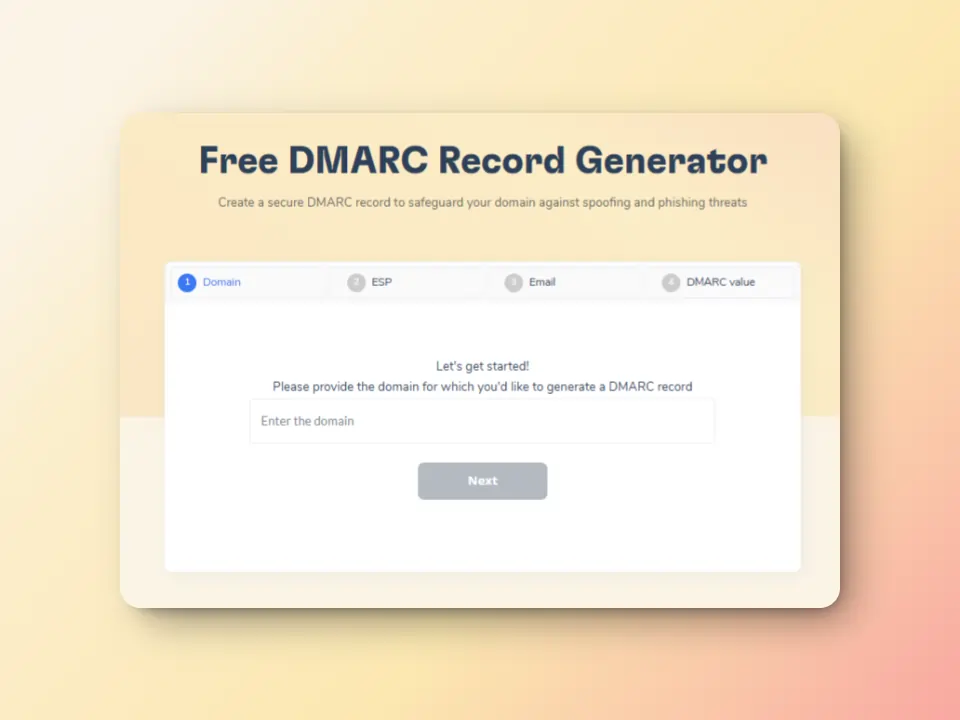
Warmy creates optimal conditions for successful email delivery and reduces the likelihood of encountering temporary delivery failures of any kind.
The free SPF Record Generator and free DMARC Record Generator provide ways to help you secure configuration over DNS records.
This ensures ideal email hygiene, helping you avoid any SMTP errors that has anything to do with your authentication protocol issues.
Real email interaction via seed lists

Warmy.io’s seed list technology allows organizations to stress-test and optimize campaigns before deploying them to real contacts.
This methodology ensures superior deliverability and reduced bounce percentages. In contrast to legacy warming approaches that offer limited engagement data, Warmy’s seed list employs authentic email accounts that meaningfully interact with your messages. This “interaction” includes:
- Messages being genuinely opened with content thoroughly reviewed, going beyond simple read receipts
- Natural clicking behavior on embedded links, demonstrating to email providers that your content generates legitimate interest
- Manual spam folder retrieval and importance flagging for any misrouted messages, educating ISPs about your email legitimacy
Blacklist monitoring and reputation tracking

Warmy continuously monitors your sending IP and domain against major blacklist databases, alerting you immediately to any reputation issues before they severely impact deliverability. This early warning system helps you address problems proactively.
A strong reputation ensures that when receiving servers encounter processing errors, your messages remain queued for delivery rather than being rejected outright.
Related Reading: How to Improve Your Email Sender Reputation Score Fast
With Warmy.io you can maintain resilient email delivery performance, ensuring that temporary server errors don’t undermine your overall email success and sender standing. Begin your free trial today!
Want to secure an ideal email health and reputation? Give Warmy a try for free today!
FAQ
How long does SMTP Error 451 typically last?
SMTP Error 451 usually resolves within a few hours as it indicates a temporary server processing error. Most email systems will automatically retry delivery for 3-5 days, giving the receiving server ample time to resolve its internal issues, free up resources, or complete any maintenance activities.
Is SMTP Error 451 caused by something I did wrong?
Generally, no. This error indicates an internal processing problem on the receiving mail server, not an issue with your message or sending practices. The receiving server encountered a temporary technical difficulty that prevented it from accepting your message. However, if you experience this error frequently across multiple destinations, it may warrant checking your own mail server configuration.
Should I keep trying to resend my email when I get this error?
Your email system will automatically retry delivery, so manual resending isn’t necessary immediately. If the message is urgent, wait at least 1-2 hours before manually retrying to give the receiving server time to resolve its processing issues. Consider using alternative communication methods if the message is time-sensitive.