


One of the SMTP error codes that many email users should be wary about is the SMTP Error 450 4.2.0, an error indicating a mailbox-level issue rather than a simple address mistake.
This blog will delve deeper into what really occurs once you encounter this error, what are the ways to resolve it, and what you can do to prevent it.
What is SMTP Error 450 4.2.0?
SMTP 450 4.2.0 is just one of the many SMTP error codes that exists today.
But what does it really mean?
To understand we will have to uncover what the SMTP error code 450 entails.
SMTP Error code 450 refers to a temporary error in the email delivery process; which is good news since these errors simply means that it can be solved.
The 4.2.0 sub-code provides more granular information that specifies the type of failure you are experiencing.
The bounce notification or error message will typically read:
“450 4.20 Mailbox Temporary Unavailable”
There are also some variations of this error that may appear such as:
“450 4.2.0 Mailbox full” or “450 4.2.0 Recipient mailbox is locked“
No matter the specific message this error is simply telling you that the problem is not with your sending infrastructure or message content. Instead, the recipient’s mailbox is in a state where it cannot receive incoming messages temporarily.
What does it mean when you experience SMTP 450 4.2.0?
This error indicates that the recipient of your email is experiencing a condition that is preventing it from accepting incoming messages. Some of the factors that trigger these errors are as follow:
- Mailbox storage quota exceeded
- Mailbox temporarily locked
- Mailbox access issues
- Greylisting or filtering delays
- Mailbox migration or maintenance
- Connection or resource constraints
Tips to resolve SMTP 450 4.2.0
Since we’ve established that this error is a temporary one, should you just wait for it and do nothing?
Although this is often the case, it would be more ideal for you to perform some extra troubleshooting steps just to ensure that your deliverability is safe, your reputation is secured, and your email health ideal.
Try again later
The issue is temporary and sometimes patience is the perfect troubleshooting step. Most email systems will automatically retry sending your message multiple times over a period ranging from several hours or in some extreme cases up to three to five days.
These automatic retry attempts happen in the background without any action required from you.
Contact the recipient through alternative channels
Try other avenues of communication such as phone, social media, or if possible another email address. In some cases, the recipient themselves may not be aware that their mailbox is full or even having some issues. Notifying them will be a great help, not just for you and your email but to them as well.
Verify the recipient’s email address
Ensure that you are using the correct email address. While 450 4.2.0 indicates a temporary mailbox issue, there are rare circumstances that these errors present potential typographical errors.
Monitor your sending patterns
If you’re sending multiple emails to the same recipient or sending bulk email campaigns, your sending pattern might be contributing to delivery delays.
Although this may be less likely with mailbox-specific errors, it would not hurt to confirm.
Make sure that you are using the proper tools and infrastructure designed, especially if you are sending bulk emails. If your domain is new, then consider warming it up to send signals to email service providers that your domain is reputable and not spam.
Maintain proper email authentication
Verify that your domain has correct DNS settings, including valid MX records, SPF, DKIM, and DMARC authentication. Poor sender reputation or authentication failures can sometimes contribute to receiving servers being more strict in their acceptance policies.
Do check that your sending IP address isn’t listed on any major spam blacklists.
Consider message size and attachments
If you’re sending large attachments, the message size might be contributing to delivery issues, especially if the recipient’s mailbox is near its quota. Consider using file-sharing services for large files instead of email attachments.
How Warmy can help you prevent SMTP Error 450 4.2.0
While SMTP Error 450 4.2.0 primarily stems from conditions on the recipient’s side, having an all-in-one email deliverability tool such as Warmy can definitely give your email delivery success rate a boost and minimize errors that are extremely harmful for your email reputation.
Automated warmup process and inbox placement test
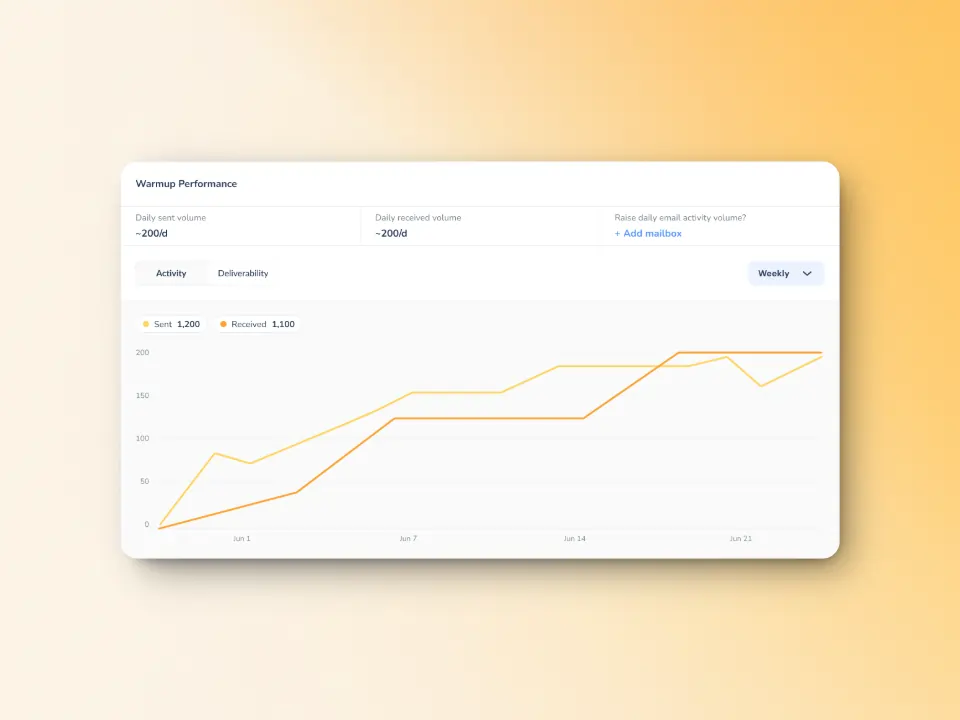
By using Warmy’s automated email warmup process, you establish your email address as a legitimate, trustworthy sender through consistent, positive email engagement patterns.
Warmy’s exclusive inbox placement test can also show you where your emails are placed (inbox, spam or promotions tab) which gives you the opportunity to fix it before it is too late.
You can also try the free email deliverability test and confirm your email standing.
SPF and DMARC Record Generator
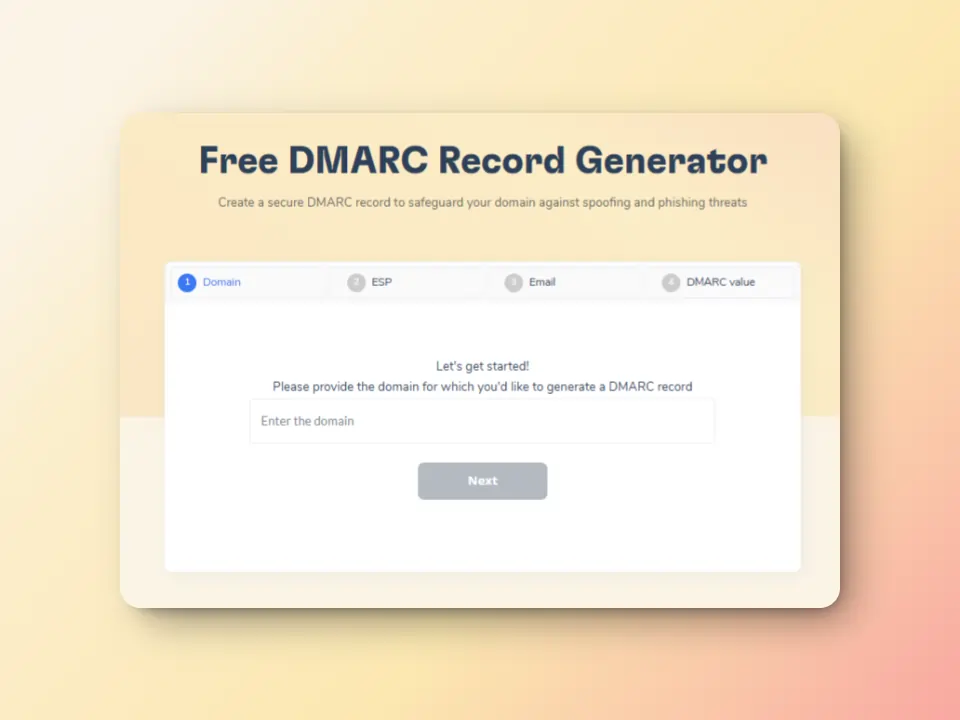
Warmy offers free SPF record generator and DMARC Record Generator to improve domain security and safeguard them against spoofing and phishing.
Advanced seed lists for better email optimization
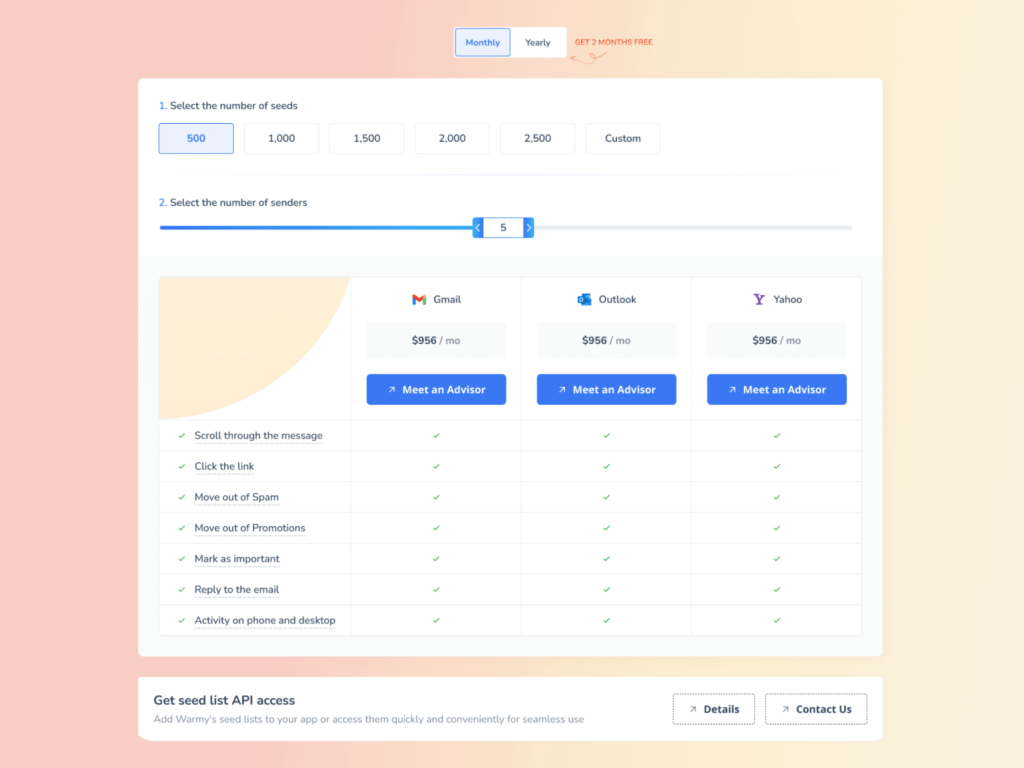
Warmy.io’s seed list feature helps businesses test and optimize email campaigns before sending emails to real recipients.
This ensures high deliverability and low bounce rates. Compared to traditional warming methods which lack engagement tracking, Warmy’s seed list uses real email addresses that actively interact with your emails:
- Your email is not just marked as read but actually opened and scrolled through
- If your email has any links, our system will click them naturally to improve sender trust.
- If an email finds its way in spam, it is manually removed and marked as important to let ISPs know your emails are legitimate.
Blacklist monitoring

Gives you an instant alert confirming if your IP or domain is blacklisted in any email service providers. This not only ensures that you are safe against SMTP Error 450 4.2.0, but guarantees that you are aware of other domain-related errors.
Domain Health Hub
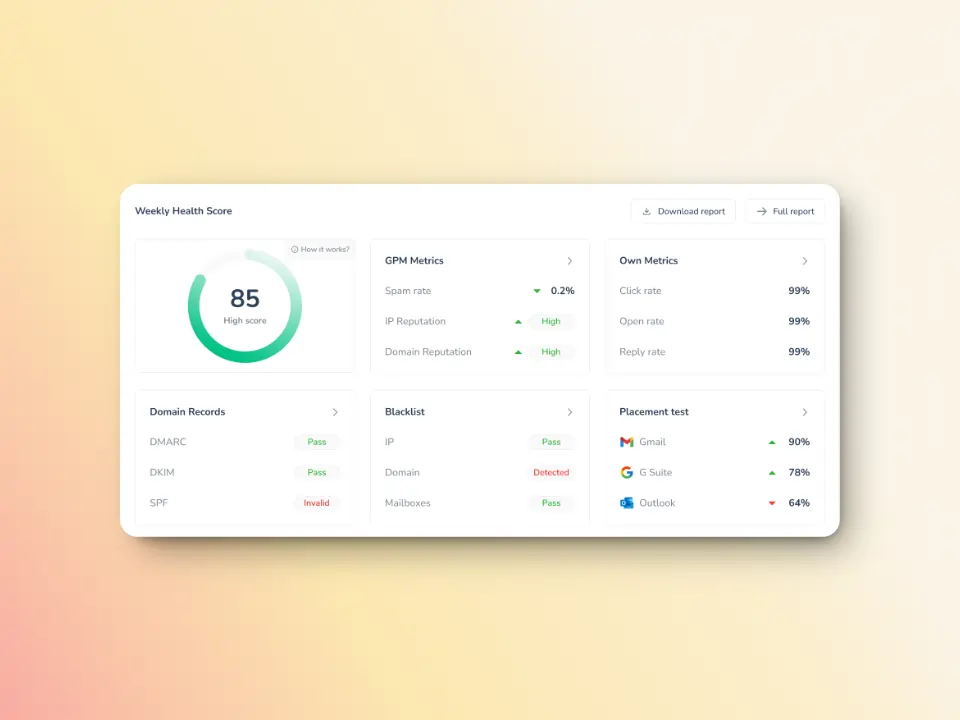
Warmy’s monitoring extends to the overall health of your sending infrastructure, including connectivity and performance metrics. Offers clear insights into your deliverability, reputation, and warm-up progress over time.
With Warmy.io you can minimize any major SMTP errors, and ensure that even if you receive temporary SMTP errors your inbox and deliverability are within the ideal health and hygiene. Sign up for your free trial today.!
FAQ
How long does SMTP Error 450 4.2.0 typically last?
SMTP Error 450 4.2.0 usually resolves within a few hours to a day as it indicates a temporary mailbox condition. Most email systems will automatically retry delivery for 3-5 days, giving the recipient time to free up mailbox space, resolve access issues, or complete any maintenance operations.
Is SMTP Error 450 4.2.0 caused by something I did wrong?
No, this error indicates a problem with the recipient’s mailbox, not with your message or sending practices. The recipient’s mailbox is temporarily unable to accept messages due to storage limits, maintenance, or other mailbox-level issues that are beyond your control.
Should I keep trying to resend my email when I get this error?
Your email system will automatically retry delivery, so manual resending isn’t necessary immediately. If the message is urgent, wait at least a few hours before manually retrying, as this gives the recipient’s mailbox time to resolve its temporary issues. Consider contacting the recipient through alternative channels to notify them of the problem.


![Text graphic featuring "SMTP Error 502 5.5.2 How to Fix It [SOLVED]" with smtp error 502 5.5.2 highlighted on a white background and a subtle orange gradient fading in from the right side.](https://warmy-blog-wordpress-bucket.s3.amazonaws.com/wp-content/uploads/2026/01/30150409/SMTP-502-5.5.2.webp)
![Text on a white background reads SMTP Error 510: How to Fix smtp error 510 [SOLVED] in bold black and red font.](https://warmy-blog-wordpress-bucket.s3.amazonaws.com/wp-content/uploads/2026/01/30053325/SMTP-510.webp)
![Text graphic displays "SMTP Error 500 5.5.1 How to Fix It [SOLVED]" on a white background, accented by a soft orange blur on the right, highlighting common solutions for SMTP Error 500 5.5.1 issues.](https://warmy-blog-wordpress-bucket.s3.amazonaws.com/wp-content/uploads/2026/01/27070922/SMTP-500-5.5.1.webp)
![Text graphic with the message: SMTP Error 500 5.3.3 How to Fix It [SOLVED] in bold and colored fonts on a white background with a soft gradient in the lower right corner.](https://warmy-blog-wordpress-bucket.s3.amazonaws.com/wp-content/uploads/2026/01/26104416/SMTP-500-5.3.3.webp)


