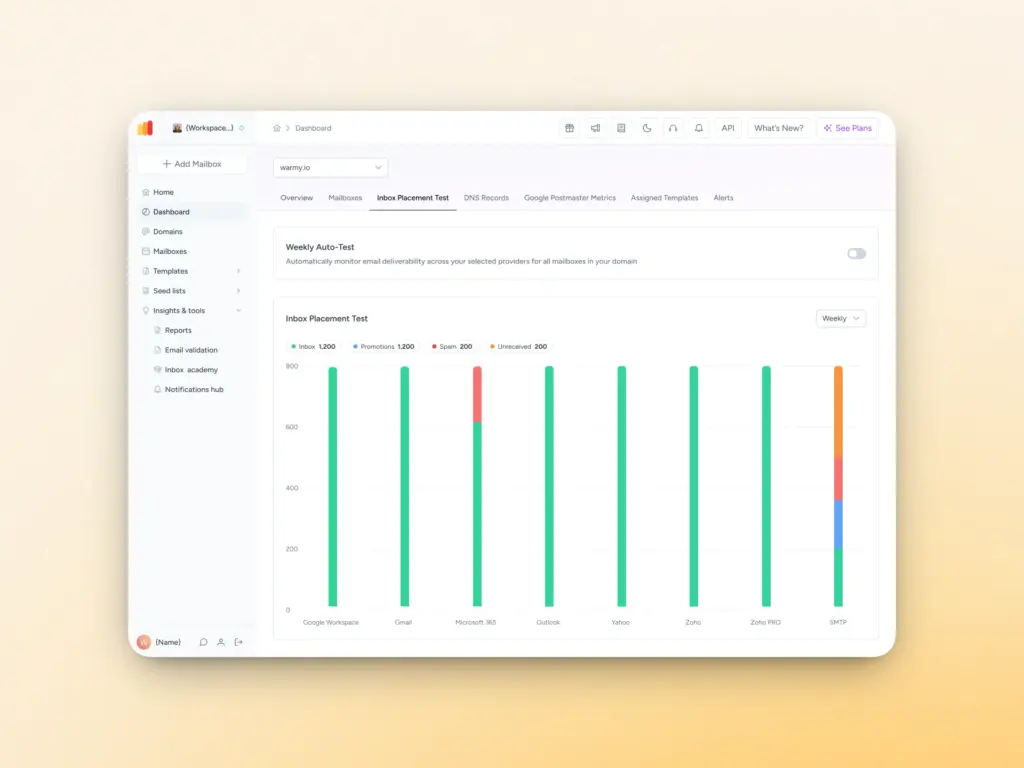
A major problem many email senders face when communicating via email is that their emails do not reach any inbox (including Spam) or are not delivered at all (email deliverability is the term that encapsulates this issue).
Email deliverability is an important aspect of business and marketing communication. To assist email senders in addressing this issue, we reached out to three email and digital marketing specialists. These three specialists have provided the most efficient methods to ensure that an email is successfully delivered to an inbox.
This is what the most renowned and respected email strategists want every email sender to recognize regarding the technical and authentication aspects of email deliverability.
The email deliverability process begins with the fundamentals of email sending technologies (e.g., SPF, DKIM, and DMARC). These three technologies are not meant to confuse. They are meant to represent email sending technologies that email providers have trusted.
Email service providers capture and streamline the process of building trust. Email service providers provide exact record measures to help capture this process and use them in their DNS (Domain Name System) within 30 minutes of the provider’s trust capture process.
Luca Dal Zotto, Co-Founder of Rent a Mac, explains the importance of getting this right: “I wish more senders understood that email authentication isn’t optional, it’s mandatory. When I began doing mass emailing, I was ignorant of the protocols, and as a result, my deliverability was atrocious. It was only after I invested time into my email authentication system that things began to turn around. Once I implemented proper SPF records, DKIM signing, and DMARC policies, I virtually guaranteed my emails to land in the inbox.”
Hamid Ali, Founder & CEO of WordLayouts.com, emphasizes that authentication alone isn’t enough if domain infrastructure isn’t properly maintained:
“Many businesses set up SPF, DKIM, and DMARC once and assume the job is done. In reality, deliverability is an ongoing technical responsibility. DNS records must be monitored, sending domains should be separated from primary business domains, and any authentication misalignment should be corrected immediately. Small configuration errors can quietly damage your sender reputation over time.”
Build a Clean, Engaged Subscriber List
Mistake number one is often the obsession with size. Email addresses are not the end goal; having subscribers who engage with the content is. Email service providers monitor subscriber activity, and a list of subscribers who do not engage with the content is a one-way ticket to the spam folder.
One of the most common mistakes is prioritizing list size over quality. Nicky Zhu, AI Interaction Product Manager at Dymesty, reflects on how this damages deliverability: “Email providers track engagement metrics closely. If your list is full of inactive subscribers, that sends a signal: these messages aren’t valuable.”
In fact, a list of 1,000 subscribers who regularly engage with the content is more valuable than a list of 10,000 subscribers who do not engage.
You can make a habit of removing subscribers who have not engaged with the content within 6 to 12 months; this will reduce the negative effects of inactivity on your metrics. Buying a list of email addresses is a good way to lose your company’s email address as well as your credibility as a sender.
For-sale lists are either more than a year old or contain spam-trap email addresses designed to identify and record spammers. Sending a single campaign to a purchased list will destroy your email sender’s reputation.
Content is important
Email content is essential not only for the audience you are reaching out to, but also for its format and structure. Email content is also important, as is the way the email is structured and designed.
Spam filters and email systems are designed to flag or sort emails and content that is poorly structured or poorly designed.
Avoid using excessive hyperlinks and poorly designed email formatting. Avoid misleading email titles and poor formatting, such as excessive capitalization, poor grammar, or overuse of bold or eye-catching styles for emphasis. Email the content and audience correctly.
Personalize Email Content
Personal email content and audience. Email the content and audience correctly. Personalize the email content by using the audience’s name and referencing the audience in the subject line.
Email tags are customizable and reference the audience, so personalize the email content. If the email content is personalized, filters will likely categorize the email correctly.
Email Filters and Audience Targeting
By collecting and using email tags and data personalization, you will personalize emails correctly.
Personalize the subject and use audience data. If personalization is achieved, the likely result will be correct email categorization by filters.
Personalize Audience Targeting
Personal email content and audience. Email the content correctly. Personalize the audience by including a name and reference. The email is personalized and will deliver the content. Personalization will be achieved, resulting in email filters correctly categorizing the email.
Maintain and Update Sender Score and Metrics
Email metrics and sender score are important and must be updated consistently. Determine the bounce, complaint, and unsubscribe rates. A list quality issue exists if the bounce rate exceeds 2-3%.
If the complaint rate exceeds 0.1%, it suggests the audience dislikes the content. Email content cannot be identified reliably if Gmail/Outlook feedback is unusable. Is the content email being identified in the inbox or spam folder?
Are you being scored well?
Rafael Sarim Oezdemir, Head of Growth at EZContacts, notes that email service providers have become stricter about the services they offer.
If content is weak and triggering an increasing number of spam complaints, it could be that you are sending emails too often or that your content does not match subscriber expectations.
I rely heavily on the metrics provided, and I have no problem making a change right away instead of waiting until a situation becomes more severe.
Identify the Proper Email Sending Rate
If too many emails are sent, people will complain and will more than likely spam the emails. If too many emails go unanswered, the audience will forget them.
It is important to identify the proper rates. Some audiences will want emails sent daily, while others may be satisfied with weekly emails. Consistency and engagement are key.
Send emails at different frequencies and measure recipients’ responses. Determine a reasonable starting pace, send emails for a few weeks, and see how open and unsubscribe rates respond to your email cadence.
Whichever pace you select, be consistent. If you send weekly emails, send them every week at the same time. This creates expectations for your subscribers and indicates to email filters that your sending pattern is consistent.
Increase your Reputation Slowly
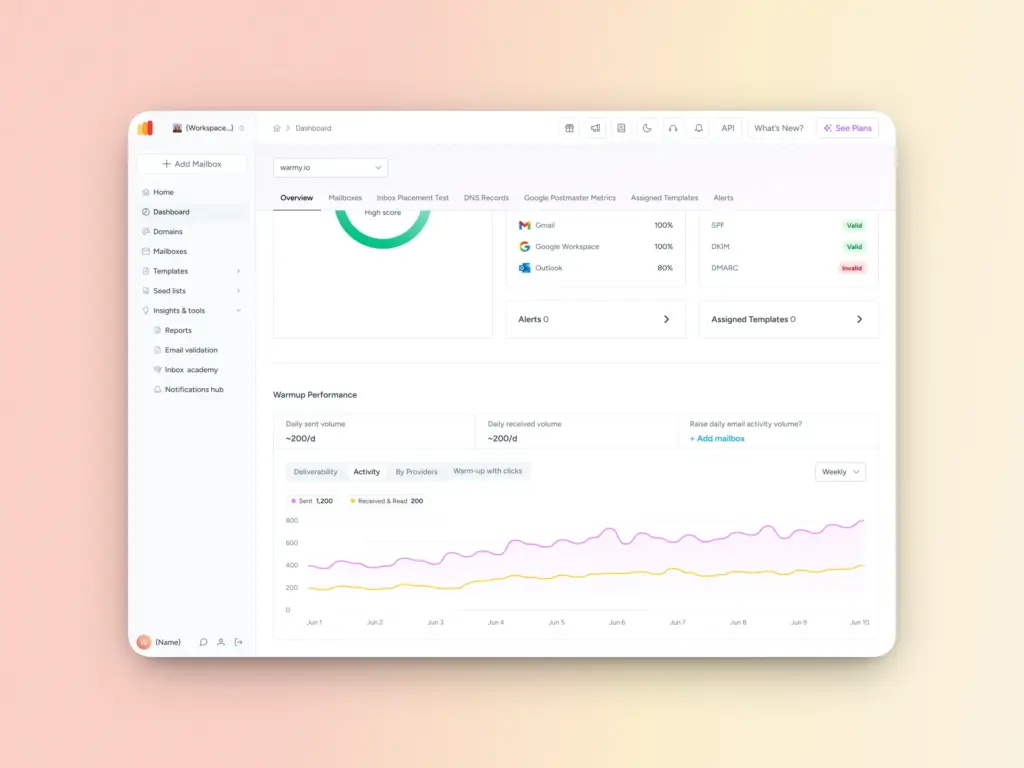
It takes time to build your sender reputation. Email providers have to build trust for your new IP and domain. You can increase volume slowly and mail your most engaged subscribers first.
This process, known as IP warming, takes months but pays off in the long run. Email providers grant you improved treatment because you demonstrate a positive emailing history.
The Bottom Line
You can’t send emails effectively by chance. Successful email senders are purposeful. They know that email providers act as spam filters, maintain clean email lists, respect subscriber choices, and follow email best practices.
Your sender reputation is a critical component of your email sending process. One email campaign can damage your reputation, but when you practice good reputation practices over a long time, that practice compounds and builds a good reputation. Do not overlook the fundamentals.
You can set up your authentication, build a quality subscriber list, compose authentic emails, and track your metrics. With proper fundamentals, your email program will generate results for years, and your inbox placement will follow.