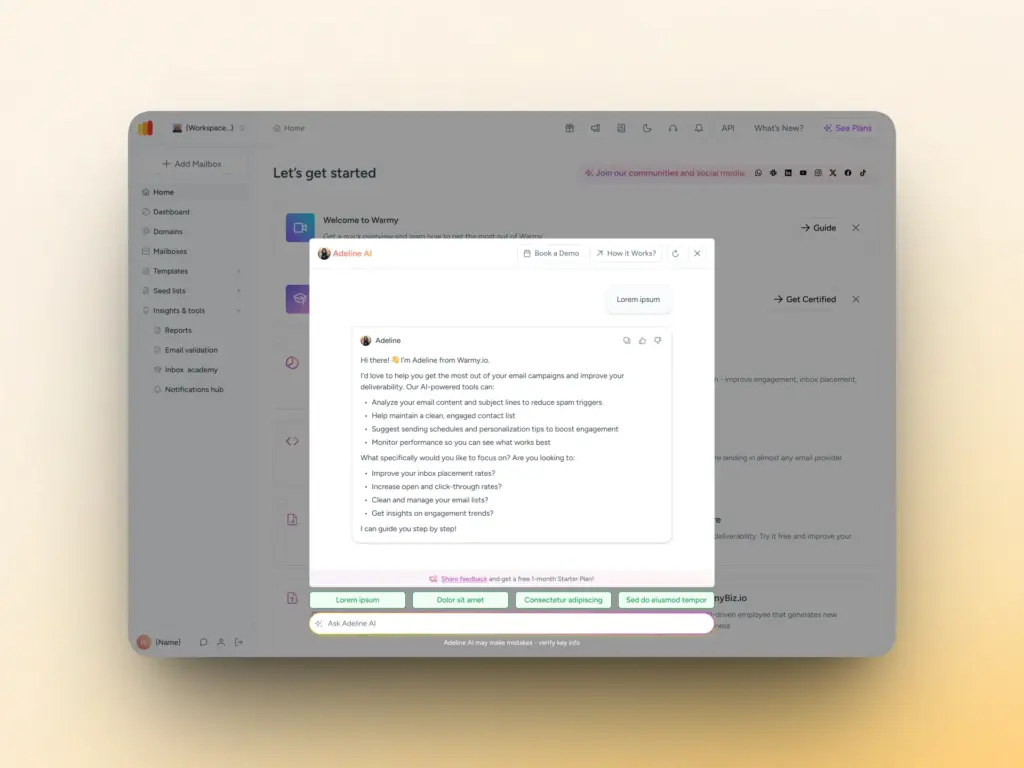
Adeline is Warmy’s built-in AI email assistant, now live inside every user account. In a nutshell, Adeline AI has the following capabilities:
- Instant account insights: surfaces your top and worst-performing domains, mailbox rankings, blocked accounts, API keys, and seedlist links on demand.
- DNS configuration checker: validates your SPF, DKIM, and DMARC setup records instantly, without needing technical support.
- Deliverability Q&A: answers questions about warm-up best practices, inbox placement, sender reputation, and email infrastructure in plain language.
- 24/7 availability: always on, with a knowledge base refreshed every 12 hours, so you’re never waiting on business hours for critical data.
- Contextual conversations: Adeline remembers the thread of your session, so you can ask follow-up questions naturally without repeating yourself.
How Adeline AI solves the issue of deliverability data overload
Email deliverability is part science, part intuition, and it involves a lot of moving parts. Between monitoring domain health, validating DNS records, tracking email warmup automation progress, and comparing sender reputation across accounts, most email marketers are juggling far more data than any dashboard makes easy to digest.
Senders who are not that tech-savvy often get overwhelmed when it comes to which deliverability metrics they need to prioritize. Yes, Warmy provides a robust set of analytics and insights, but senders may not always know how to best translate these into action.
Adeline AI Chat changes that.
What does Adeline AI Chat do?
Adeline is a conversational AI assistant embedded directly inside your Warmy account. It combines two capabilities that have previously required either a support ticket or hours of manual investigation:
- Personalized account data: surfacing your actual mailboxes, domains, templates, seedlists, API keys, and deliverability stats on demand.
- Expert deliverability knowledge: drawing from Warmy’s internal knowledge base, blog, support documentation, and Inbox Academy to answer technical questions in plain language.
Let’s dive deeper:
Instant access to your account data
One of Adeline’s most practical capabilities is acting as a real-time window into your Warmy account without requiring you to navigate between tabs or remember where things are. Here’s what Adeline AI Chat can surface in seconds:
- Top and worst performing domains by deliverability rate
- Your best and lowest-ranked mailboxes with key parameters
- All blocked or paused mailboxes with the associated issues
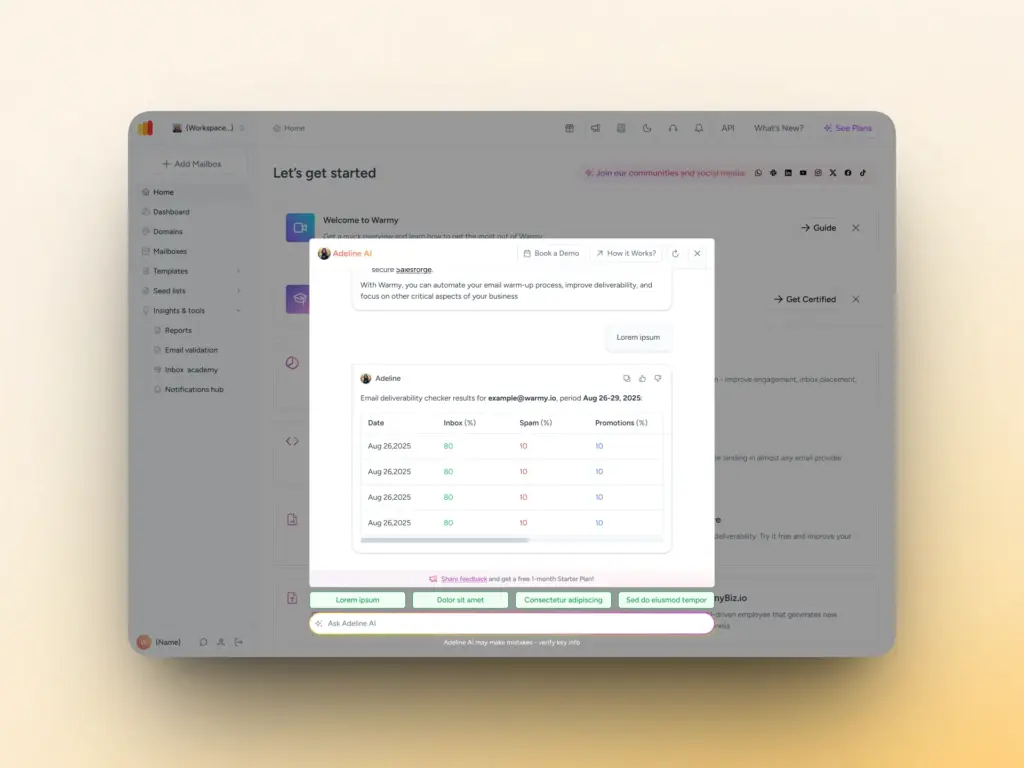
- DNS configuration validation for your domains: SPF, DKIM, and DMARC record checks
- API keys and direct links to download your seed lists
- Template lists and warmup status
Deliverability knowledge at your fingertips
Beyond account data, Adeline is trained on Warmy’s full internal knowledge base, updated every 12 hours. This includes:
- SPF, DKIM, and DMARC record setup and troubleshooting
- Email deliverability best practices and recommended ramp timelines
- Inbox placement strategies and sender reputation guidance
- Step-by-step how-to guides (e.g., connecting GSuite, setting up custom tracking domains)
- The latest research from Warmy’s blog and Inbox Academy
If you need a quick refresher on what SPF does or a deep dive into why your domain reputation dropped, Adeline can walk you through it as it draws from resources like:
- Warmy’s extensive blog
- Product pages
- Support knowledge base
- Inbox Academy
- User context (e.g. number of mailboxes, domains, templates, etc.)
What makes Adeline AI Chat different from traditional support?
Adeline AI Chat is always current and always available. The knowledge base is refreshed every 12 hours, ensuring the data being pulled is always up to date. With 24/7 availability, senders from all over the world working in various timezones can get deliverability insights at their convenience.
Plus, as Adeline maintains context, within a conversation, you can even ask follow-up questions naturally.
For example: If you start with “Show me my worst 5 domains” and follow up with “What should I do to fix the second one?” Adeline understands the thread and will provide answers accordingly.
How to use Adeline AI Chat
Getting started takes about 10 seconds:
- Log in to your Warmy account
- Open the Adeline AI Chat panel (available in your account dashboard)
- Type your question in natural language and hit send
No special commands and no query syntax needed. Accessing Adeline AI chat is easy and hassle-free.
Real questions you can ask Adeline AI Chat
Here are examples drawn directly from what Warmy users ask most often:
- Give me my top 5 mailboxes with the best deliverability.
- What are my five worst-performing domains right now and why?
- Please help me find my API keys.
- Where can I access the seed lists?
- Check my DNS settings for Domain A.
- Please give me a report on Domain A’s inbox placement.
- What is the best warmup ramp strategy for a new Gmail email address?
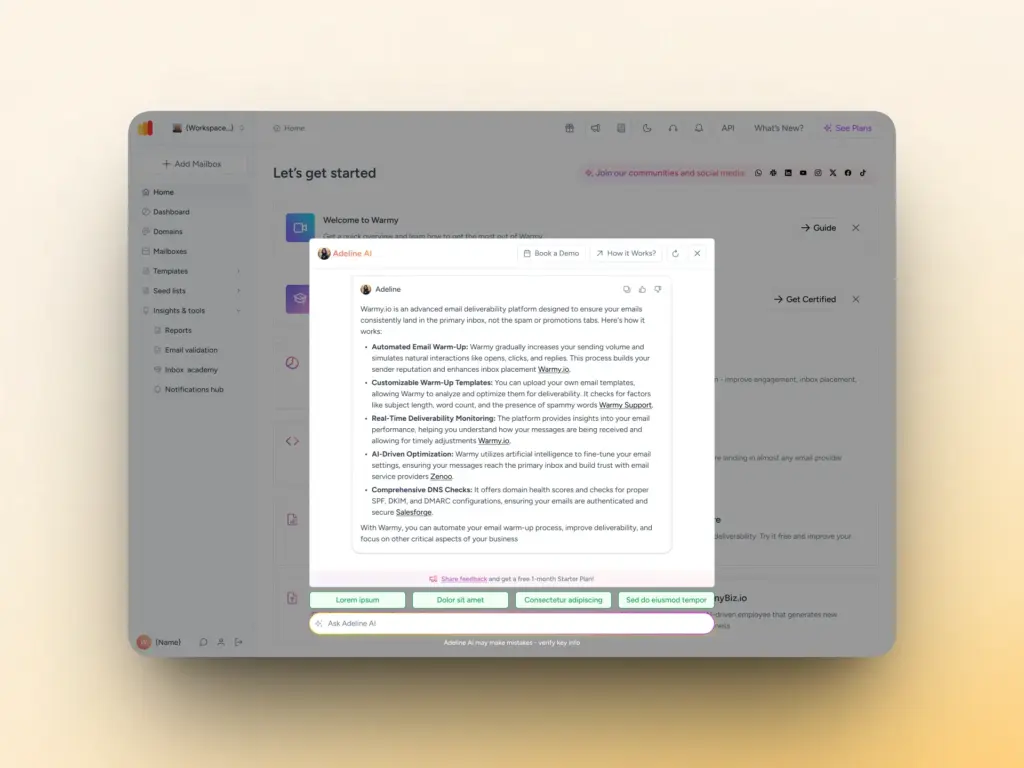
- What is email warmup?
And if you’re not sure where to start, Adeline AI Chat proactively suggests questions based on your conversation history and account context. So the more you use it, the more relevant the prompts become, guiding you toward insights you didn’t know to look for.
Pro tip: Use the Refresh button to clear conversation history if you want Adeline to generate fresh, focused suggestions without prior context shaping the responses.
Book a demo to see how Adeline AI Chat analyzes specific account data to show you your biggest deliverability opportunities.
Get started with Adeline AI Chat today
Adeline AI Chat is available now inside your Warmy account. Log in, open the chat panel, and start asking the questions you’ve been writing to support.
For those new to Warmy, get AI-powered deliverability insights from day one. Start your free trial with Warmy and experience Adeline firsthand.
FAQ
Does Adeline AI have access to my email content?
No. Adeline only accesses your account data such as mailboxes, domains, deliverability stats, DNS configuration, templates, seedlists, and API keys. Your actual email content is never accessed or used.
How accurate is Adeline AI?
Adeline uses your live account data and Warmy’s internal knowledge base, which is updated every 12 hours. The team is continuously working to improve accuracy. As with any AI assistant, it may occasionally make mistakes so always verify critical configuration changes with your technical documentation.
Can Adeline fix deliverability issues automatically?
In the current iteration, Adeline provides insights, data, and recommendations. Future versions will include proactive account alerts that flag issues automatically. Automated remediation is on the longer-term roadmap.
Is Adeline available on all Warmy plans?
Adeline AI Chat is available to all logged-in Warmy users. Check your account or the Warmy pricing page for plan-specific feature details.
How do I clear my conversation history?
Use the Refresh button inside the Adeline chat panel. This clears your previous conversation history, which helps Adeline generate more focused responses without prior context influencing new queries.
How do I check my email deliverability using Adeline?
Simply log in to your Warmy account, open the Adeline chat, and ask in plain English — for example: “How is my deliverability performing this week?” or “Which of my domains has the lowest inbox placement rate?” Adeline will surface the relevant data from your account immediately.
Can I share feedback on Adeline’s responses?
Yes. You can vote responses as helpful or unhelpful directly in the chat, and submit detailed feedback via the linked feedback form. Users who submit feedback are eligible for a free 1-month Starter Plan.