





You may have already experienced receiving this error message: SMTP transient error: 421 Service Not Available
Since SMTP Error 421 is only a temporary failure, you may think that you can just wait it out. However, its variants may have severe repercussions on your email deliverability. One of its variants that may require immediate attention is the SMTP Error 421 4.4.3 – Routing Server Failure.
Although email servers may not reject your emails right away, it can still result in SMTP deferrals, and too many retries can harm the email.
Additionally, frequent occurrences of this error can mean that something more problematic is at hand — such as incorrect email settings, or issues with IP address reputation (blacklist).
Just like other SMTP errors and codes, this should be taken seriously.
What causes SMTP error 421 4.4.3?
SMTP error 421 4.4.3 can develop due to a number of technical issues ranging from server configuration issues to much broader network disruptions.
It can either be the result of:
- Misconfiguration of the mail server’s routing system
- Network connectivity problems, or
- Other DNS resolution-related issues.
Server-side issues or misconfiguration in mail routing policies
SMTP error 421 is likely the cause of heavy load or maintenance from the server’s side. Variant 4.4.3 means that there may be some misconfiguration in mail routing policies.
- The recipient’s mail server is temporarily down or experiencing overload.
- Misconfigured mail routing policies redirect emails incorrectly.
- The mail server is unable to relay messages due to an expired or missing SSL certificate.
DNS and network issues or unverified domain health
Most SMTP errors are due to unmonitored and neglected domain health, which can have major email deliverability consequences.
- The sender’s server fails to resolve the recipient’s MX (Mail Exchange) records due to incorrect DNS configurations.
- DNS caching issues lead to outdated routing information.
- ISP restrictions or firewall settings block SMTP traffic, preventing emails from being routed properly.
Sender-side issues and failure to implement email authentication
It is perhaps one of those errors that is easier to manage, but due to the lack of authentication process, or failure to implement deliverability. Here are some of the following issues:
- The sending server’s IP address is blacklisted, preventing successful email routing.
- The server’s outbound mail queue is congested due to excessive email volume.
- Authentication failures in SPF, DKIM, and DMARC records affect email acceptance rates.
How to fix SMTP Error 421 4.4.3
Step 1: Verify DNS and MX records
- Use nslookup -type=mx example.com or dig example.com MX to confirm the recipient’s mail server details.
- Ensure your domain’s SPF, DKIM, and DMARC records are correctly configured.
- Flush outdated DNS cache to prevent misrouted emails.
Step 2: Check mail server configuration
- Ensure the Smart Host or relay server settings are correctly configured.
- Update expired SSL/TLS certificates to maintain secure email transmission.
- Restart the mail server and clear the outbound mail queue if emails are failing to be sent.
Step 3: Inspect network and firewall settings
- Confirm that firewall rules allow SMTP traffic over ports 25, 465, or 587.
- Check for ISP restrictions that might be throttling email transmissions.
- Run ping and traceroute tests to identify latency or network disruptions.
Step 4: Monitor and optimize email queues
- Reduce email sending volume to prevent mail server congestion.
- Adjust retry intervals to automatically resend failed emails over a longer period.
- If using Postfix or Microsoft Exchange, review email logs for detailed routing errors.
Step 5: Verify blacklist status
- Check if your domain or IP is on Spamhaus, Barracuda, or SEM FRESH spam lists.
- Request delisting from any blacklists that might be affecting email routing.
How to preventing SMTP Error 421 4.4.3: Best practices for email deliverability
- DNS monitoring: Regularly audit DNS configurations to ensure accurate routing.
- Load balancing: Distribute email traffic evenly across multiple mail servers.
- IP reputation management: Maintain a clean sender reputation to avoid spam flags.
- Secure mail routing: Implement proper authentication and relay policies to prevent routing failures.
- Automated email health checks: Use real-time monitoring tools to detect potential email disruptions before they escalate.
How to diagnose and prevent SMTP Error 421 4.4.3 with Warmy
Warmy’s free Email Deliverability Test quickly determines whether emails are reaching inboxes or being flagged as spam, crucial information to acquire for preventing and diagnosing SMTP error 421 4.4.3.

It can provide you with valuable information such as:
- Inbox Placement Reports: Identify if emails land in spam, promotions, or inbox tabs across major providers.
- Blacklist Monitoring: Check whether your domain or IP is flagged on spam lists.
- Authentication Checks: Validate SPF, DKIM, and DMARC records to ensure proper email authentication.
- Deliverability Score: A comprehensive rating to assess overall email reputation.
But besides its email deliverability test, Warmy offers tons of features that can supply you with the right tools to help you solve various SMTP errors.
Domain Health Hub

With its capability to assess every statistical data at a domain level, Warmy’s Domain Health Hub is the ideal tool for a comprehensive DNS status check. It helps maintain ideal domain health. It provides the following advantages:
Deliverability status with Domain Health Score
You can confirm the status of your deliverability with the instant domain health score, it involves metrics such as:
- Inbox placement – identify if emails are landing in spam, promotions or unreceived.
- DNS authentication – Verify DNS records are properly set up
- Google Postmaster Data – Provides invaluable information that can help identify areas for improvement in email deliverability
Track deliverability and performance insights
The domain health hub offers clear warmup performance insights and One Click Deep Insights that help users track spam rates, inbox placement, and deliverability trends weekly and monthly.
The one-click deep insights will allow you to click on any domain to access detailed health metrics and performance reports.
Validate troubleshooting with DNS status checks
Warmy’s DNS status checks validate and troubleshoot essential DNS records for seamless email deliverability. It can validate and troubleshoot the following:
- SPF
- DKIM
- DMARC
- rDNS
- MX and A Records

Faster identification with sleek dashboard
Gain the ability to optimize and manage multi-domain monitoring which makes it easier to confirm which ones require immediate action and attention.
This helps resolve any possibilities of the error 4.4.3 being the result of DNS issues or unverified domain health.
Automated email warmup
If you have a new domain or an inactive one, establishing a reputation can be difficult since most ISPs (Internet Service Providers) do not have a basis to confirm if your emails are legitimate.
It does raise a concern, however, if a newly created or inactive domain suddenly sends bulk emails. This can be problematic for your outreach efforts and may transcend other SMTP errors involved.
Gradual and automated email warm-ups are proven to be an effective strategy for cold outreach.
Our automated email warm-up simulates human-like interactions such as sending, receiving, marking emails as important, and preventing emails from being flagged as spam.
This process enhances the sender’s reputation and ensures that newly created domains establish credibility with email providers.
Free SPF and DMARC Record Generators
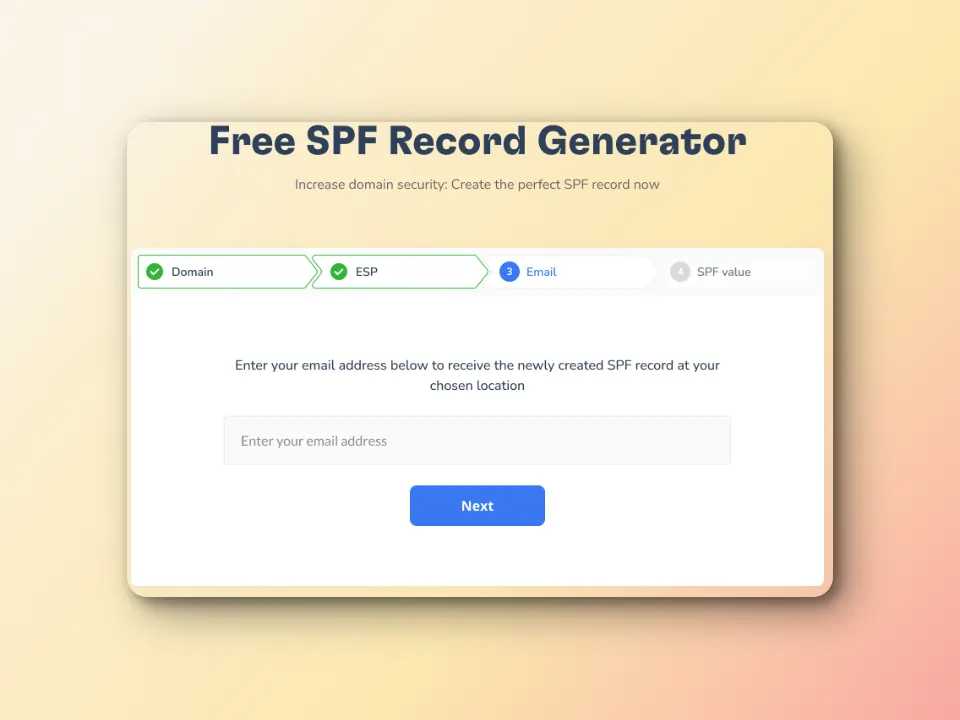
Warmy’s free SPF Record Generator can help specify which mail servers have the authority to send emails to a specific domain.
While the DMARC Record Generator avoids email spoofing and phishing by enabling domain owners to provide the specifications of how their emails should be authenticated and what they can do if ever that authentication fails.
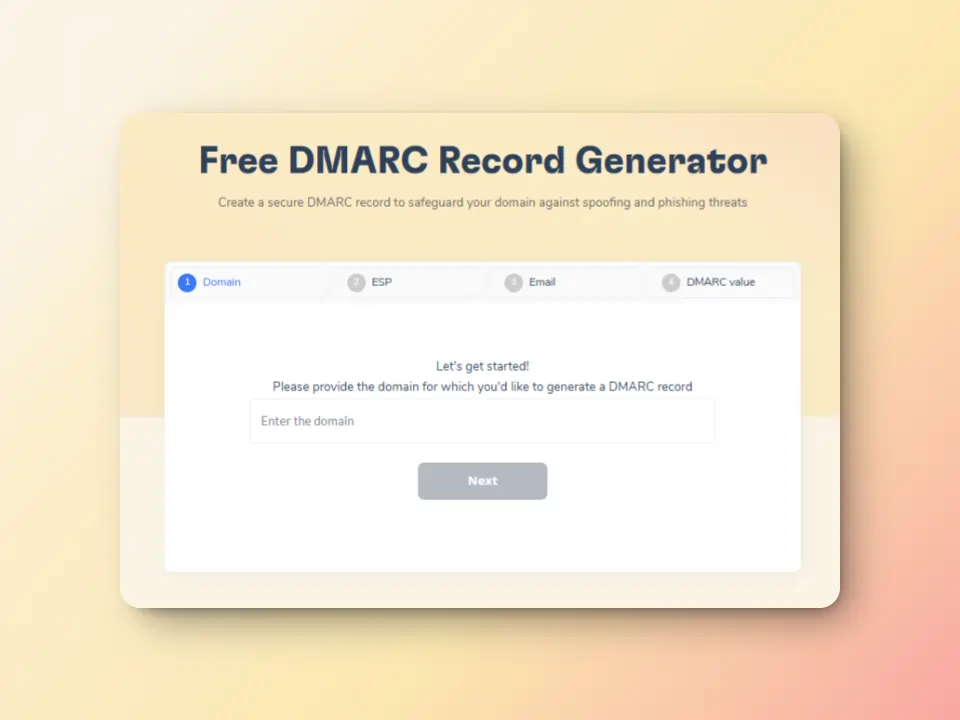
These authentication methods may not directly resolve SMTP error 421 4.4.3 they can still help eliminate the possibility of this error being the cause of sender-side issues.
What’s next?
SMTP Error 421 4.4.3 is a critical issue that can severely impact email deliverability. Understanding the root causes, implementing targeted solutions, and leveraging advanced monitoring tools like Warmy can help resolve and prevent this error effectively.
- DNS configuration and routing accuracy are critical to preventing SMTP failures.
- Mail server settings and firewall rules should be routinely audited to ensure smooth email transmissions.
- Using automated tools like Warmy’s Email Deliverability Test can quickly diagnose issues and optimize sender reputation.
- Blacklist monitoring is essential to avoid being flagged as a suspicious sender.
To maintain high email deliverability and prevent SMTP errors, regularly monitor your email infrastructure, DNS settings, and spam lists. Let’s improve your email deliverability today by signing up for the 7-day free trial, or book a demo.