



TL;DR: SMTP Error 504 5.5.2 is a syntax error your outgoing mail server returns when it can’t parse an SMTP command — usually caused by a malformed command, an outdated email client, misconfigured SMTP settings, or a blocked port. Most cases clear up once you correct the SMTP server, port, and authentication settings for Gmail, Outlook, or Yahoo Mail, as covered step by step below. If you’re seeing a different SMTP response code, Warmy’s SMTP error codes and messages guide covers the full list.
Simple Mail Transfer Protocol is the standard email protocol, and it is used to send email across the internet. SMTP is responsible for the email sending process and allows one email server to transmit an email to another email server. With such a crucial role, any error encountered in SMTP will affect communication to a large extent.
Thus, delays in sending and delivery of messages, communication breakdown, lost correspondence, and possible disruption of business operations along with other personal communications will be inevitable. It will be necessary to address SMTP errors as quickly as they emerge because it can be impossible to send emails.
Understanding SMTP error 504 5.5.2
SMTP Error 504 5.5.2 is a server-side error from the email transmission protocol. This error occurs when the SMTP command syntax is incorrect. While there may be other variations of the error warning as the user encounters the same error, the common warning that accompanies SMTP Email Error 504 5.5.2 is,
504 5.5.2 <command>: Syntax error
This recognition alert typically follows an SMTP command error during the emailing process, indicating that the command was incorrect or misformatted. By causing this error, there may be significant disruption in email service. For example, the user’s ability to send out simultaneous emails could be hampered.
A closely related variant is 504 5.7.4, which points to a rejected relay policy rather than a syntax mistake — if that’s the exact code in your bounce message, see Warmy’s guide to fixing SMTP Error 504 5.7.4 instead.
Common triggers for SMTP error 504 5.5.2
Incorrect Command Syntax
One of the most frequent causes of this problem is an SMTP command that has the wrong syntax. Typing mistakes, missing parameters, or improper command string spacing could be the cause of this. There is a specific syntax that every command delivered to the SMTP server must follow; any departure may result in an error.
Unsupported Commands
A 504 error may occur if the SMTP server does not acknowledge or support a command sent by the email client. This frequently occurs when email clients that are out of date are used, or when the client’s and the server’s capabilities are not compatible.
Configuration Errors
The email client’s incorrectly configured SMTP settings may also result in this error. This includes user-specified wrong server addresses, ports, or security protocols, as well as default settings that don’t meet the needs of the server.
Firewall or Security Settings
SMTP commands may occasionally be blocked or have their syntax changed by network security technologies like firewalls or antivirus software. The server can interpret this interference as a syntactic problem.
Server Issues
Occasionally, the server may be the source of the issue rather than the client. Unexpected behavior, such as misinterpreting appropriately structured commands, might result from server-side problems including bugs, maintenance activities, or overloads.
💡 Pro Tip: Before touching any client settings, isolate the problem by connecting to your mail server directly with telnet or openssl s_client and sending the SMTP command by hand. If the server rejects it there too, you’re dealing with a genuine syntax error or a server-side issue, not a client bug.
Detailed solutions for resolving SMTP email error 504 5.5.2 across various email clients
For Gmail Users
Check SMTP Settings. Ensure that your SMTP settings are correctly configured:
- SMTP server: smtp.gmail.com
- Port: 465 (SSL) or 587 (TLS)
- Username: Your full Gmail address
- Password: A 16-character Google App Password. Gmail no longer accepts your regular account password for SMTP under any circumstances — you must generate an App Password from your Google Account security settings.
Use Correct Syntax. Double-check that all SMTP commands sent via any third-party email applications are correctly formatted according to the SMTP standards.
Generate an App Password. Google permanently retired the “less secure apps” toggle for both personal Gmail and Google Workspace accounts. If your SMTP login is rejected, generate a dedicated App Password from Google Account Security → 2-Step Verification → App passwords, and use that in place of your normal password.
💡 Pro Tip: An App Password only works if 2-Step Verification is turned on first — Google won’t show the App Passwords option otherwise. For the exact click path, see Warmy’s Gmail SMTP settings guide.
For Outlook Users
Verify Email Settings. Make sure your account settings in Outlook match the following:
- Outgoing mail server (SMTP): smtp-mail.outlook.com
- Port: 587
- Encryption method: STARTTLS
Update Outlook. Ensure that your Outlook application is up to date, as updates often include fixes for common bugs that could be causing the SMTP error.
Re-enter Credentials. Sometimes, simply re-entering your password can resolve syntax errors that may occur if the password was changed or updated recently.
💡 Pro Tip: Microsoft is retiring plain username-and-password sign-in for SMTP AUTH across Outlook.com and Microsoft 365 during 2026, in favor of OAuth 2.0. If your Outlook SMTP suddenly stops authenticating and the settings above still look correct, this rollout — not error 504 — is the likely cause. See Microsoft’s official deprecation notice and Warmy’s guide on turning on SMTP authentication in your mail client for the fix.
For Yahoo Mail Users
SMTP Configuration Check: Confirm that your SMTP settings are as follows:
- SMTP server: smtp.mail.yahoo.com
- Port: 465 (SSL) or 587 (TLS)
- Username: Your full Yahoo email address
- Password: A Yahoo app password, not your regular account password — required once two-step verification or Account Key is turned on, which is the default for newer Yahoo accounts.
Authenticate Correctly. Verify that your email client is utilizing the appropriate authentication mechanism mandated by Yahoo. This may entail modifying the authentication configuration to leverage OAuth.If authentication keeps failing even after generating an app password, Warmy’s guide to fixing SMTP Error 535 5.7.3 covers the most common causes.
Examine the Security Settings. You can prevent unknown apps from sending emails by using Yahoo’s security settings. You might have to grant access using the Yahoo Account Security settings.
🚀 Still stuck after checking your settings? Start warming up your domain for free and let Warmy catch the configuration and reputation issues that cause SMTP errors like this one before they hit your inbox rate.
Enhancing email deliverability with Warmy.io
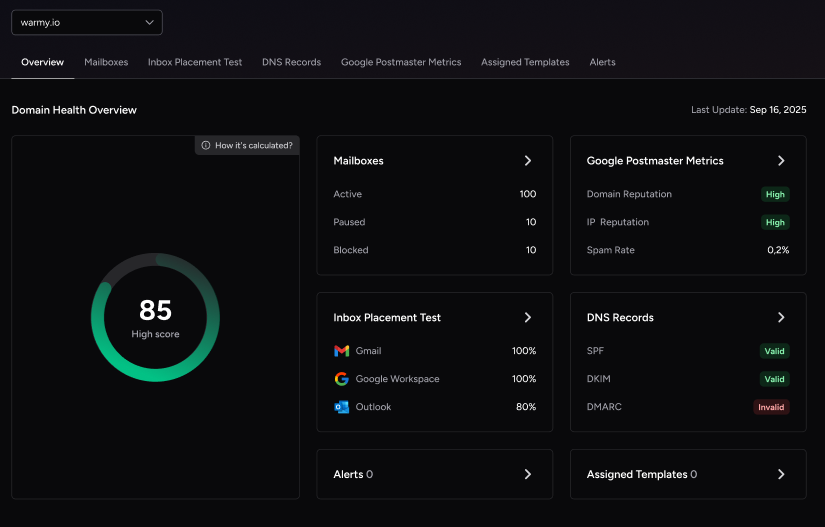
Warmy.io is an AI-driven email warmup and deliverability platform that helps you prevent SMTP errors like 504 5.5.2 before they start. If you run into this error often, two Warmy.io features do most of the work: automated email warmup, which builds sender reputation before you send at volume, and a set of deliverability diagnostics that catch configuration and reputation problems early.
✅Warming up email addresses. Email warming is a process of progressively increasing the volume of emails one sends from a particular email address to establish a reliable reputation with Internet Service Providers . This function is critical for a new email account or a domain as high volumes of email trigger red flags for spam systems. Warmy.io automates this process by sending an increasing number of emails in a controlled manner. This allows not only to establish the user’s reputation but also to curb the rate of SMTP errors caused by spam filters and one’s poor reputation.
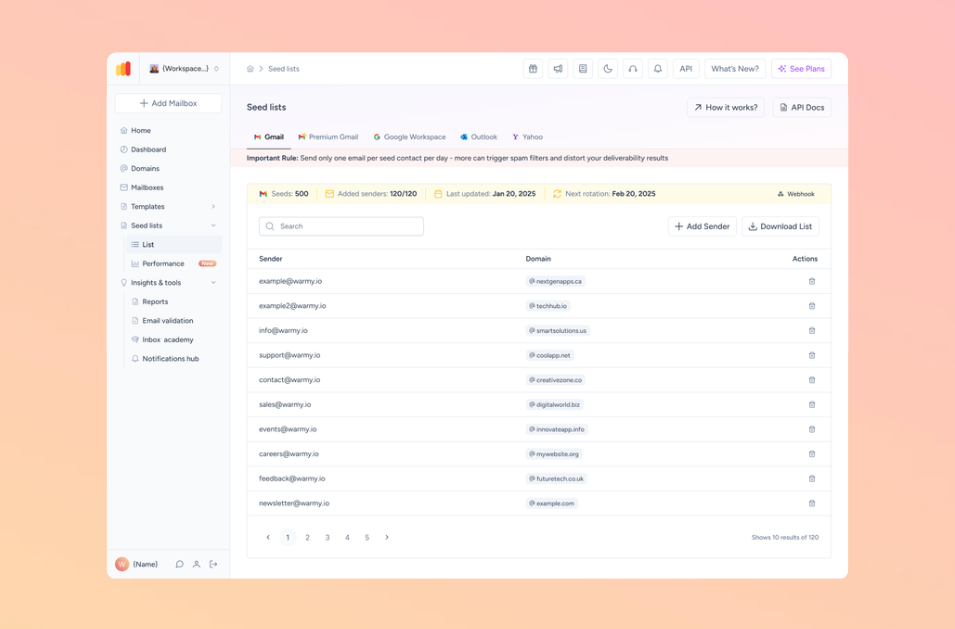
✅ Checking email deliverability. Warmy.io offers a free email deliverability test. Users can see how likely their email will be delivered to the recipient inbox by screening against various factors contributing to deliverability. By adjusting one’s approaches to email after learning of certain issues from the error report, one can minimize the risk of SMTP errors triggered by deliverability.
✅ Inspecting blacklists. Being blacklisted inhibits email deliverability and spurs numerous SMTP errors. Warmy.io offers users the ability to ascertain whether their email address is blacklisted by using email deliverability test.
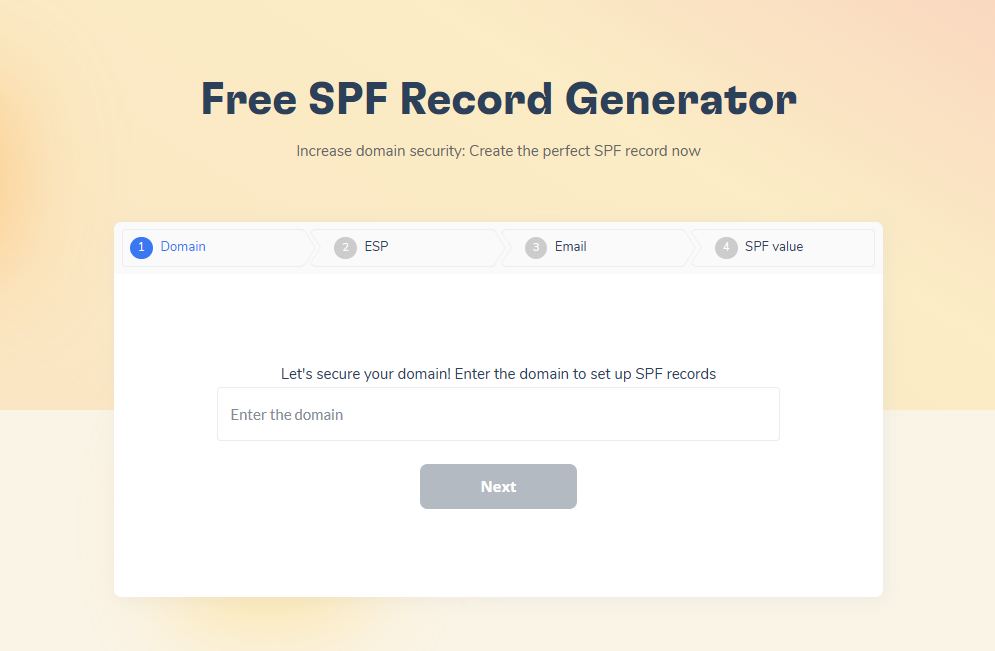
✅ Setting up email authentication. Email authentication is essential to verify that the email sent from a domain actually originates from the purported sender . This critical measure is pivotal in identifying and curtailing impersonation and phishing attempts. Warmy.io allows free SPF generators and DMARC record generators to facilitate the process. Proper DNS implementation eliminates the risk of one’s email being flagged as spam or phishing.
Conclusion
In this article, we have thoroughly considered the issue of solving the SMTP Email Error 504 5.5.2, we learned what steps should be taken to eliminate the problem on the example of the Gmail, Outlook and Yahoo mail email platforms, understood the importance of correctly configured SMTP, email client updates and the formatting of the command executed.
In the course of the work, we have familiarized ourselves with Warmy.io, a tool that automatically warms up the address, checks the deliverability, verifies the existence of a site in blacklists and draws up the SPF and DMARC records. All of these tools help to avoid SMTP errors and make email communication reliable.
📅 Not ready to wait for the next SMTP error? Book a free demo with Warmy’s deliverability team for a full audit of your sending setup and a plan to keep these errors from coming back.











