An undeliverable email is any message that fails to reach its recipient and is returned to the sender. There are two types: a soft bounce, which is a temporary failure caused by a full mailbox or server issue, and a hard bounce, a permanent failure caused by an invalid address or non-existent domain. A bounce rate above 2% signals a list quality problem that will damage your sender reputation.
What Is an Undeliverable Email?
An undeliverable email is a message your mail server attempted to send but could not deliver. The server returns it to you with a bounce notification explaining why. Not all of them are the same. Understanding which type you are dealing with determines your next action.
Soft bounces are temporary failures. The destination server received your email, recognized the recipient’s address as valid, but could not complete delivery at that moment. Common causes include:
- The recipient’s mailbox is full with no room for new messages.
- The receiving server is down or temporarily unavailable.
- Your email is too large for the recipient’s inbox configuration.
Soft bounces often resolve on their own. Most email service providers will retry delivery automatically for 72 hours before giving up.
Hard bounces are permanent failures. The message cannot be delivered now or ever to that address. Common causes include:
- The email address does not exist or was entered incorrectly.
- The domain in the address (the part after the @) is not real or has been decommissioned.
- The recipient’s server has permanently blocked your sending domain or IP address.
Hard bounces require immediate action: remove those addresses from your list permanently.
| Soft Bounce | Hard Bounce | |
|---|---|---|
| Cause | Temporary (full mailbox, server down, message too large) | Permanent (invalid address, non-existent domain, blocked sender) |
| Is the address valid? | Yes | No |
| Resolves on its own? | Sometimes | Never |
| Recommended action | Retry after 24–72 hours | Remove immediately |
| Impact on sender reputation | Low if occasional | High, escalates quickly |
What Causes Emails to Bounce?
Bounce causes fall into two categories: receiver-side issues and sender-side issues.
Receiver-Side Causes (Soft Bounces)
Your email is structurally fine, but conditions on the recipient’s end prevent delivery. A full inbox is the most common. Some corporate servers also enforce size limits that reject messages with large attachments. Temporary server outages and maintenance windows cause another category of soft bounces that typically clear up within a few hours.
Sender-Side Causes (Hard Bounces)
These originate from problems with your own list, domain, or sending setup. Invalid addresses — whether from typos at sign-up or addresses that were shut down after someone left a job — are the leading cause of hard bounces. A domain that has been decommissioned generates hard bounces for every address under it.
Sender authentication failures are a growing cause of delivery failures in 2026. Since February 2024, Google requires all bulk senders (those sending 5,000 or more emails per day to Gmail accounts) to authenticate with SPF, DKIM, and DMARC. Yahoo implemented the same requirements on the same timeline. As of November 2025, Gmail actively rejects — not just filters — emails from senders who fail these checks. Microsoft Outlook followed with its own enforcement beginning May 2025. If your domain is not authenticated, your emails will not reach inboxes at the major providers regardless of how clean your list is.
Pro Tip: Most ESPs convert a soft bounce into a hard bounce after three to five consecutive failed delivery attempts to the same address. Do not wait for your ESP to make that call. If the same address soft-bounces across two campaigns, treat it as a hard bounce and remove it proactively.
How Undeliverable Emails Damage Your Sender Reputation
Every bounced email is a signal to inbox providers that something is wrong with your sending practices. Those signals accumulate and erode your sender reputation over time.
For senders, the damage works in three stages:
First, your sender reputation score drops. Inbox providers assign every sending domain a trust score. High bounce rates are one of the fastest ways to lower it. You can learn more about what goes into that score in Warmy’s guide to email sender reputation.
Second, your overall deliverability suffers. As your reputation falls, a growing percentage of your emails land in spam folders rather than inboxes, even for subscribers who genuinely want your messages.
Third, you risk blacklisting and direct rejection. In severe cases, your domain or sending IP ends up on a blocklist, which can mean complete delivery failure to entire provider networks. Under Gmail’s 2025 enforcement rules, senders who consistently exceed a spam complaint rate of 0.3% lose access to Google’s mitigation support entirely. For a guide to recovering from a blacklisting, see Warmy’s step-by-step IP removal guide.
For recipients, the impact is simpler but just as real: important messages — order confirmations, account verifications, time-sensitive notifications — simply do not arrive. Missed emails mean missed opportunities on both ends of the exchange.
How to Fix Undeliverable Emails: 5 Proven Solutions
1. Verify Your Email List Before Every Major Send
Email verification tools check each address on your list before you send and flag addresses that will hard-bounce. They identify invalid addresses, catch-all domains, role-based addresses, and addresses with typo errors. According to industry research, B2B contact data decays at approximately 2.1% per month, reaching roughly 22.5% annually — which means a list that was clean 18 months ago has likely degraded significantly.
2. Clean Your List on a Regular Schedule
Removing hard bounces immediately after each campaign is the minimum. Beyond that, set a quarterly schedule to suppress addresses that have not opened or clicked in the past six months. Inactive addresses that never bounce but never engage still hurt your reputation by lowering engagement signals that inbox providers monitor. Warmy’s guide to email list management best practices covers the full cleaning workflow.
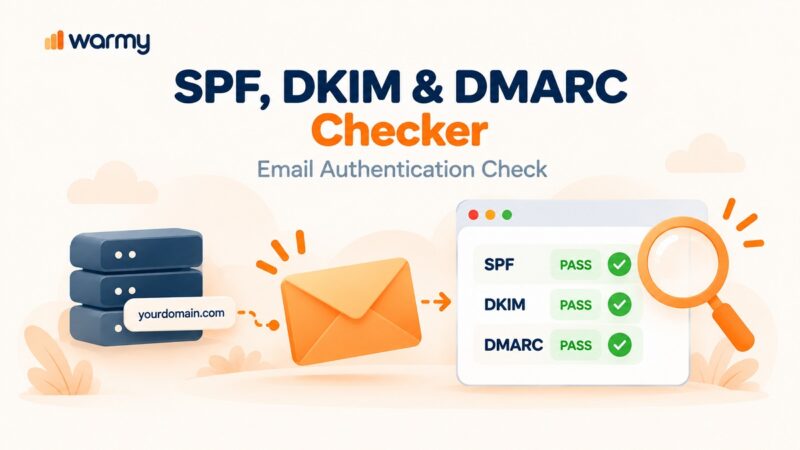
3. Set Up SPF, DKIM, and DMARC on Your Sending Domain
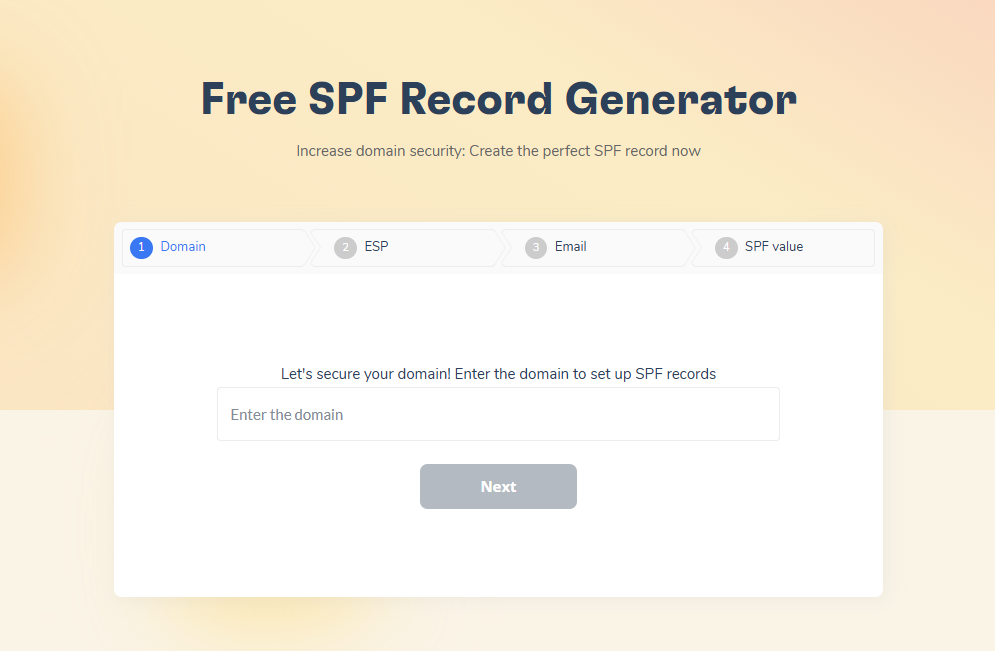
Authentication is no longer optional. Google and Yahoo require it for bulk senders, and Microsoft enforces it for Outlook. Use Warmy’s free SPF Record Generator and DMARC Generator to create correctly formatted records in minutes. Getting your authentication right eliminates one of the most preventable causes of delivery failure.
4. Analyze Your Bounce Notifications
Bounce messages contain error codes that tell you exactly why delivery failed. A 550 error means a permanent address rejection. A 421 means a temporary server issue. Reading these codes lets you distinguish between a list quality problem and a technical delivery problem so you can target your fix precisely.
5. For Soft Bounces, Wait and Retry; For Hard Bounces, Remove Immediately
Soft bounces from a temporary server outage will often clear on their own. Re-queue those emails after 24–72 hours. Hard bounces never clear. Every time you re-attempt delivery to a hard-bounce address, you add another negative signal to your sending reputation. Remove them from your list the same day they occur. For ESP-specific handling strategies, see Warmy’s guide to fixing bounced emails in Gmail, Outlook, and Yahoo.
What Google and Yahoo Now Require From Bulk Senders
The email landscape changed significantly in 2024. Both Google and Yahoo introduced mandatory authentication requirements for anyone sending 5,000 or more emails per day to their users. These are not best-practice recommendations. Non-compliance results in delivery failure.
The requirements, now fully enforced as of November 2025 for Gmail and May 2025 for Outlook, include:
- SPF (Sender Policy Framework): A DNS record that authorizes which servers are allowed to send email on behalf of your domain.
- DKIM (DomainKeys Identified Mail): A digital signature attached to outgoing emails that verifies the message has not been altered in transit.
- DMARC (Domain-based Message Authentication, Reporting, and Conformance): A policy that instructs receiving servers what to do when SPF or DKIM checks fail.
- One-click unsubscribe: Marketing and promotional emails must include a one-click unsubscribe mechanism, and opt-outs must be processed within 48 hours.
- Spam complaint rate below 0.3%: Gmail withdraws mitigation support from senders who exceed this threshold. The recommended target is below 0.1%.
If you are unsure whether your domain passes these checks, Warmy’s Email Deliverability Test verifies your SPF, DKIM, and DMARC configuration and flags any misconfigurations.
Best Practices for Email Campaigns That Reach the Inbox
Warm Up Your Sending Domain Before Every Large Campaign
Warmy is an AI-driven email deliverability platform that resolves undeliverable email issues by automatically building your domain’s sender reputation before you send at scale. Its Adeline AI engine creates a personalized warm-up schedule for each mailbox, gradually increasing send volume while generating real engagement signals — such as opens, replies, and spam removals — across a network of over 1 million real mailboxes.
When you need your domain to be recognized and trusted by Gmail, Outlook, and Yahoo before launching a campaign, start your free Warmy trial and let Adeline AI build that reputation automatically.
Check Your Email Content Before Sending
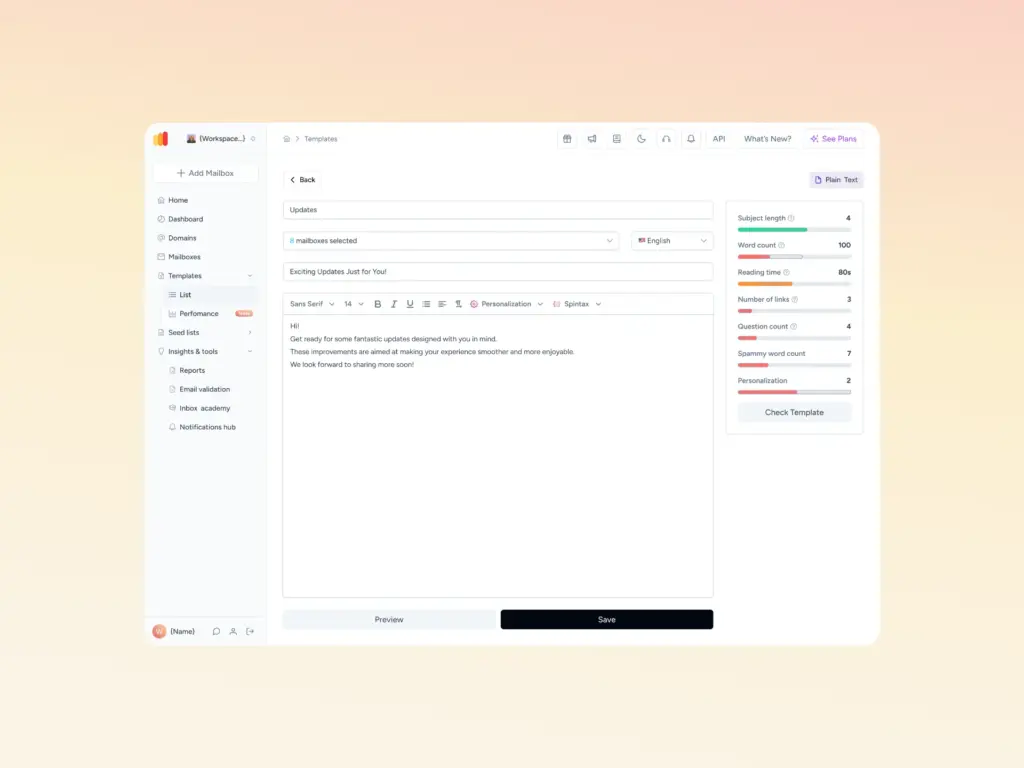
Spam filters evaluate your content as well as your authentication. Warmy’s free Template Checker scans your subject lines and body copy for spam trigger words and formatting issues that cause emails to be filtered. It returns a spam score with specific fixes before your message ever leaves your outbox. The Chrome Extension version runs the same check directly inside your Gmail compose window.
Use a Reputable Email Service Provider
Your ESP’s infrastructure and IP reputation affects your deliverability. Shared IP pools mean you share reputation with other senders on the same server. A dedicated IP, combined with proper warm-up and authentication, gives you full control over your sending reputation.
Monitor Your Analytics and Act on Early Signals
Watch your bounce rate, open rate, and spam complaint rate after every send. A bounce rate creeping above 1% is an early warning. A rate above 2% requires immediate list cleaning. A complaint rate above 0.1% requires content or targeting changes before your next send.
Conclusion
An undeliverable email is not just a failed message. It is a data point that inbox providers use to judge whether future emails from your domain deserve to reach the inbox. Soft bounces that repeat, hard bounces that go un-removed, and domains that skip authentication all accumulate into a reputation problem that is far harder to fix than prevent.
The path to consistent inbox placement is straightforward: keep your list clean, authenticate your domain, warm up before sending at scale, and check your content before it goes out. Warmy brings all of those capabilities together in one platform, from the free Email Deliverability Test to Adeline AI’s automated warm-up engine.
Book a free Warmy demo and see how it keeps your emails out of bounce territory for good.